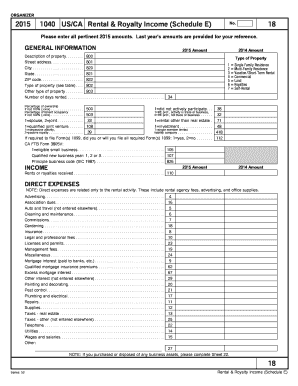
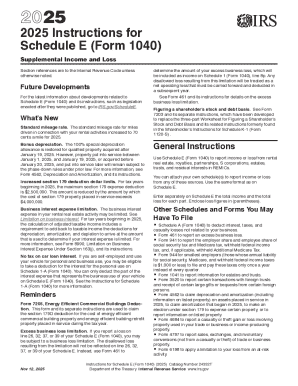
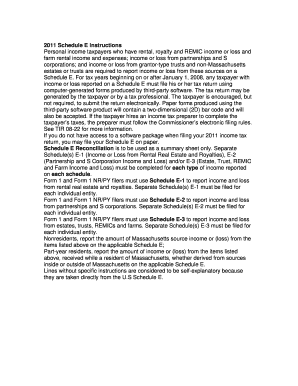
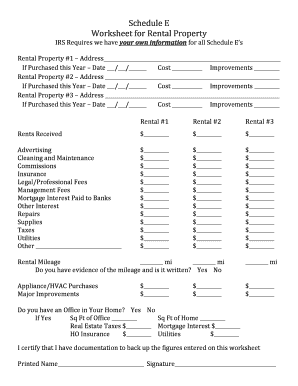
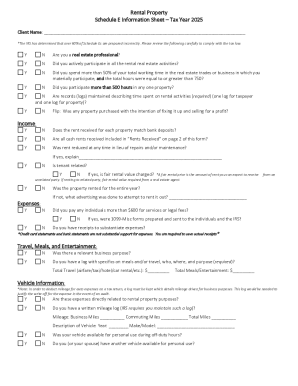
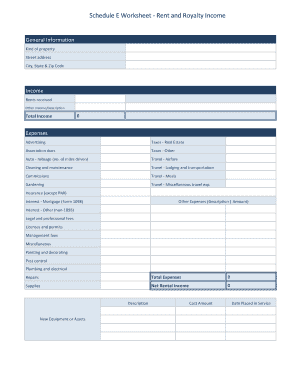
IRS 1040 - Schedule E 2010 free printable template



Get, Create, Make, and Sign IRS 1040 - Schedule E



FAQ about IRS 1040 - Schedule E
What should I do if I need to correct an error after submitting the 2010 schedule e form?
If you need to correct an error on your 2010 schedule e form, you should file an amended version of the form. Make sure to label it as 'Amended' at the top. It's important to clearly indicate what changes were made and provide any required explanations. This can help the IRS process the corrections smoothly and avoid potential complications.
How can I verify that my 2010 schedule e form has been received by the IRS?
You can verify the receipt of your 2010 schedule e form by checking your account status on the IRS website or by calling their helpline. After e-filing, you should also receive a confirmation email. If there's a delay, you may check common e-file rejection codes to ensure that your submission was successful.
Are e-signatures acceptable on the 2010 schedule e form?
Yes, e-signatures are typically acceptable on the 2010 schedule e form when filed electronically. However, it's crucial to ensure that you're following the IRS guidelines regarding e-signatures and verifying your identity properly. This helps maintain the integrity and authenticity of your electronic submission.
What should I do if I receive a notice or audit letter after filing the 2010 schedule e form?
If you receive a notice or audit letter from the IRS after filing your 2010 schedule e form, it is essential to respond promptly. Review the notice carefully and gather any relevant documentation that supports your submission. You may want to consult with a tax professional to ensure your response is thorough and accurate, avoiding further complications.
What are some common errors to avoid when filing the 2010 schedule e form?
Common errors when filing the 2010 schedule e form include forgetting to sign the form, incorrect Social Security numbers, and misreporting income sources. Double-check your entries and provide accurate information to minimize the risk of rejection or audits. Utilizing reliable tax software can help detect and prevent these mistakes.
See what our users say








How to Fill Out Small Business Tax Forms Online with pdfFiller
Struggling with your Schedule C or not sure how to file business taxes as a sole proprietor, LLC, or self-employed professional? This step-by-step pdfFiller tutorial walks you through completing IRS Schedule C quickly and accurately — no printing, no scanning, no stress. Whether you're handling small business tax deductions, tracking self-employed taxes, or preparing your full business tax return, pdfFiller makes it simple right in your browser.