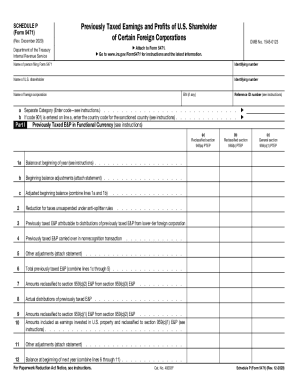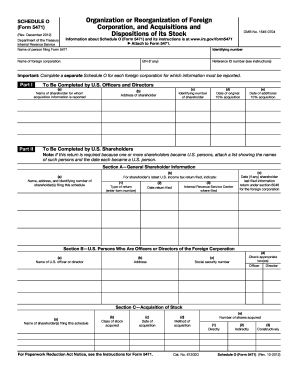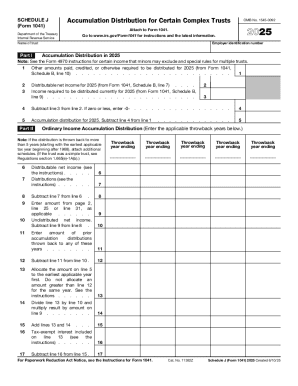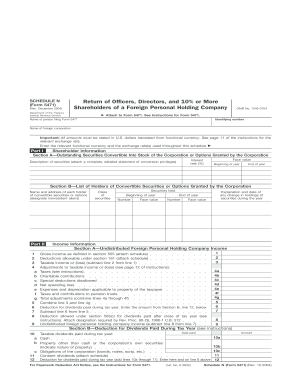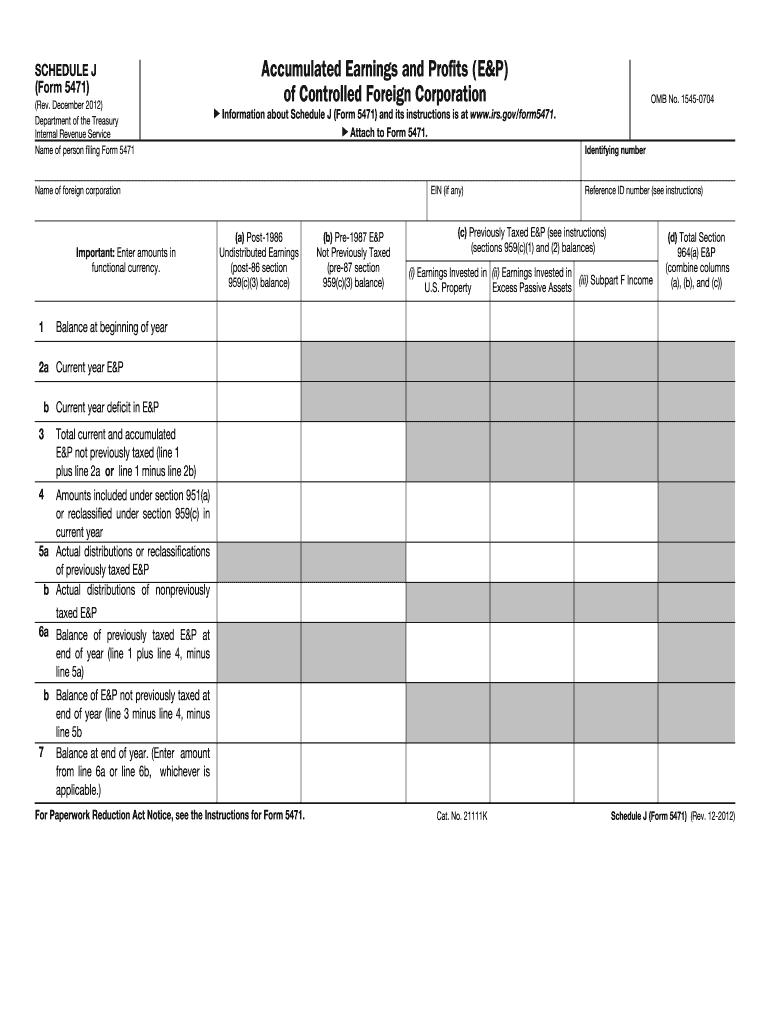
IRS 5471 - Schedule J 2012 free printable template



Get, Create, Make, and Sign IRS 5471 - Schedule J



Instructions and Help about IRS 5471 - Schedule J
How to edit IRS 5471 - Schedule J
How to fill out IRS 5471 - Schedule J
About IRS 5471 - Schedule J 2012 previous version
What is IRS 5471 - Schedule J?
Who needs the form?
Components of the form
What information do you need when you file the form?
Where do I send the form?
What is the purpose of this form?
When am I exempt from filling out this form?
What are the penalties for not issuing the form?
Is the form accompanied by other forms?
FAQ about IRS 5471 - Schedule J
What should I do if I realize I made an error on my submitted 5471 sch j 2012?
If you discover a mistake after filing your 5471 sch j 2012, you can submit an amended form. This involves completing a new version of the form, indicating the corrections, and filing it with the IRS. Ensure you follow the proper amendment protocols to avoid further complications.
How can I track the status of my 5471 sch j 2012 after submission?
To verify the processing status of your filed 5471 sch j 2012, you can contact the IRS directly or utilize their online tools if available. Keep your confirmation number handy, as this may be required to obtain accurate information about your submission.
Are there any legal considerations for e-signatures on the 5471 sch j 2012?
E-signatures on the 5471 sch j 2012 are generally accepted if they comply with IRS standards for authenticity. Be sure to follow guidelines for electronic signing to ensure that your submission meets legal requirements.
What are common errors when filing the 5471 sch j 2012, and how can I avoid them?
Common mistakes include incorrect taxpayer information and misclassification of payments. To avoid these errors, double-check all machine-readable data and ensure compliance with the required reporting categories before submission.
What should I do if my e-filed 5471 sch j 2012 is rejected?
If your electronic submission of the 5471 sch j 2012 is rejected, review the corresponding error codes provided by the IRS. Make any necessary corrections indicated and resubmit the form promptly to ensure compliance with filing deadlines.








How to Fill Out Small Business Tax Forms Online with pdfFiller
Struggling with your Schedule C or not sure how to file business taxes as a sole proprietor, LLC, or self-employed professional? This step-by-step pdfFiller tutorial walks you through completing IRS Schedule C quickly and accurately — no printing, no scanning, no stress. Whether you're handling small business tax deductions, tracking self-employed taxes, or preparing your full business tax return, pdfFiller makes it simple right in your browser.