
Last updated on
Oct 15, 2026
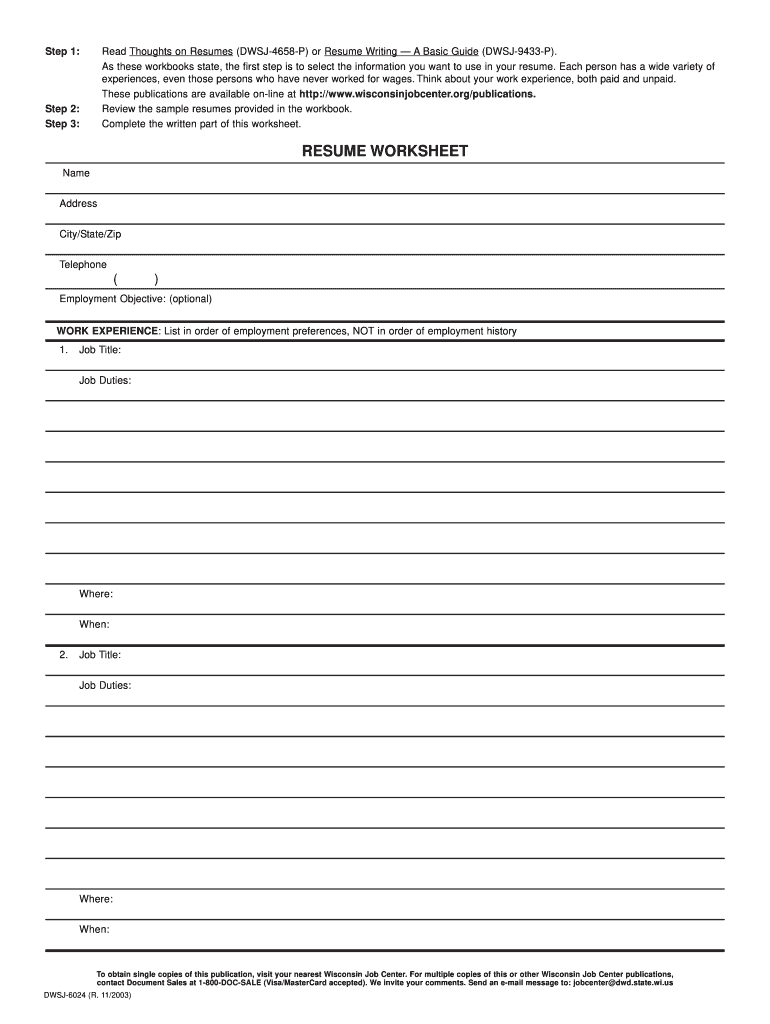
WI Resume Worksheet 2003 free printable template
pdfFiller is not affiliated with any government organization

Fill out
Complete the form online in a simple drag-and-drop editor.

eSign
Add your legally binding signature or send the form for signing.

Share
Share the form via a link, letting anyone fill it out from any device.

Export
Download, print, email, or move the form to your cloud storage.
Why pdfFiller is the best tool for your documents and forms


End-to-end document management
From editing and signing to collaboration and tracking, pdfFiller has everything you need to get your documents done quickly and efficiently.
Accessible from anywhere
pdfFiller is fully cloud-based. This means you can edit, sign, and share documents from anywhere using your computer, smartphone, or tablet.
Secure and compliant
pdfFiller lets you securely manage documents following global laws like ESIGN, CCPA, and GDPR. It's also HIPAA and SOC 2 compliant.
What is WI Resume Worksheet
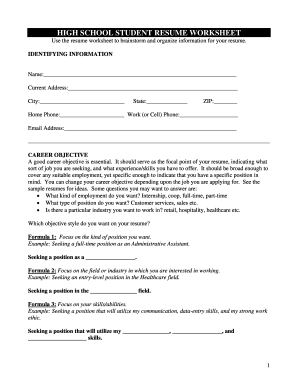
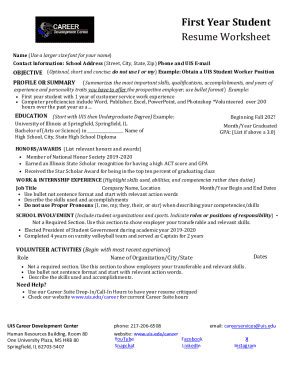
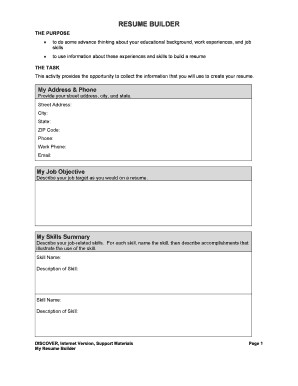
The Resume Worksheet is an employment form used by individuals in Wisconsin to organize and draft their resumes effectively.
pdfFiller scores top ratings on review platforms




Who needs WI Resume Worksheet?
Explore how professionals across industries use pdfFiller.

WI Resume Worksheet is needed by:
-
Job seekers in Wisconsin looking to create resumes
-
Students preparing to enter the workforce
-
Career counselors assisting clients with resumes
-
Employees updating their resumes for job applications
-
Recruiters seeking standardized resume content
-
Individuals participating in job training programs
Comprehensive Guide to WI Resume Worksheet
What is the Resume Worksheet?
The Resume Worksheet is crafted specifically for job seekers in Wisconsin to streamline the process of resume creation. This essential document helps individuals organize their application materials effectively.
This form includes several critical sections, such as personal information, work experience, education, and references. By systematically filling out these areas, users can ensure they present a comprehensive view of their qualifications.
Accessible through the Wisconsin Job Center, the Resume Worksheet serves as a vital tool that enhances the job application process, facilitating successful employment applications.
Purpose and Benefits of Using the Resume Worksheet
Using the Resume Worksheet enables job seekers to present their qualifications in a structured manner. This organized approach enhances clarity and professionalism, which are crucial qualities employers seek in applications.
-
Individuals can effectively outline their job history, ensuring relevant qualifications are highlighted.
-
The structured format significantly improves the quality of resumes, making them more appealing to employers.
-
By including critical information, candidates increase their chances of success in competitive job applications.
Key Features of the Resume Worksheet
The Resume Worksheet comes with several features designed to aid users throughout the resume preparation process. It offers fillable fields for key details, ensuring all necessary information is gathered systematically.
-
Fillable fields allow for easy entry of job titles, duties, and references.
-
The user-friendly format guides individuals through the resume writing process.
-
Compatibility with pdfFiller enhances editing and filling capabilities, making it convenient for users.
Who Should Use the Resume Worksheet?
This form is ideal for a diverse range of job seekers at varying career stages. Its structured design is beneficial to anyone looking to create or update their resume effectively.
-
Job seekers across all experience levels aiming to apply for positions in Wisconsin.
-
Individuals seeking to craft or refine their resumes for upcoming job applications.
-
Students and recent graduates entering the workforce, needing clear guidance on resume creation.
How to Fill Out the Resume Worksheet Online
Completing the Resume Worksheet online is straightforward. By following these simple steps through pdfFiller, users can efficiently enter their information.
-
Start by gathering all necessary personal and professional information.
-
Access the Resume Worksheet on pdfFiller and navigate to each section to input details carefully.
-
Utilize pdfFiller’s editing features to ensure all content is accurate before saving.
Common Errors to Avoid When Completing the Resume Worksheet
Avoiding common mistakes is crucial for creating an effective resume. Users should be mindful of potential pitfalls during form completion.
-
Common errors include neglecting crucial details or using outdated job titles.
-
Take the time to proofread all information carefully to ensure accuracy.
-
Leverage pdfFiller’s review tools to identify and correct errors before submission.
How to Download and Save the Resume Worksheet
Once the Resume Worksheet is complete, downloading and saving the document is easy. Follow these steps to ensure your work is preserved correctly.
-
After filling out the form, select the download option within pdfFiller.
-
Choose your desired format for saving, such as PDF or DOCX.
-
Implement security measures to protect your resume upon saving, ensuring confidentiality.
Submission Methods and Where to Send Your Resume Worksheet
Understanding the various submission methods for your completed Resume Worksheet is vital for a successful job application process. Different options are available depending on the job center's requirements.
-
Submit your completed resume online through designated job application portals.
-
Alternatively, explore in-person submission options at Wisconsin Job Centers.
-
Always check for specific requirements outlined by the job center to ensure compliance.
Security and Compliance When Using the Resume Worksheet
User data security and compliance are paramount when handling sensitive documents like resumes. pdfFiller implements robust measures to protect personal information.
-
The platform utilizes 256-bit encryption to safeguard user data against unauthorized access.
-
pdfFiller adheres to HIPAA and GDPR compliance standards, ensuring users' sensitive information is handled responsibly.
-
Maintaining privacy is crucial when processing personal information in resumes.
Your Next Steps with pdfFiller
Taking the next steps with pdfFiller will empower users to create efficient and polished resumes. The platform's capabilities make the resume preparation process simpler and more effective.
-
Experience the ease and efficiency of completing the Resume Worksheet online.
-
Explore additional features such as eSigning and sharing to enhance your resume creation experience.
-
Equip yourself with a well-constructed resume and embark on your job application journey with confidence.
How to fill out the WI Resume Worksheet
-
1.To access the Resume Worksheet form on pdfFiller, visit the pdfFiller website and use the search bar to type 'Resume Worksheet'. Click on the appropriate result to open the form.
-
2.Once the form is open, navigate through the blank fields using your mouse or keyboard. Click on each section, such as 'Name', 'Address', and 'Job Duties', to begin filling in your information.
-
3.Gather information before you start filling in the form. Collect your personal information, job titles, responsibilities, educational background, and references to ensure you have everything ready.
-
4.As you fill in the form, ensure that you provide detailed and accurate information, especially in sections like work experience and references. This will make your resume more compelling.
-
5.After you've completed all sections, take a moment to review your entries for accuracy and completeness. Check for typos or missing information that could impact your resume's effectiveness.
-
6.Once satisfied, save your work by clicking on the 'Save' button. You can also download your resume as a PDF or submit it directly through pdfFiller for convenience.
-
7.If necessary, send the completed form to potential employers or career centers by clicking 'Share' to get a link or email it directly from pdfFiller.

Who can use the Resume Worksheet?
The Resume Worksheet is designed for anyone in Wisconsin who needs assistance in creating a resume, including job seekers, students, and career counselors.
Is there a deadline for submitting the Resume Worksheet?
There are typically no specific deadlines for filling out the Resume Worksheet, but it’s advisable to complete it before applying for a job to ensure a timely application process.
How do I submit my completed Resume Worksheet?
Once you've filled out your Resume Worksheet on pdfFiller, you can save it as a PDF, download it, or directly share it via email or a link to potential employers.
What information do I need to fill out the Resume Worksheet?
You'll need your personal details, work experience, education, job titles, duties, and references. Gather this information beforehand to streamline the filling process.
What are common mistakes to avoid while using the Resume Worksheet?
Common mistakes include leaving sections blank, using unclear job descriptions, and not proofreading for errors. Ensure all information is detailed and accurate.
How long does it take to fill out the Resume Worksheet?
The time to fill out the Resume Worksheet varies, but it typically takes about 30 minutes to gather information and complete the form thoroughly.
Is the Resume Worksheet available in other languages?
The Resume Worksheet is currently available only in English, but you can seek assistance from language services for translations if needed.
WI Resume Worksheet Form Versions
Related Content
Related Forms




Related Catalogs
Get the latest insights from our blog


If you believe that this page should be taken down, please follow our DMCA take down process
here
.
This form may include fields for payment information. Data entered in these fields is not covered by PCI DSS compliance.