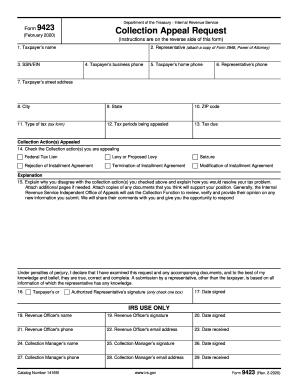
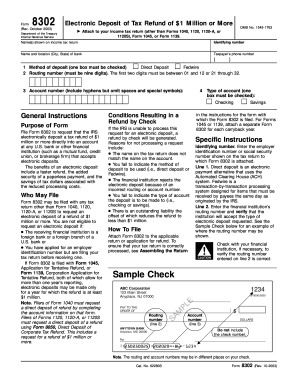
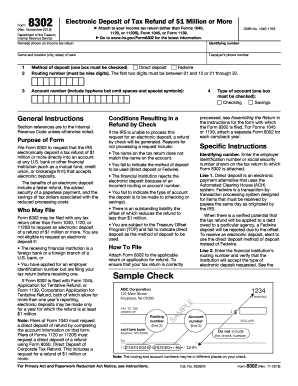
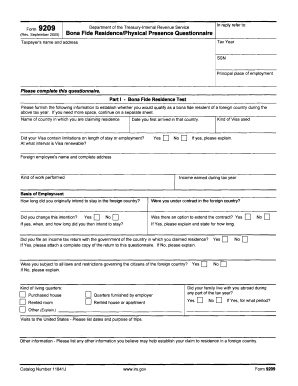
Form preview

IRS 9325 2011 free printable template


Get Form
pdfFiller is not affiliated with IRS
Screenshot
Screenshot
Screenshot

Get, Create, Make, and Sign IRS 9325

Edit your IRS 9325 online
Type text, complete fillable fields, insert images, highlight or blackout data for discretion, add comments, and more.
Screenshot
Add your legally-binding signature
Draw or type your signature, upload a signature image, or capture it with your digital camera.
Screenshot
Share your form instantly
Email, fax, or share your IRS 9325 via URL. You can also download, print, or export forms to your preferred cloud storage service.
Screenshot

Instructions and Help about IRS 9325

How to edit IRS 9325

To edit IRS Form 9325, you must first obtain the form from the IRS website or a tax preparation software that supports it. Use a PDF editor, such as pdfFiller, to make any necessary adjustments to your form. Ensure that all updated information is accurate and double-check for any errors before proceeding.

How to fill out IRS 9325

Filling out IRS Form 9325 requires specific steps to ensure all information is correctly captured. Follow these steps:
01
Obtain a copy of IRS Form 9325.
02
Identify the section corresponding to your tax situation.
03
Complete each item with accurate and relevant information.
04
Review the form for any omissions or errors.
05
Save or print the completed form as necessary.

About IRS 9 previous version

What is IRS 9325?

IRS Form 9325, also known as the "Acknowledgment and General Information for Taxpayers," is a form used by the IRS to acknowledge the receipt of specific tax-related documents or correspondence. This form is especially relevant for taxpayers who submit documents electronically or through mail that require IRS confirmation.

When am I exempt from filling out this form?

You are exempt from filling out IRS Form 9325 if you have not submitted any electronic filings or communications that require acknowledgment from the IRS. Additionally, if you submit all forms directly via mail without any requirement for IRS confirmation, this form is not necessary.

What are the penalties for not issuing the form?

There are typically no direct penalties for failing to issue IRS Form 9325 when it is not legally required. However, not providing acknowledgment of submissions may result in difficulties proving timely filing or compliance, which could lead to complications during audits or disputes with the IRS.

Is the form accompanied by other forms?

IRS Form 9325 can be filed alongside other submissions that require acknowledgment, such as tax returns (Form 1040, 1120) or payment requests. However, it is essential to check the requirements for each specific transaction to ensure compliance and proper processing.

What is the purpose of this form?

The primary purpose of IRS Form 9325 is to inform taxpayers that their submissions have been received and processed. This helps protect taxpayers by providing proof of their submissions and clarifying IRS actions taken on their documents.

Who needs the form?

Taxpayers who have submitted documents such as tax returns or payment requests electronically to the IRS will typically need IRS Form 9325. Additionally, tax professionals filing on behalf of clients may also utilize this form to confirm submission details and protect their clients' interests.

Components of the form

IRS Form 9325 includes several key components, such as:
01
The acknowledgment section where the IRS confirms receipt of documents.
02
Information about the tax year and type of submission.
03
Details pertaining to the tax account of the individual or entity involved.

What information do you need when you file the form?

When filing IRS Form 9325, you need to include your tax identification number, the tax year for which the form is filed, and details about the submission type. Make sure to provide all relevant contextual information so the IRS can accurately process your documentation.

Where do I send the form?

IRS Form 9325 does not require traditional submission. Instead, once you receive acknowledgment from the IRS, you should retain it for your records. If filing electronically, the IRS will automatically generate and send the acknowledgment to the provided email address or account.

FAQ about IRS 9325

If you discover an error after submitting IRS 9325, you should file an amended return or a corrected form. It's crucial to clarify the nature of the mistake in your correction and provide all supporting documentation. Ensure to submit this amendment promptly to avoid potential processing delays.

If your IRS 9325 is rejected, first review the rejection codes provided in your e-filing software. Common rejections can often be resolved by correcting specific data fields. Once addressed, resubmit the form as soon as possible to ensure compliance.

Records related to IRS 9325 should generally be retained for at least three years from the date of filing. However, if you are involved in any disputes or audits, it’s advisable to keep these records until all matters are resolved.

Yes, foreign payees can file IRS 9325, but they must adhere to additional requirements, including the need for a U.S. taxpayer identification number. Additionally, foreign entities should be aware of any implications regarding international tax treaties.

Common errors when filing IRS 9325 include incorrect taxpayer identification numbers and misreported amounts. To avoid these mistakes, double-check all entries against your records and ensure that all information matches IRS guidelines prior to submission.


See what our users say
Trust Seal
Trust Seal
Trust Seal
Trust Seal
Trust Seal
Trust Seal
Trust Seal
Trust Seal
Rate free form
4.0
satisfied
52 votes

How to Fill Out Small Business Tax Forms Online with pdfFiller

Struggling with your Schedule C or not sure how to file business taxes as a sole proprietor, LLC, or self-employed professional? This step-by-step pdfFiller tutorial walks you through completing IRS Schedule C quickly and accurately — no printing, no scanning, no stress. Whether you're handling small business tax deductions, tracking self-employed taxes, or preparing your full business tax return, pdfFiller makes it simple right in your browser.

If you believe that this page should be taken down, please follow our DMCA take down process here .
This form may include fields for payment information. Data entered in these fields is not covered by PCI DSS compliance.