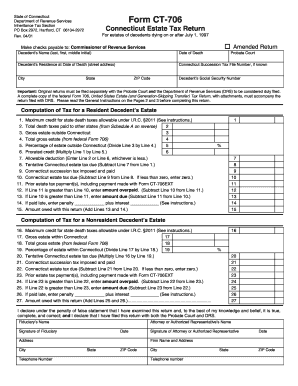
Type text, complete fillable fields, insert images, highlight or blackout data for discretion, add comments, and more.
Add your legally-binding signature
Draw or type your signature, upload a signature image, or capture it with your digital camera.
Share your form instantly
Email, fax, or share your IRS 706 via URL. You can also download, print, or export forms to your preferred cloud storage service.
Instructions and Help about IRS 706
How to edit IRS 706
How to fill out IRS 706
Instructions and Help about IRS 706
How to edit IRS 706
Editing IRS 706 involves updating personal information or financial data in the originally filed form. To accurately edit the form, one should obtain a blank version of IRS 706 from the IRS website. Make necessary changes based on the current tax situation and ensure all pertinent information is reflected before resubmission. For digital editing, pdfFiller provides an option to modify the form while maintaining the layout and design of the original document.
How to fill out IRS 706
Filling out IRS 706 requires careful attention to detail and an understanding of estate tax regulations. Begin by gathering necessary information such as the decedent's financial records, property valuations, and any prior gift tax returns. Utilize the blank IRS 706 form to input data clearly, completing each section according to IRS guidelines. Always double-check calculations to prevent errors that could lead to complications.
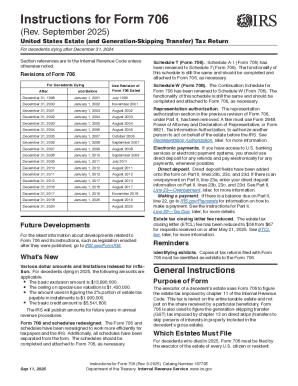
About IRS previous version
What is IRS 706?
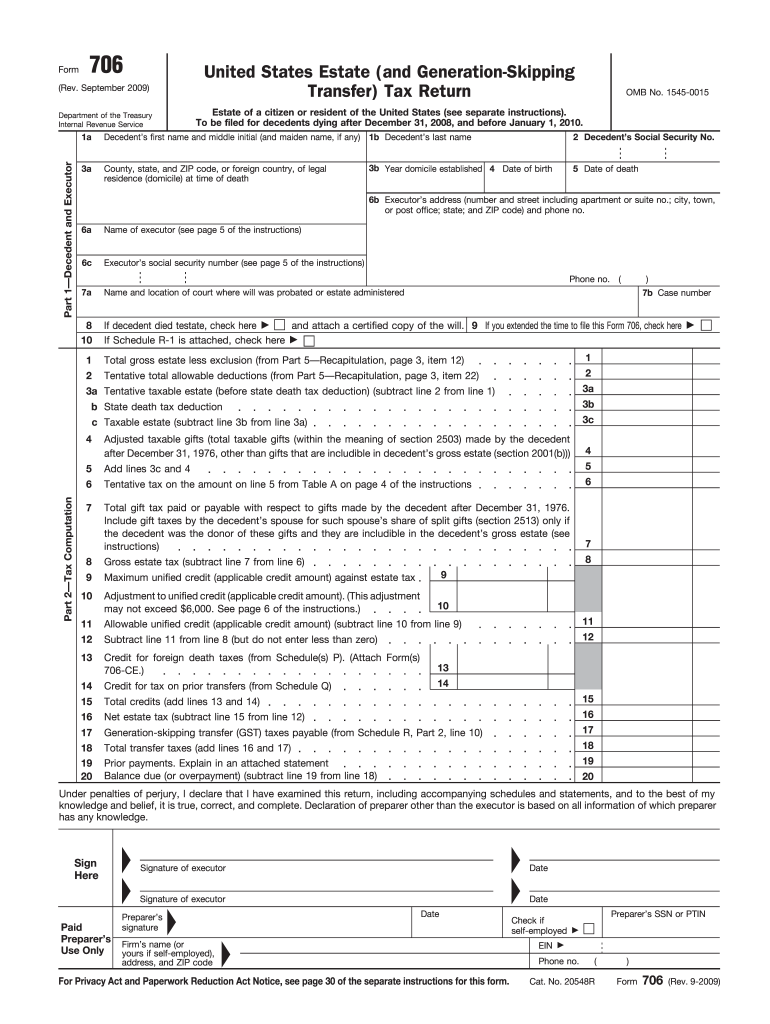
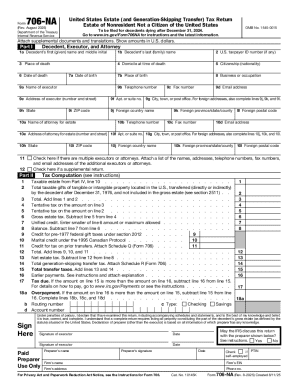
IRS 706, officially titled "United States Estate (and Generation-Skipping Transfer) Tax Return," is a tax form that estate executors use to report the value of an estate for tax purposes. This form is essential for reporting estates exceeding the estate tax exemption threshold, facilitating the assessment of federal estate taxes owed. Although this version is from 2009, it continues to serve as a reference for historical contexts and scenarios involving earlier estate tax laws.
When am I exempt from filling out this form?
You are exempt from filling out IRS 706 if the gross estate value is below the exemption threshold set by the IRS. For the years following the 2009 version, the threshold has varied, so it’s prudent to check the relevant exemption amounts for the specific year of the decedent's death. Additionally, if the estate consists solely of property that qualifies for the marital deduction, it may also be exempt from this requirement.
What payments and purchases are reported?
The form requires reporting all payments related to the estate, including funeral expenses, debts owed by the decedent, and any claims against the estate. Purchases made for the estate, such as property valuations or legal fees, also need to be documented. Proper reporting of these details ensures all required deductions are accounted for, potentially lowering taxable estate value.
What information do you need when you file the form?
When filing IRS 706, you will need comprehensive information about the decedent's assets, liabilities, and deductions. This includes details on real estate, bank accounts, securities, insurance policies, and any other financial interests. Additionally, documentation related to debts, expenses, and previous gifts will support the accuracy of the return.
Where do I send the form?
The completed IRS 706 should be sent to the appropriate IRS service center based on the decedent's last address. Filers can find the relevant address on the IRS website, ensuring that the form is directed to the correct location to avoid processing delays. It's advisable to send the form via certified mail to confirm delivery.
What is the purpose of this form?
The primary purpose of IRS 706 is to calculate and report the taxable value of an estate to the Internal Revenue Service (IRS) after a person's death. The form helps determine any estate taxes that may need to be paid before the estate can be transferred to beneficiaries. Filing this form ensures compliance with federal tax laws and provides a clear accounting of the decedent's assets.
Who needs the form?
IRS 706 is required for estates where the gross value exceeds the federal estate tax exemption limit at the time of the decedent's death. It's typically needed by the executor or representative of the estate, who is responsible for filing tax returns and settling debts before distributing assets to heirs. If an estate falls below the threshold, filing this form is not mandatory.
Components of the form
IRS 706 consists of several components, including schedules that detail specific types of assets and deductions applicable to the estate. Key components include the gross estate section, deductions for debts and expenses, and provisions for calculating taxable gifts. Each component requires accurate data to ensure proper tax assessment.
What are the penalties for not issuing the form?
Failure to file IRS 706 can result in significant penalties, including fines and interest on unpaid taxes. The IRS may impose an accuracy-related penalty for underreporting estate value or failing to comply with estate tax regulations. Executors may be personally liable for these penalties, emphasizing the importance of timely and accurate filing.
Is the form accompanied by other forms?
IRS 706 is often accompanied by additional schedules that provide further detail on specific assets and deductions. Executors may also need to submit IRS Form 709 if there are gifts made by the decedent that need to be reported. Each accompanying form enhances the overall accuracy and completeness of the estate tax return.
See what our users say
Read user feedback and try pdfFiller to explore all its benefits for yourself
So far it's been great. Had all the forms I need and is easy to use
Kris C
I had no issues figuring out how to…
I had no issues figuring out how to work this program :) I love it <3
Yvonne Vincent
See what our users say
Rate free form
4.0
satisfied
42
votes
How to Fill Out Small Business Tax Forms Online with pdfFiller
Struggling with your Schedule C or not sure how to file business taxes as a sole proprietor, LLC, or self-employed professional? This step-by-step pdfFiller tutorial walks you through completing IRS Schedule C quickly and accurately — no printing, no scanning, no stress. Whether you're handling small business tax deductions, tracking self-employed taxes, or preparing your full business tax return, pdfFiller makes it simple right in your browser.
Use this catalog to find any type of IRS forms. We've gathered all of them under this section uncategorized to help you to find a proper form faster. Once you spot it on this list, have a look at the versions and schedules you might need as attachments. All returns are available for 2016 and for previous fiscal years.