
Last updated on
Oct 31, 2026

ME York Hospital Patient Influenza Vaccine Consent 2013 free printable template
pdfFiller is not affiliated with any government organization

Fill out
Complete the form online in a simple drag-and-drop editor.

eSign
Add your legally binding signature or send the form for signing.

Share
Share the form via a link, letting anyone fill it out from any device.

Export
Download, print, email, or move the form to your cloud storage.
Why pdfFiller is the best tool for your documents and forms


End-to-end document management
From editing and signing to collaboration and tracking, pdfFiller has everything you need to get your documents done quickly and efficiently.
Accessible from anywhere
pdfFiller is fully cloud-based. This means you can edit, sign, and share documents from anywhere using your computer, smartphone, or tablet.
Secure and compliant
pdfFiller lets you securely manage documents following global laws like ESIGN, CCPA, and GDPR. It's also HIPAA and SOC 2 compliant.
What is ME York Hospital Patient Influenza Vaccine Consent
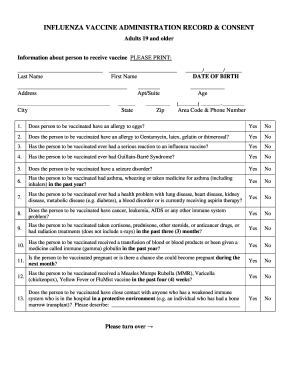
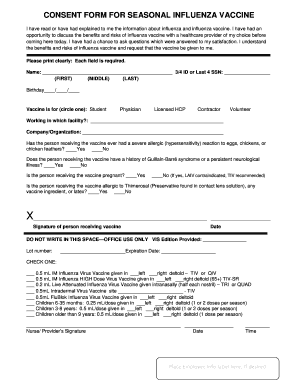
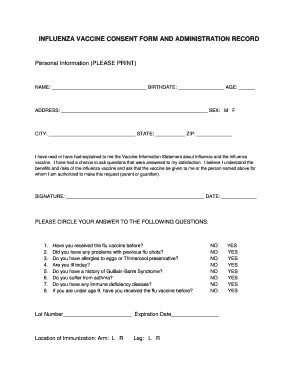
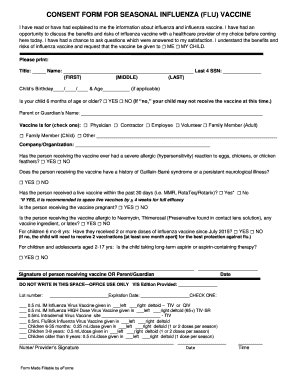
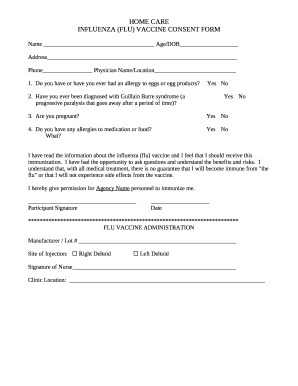
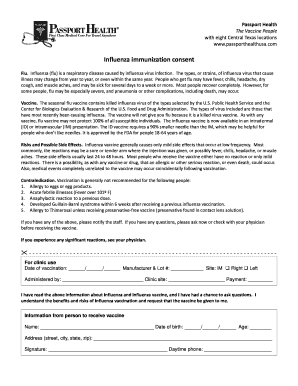
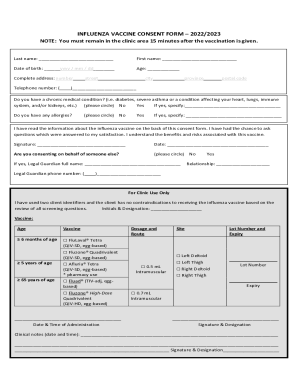
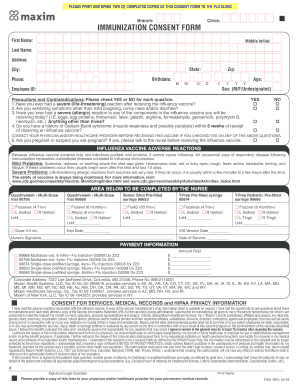
The Influenza Vaccine Consent Form is a healthcare document used by patients to provide consent for receiving the influenza vaccine.
pdfFiller scores top ratings on review platforms




Who needs ME York Hospital Patient Influenza Vaccine Consent?
Explore how professionals across industries use pdfFiller.

ME York Hospital Patient Influenza Vaccine Consent is needed by:
-
Patients seeking the influenza vaccine in Maine
-
Healthcare providers administering vaccines
-
Medical billing departments for patient processing
-
Public health organizations promoting vaccination
-
Parents or guardians providing consent for minors
Comprehensive Guide to ME York Hospital Patient Influenza Vaccine Consent
What is the Influenza Vaccine Consent Form?
The Influenza Vaccine Consent Form serves as a crucial document in healthcare, ensuring patients formally approve receiving the influenza vaccine. This form features several sections, including patient information, allergies, and billing, providing a comprehensive structure for effective vaccine administration. Specifically for the 2 influenza vaccine season in Maine, it highlights the region's unique requirements and helps streamline the vaccination process.
Purpose and Benefits of the Influenza Vaccine Consent Form
Obtaining patient consent through a dedicated form is essential in promoting trust and transparency in healthcare. Utilizing the influenza vaccine consent form offers numerous benefits for both patients and healthcare providers, ensuring informed decision-making. Proper consent not only facilitates smooth vaccine administration but also plays a vital role in safeguarding patient safety and promoting positive healthcare outcomes.
Key Features of the Influenza Vaccine Consent Form
The Influenza Vaccine Consent Form includes crucial sections that provide detailed patient information, track allergies, and manage billing-related aspects. The fillable format enhances usability, allowing patients to easily complete the form using pdfFiller. Moreover, robust security features are integrated to protect sensitive information, ensuring compliance with healthcare regulations.
Who Needs the Influenza Vaccine Consent Form?
This form is primarily necessary for patients receiving the influenza vaccine, ensuring they meet the eligibility criteria outlined for vaccination. It is crucial for specific demographic groups, such as children, seniors, and individuals with underlying health conditions, to complete the consent form. Healthcare providers administering the vaccine must also utilize this form to comply with legal and procedural standards.
How to Fill Out the Influenza Vaccine Consent Form Online (Step-by-Step)
-
Access the Influenza Vaccine Consent Form on pdfFiller.
-
Fill in the required patient information, including name and contact details.
-
Indicate any known allergies in the designated section.
-
Provide necessary billing information, ensuring it is accurate.
-
Sign the form electronically to give consent for vaccine administration.
This step-by-step guide emphasizes the ease of editing and filling in information through the platform, making the process straightforward for users.
Common Errors and How to Avoid Them with the Influenza Vaccine Consent Form
Users may encounter several common mistakes when completing the Influenza Vaccine Consent Form. Common errors include not providing complete patient information, failing to disclose allergies, and overlooking signature requirements. To avoid these pitfalls, patients should carefully review all entries on the form to ensure accuracy before submission.
Submitting the Influenza Vaccine Consent Form: Where and How
Once completed, the Influenza Vaccine Consent Form can be submitted through various methods, including digital submission via email or directly through healthcare provider systems. It's crucial to understand any state-specific rules in Maine regarding form delivery and ensure compliance with local healthcare regulations when submitting the form.
What Happens After You Submit the Influenza Vaccine Consent Form?
Following the submission of the Influenza Vaccine Consent Form, patients can expect a typical processing timeline which may vary based on the healthcare provider's protocols. Communication is essential after submission, as healthcare providers may require follow-up actions or provide additional information regarding the vaccine administration process.
Security Measures for Handling the Influenza Vaccine Consent Form
pdfFiller utilizes advanced security features to protect sensitive patient data when filling out the Influenza Vaccine Consent Form. Compliance with regulations such as HIPAA and GDPR is paramount, safeguarding user privacy. Patients should also take necessary security measures, including using secure internet connections and ensuring their personal information is entered correctly on the platform.
Get Started with pdfFiller for Your Influenza Vaccine Consent Form
Using pdfFiller enables users to complete their Influenza Vaccine Consent Form seamlessly with various capabilities, such as easy document editing and secure management. The platform is designed to enhance user experience, making form completion straightforward while emphasizing the importance of accurate and reliable documentation.
How to fill out the ME York Hospital Patient Influenza Vaccine Consent
-
1.To access the Influenza Vaccine Consent Form on pdfFiller, visit their website and use the search bar to find the specific form by its name.
-
2.Once you have found the form, click on it to open it in the editing interface, where you will see the various fields to fill out.
-
3.Ensure you gather all necessary information before starting, including details about your medical history, any allergies you may have, and billing information.
-
4.Navigate through the form by clicking on each field; use your keyboard to input information or select options from drop-down menus wherever applicable.
-
5.Fill in all required fields, typically marked with an asterisk, and ensure your entries are accurate to avoid delays in processing.
-
6.After completing the form, carefully review all entries for any mistakes or missing information, as this can impact your vaccination.
-
7.Once satisfied with the information provided, save your progress on pdfFiller to ensure your data is not lost.
-
8.You can then download the form as a PDF or submit it directly through pdfFiller, following the prompts for finalization.

Who is eligible to fill out the Influenza Vaccine Consent Form?
Any patient planning to receive the influenza vaccine in Maine, including minors with parental consent, is eligible to fill out this form.
Are there deadlines for submitting the form?
While there are no specific deadlines for the Influenza Vaccine Consent Form, it should be completed prior to your vaccination appointment to ensure timely processing.
How can I submit the completed form?
The completed Influenza Vaccine Consent Form can be submitted directly through pdfFiller, or printed and handed in during your vaccination appointment.
What supporting documents are required with this form?
Typically, no additional documents are required, but it's best to have your identification and any relevant medical history before filling out the form.
What common mistakes should I avoid when completing this form?
Common mistakes include leaving required fields blank, providing inaccurate medical information, or failing to sign the form, which can lead to processing delays.
What is the processing time for the consent form?
Processing time for the Influenza Vaccine Consent Form is usually immediate, allowing you to receive the vaccine as scheduled once your form is submitted correctly.
How do I know my form has been received?
After submitting your form via pdfFiller, you should receive a confirmation notification on the platform. For further assurance, contact the healthcare provider directly.
ME York Hospital Patient Influenza Vaccine Consent Form Versions
Related Forms


Get the latest insights from our blog


If you believe that this page should be taken down, please follow our DMCA take down process
here
.
This form may include fields for payment information. Data entered in these fields is not covered by PCI DSS compliance.