
Last updated on
Oct 2, 2026

Get the free Office Lease Agreement
We are not affiliated with any brand or entity on this form

Fill out
Complete the form online in a simple drag-and-drop editor.

eSign
Add your legally binding signature or send the form for signing.

Share
Share the form via a link, letting anyone fill it out from any device.

Export
Download, print, email, or move the form to your cloud storage.
Why pdfFiller is the best tool for your documents and forms


End-to-end document management
From editing and signing to collaboration and tracking, pdfFiller has everything you need to get your documents done quickly and efficiently.
Accessible from anywhere
pdfFiller is fully cloud-based. This means you can edit, sign, and share documents from anywhere using your computer, smartphone, or tablet.
Secure and compliant
pdfFiller lets you securely manage documents following global laws like ESIGN, CCPA, and GDPR. It's also HIPAA and SOC 2 compliant.
What is Office Lease Agreement
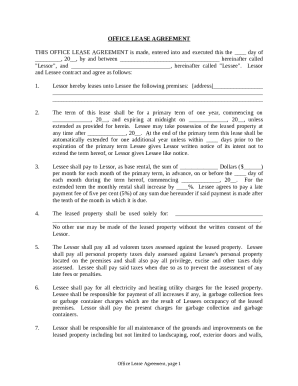
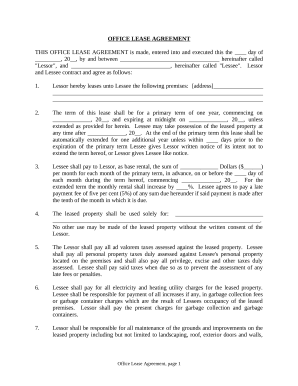
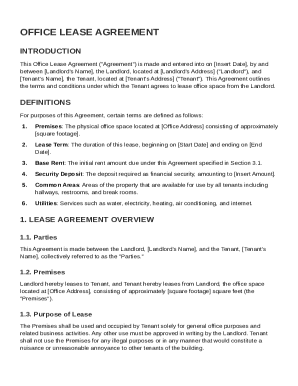
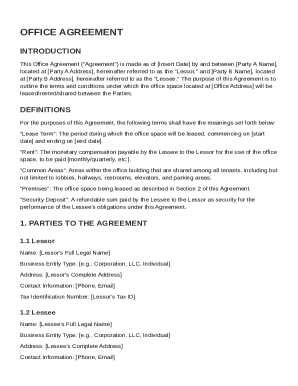
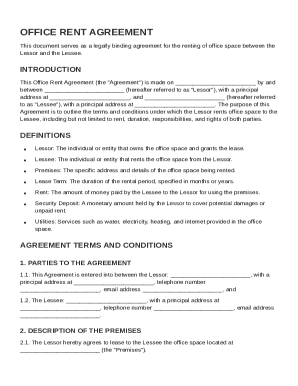
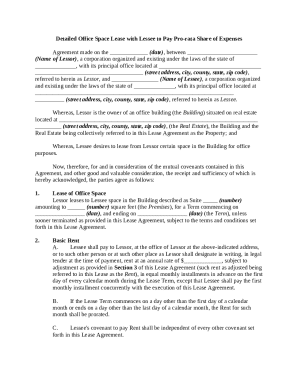
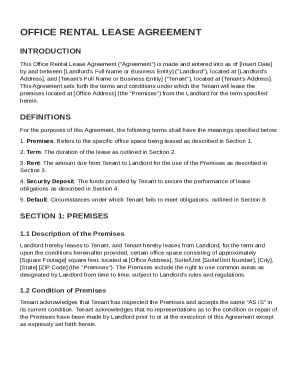
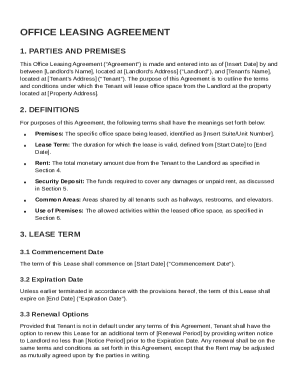
The Office Lease Agreement is a legal document used by Lessors and Lessees to establish terms for leasing office space.
pdfFiller scores top ratings on review platforms




Who needs Office Lease Agreement?
Explore how professionals across industries use pdfFiller.

Office Lease Agreement is needed by:
-
Property owners leasing office space.
-
Businesses seeking to lease office locations.
-
Real estate agents managing commercial leases.
-
Legal professionals drafting lease agreements.
-
Accountants advising on lease obligations.
-
Investors in commercial real estate.
Comprehensive Guide to Office Lease Agreement
What is the Office Lease Agreement?
The Office Lease Agreement is a crucial legal document that establishes the terms and conditions between a Lessor and a Lessee for leasing office space. This agreement defines the responsibilities of both parties, ensuring clarity and mutual understanding. By outlining elements such as the rental period, payment terms, and maintenance obligations, it forms the backbone of the leasing process. The agreement is essential for protecting the rights of both the Lessor and the Lessee in a commercial context.
Purpose and Benefits of the Office Lease Agreement
This document serves to clarify the obligations of both the Lessor and Lessee, preventing misunderstandings that could lead to disputes. By codifying responsibilities, the lease provides legal protection and support to both parties throughout the leasing period. Understanding the contents of the lease helps to ensure that all terms are adhered to, further reducing the likelihood of potential conflicts.
Key Features of the Office Lease Agreement
An effective Office Lease Agreement contains several critical components that distinguish it from other lease types. Key features include:
-
Duration of the lease and renewal options
-
Specific rent amount and payment schedule
-
Permitted use of the office space
-
Signature requirements for both Lessor and Lessee
-
Maintenance responsibilities and provisions for modifications
These features ensure that both parties are on the same page regarding their rights and responsibilities.
Who Needs the Office Lease Agreement?
Various individuals and groups benefit from having an Office Lease Agreement. Typical users include:
-
Business owners seeking to lease office space
-
Real estate agents involved in commercial transactions
-
Individuals entering financial agreements for workspace utilization
Understanding who requires this document can help streamline the leasing process for both parties.
How to Fill Out the Office Lease Agreement Online
Completing the Office Lease Agreement online can be straightforward if you follow these steps:
-
Gather necessary information such as tenant details, rental terms, and property specifics.
-
Navigate to the designated online platform, like pdfFiller, to access the form.
-
Fill in each section carefully, ensuring accuracy and completeness.
-
Review all entries before submission to avoid potential errors.
Utilizing pdfFiller's platform makes form filling user-friendly and efficient.
Common Errors and How to Avoid Them
When completing the Office Lease Agreement, it’s crucial to avoid common pitfalls that can lead to complications. Frequent mistakes include:
-
Omitting required signatures or initials
-
Entering incorrect or outdated dates
-
Misunderstanding specific clauses and terms
To ensure completeness, consider utilizing pdfFiller’s error-checking features, which can assist in identifying potential mistakes before submission.
How to Sign the Office Lease Agreement
Signing your Office Lease Agreement can be done in multiple ways, with digital options being increasingly popular. Here’s how you can proceed:
-
Choose between a traditional handwritten signature or a digital signature.
-
If opting for a digital signature, use pdfFiller to facilitate the process.
-
Follow the platform instructions for securely adding your eSignature.
Ensure that the method you choose complies with local regulations surrounding digital signatures.
Security and Compliance for the Office Lease Agreement
Maintaining security and compliance while handling your Office Lease Agreement is paramount. pdfFiller prioritizes document security through:
-
256-bit encryption for data protection
-
Compliance with SOC 2 Type II, HIPAA, and GDPR regulations
-
Ensuring document privacy during all transactions
Understanding and implementing these security measures can help safeguard sensitive information throughout the leasing process.
How to Download and Save the Completed Office Lease Agreement
Once you have filled out your Office Lease Agreement, downloading and saving the document is simple. Follow these steps:
-
Select the appropriate download option for your preferred file format.
-
Save the document securely on your device.
-
Consider options for sharing or printing, making sure to maintain document integrity.
pdfFiller makes accessing and managing your documents straightforward and efficient.
Unlock the Benefits of Using pdfFiller for Your Office Lease Agreement
Exploring pdfFiller can significantly enhance your experience with Office Lease Agreements. Key advantages include:
-
User-friendly interface for form creation and signing
-
Comprehensive support and resources available for users
-
Cloud-based solutions for easy document management
Utilizing these features can streamline your leasing process and ensure a secure experience.
How to fill out the Office Lease Agreement
-
1.To access the Office Lease Agreement, visit pdfFiller's website and use the search bar to find the form by name.
-
2.Once you locate the form, click on it to open it within the pdfFiller editor.
-
3.Gather all necessary information, such as the names and addresses of the Lessor and Lessee, rental amount, and property details, before starting.
-
4.Navigate to each field of the form, filling in required information such as the rental terms, rental period, and permitted use of the property.
-
5.Utilize pdfFiller's features, such as text boxes and dropdown menus, to complete fields accurately.
-
6.After entering all necessary information, review the completed form carefully to ensure all details are accurate and nothing is missing.
-
7.Make use of pdfFiller's review options to check for errors or additional instructions before finalizing.
-
8.Once you are satisfied with the form, save your changes to the document, and choose the download option, or submit it directly from pdfFiller as required.

Who is eligible to use the Office Lease Agreement?
The Office Lease Agreement can be used by landlords, business owners, and real estate professionals. Both Lessors and Lessees must provide their identifying information and agree to the outlined terms.
What documents do I need to complete the Office Lease Agreement?
Before filling out the Office Lease Agreement, gather information such as the property address, rental amount, duration of the lease, and both parties' legal names. You may also need to provide evidence of ownership for the Lessor.
How do I submit the completed Office Lease Agreement?
Once the Office Lease Agreement is filled out and reviewed, you can either download it for signing or submit it electronically through platforms like pdfFiller. Ensure both parties sign the document for it to be legally binding.
What common mistakes should I avoid when completing the form?
Avoid leaving blank fields, especially those marked as required. Ensure accuracy in names and dates, and closely follow instructions on rental amounts and lease terms to prevent any misunderstandings.
Is notarization required for the Office Lease Agreement?
No, notarization is not typically required for the Office Lease Agreement unless stipulated by local laws or specific lease terms. However, having signatures notarized may add an extra layer of security.
What happens if there is a dispute during the lease period?
Disputes can often be resolved through negotiation or mediation based on the terms outlined in the Office Lease Agreement. It is advisable to review the agreement for dispute resolution steps, which may include legal proceedings if necessary.
What is the processing time for the Office Lease Agreement?
Processing time for the Office Lease Agreement generally depends on how quickly both parties review and sign the document. Once both signatures are obtained, the agreement is considered official.
Related Content
Related Forms


Related Catalogs
Get the latest insights from our blog


If you believe that this page should be taken down, please follow our DMCA take down process
here
.
This form may include fields for payment information. Data entered in these fields is not covered by PCI DSS compliance.