
Last updated on
Nov 9, 2026
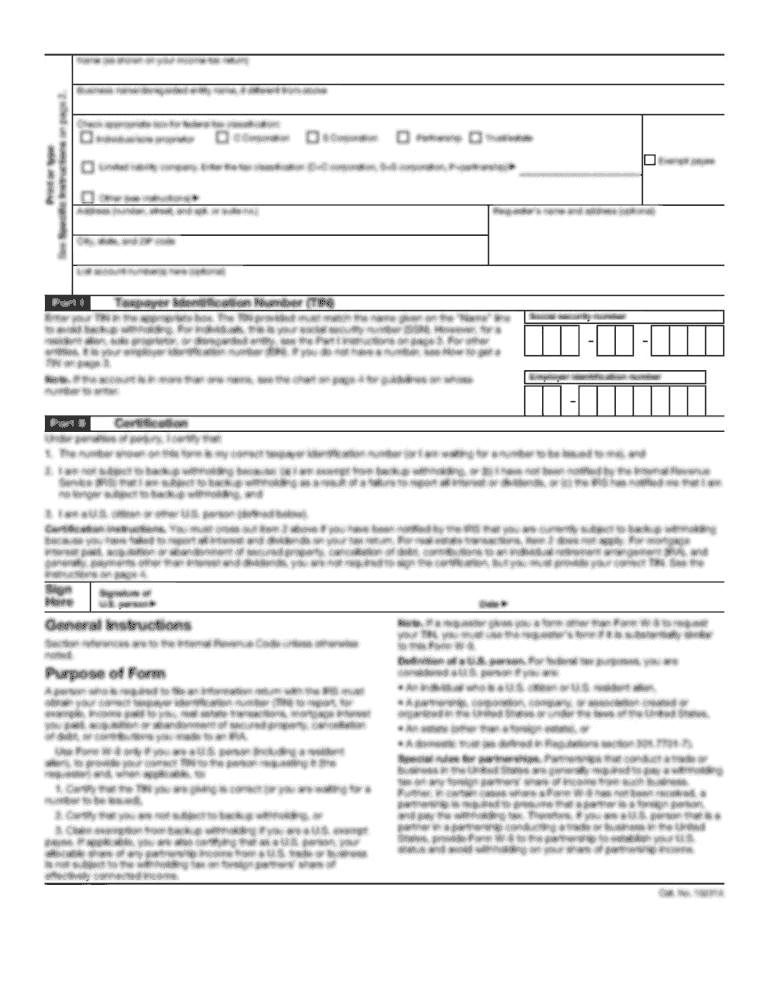
NC Flex Pay Employee Setup Worksheet 2006-2026 free printable template
pdfFiller is not affiliated with any government organization

Fill out
Complete the form online in a simple drag-and-drop editor.

eSign
Add your legally binding signature or send the form for signing.

Share
Share the form via a link, letting anyone fill it out from any device.

Export
Download, print, email, or move the form to your cloud storage.
Why pdfFiller is the best tool for your documents and forms


End-to-end document management
From editing and signing to collaboration and tracking, pdfFiller has everything you need to get your documents done quickly and efficiently.
Accessible from anywhere
pdfFiller is fully cloud-based. This means you can edit, sign, and share documents from anywhere using your computer, smartphone, or tablet.
Secure and compliant
pdfFiller lets you securely manage documents following global laws like ESIGN, CCPA, and GDPR. It's also HIPAA and SOC 2 compliant.
What is NC Flex Pay Employee Setup Worksheet
The Employee Setup Worksheet is an employment form used by organizations to collect essential information for onboarding new employees or updating existing employee details.
pdfFiller scores top ratings on review platforms




Who needs NC Flex Pay Employee Setup Worksheet?
Explore how professionals across industries use pdfFiller.

NC Flex Pay Employee Setup Worksheet is needed by:
-
HR professionals managing employee records
-
New employees needing to submit personal information
-
Payroll administrators responsible for setting up pay rates
-
Employers requiring tax withholding information
-
Managers overseeing employee onboarding processes
Comprehensive Guide to NC Flex Pay Employee Setup Worksheet
What is the Employee Setup Worksheet?
The Employee Setup Worksheet is a crucial document in the employment process, designed to collect essential information for both new and existing employees. This form gathers various personal details, including tax information and employment status, to ensure a smooth onboarding experience.
Included in the worksheet are fields for payroll setup and direct deposit information, facilitating efficient wage disbursement. This ensures that all pertinent details are accurately recorded from the start of the employment relationship.
Importance of the Employee Setup Worksheet in Employee Onboarding
The Employee Setup Worksheet serves as a foundational tool in the onboarding process, streamlining the integration of new hires into the organization. By consolidating critical information, it aids HR personnel in managing employee data effectively.
Providing clarity on tax withholding preferences and payment details is essential for both employees and employers. It fosters a transparent relationship, ensuring that payroll operations run smoothly and accurately.
Comprehensive Breakdown of the Employee Setup Worksheet Fields
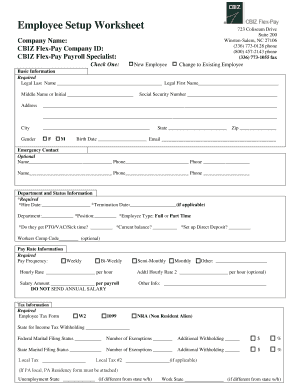
This worksheet includes various specific fields necessary for comprehensive information collection. Key fields comprise 'Last Name', 'Department', and 'Base Rate', which are vital for proper payroll management.
In addition, checkboxes are provided for indicating 'New Employee' or 'Change to Existing Employee', ensuring clarity in data handling. Furthermore, including a voided check is essential for setting up direct deposit correctly.
Who Should Use the Employee Setup Worksheet?
The Employee Setup Worksheet is primarily utilized by HR personnel responsible for managing employee data. New employees filling out their information upon joining the organization must also engage with this form.
This document is applicable in various scenarios, from onboarding new hires to existing employees updating their details for payroll management or tax purposes.
How to Complete the Employee Setup Worksheet Online
Filling out the Employee Setup Worksheet online through pdfFiller is straightforward. Follow these steps for a seamless experience:
-
Access pdfFiller’s platform and locate the Employee Setup Worksheet.
-
Fill in the required fields, ensuring accuracy at each step.
-
Utilize features like saving progress and eSigning for convenience.
-
Share the completed form with relevant departments as needed.
This process is enhanced by pdfFiller’s cloud-based tools, which allow for easy editing and correction before submission.
Common Mistakes to Avoid When Filling Out the Employee Setup Worksheet
When completing the Employee Setup Worksheet, avoiding common pitfalls is essential to ensure timely processing. Typical errors include inaccuracies in Social Security numbers, missing signatures, or incomplete fields.
Reviewing information before submission is paramount. Double-checking tax information also helps mitigate potential issues in payroll processing, fostering a hassle-free experience for both employee and employer.
Security and Compliance Considerations for the Employee Setup Worksheet
Handling sensitive employee information requires strict adherence to data security and compliance regulations. pdfFiller offers robust security features, including 256-bit encryption and adherence to regulations like HIPAA and GDPR.
Maintaining confidentiality while managing employee documents is crucial. Consider recommendations for secure document storage and sharing practices post-completion of the worksheet.
Next Steps After Completing the Employee Setup Worksheet
Once you have completed the Employee Setup Worksheet, submitting it to the HR department or the relevant personnel is the next step. Ensure to follow up for confirmation that all documents have been received and processed correctly.
If amendments are necessary after submission, it’s important to understand the procedure for making updates to ensure all information remains accurate and current.
Streamlining Your Workflow with pdfFiller
pdfFiller is designed to simplify the process of filling out and managing forms, including the Employee Setup Worksheet. Its user-friendly interface allows for easy editing, eSigning, and document organization.
Exploring pdfFiller can enhance your overall form management experience, offering powerful solutions for various document-related needs.
How to fill out the NC Flex Pay Employee Setup Worksheet
-
1.To begin, access pdfFiller and use the search bar to locate the Employee Setup Worksheet. Click on the form title to open it.
-
2.Once the form is open, familiarize yourself with the fields provided. Use the toolbar to zoom in for better visibility.
-
3.Gather necessary information such as your personal details, employment status, and tax preferences before filling out the form.
-
4.Start by entering your last name, first name, and contact details in the designated fields. Ensure all entries are accurate as they are crucial for payroll.
-
5.Fill in your address, city, state, and zip code. Complete fields such as gender, birth date, and Social Security number for identification purposes.
-
6.Indicate the department you belong to and enter the worker's compensation code if applicable. Additionally, fill in the hire date and your base rate or salary amount.
-
7.Be sure to check the appropriate box if you are a new employee or changing details for an existing employee.
-
8.Circle the correct option for the Employee Tax Form (W-2 or 1099) as per your employment classification.
-
9.If you wish to set up direct deposit, include details from a voided check in the space provided. This facilitates timely payment processing.
-
10.Once you have completed all fields, review your entries for accuracy. Use the 'review' option in pdfFiller for assistance.
-
11.After confirming all information is correct, save your work. Choose the download option to save a PDF version or select to submit electronically through pdfFiller.

Who needs to fill out the Employee Setup Worksheet?
The Employee Setup Worksheet must be filled out by new employees, existing employees updating their information, HR personnel, and payroll staff to ensure accurate recordkeeping and payroll processing.
What information is required to fill out the form?
You will need personal details like your full name, contact information, Social Security number, employment status, department, and pay rate. Also, prepare a voided check for direct deposit setup.
Are there any deadlines for submitting this form?
While specific deadlines may vary by organization, it is generally required to complete and submit the Employee Setup Worksheet before your start date to ensure timely payroll and benefits processing.
Can I submit the form without notarization?
No notarization is required for the Employee Setup Worksheet. You can complete the form directly through pdfFiller without needing a notary.
What common mistakes should I avoid when filling out the form?
Avoid incomplete or incorrect information, especially in critical fields like Social Security number or payment details. Double-check all entries before submitting to prevent delays in processing.
How do I submit the completed form?
You can submit the completed Employee Setup Worksheet through pdfFiller by using the submission option or download it and email it to your HR department, as per your company’s policies.
What happens after I submit the Employee Setup Worksheet?
After submission, the HR department will review your form and process the information for payroll and benefits setup. It’s advisable to confirm with HR that your details have been accurately recorded.
Related Forms


Get the latest insights from our blog


If you believe that this page should be taken down, please follow our DMCA take down process
here
.
This form may include fields for payment information. Data entered in these fields is not covered by PCI DSS compliance.