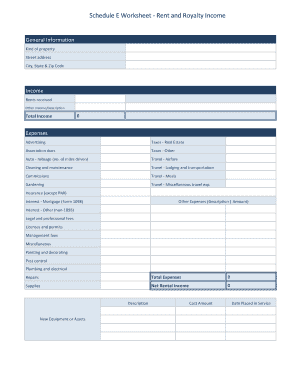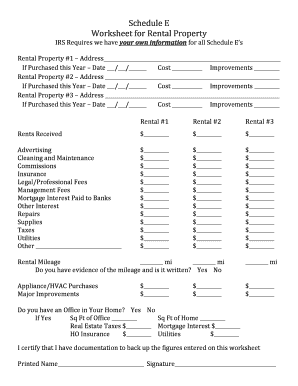
Form preview

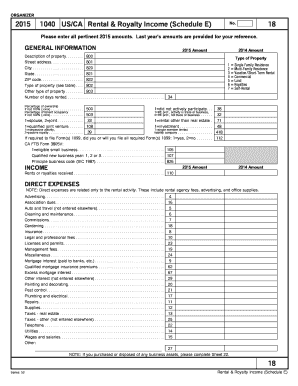
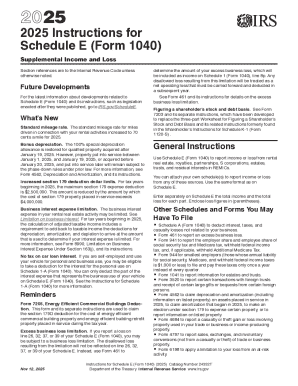
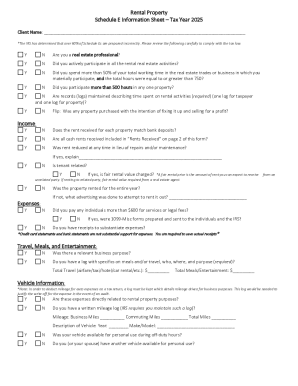
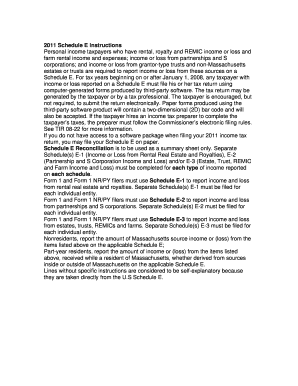
IRS 1040 - Schedule E 2016 free printable template


Get Form
pdfFiller is not affiliated with IRS
Screenshot
Screenshot
Screenshot

Get, Create, Make, and Sign IRS 1040 - Schedule E

Edit your IRS 1040 - Schedule E online
Type text, complete fillable fields, insert images, highlight or blackout data for discretion, add comments, and more.
Screenshot
Add your legally-binding signature
Draw or type your signature, upload a signature image, or capture it with your digital camera.
Screenshot
Share your form instantly
Email, fax, or share your IRS 1040 - Schedule E via URL. You can also download, print, or export forms to your preferred cloud storage service.
Screenshot

Instructions and Help about IRS 1040 - Schedule E

How to edit IRS 1040 - Schedule E

Edit the IRS 1040 - Schedule E form by using tools that allow you to input or modify data directly on the form. Ensure that any changes accurately reflect your income and expenses as required by IRS guidelines. After editing, it is prudent to review the form for any errors or omissions before submission.

How to fill out IRS 1040 - Schedule E

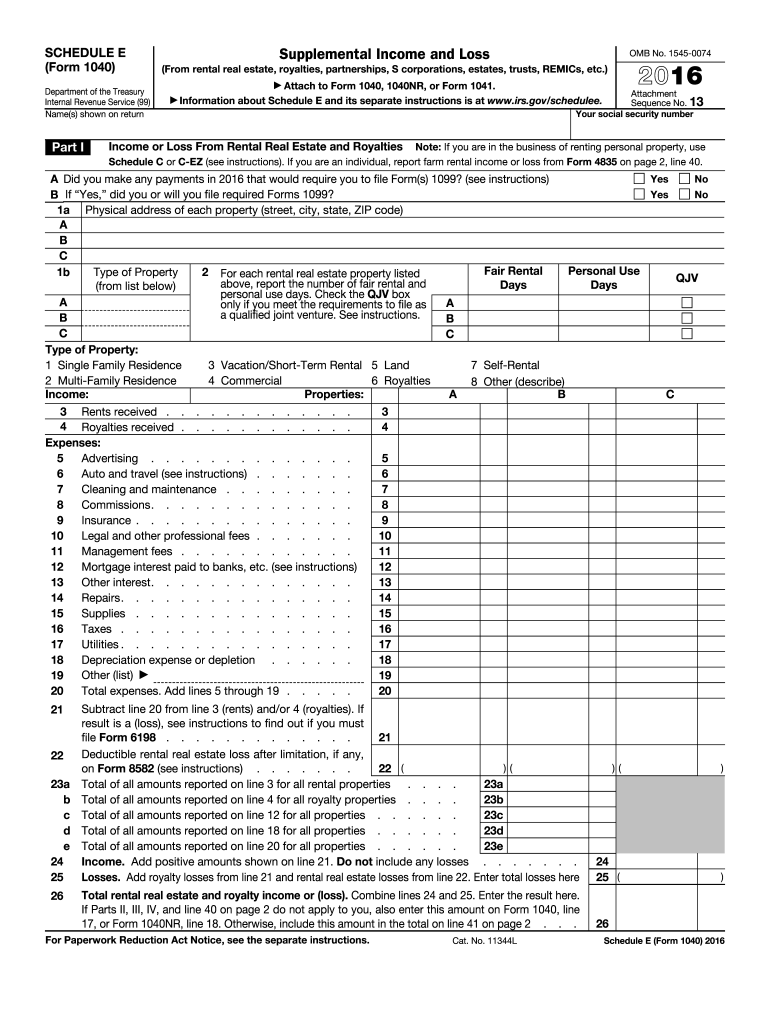
Filling out the IRS 1040 - Schedule E involves reporting income or losses from rental real estate, royalties, partnerships, S corporations, trusts, and estates. Begin with the identification section, where you provide your name and Social Security number. Then, report your income or losses in the appropriate sections, ensuring you adhere to IRS instructions for each category.
01
Gather all necessary documentation related to income sources and expenses.
02
Complete each section as instructed, including reporting totals accurately.
03
Review your entries to ensure all figures are correct before submission.

About IRS 1040 - Schedule E 2016 previous version

What is IRS 1040 - Schedule E?

IRS 1040 - Schedule E is a tax form used to report income or loss from various sources including rental properties, royalties, and partnerships. It allows individuals to detail specific earnings, deductions, and credits that apply to these types of income. This form is an essential part of compiling your total income for tax purposes.

Who needs the form?

Individuals who earn income from rental properties, royalties, partnerships, S corporations, trusts, or estates are required to file IRS 1040 - Schedule E. Additionally, if you have a stake in a partnership or S corporation that generates income or losses, this form must be submitted as part of your federal tax return.

Components of the form

The IRS 1040 - Schedule E consists of several key components, including sections for reporting income or losses from rent, royalty details, and information about partnerships or S corporations. Each section is designed to capture specific types of income, allowing for a clear understanding of your overall financial situation related to supplemental income.

What payments and purchases are reported?

Schedule E requires you to report rental income received during the tax year along with related expenses. Typical expenses that can be reported include maintenance costs, property management fees, and insurance. Losses or depreciation related to the property should also be detailed, providing a complete picture of your financial situation regarding supplemental incomes.

What are the penalties for not issuing the form?

Failure to file IRS 1040 - Schedule E when required may result in penalties, which can include fines and interest on unpaid taxes. Additionally, if the IRS discovers unreported income, you may face further scrutiny or audits. It is crucial to ensure that all mandatory forms are submitted to avoid complications.

Is the form accompanied by other forms?

IRS 1040 - Schedule E is typically accompanied by the main IRS Form 1040 return. Additional schedules or forms may also be necessary depending on your overall tax situation, such as Schedule C for self-employment income or other schedules for itemized deductions.

What is the purpose of this form?

The primary purpose of IRS 1040 - Schedule E is to inform the IRS about income derived from supplemental sources, including rental and royalty income. It also allows taxpayers to report their share of income from partnerships and S corporations. By accurately completing this form, you ensure compliance with tax obligations and potentially lower your tax burden through eligible deductions.

When am I exempt from filling out this form?

You are exempt from filling out IRS 1040 - Schedule E if you do not have any rental income, royalty income, or income from partnerships or S corporations. Additionally, if your total income is reported directly on another form without needing supplemental details, you may not need to use Schedule E.

Due date

The due date for submitting IRS 1040 - Schedule E typically aligns with the due date for the IRS Form 1040, which is usually April 15th for most filers. If April 15th falls on a weekend or holiday, the deadline is extended to the next business day. Extensions may be available, but any taxes owed should be paid by the original deadline to avoid penalties.

How many copies of the form should I complete?

Generally, you need to complete one copy of the IRS 1040 - Schedule E for your primary tax submission. If you are filing as part of a partnership or S corporation, other copies may be needed for different stakeholders in those entities. Be sure to retain a copy for your records in case of audits or inquiries by the IRS.

What information do you need when you file the form?

When filing IRS 1040 - Schedule E, you will need specific information related to your income sources, such as the total amount of rental income received, related expenses, and any income or losses from partnerships and S corporations. Keeping thorough records and documents will facilitate smoother completion and accuracy.

Where do I send the form?

The IRS 1040 - Schedule E should be submitted along with your Form 1040 to the appropriate address based on your location as indicated in the IRS instructions. Different IRS submissions may have designated addresses, so ensure you check the latest guidelines for the correct mailing procedures.

FAQ about IRS 1040 - Schedule E

If you discover a mistake after submitting your IRS 1040 - Schedule E, you can file an amended return using Form 1040-X. This allows you to correct errors, add missing information, or change your filing status. Ensure you reference the original form and clearly explain the corrections made.

To track the status of your IRS 1040 - Schedule E, you can use the IRS 'Where's My Refund?' tool on their website, which provides updates on processing. Additionally, if e-filed, you may receive emails confirming receipt but be aware of common rejection codes to monitor.

Common errors when filing the IRS 1040 - Schedule E include misreporting income or expenses, failing to include all required schedules, and discrepancies in names or Social Security numbers. Carefully review your entries and ensure consistency with other forms submitted to avoid issues.

If you receive a notice regarding your IRS 1040 - Schedule E, gather relevant documentation such as a copy of your original return, supporting documents for reported income or deductions, and any correspondence from the IRS. Prepare to respond promptly and accurately to resolve the matter.

For e-filing your IRS 1040 - Schedule E, ensure compatibility with IRS-approved software which supports required forms and meets technical specifications. Check for updates on your browser and operating system to ensure a smooth filing process and to prevent issues.

See what our users say

Read user feedback and try pdfFiller to explore all its benefits for yourself
very resourceful very resourceful, love it!
Joe Harris
never had problems
Tawanna Broussard
See what our users say
Trust Seal
Trust Seal
Trust Seal
Trust Seal
Trust Seal
Trust Seal
Trust Seal
Trust Seal
Rate free form
4.4
satisfied
694 votes

How to Fill Out Small Business Tax Forms Online with pdfFiller

Struggling with your Schedule C or not sure how to file business taxes as a sole proprietor, LLC, or self-employed professional? This step-by-step pdfFiller tutorial walks you through completing IRS Schedule C quickly and accurately — no printing, no scanning, no stress. Whether you're handling small business tax deductions, tracking self-employed taxes, or preparing your full business tax return, pdfFiller makes it simple right in your browser.

Related Forms

If you believe that this page should be taken down, please follow our DMCA take down process here .
This form may include fields for payment information. Data entered in these fields is not covered by PCI DSS compliance.