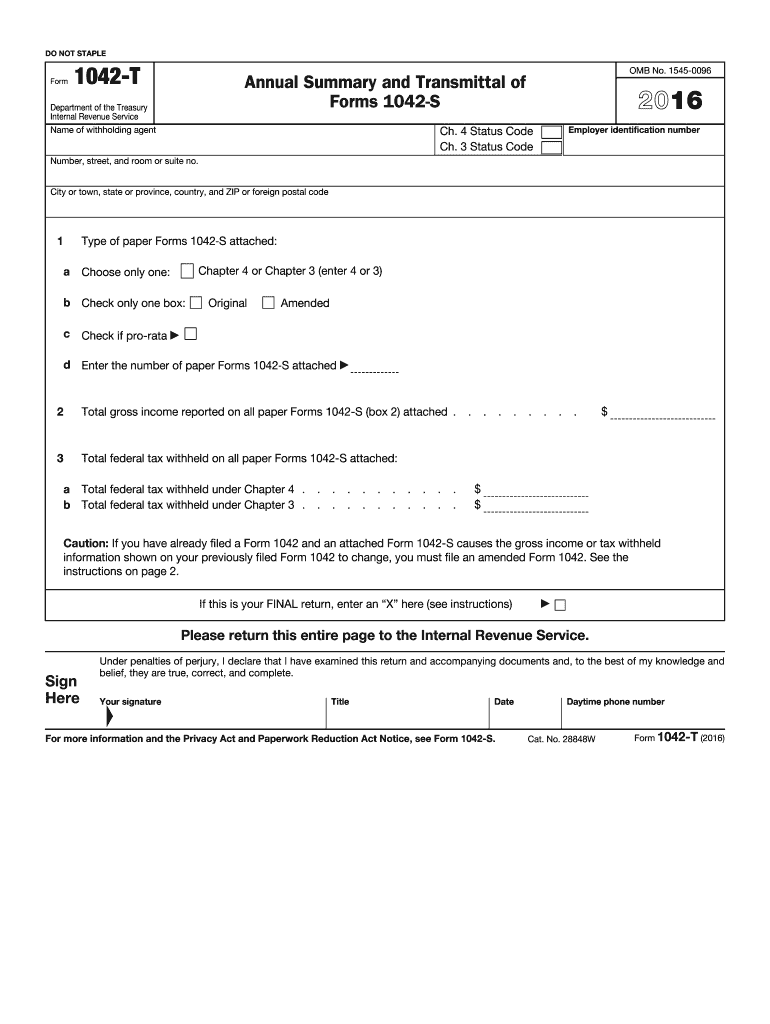
Form preview

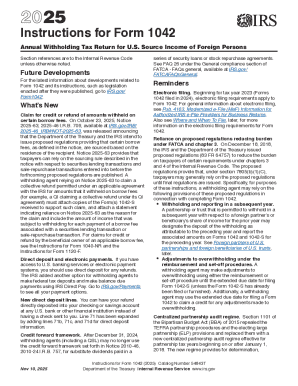
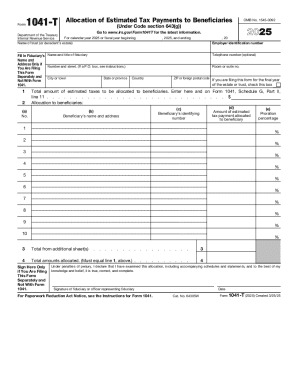
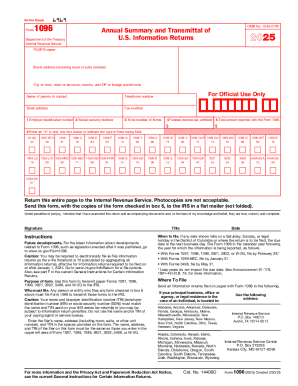
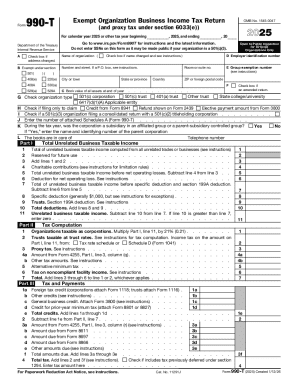
IRS 1042-T 2016 free printable template


Get Form
pdfFiller is not affiliated with IRS
Screenshot
Screenshot
Screenshot

Get, Create, Make, and Sign IRS 1042-T

Edit your IRS 1042-T online
Type text, complete fillable fields, insert images, highlight or blackout data for discretion, add comments, and more.
Screenshot
Add your legally-binding signature
Draw or type your signature, upload a signature image, or capture it with your digital camera.
Screenshot
Share your form instantly
Email, fax, or share your IRS 1042-T via URL. You can also download, print, or export forms to your preferred cloud storage service.
Screenshot

Instructions and Help about IRS 1042-T

How to edit IRS 1042-T

To edit IRS 1042-T, you can use pdfFiller, which provides tools to directly fill out or make changes to the form. First, upload the document to the platform. Next, utilize the editing features to input correct information or adjust any inaccuracies. Once you have made the necessary edits, ensure to save your form for future reference or submission.

How to fill out IRS 1042-T

Filling out IRS 1042-T involves several steps to comply with reporting requirements for U.S. tax purposes. Begin by obtaining the most recent version of the form from the IRS or through necessary platforms like pdfFiller. Collect all relevant information required for completion, including details about the taxpayer, income received, and any applicable withholding taxes.
01
Download or access the IRS 1042-T form through pdfFiller.
02
Input the taxpayer name and address in the designated fields.
03
Report the appropriate income amount and any withholding information.
04
Verify the accuracy of all entered data before finalizing the form.

About IRS 1042-T 2016 previous version

What is IRS 1042-T?

IRS 1042-T is a tax form used primarily to report income paid to non-resident aliens and foreign entities, specifically regarding taxable income. It serves as a means for withholding agents to correctly document and report various types of income subject to U.S. tax withholding. Understanding the use of IRS 1042-T is vital for compliance with U.S. tax laws.

Who needs the form?

Organizations or individuals acting as withholding agents who make payments to non-resident aliens or foreign entities must file IRS 1042-T. This includes universities, research institutions, corporations, or any entity hiring foreign consultants or contractors. It is essential for these filers to understand their obligations under U.S. tax law regarding reportable payments.

Components of the form

The key components of IRS 1042-T include taxpayer identification information, the amount of income subject to U.S. withholding, and details of the withholding agent. Essential sections of the form require listing the payer’s information, the types of income paid, and the corresponding amounts subject to tax withholding. Understanding these components is vital for accurate form completion.

What information do you need when you file the form?

When filing IRS 1042-T, you need to gather specific information that includes the taxpayer's name, address, taxpayer identification number (TIN), and the total amount of income paid that is subject to withholding. Additionally, details regarding the type of income and any applicable exemptions under U.S. tax law should be included to ensure correct reporting.

Where do I send the form?

IRS 1042-T must be submitted to the IRS, and the mailing address varies depending on whether you are enclosing a payment. For most filers, the form is sent to a specific IRS office, such as the Ogden, UT, location. It is advisable to verify current submission guidelines from the IRS before mailing the completed form.

What is the purpose of this form?

The purpose of IRS 1042-T is to fulfill reporting requirements for payments made to foreign individuals or entities. It allows the IRS to track submissions of income that are subject to tax withholding. This form is particularly important for organizations that have foreign investors, employees, or contractors, ensuring that they comply with U.S. tax regulations.

When am I exempt from filling out this form?

Exemptions from filing IRS 1042-T apply in specific scenarios. If the payment made is not considered U.S.-source income or the foreign payee qualifies for a tax exemption under a tax treaty, the form may not be necessary. Additionally, if a foreign entity provides satisfactory documentation of its exemption status, the withholding agent is not required to issue a 1042-T.

What are the penalties for not issuing the form?

Failure to issue IRS 1042-T can result in significant penalties for the withholding agent. The IRS imposes fines based on the duration of the delay in filing, which can escalate with repeated violations. It is critical that organizations ensure timely issuance to avoid unnecessary financial penalties as well as complications in tax compliance.

Is the form accompanied by other forms?

IRS 1042-T may need to be accompanied by other IRS forms, depending on the nature of the income and the status of the payee. Commonly associated forms include the IRS 1042, which details payments to foreign persons, and various W-forms such as the W-8BEN for individuals claiming benefits under a tax treaty. It is crucial to consult IRS guidelines to determine necessary accompanying documentation.

FAQ about IRS 1042-T

If you've discovered an error after submitting your 2016 1042 t form, you should file an amended form as soon as possible. Ensure that the corrections are clearly marked and include a note explaining the adjustments. This action helps avoid potential penalties and maintains compliance with tax regulations.

To track the status of your 2016 1042 t form, you typically can use the IRS's online tools or contact their support for updates. Keep your confirmation number handy, as it may facilitate the inquiry process and confirm receipt or processing status.

In case your 2016 1042 t form is rejected during e-filing, review the rejection codes provided to identify the issues. Correct the errors promptly and resubmit your form to ensure compliance and avoid delays in processing your tax documents.

E-signatures are generally accepted for filing the 2016 1042 t form, provided they meet IRS requirements. Ensure you follow the guidelines specified by the IRS for electronic signatures to confirm the validity of your submission.

Common errors to avoid when completing your 2016 1042 t form include incorrect taxpayer identification numbers, wrong payment amounts, and misclassifying the type of income. Double-check all entries for accuracy to reduce the likelihood of rejection or processing delays.


See what our users say
Trust Seal
Trust Seal
Trust Seal
Trust Seal
Trust Seal
Trust Seal
Trust Seal
Trust Seal
Rate free form
4.3
satisfied
54 votes

How to Fill Out Small Business Tax Forms Online with pdfFiller

Struggling with your Schedule C or not sure how to file business taxes as a sole proprietor, LLC, or self-employed professional? This step-by-step pdfFiller tutorial walks you through completing IRS Schedule C quickly and accurately — no printing, no scanning, no stress. Whether you're handling small business tax deductions, tracking self-employed taxes, or preparing your full business tax return, pdfFiller makes it simple right in your browser.

If you believe that this page should be taken down, please follow our DMCA take down process here .
This form may include fields for payment information. Data entered in these fields is not covered by PCI DSS compliance.