
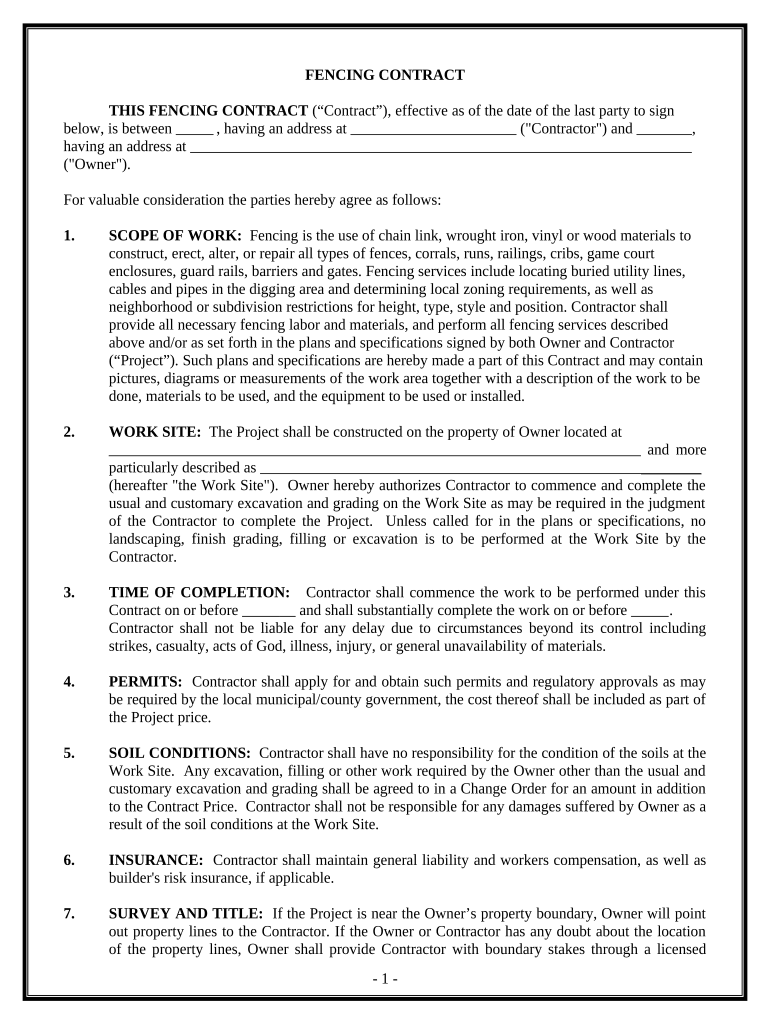
Get the free Fencing Contract
We are not affiliated with any brand or entity on this form

Fill out
Complete the form online in a simple drag-and-drop editor.

eSign
Add your legally binding signature or send the form for signing.

Share
Share the form via a link, letting anyone fill it out from any device.

Export
Download, print, email, or move the form to your cloud storage.
Why pdfFiller is the best tool for your documents and forms


End-to-end document management
From editing and signing to collaboration and tracking, pdfFiller has everything you need to get your documents done quickly and efficiently.
Accessible from anywhere
pdfFiller is fully cloud-based. This means you can edit, sign, and share documents from anywhere using your computer, smartphone, or tablet.
Secure and compliant
pdfFiller lets you securely manage documents following global laws like ESIGN, CCPA, and GDPR. It's also HIPAA and SOC 2 compliant.
What is Fencing Contract
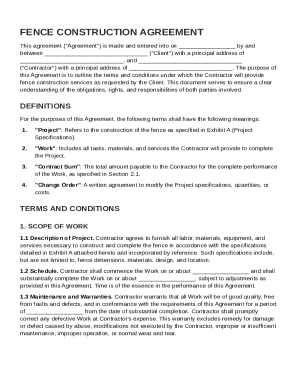
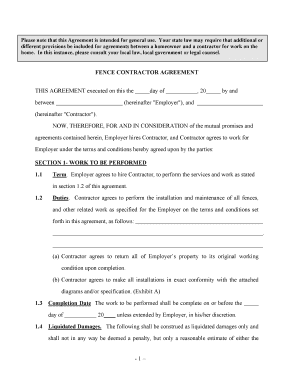
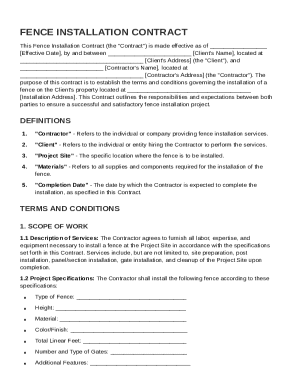
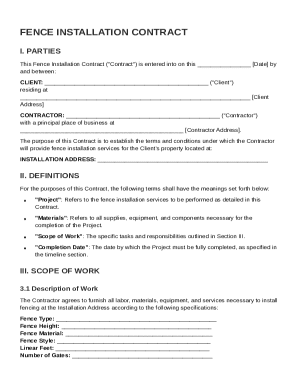
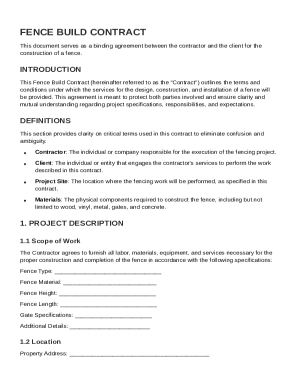
The Fencing Contract is a legal document used by contractors and property owners to establish terms for constructing or repairing fences.
pdfFiller scores top ratings on review platforms




Great program and a much better value than Adobe Acrobat! Pay for the features you need instead of hundreds of dollars for features you will never use.
I can not tell you how much I use this program. Wonderful and so helpful.
Great Experience and Efficient PDF's
I only needed to use it for a few items I needed to update. The experience was easy and great. I enjoyed using it for what I needed in the moment. Once I cancelled my subscription they handled it promptly and professionally. If I am ever in need of PDF services again, I will definitely consider their services and so should you!!! THANKS PDF FILLER!
Easy to Use
It is easy to use and affordable.
A Comprehensive and User-Friendly PDF Editing & Document Management Solution
I recently started using pdfFiller for my document needs, and my overall experience has been very positive. The platform offers a wide array of features that make handling PDFs and documents incredibly efficient. All-in-One Functionality: pdfFiller truly lives up to its promise as an "all-in-one" solution. Whether you need to edit, merge, split, sign, or even rearrange pages, everything is available in one intuitive dashboard. This has streamlined my workflow significantly by eliminating the need to juggle multiple applications.
Great experience
Great experience, easy to work
Who needs Fencing Contract?
Explore how professionals across industries use pdfFiller.

Fencing Contract is needed by:
-
Property owners seeking fencing solutions
-
Contractors providing fencing services
-
Real estate professionals involved in property transactions
-
Landscapers who include fencing in their services
-
Homeowners planning renovations
-
Business owners requiring fencing for commercial properties
How to fill out the Fencing Contract
-
1.To begin, access pdfFiller and search for the Fencing Contract template in the form library.
-
2.Once located, click on the form to open it in the pdfFiller editor.
-
3.Gather necessary information beforehand, including names, addresses, and details about the work site.
-
4.Utilize pdfFiller’s toolbar to fill in the form's required fields, following the prompts for names and signatures.
-
5.Type in the specific details regarding the scope of work, materials to be used, and payment terms directly into the designated spaces.
-
6.Check for any specific clauses related to changes in the scope of work and other legal provisions, ensuring all sections are completed accurately.
-
7.After filling in all required fields, review the information for completeness and accuracy.
-
8.Once finalized, make sure that both the contractor and the owner sign the document electronically using pdfFiller's signature tool.
-
9.Finally, save a copy of the completed contract. You have the option to download it in PDF format or submit it directly from pdfFiller if required.

Who is eligible to use the Fencing Contract?
Any contractor providing fencing services and property owners looking to establish an agreement for fence construction or repair can use the Fencing Contract.
Are there any deadlines for completing the Fencing Contract?
The Fencing Contract does not have a specific deadline; however, timely completion is advised to ensure the project starts as scheduled.
How should the Fencing Contract be submitted?
Once completed, the Fencing Contract can be saved, downloaded, or submitted electronically through pdfFiller, ensuring both parties receive a signed copy.
What documents are required to complete the Fencing Contract?
You'll need information on the project scope, materials, and addresses of both parties. Identification may be required for verification if notarizing was necessary.
What common mistakes should be avoided when filling out the Fencing Contract?
Common mistakes include leaving fields blank, failing to specify materials, and not obtaining signatures from both parties. Always review the form before submission.
How long does it take to process the Fencing Contract after submission?
The processing time for the Fencing Contract can vary. Ensure all details are correct, and submissions through pdfFiller are generally instant as they are electronically signed.
Is notarization required for the Fencing Contract?
No, notarization is not required for the Fencing Contract according to the provided metadata, making it easier to execute.
Related Forms


Related Catalogs
Get the latest insights from our blog


If you believe that this page should be taken down, please follow our DMCA take down process
here
.
This form may include fields for payment information. Data entered in these fields is not covered by PCI DSS compliance.