
Last updated on
Oct 31, 2026
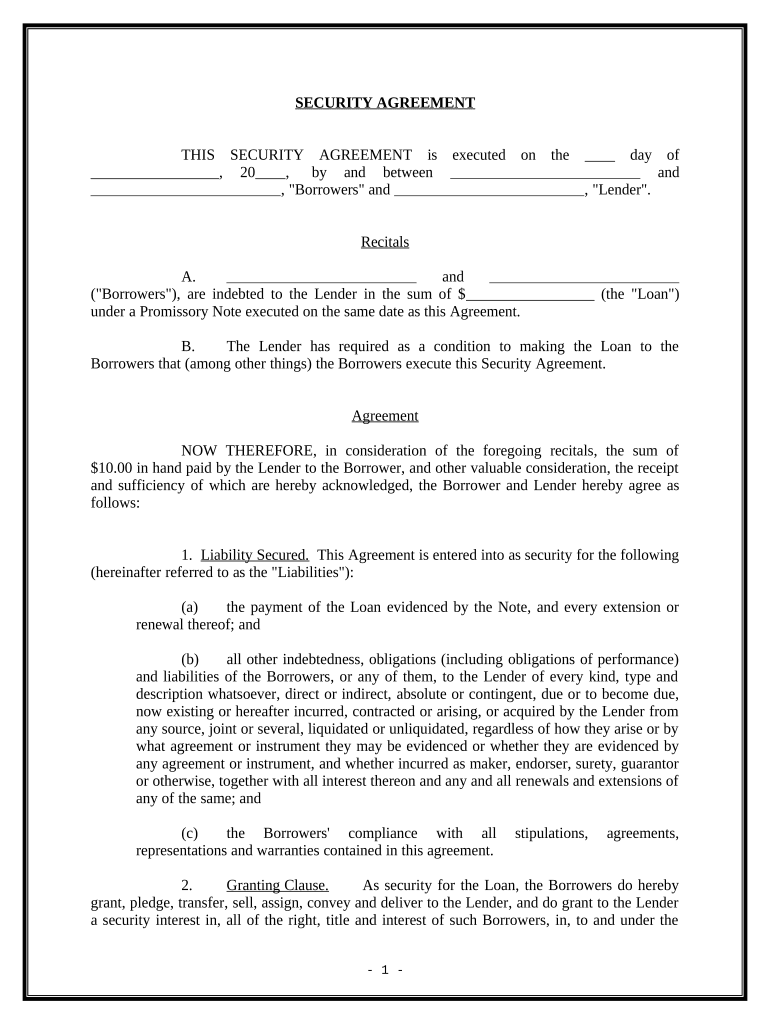
Get the free Security Agreement Template
We are not affiliated with any brand or entity on this form

Fill out
Complete the form online in a simple drag-and-drop editor.

eSign
Add your legally binding signature or send the form for signing.

Share
Share the form via a link, letting anyone fill it out from any device.

Export
Download, print, email, or move the form to your cloud storage.
Why pdfFiller is the best tool for your documents and forms


End-to-end document management
From editing and signing to collaboration and tracking, pdfFiller has everything you need to get your documents done quickly and efficiently.
Accessible from anywhere
pdfFiller is fully cloud-based. This means you can edit, sign, and share documents from anywhere using your computer, smartphone, or tablet.
Secure and compliant
pdfFiller lets you securely manage documents following global laws like ESIGN, CCPA, and GDPR. It's also HIPAA and SOC 2 compliant.
What is Security Agreement
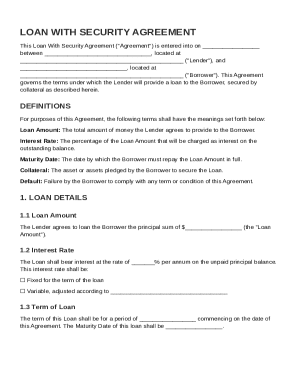
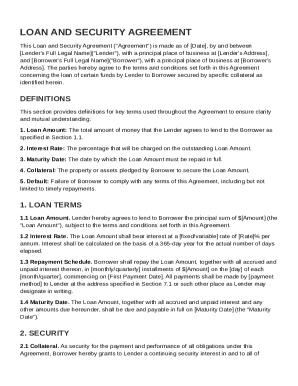
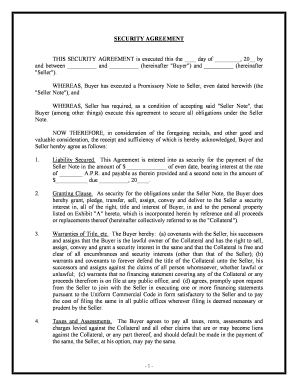
The Security Agreement Template is a legal document used by borrowers and lenders to secure a loan with collateral.
pdfFiller scores top ratings on review platforms




excellent app
excellent app, no issues
This program is very easy for first…
This program is very easy for first time users to install and navigate.
pdfFiller did exactly what I needed
pdfFiller did exactly what I needed. I allowed me to fill in a government form that was in PDF format.
Great
Great product.
great
great product
GREAT APP
GREAT APP! USER FRIENDLY AND IT HAS EVERYTHING YOU NEED!!
Who needs Security Agreement?
Explore how professionals across industries use pdfFiller.

Security Agreement is needed by:
-
Small business owners seeking loans
-
Lenders offering financial agreements
-
Real estate agents managing property loans
-
Legal professionals drafting contracts
-
Entrepreneurs securing investment financing
Comprehensive Guide to Security Agreement
What is the Security Agreement Template?
The Security Agreement Template is a crucial document designed to secure loans by establishing a security interest in collateral. This agreement serves both lenders and borrowers by clearly outlining the terms and conditions of the loan. By creating a formal understanding between the parties involved—the borrower and the lender—it ensures that both sides have a clear, legal framework to refer to in case of default.
A security agreement is vital for lenders, as it protects their interests by allowing them to claim collateral if the borrower fails to meet their obligations. Without this document, lenders face increased risks when extending credit.
Purpose and Benefits of the Security Agreement Template
The Security Agreement Template offers numerous advantages, ensuring clarity in loan terms and conditions. By utilizing this template, borrowers and lenders can outline specifics such as interest rates, repayment schedules, and collateral details. This clarity mitigates misunderstandings, protecting the lender's interests in case of default.
-
Provides a legally binding framework for securing loans.
-
Minimizes potential disputes by detailing borrower obligations.
-
Facilitates a smoother lending process for both parties.
Key Features of the Security Agreement Template
Each Security Agreement Template includes essential elements that define the agreement's scope. Important sections may cover borrower obligations, lender rights, and specifics about the collateral that secures the loan.
-
Blank fields for names, amounts, and dates to customize the agreement.
-
Checkboxes and instruction notes for clarity and compliance.
-
Provisions for potential alterations based on specific lending scenarios.
Who Needs the Security Agreement Template?
This document is designed for a wide range of users, including businesses seeking loans and individuals borrowing funds for various needs. Common scenarios that warrant the use of a security agreement include personal loans, mortgages, and commercial financing.
Both first-time borrowers and seasoned lenders can benefit from this template, as it standardizes terms crucial for successful transactions while facilitating trust and transparency in financing.
How to Fill Out the Security Agreement Template Online
Filling out the Security Agreement Template efficiently requires careful attention to detail. Begin by gathering essential information, such as the names of the parties involved and the loan amount.
-
Open the template in pdfFiller.
-
Enter required information in the designated fields.
-
Double-check for accuracy, paying attention to the loan details.
-
Review all presented options before finalizing the document.
Ensuring accuracy during this process helps avoid common errors that can delay the lending process.
How to Sign and Notarize the Security Agreement Template
Once the Security Agreement Template is accurately completed, the next step is signing it. Users can choose between digital signatures or traditional wet signatures, depending on their preferences and legal requirements.
It is important to note any potential legal implications related to the type of signature used. While notarization may be necessary in some cases, pdfFiller allows users to complete the agreement without notarization.
Benefits of Using pdfFiller for the Security Agreement Template
pdfFiller streamlines the process of using the Security Agreement Template by providing a robust set of tools. With features like editing, eSigning, and sharing, users can manage their documents efficiently.
The platform prioritizes user security through 256-bit encryption, ensuring that sensitive information remains protected. The user-friendly interface allows for quick completion and personal storage of important documents, enhancing the overall experience.
Where to Submit the Security Agreement Template
After filling out the Security Agreement Template, it must be submitted according to the lender's requirements. Typical submission methods include electronic delivery via email or uploading to a secure portal.
-
Check if the lender accepts electronic submissions.
-
Be aware of potential fees associated with in-person submissions.
-
Consider processing times based on the submission method selected.
What Happens After You Submit the Security Agreement Template
Upon submission, users can expect a confirmation of receipt from the lender. This confirmation is a critical step in the process, providing assurance that the agreement is under review.
If there are any issues or rejections, it is important to understand the next steps, including how to address potential concerns. Users should also have access to contact information for inquiries related to their submitted agreements.
Engage with pdfFiller to Simplify Your Security Agreement Process
Utilizing pdfFiller for your document management needs enhances the experience of dealing with the Security Agreement Template. From creating and filling out forms to signing and sharing, pdfFiller provides a seamless platform for all your document-related tasks.
With its intuitive interface and robust features, pdfFiller empowers users to handle their security agreements efficiently while ensuring security and compliance throughout the process.
How to fill out the Security Agreement
-
1.To access the Security Agreement Template on pdfFiller, visit the website and log in to your account.
-
2.Use the search function to find 'Security Agreement Template' and click on it to open.
-
3.Ensure you have all required information, including borrower and lender details, loan amount, collateral description, and any applicable dates.
-
4.Navigate the form by clicking on the blank fields to enter information using your keyboard.
-
5.For checkboxes, click on the box to indicate agreement or options when needed.
-
6.Follow the on-screen instructions to fill in your name, date of signing, and other required fields.
-
7.Once you have completed the form, carefully review all entries for accuracy, ensuring that all required fields are filled.
-
8.After reviewing, you can save your progress or choose to finalize the document.
-
9.Select the 'Download' option to save a copy on your device, or use the 'Submit' feature to send it directly to the lender or relevant parties.

Who is eligible to use the Security Agreement Template?
The Security Agreement Template is suitable for any borrower and lender involved in a loan agreement where collateral is required. This includes individuals, small business owners, and financial institutions.
Are there deadlines for completing and submitting this form?
While there are no specific deadlines for using the Security Agreement Template, it is advisable to complete and submit it promptly once terms are agreed upon, to avoid delays in securing the loan.
What methods are available for submitting the completed form?
Once completed, the Security Agreement can be submitted electronically through pdfFiller by sending it to the lender, or it can be printed and delivered physically, depending on lender requirements.
What supporting documents are needed when completing the form?
Alongside the Security Agreement, supporting documents such as proof of identity, financial statements, and collateral documentation may be required to validate the loan application.
What common mistakes should I avoid when filling out this form?
Common mistakes include leaving required fields blank, providing inaccurate collateral descriptions, and failing to include signatures from both borrower and lender, which can invalidate the agreement.
How long does it take to process the Security Agreement?
Processing time may vary based on the lender's policies and the specifics of the loan. Typically, the agreement is processed quickly, but allow a few business days for formal approvals.
What specific information needs to be filled in the Security Agreement?
It is important to clearly fill out names, loan amounts, descriptions of collateral, and terms of the agreement. Ensure all parties' signatures are collected, as this is critical for legal validity.
Related Forms




Related Catalogs
Get the latest insights from our blog


If you believe that this page should be taken down, please follow our DMCA take down process
here
.
This form may include fields for payment information. Data entered in these fields is not covered by PCI DSS compliance.