
Last updated on
Nov 9, 2026
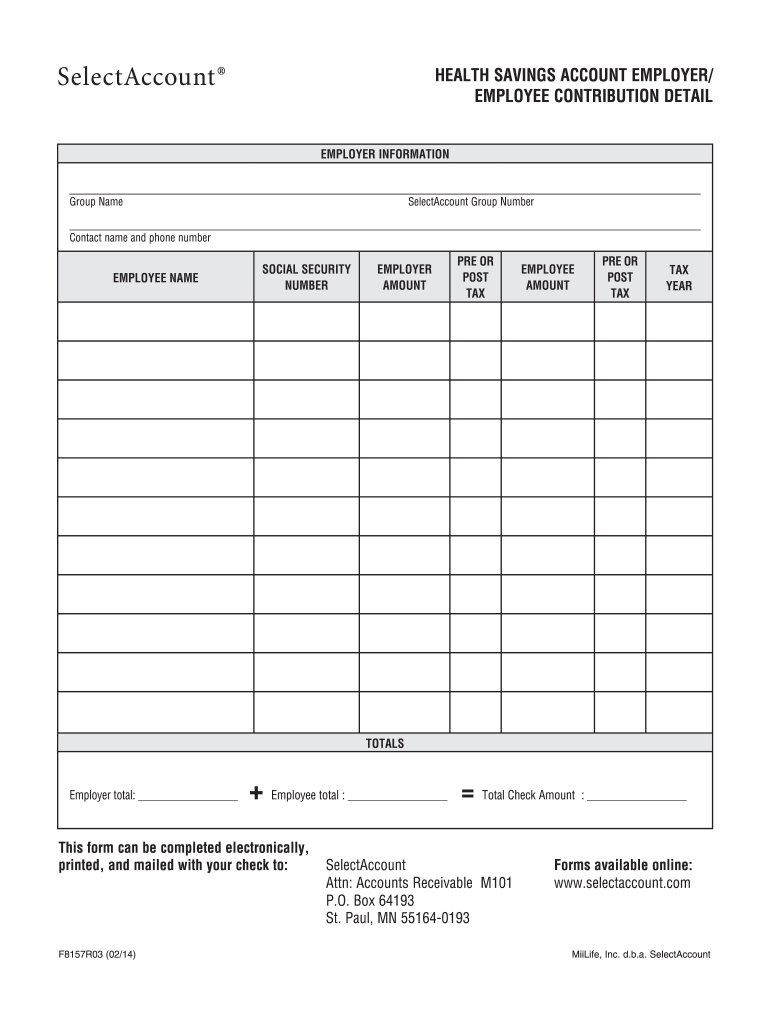
SelectAccount F8157R03 2014-2026 free printable template
pdfFiller is not affiliated with any government organization

Fill out
Complete the form online in a simple drag-and-drop editor.

eSign
Add your legally binding signature or send the form for signing.

Share
Share the form via a link, letting anyone fill it out from any device.

Export
Download, print, email, or move the form to your cloud storage.
Why pdfFiller is the best tool for your documents and forms


End-to-end document management
From editing and signing to collaboration and tracking, pdfFiller has everything you need to get your documents done quickly and efficiently.
Accessible from anywhere
pdfFiller is fully cloud-based. This means you can edit, sign, and share documents from anywhere using your computer, smartphone, or tablet.
Secure and compliant
pdfFiller lets you securely manage documents following global laws like ESIGN, CCPA, and GDPR. It's also HIPAA and SOC 2 compliant.
What is SelectAccount F8157R03
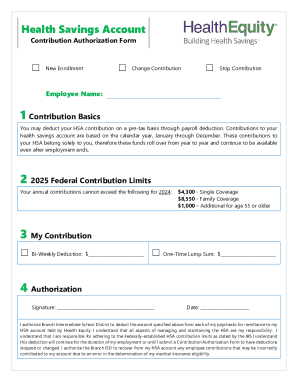
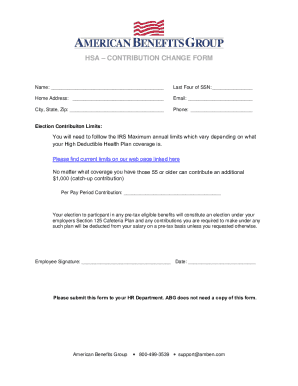
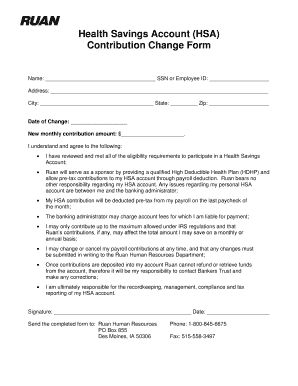
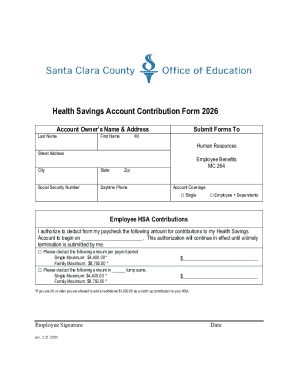
The Health Savings Account Contribution Form is a business document used by employers and employees to detail contributions to a health savings account.
pdfFiller scores top ratings on review platforms




Who needs SelectAccount F8157R03?
Explore how professionals across industries use pdfFiller.

SelectAccount F8157R03 is needed by:
-
Employers looking to manage employee HSA contributions
-
Employees wanting to report their HSA contributions
-
HR representatives responsible for employee benefits
-
Payroll departments managing compensation packages
-
Financial advisors assisting clients with HSAs
-
Tax professionals preparing client tax returns
-
State agencies overseeing health savings programs
Comprehensive Guide to SelectAccount F8157R03
Overview of the Health Savings Account Contribution Form
The Health Savings Account (HSA) Contribution Form serves a crucial role for both employers and employees in managing Health Savings Accounts. This form ensures that contributions are accurately reported and processed, which is vital for maintaining compliance and fully utilizing tax advantages associated with HSAs.
Accurate reporting on the health savings account form benefits all parties by fostering transparent and efficient financial management in regards to HSA contributions.
Key Features of the Health Savings Account Contribution Form
This form includes several essential sections, such as:
-
Employer information
-
Employee details
-
Contribution amounts
-
Totals for both employer and employee contributions
Additionally, the health savings account template is designed to be fillable, allowing users to complete the form electronically. This feature enhances usability and streamlines the submission process for all stakeholders involved.
Who Should Use the Health Savings Account Contribution Form?
The primary users of the HSA contribution form include:
-
Employers managing employee contributions to HSAs
-
Employees participating in HSA plans
Completing this form is critical in various situations, such as during open enrollment periods or when making adjustments to existing contributions, which facilitates accurate record-keeping for both employers and employees.
How to Complete the Health Savings Account Contribution Form
Filling out the HSA contribution form requires attention to detail. Follow these step-by-step instructions:
-
Provide complete employer information, including contact details.
-
Fill in employee information, including social security numbers.
-
Input the contributions for both parties in the designated fields.
-
Check all fields for accuracy to prevent processing delays.
Taking extra care to ensure that every section is completed correctly will help facilitate a smooth submission process.
Submission Guidelines for the Health Savings Account Contribution Form
Several methods are available for submitting the form, such as:
-
Electronic submission via online platforms
-
Mailing the completed form to the specified address in Minnesota
Timely submission is crucial to meet deadlines and ensure that contributions are processed correctly. Always check for any updates regarding submission guidelines to avoid complications.
Important Policies and Regulations Related to HSA Contributions
There are various regulations concerning HSAs in Minnesota and across the U.S. It is important to understand:
-
Eligibility requirements for participation in HSA plans
-
Contribution limits set by authorities
Incorrect or late submissions can lead to penalties or the inability to claim tax benefits associated with HSAs, making compliance essential for all users.
Security and Compliance When Handling HSA Forms
When completing and submitting the health savings account contribution form, safeguarding sensitive information is paramount. Users should implement the following security measures:
-
Ensure forms are filled out electronically on secure platforms
-
Use systems that comply with HIPAA regulations
Utilizing platforms such as pdfFiller, which employs 256-bit encryption and adheres to compliance standards, helps protect user information during this sensitive process.
Benefits of Using pdfFiller for the Health Savings Account Contribution Form
Utilizing pdfFiller for the HSA contribution form offers numerous advantages, including:
-
Ease of editing and filling out forms electronically
-
Features like eSigning that streamline the submission process
This platform not only simplifies form management but also enhances user accessibility to essential financial documentation.
Review and Validation of Your Completed Contribution Form
Before submission, conducting a thorough review of the completed form is advisable. Use the following checklist:
-
Confirm all required fields are filled out
-
Double-check contribution amounts for accuracy
Common mistakes may include incorrect entries or missed fields; being vigilant about these details will help prevent delays and ensure successful processing of the form.
Next Steps After Submission of the Health Savings Account Contribution Form
Once the form is submitted, users should expect confirmation of receipt. It is essential to maintain thorough records of submitted forms for future reference. Engaging with tools like pdfFiller not only simplifies the form-filling process but also assists in staying organized for subsequent submissions.
How to fill out the SelectAccount F8157R03
-
1.To begin, access pdfFiller and search for 'Health Savings Account Contribution Form'. Once located, click on the form to open it in the editor.
-
2.Navigate the interface to find blank fields for employer and employee information. Start by inputting required details such as group name, group number, and contact details.
-
3.Before filling out the financial information, gather all necessary documentation. This includes previous contribution amounts, social security numbers, and any other relevant identifiers.
-
4.Use pdfFiller's tools to complete the various fields clearly and accurately. Ensure you fill in total contribution amounts and other mandatory sections.
-
5.After filling out all the sections, review the form for accuracy. Check all numbers and personal information to prevent any errors.
-
6.Once satisfied with the accuracy of the information, save the document to your pdfFiller account. You may also download it as a PDF for personal records.
-
7.If required, print the form to send via mail alongside any attached payment or checks to the specified Minnesota address. Alternatively, explore digital submission options where applicable.

Who is eligible to use the Health Savings Account Contribution Form?
This form is designed for employers and employees participating in a Health Savings Account (HSA) program. Both parties need to be enrolled in an HSA to use this form effectively.
Are there deadlines for submitting the HSA Contribution Form?
While specific deadlines may vary based on state guidelines, typically HSA contributions must be reported by the tax filing deadline. Always check with local regulations for exact timelines.
How should I submit the completed Health Savings Account Contribution Form?
You can submit the form by mailing it to the designated address in Minnesota, along with any checks if required. Make sure to keep a copy for your records.
What supporting documents are needed with this form?
Typically, supporting documents include previous contribution receipts, social security numbers, and any relevant financial statements. Collect these before filling out the form to avoid delays.
What common mistakes should I avoid when filling out this form?
Common mistakes include inaccuracies in personal information, incorrect total contribution amounts, and missing signatures. Double-check every section to ensure all information is correct.
How long does it take for the contributions to be processed after submission?
Processing times may vary, but typically it takes a few weeks to see contributions reflected in the HSA account. Always allow additional time during peak submission periods.
Is the form available in formats other than PDF?
The primary format for the Health Savings Account Contribution Form is PDF. However, it can be printed or electronically filled out using platforms like pdfFiller for convenience.
Related Forms



Get the latest insights from our blog


If you believe that this page should be taken down, please follow our DMCA take down process
here
.
This form may include fields for payment information. Data entered in these fields is not covered by PCI DSS compliance.