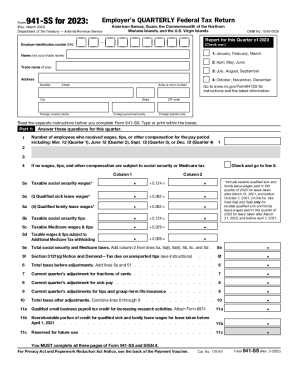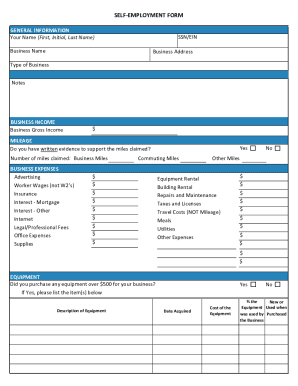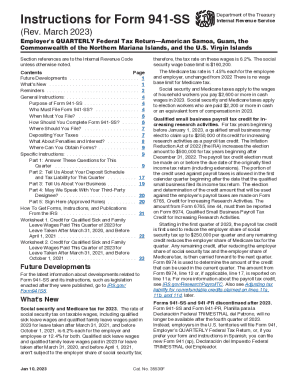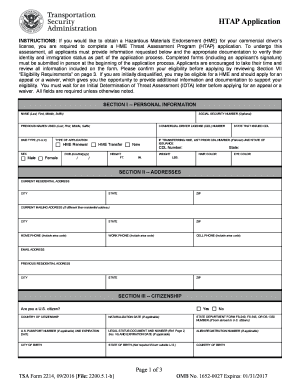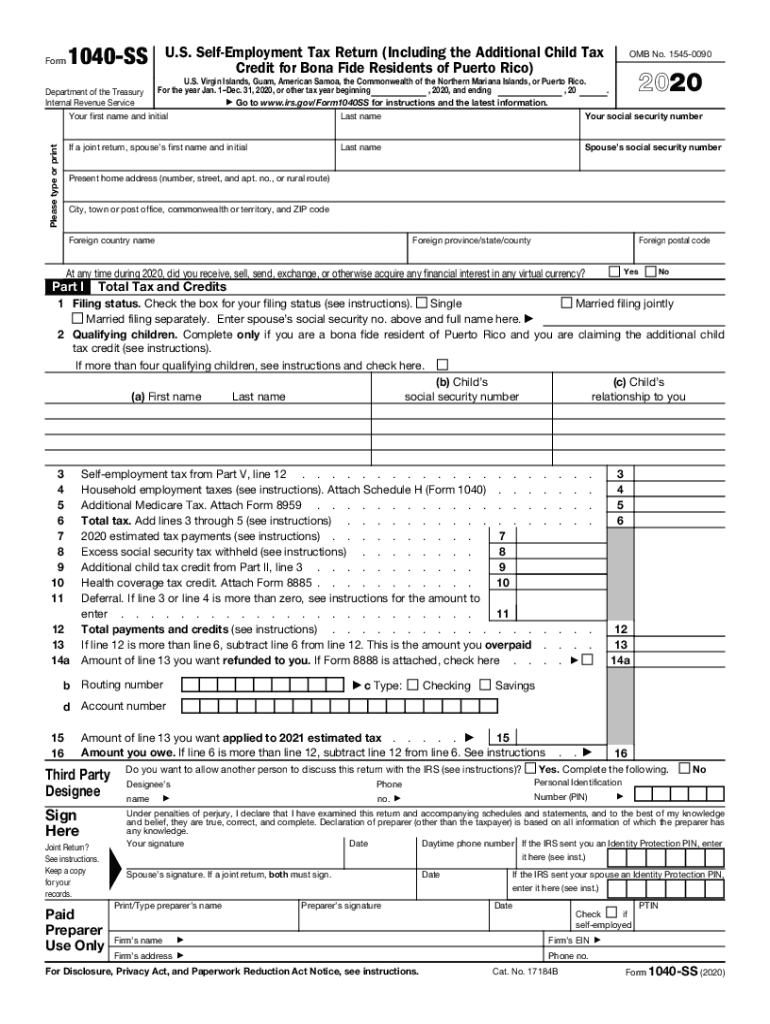
Form preview

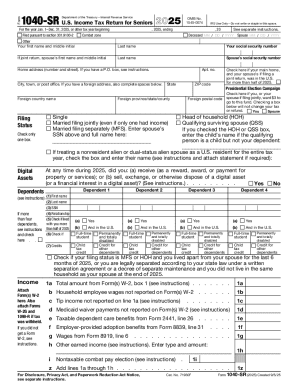
IRS 1040-SS 2020 free printable template


Get Form
pdfFiller is not affiliated with IRS
Screenshot
Screenshot
Screenshot

Get, Create, Make, and Sign IRS 1040-SS

Edit your IRS 1040-SS online
Type text, complete fillable fields, insert images, highlight or blackout data for discretion, add comments, and more.
Screenshot
Add your legally-binding signature
Draw or type your signature, upload a signature image, or capture it with your digital camera.
Screenshot
Share your form instantly
Email, fax, or share your IRS 1040-SS via URL. You can also download, print, or export forms to your preferred cloud storage service.
Screenshot

Instructions and Help about IRS 1040-SS

How to edit IRS 1040-SS

To edit IRS 1040-SS, use a PDF editor like pdfFiller, which allows you to modify the form directly. Simply upload the form to the platform and utilize editing tools to correct or update necessary fields. Ensure all information reflects your current tax situation before submitting.

How to fill out IRS 1040-SS

To fill out IRS 1040-SS, follow these general steps:
01
Download the form from the IRS website or a reliable source.
02
Provide accurate personal information, including your name, address, and taxpayer identification number.
03
Report income details, including wages and other earnings subject to U.S. taxation.
04
Ensure you complete the sections relevant to your filing status.
Review all entries for accuracy before submission to avoid processing delays.

About IRS 1040-SS 2020 previous version

What is IRS 1040-SS?

IRS 1040-SS is a tax form specifically designed for U.S. citizens and residents living abroad who need to report their income and pay self-employment or Social Security taxes. The form is primarily used by those who work in or have income from sources outside the United States, allowing them to comply with U.S. tax regulations even while residing abroad.

When am I exempt from filling out this form?

You may be exempt from filling out IRS 1040-SS if your income is below a certain threshold or if you qualify for specific exclusions, such as the Foreign Earned Income Exclusion. Additionally, if you are not self-employed and do not have income from foreign sources, you generally do not need to file this form.

What are the penalties for not issuing the form?

Failure to file IRS 1040-SS when required can result in penalties, including fines based on the amount of unpaid tax. Furthermore, the IRS may impose interest on any late payments, which can accumulate over time, leading to a more significant tax liability.

Is the form accompanied by other forms?

IRS 1040-SS may need to be filed alongside other forms, such as Schedule C for reporting business income or other specific forms depending on the nature of your income sources. Review IRS guidelines for any additional filing requirements relevant to your situation.

What is the purpose of this form?

The purpose of IRS 1040-SS is to report income from self-employment and to calculate the amount of Social Security taxes owed. This form helps ensure that U.S. citizens fulfill their tax obligations while taking advantage of any applicable treaties or exclusions that may apply to international income.

Who needs the form?

Individuals who are U.S. citizens or residents and earn income from self-employment in foreign countries need to fill out the IRS 1040-SS. Additionally, this form is relevant for those with income from sources outside the U.S., including foreign partnerships and estates.

Components of the form

The IRS 1040-SS consists of several key components, including sections for reporting income, calculating self-employment tax, and detailing any applicable deductions or credits. Each part of the form must be completed accurately to ensure proper tax assessment.

What information do you need when you file the form?

When filing IRS 1040-SS, you will need personal identification information, including your Social Security number or taxpayer identification number. You must also gather documentation related to your income, expenses, and any applicable deductions or credits for accurate reporting.

Where do I send the form?

The completed IRS 1040-SS should be mailed to the designated address provided in the form instructions. The mailing address may vary depending on your state of residence and whether you are enclosing payment with your submission.

FAQ about IRS 1040-SS

If you discover an error on your IRS 1040-SS after submission, you will need to file a corrected form. This can be done using Form 1040-X, which is for amending previously filed returns. It is essential to act quickly, especially if the mistake affects your tax liability or refund status.

To check the status of your IRS 1040-SS, you can use the IRS online tools available on their website. You'll need to provide personal information, such as your filing status and the amount of your refund, to track the processing of your submission effectively. Keep an eye out for common e-file rejection codes if your status indicates an issue.

Yes, the IRS accepts electronic signatures for the IRS 1040-SS if you e-file your return. Be sure to follow the IRS guidelines for e-signatures to ensure your submission is valid and accepted without delays. Keep in mind the importance of maintaining the privacy and security of your data during this process.

When submitting your IRS 1040-SS, be cautious of common mistakes such as incorrect Social Security numbers, mathematical errors, or not signing the form. Double-check all entries and ensure that any supporting documents are included. Avoid these errors to reduce the likelihood of processing delays.

If you receive an audit notice regarding your IRS 1040-SS, it’s important to read the notice carefully and gather all necessary documentation to support your filing. Respond promptly and thoroughly to the IRS, providing any requested information. Consulting a tax professional can also be beneficial to navigate the audit process effectively.

See what our users say

Read user feedback and try pdfFiller to explore all its benefits for yourself
Very useful service. Trying to create a fillable pdf is made simple. Although when it's downloaded, one or two areas are not fillable anymore so have to do it again.
Rebecca
I didn't know there's such a site make people life easy, i was searching on google for a form and this site pop up, and i said let me try it, and i am so satisfied and grateful.
Wahi
See what our users say
Trust Seal
Trust Seal
Trust Seal
Trust Seal
Trust Seal
Trust Seal
Trust Seal
Trust Seal
Rate free form
3.9
satisfied
28 votes

How to Fill Out Small Business Tax Forms Online with pdfFiller

Struggling with your Schedule C or not sure how to file business taxes as a sole proprietor, LLC, or self-employed professional? This step-by-step pdfFiller tutorial walks you through completing IRS Schedule C quickly and accurately — no printing, no scanning, no stress. Whether you're handling small business tax deductions, tracking self-employed taxes, or preparing your full business tax return, pdfFiller makes it simple right in your browser.

If you believe that this page should be taken down, please follow our DMCA take down process here .
This form may include fields for payment information. Data entered in these fields is not covered by PCI DSS compliance.