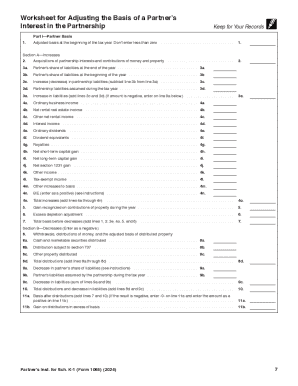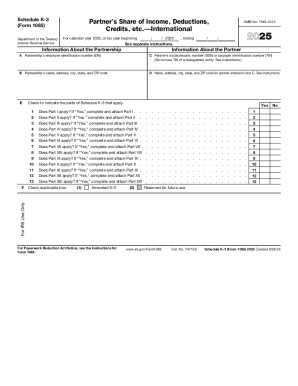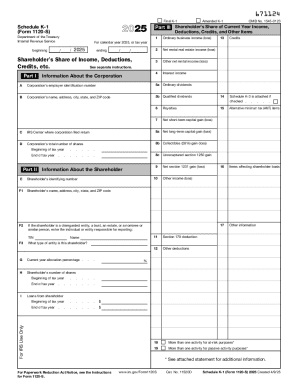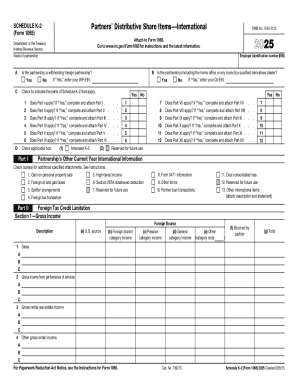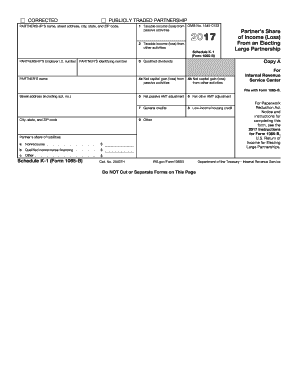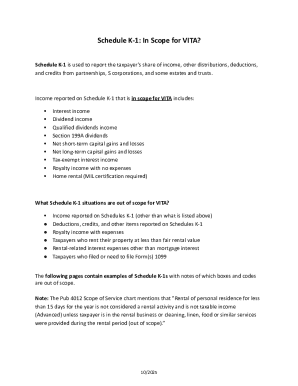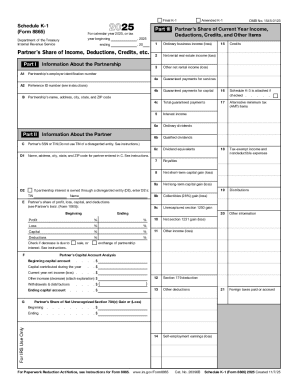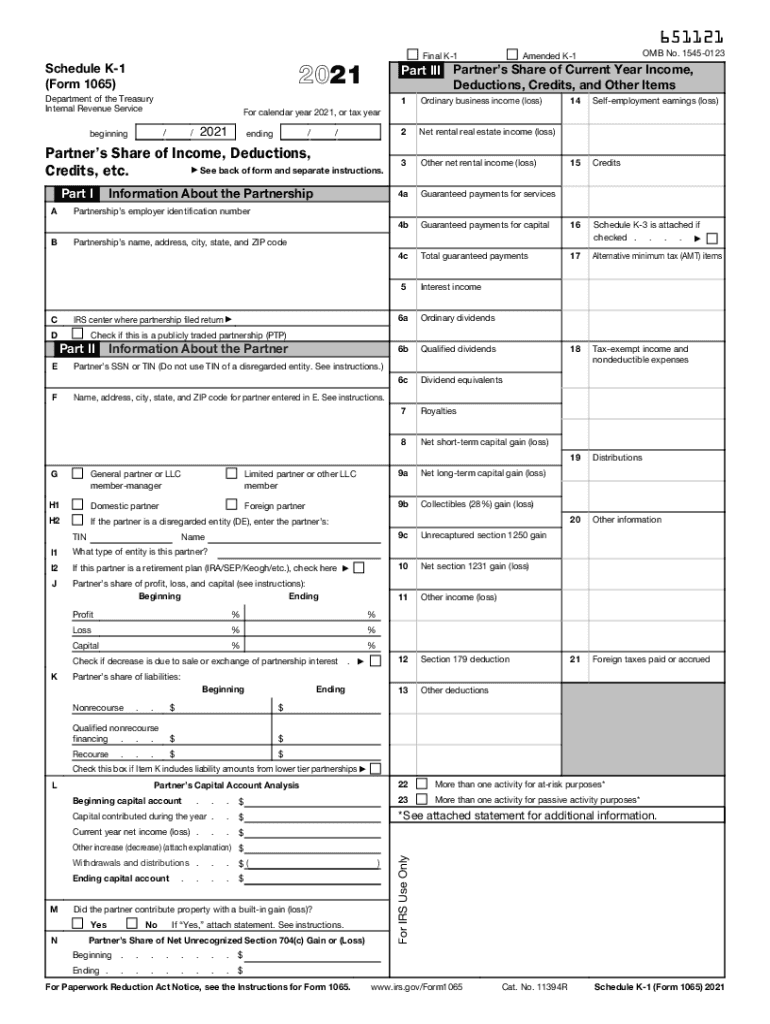
IRS 1065 - Schedule K-1 2021 free printable template



Get, Create, Make, and Sign IRS 1065 - Schedule K-1



Instructions and Help about IRS 1065 - Schedule K-1
How to edit IRS 1065 - Schedule K-1
How to fill out IRS 1065 - Schedule K-1
About IRS 1065 - Schedule K-1 2021 previous version
What is IRS 1065 - Schedule K-1?
Who needs the form?
Components of the form
What information do you need when you file the form?
Where do I send the form?
What is the purpose of this form?
When am I exempt from filling out this form?
What are the penalties for not issuing the form?
Is the form accompanied by other forms?
FAQ about IRS 1065 - Schedule K-1
What should I do if I realize I've made an error on my IRS 1065 - Schedule K-1 after filing?
If you discover an error on your IRS 1065 - Schedule K-1 after it has been filed, you should file an amended return using IRS Form 1065X, along with a corrected Schedule K-1. Clearly indicate the changes made and ensure you send it to the IRS as well as provide copies to the partners affected by the change.
How can I verify that my IRS 1065 - Schedule K-1 has been received and processed by the IRS?
To check the status of your IRS 1065 - Schedule K-1, you can call the IRS Business & Specialty Tax Line at 1-800-829-4933. Keep your details handy for verification, as they won't provide specifics but can confirm receipt and processing status.
Are electronic signatures acceptable for IRS 1065 - Schedule K-1 filings?
Yes, electronic signatures are accepted on IRS 1065 - Schedule K-1 forms as long as they comply with IRS guidelines regarding electronic filing. Ensure that your e-signature process is secure and retains adequate documentation to support its use.
What are common mistakes to avoid when filing the IRS 1065 - Schedule K-1?
Common mistakes when filing IRS 1065 - Schedule K-1 include failing to provide accurate partner information, not including all income or deductions, and missing out on necessary attachments. Double-check all entries and ensure compliance with any special conditions for various partners to minimize the risk.
What should I do if my IRS 1065 - Schedule K-1 is rejected due to e-filing issues?
If your IRS 1065 - Schedule K-1 is rejected during e-filing, review the rejection code to determine the error. Correct the issues as specified in the rejection notice and resubmit the form promptly to avoid delays in processing.
See what our users say








How to Fill Out Small Business Tax Forms Online with pdfFiller
Struggling with your Schedule C or not sure how to file business taxes as a sole proprietor, LLC, or self-employed professional? This step-by-step pdfFiller tutorial walks you through completing IRS Schedule C quickly and accurately — no printing, no scanning, no stress. Whether you're handling small business tax deductions, tracking self-employed taxes, or preparing your full business tax return, pdfFiller makes it simple right in your browser.