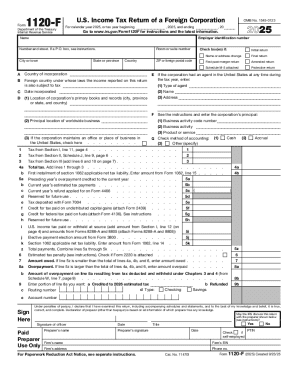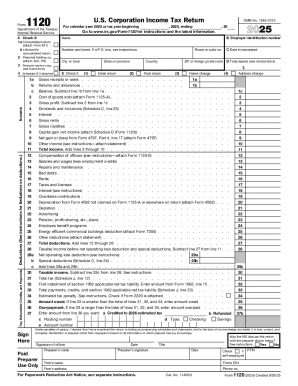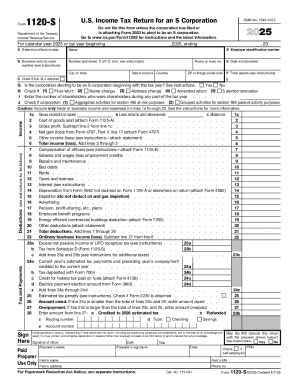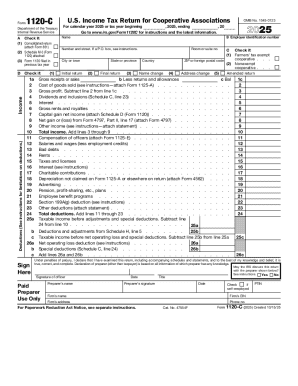
Form preview

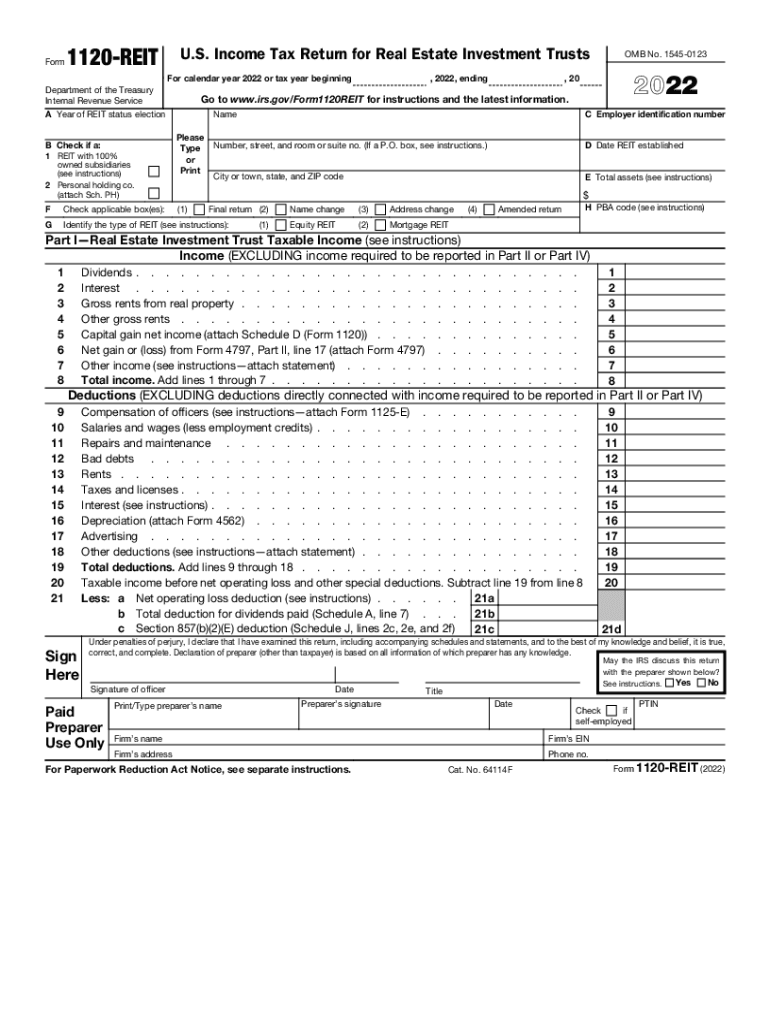
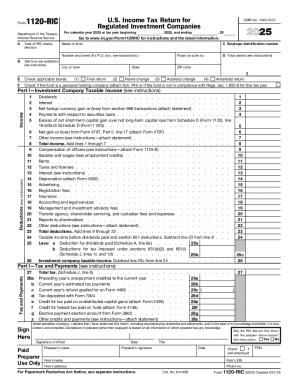
IRS 1120-REIT 2022 free printable template


Get Form
pdfFiller is not affiliated with IRS
Screenshot
Screenshot
Screenshot

Get, Create, Make, and Sign IRS 1120-REIT

Edit your IRS 1120-REIT online
Type text, complete fillable fields, insert images, highlight or blackout data for discretion, add comments, and more.
Screenshot
Add your legally-binding signature
Draw or type your signature, upload a signature image, or capture it with your digital camera.
Screenshot
Share your form instantly
Email, fax, or share your IRS 1120-REIT via URL. You can also download, print, or export forms to your preferred cloud storage service.
Screenshot

Instructions and Help about IRS 1120-REIT

How to edit IRS 1120-REIT

Editing the IRS 1120-REIT form is straightforward. Utilize pdfFiller tools to modify the text and adjust any information as needed. Ensure that you follow the IRS guidelines for formatting and content, as any errors can lead to rejection during filing.

How to fill out IRS 1120-REIT

Filling out the IRS 1120-REIT involves several steps:
01
Obtain the IRS 1120-REIT form from the IRS website or through pdfFiller.
02
Gather necessary financial documents related to your real estate investment trust (REIT) income and expenses.
03
Enter your REIT's financial information in the designated areas of the form, ensuring accuracy.
04
Review the form thoroughly before submission to correct any errors.

About IRS 1120-REIT 2022 previous version

What is IRS 1120-REIT?

IRS 1120-REIT is the federal tax return form specifically designed for Real Estate Investment Trusts (REITs). It allows REITs to report their income, expenses, and tax liabilities to the Internal Revenue Service.

Who needs the form?

Any entity operating as a Real Estate Investment Trust must file the IRS 1120-REIT. This includes both publicly traded REITs and private REITs that meet IRS requirements regarding income sources and asset composition.

Components of the form

The IRS 1120-REIT includes several components, such as income statement sections, balance sheets, and schedules that outline various deductions and credits available for REITs. Each section must be completed accurately to reflect the financial status of the REIT.

What are the penalties for not issuing the form?

Failure to timely file the IRS 1120-REIT can result in substantial penalties imposed by the IRS. This can include a penalty for late filing, which is typically assessed on a per-day basis until the form is filed. Additionally, failure to pay any taxes owed may result in further interest and penalties.

Is the form accompanied by other forms?

Yes, the IRS 1120-REIT may require additional schedules and forms to be submitted alongside it, depending on the specifics of the REIT’s financial circumstances. Common accompanying forms include Schedules A, B, and C, which provide further detail about income, deductions, and specific credits claimed.

What is the purpose of this form?

The purpose of the IRS 1120-REIT form is to provide the IRS with detailed financial information about a REIT's operations, including income generated from real estate, deductions for expenses, and the calculation of taxes owed. The form plays a crucial role in ensuring compliance with tax regulations specific to REITs.

When am I exempt from filling out this form?

Exemptions from filing the IRS 1120-REIT generally apply to certain entities that do not qualify as REITs under IRS regulations. For instance, if an organization does not meet the income or asset tests established for REIT qualifications, it may not be required to file.

Due date

The due date for filing IRS 1120-REIT is typically the 15th day of the 4th month after the end of the REIT's tax year. However, if the REIT's tax year ends on December 31, the filing deadline is April 15 of the following year. Extensions can be requested, but they must be filed timely.

What information do you need when you file the form?

When filing the IRS 1120-REIT, you must have comprehensive information regarding your REIT's financial position. This includes data on income derived from real estate properties, operational expenses, and any deductions the REIT can claim.

Where do I send the form?

The completed IRS 1120-REIT form should be sent to the address specified in the IRS instructions for the form, which may vary depending on the REIT’s location. It is important to confirm the correct mailing address prior to submission to avoid processing delays.

FAQ about IRS 1120-REIT

If you discover an error after filing your 1120-reit US income tax, you can submit an amended return to correct the mistake. It's essential to follow the specific guidelines for amended forms and clearly indicate the changes. Keep a copy of the amended form and any correspondence for your records.

To verify the status of your filed 1120-reit US income tax, you can check online through the IRS website or use the IRS e-file status tool. Ensure you have your details handy, as you may need to enter specific information to access your submission's status.

When e-filing your 1120-reit US income tax, it's critical to secure personal and financial information. Use reputable e-filing services that provide encryption and adhere to privacy protocols. Retain records in a secure location to protect against unauthorized access.

If your e-file submission of the 1120-reit US income tax is rejected, you will receive a notification detailing the reason for rejection. Review the errors thoroughly, make the necessary corrections, and resubmit your return promptly. Contact your e-filing service for support if needed.

Upon receiving a notice or audit related to your 1120-reit US income tax, it's vital to read the communication carefully to understand the IRS's concerns. Gather the required documentation to support your return and consider consulting a tax professional for guidance on how to respond appropriately.


See what our users say
Trust Seal
Trust Seal
Trust Seal
Trust Seal
Trust Seal
Trust Seal
Trust Seal
Trust Seal
Rate free form
4.8
satisfied
255 votes

How to Fill Out Small Business Tax Forms Online with pdfFiller

Struggling with your Schedule C or not sure how to file business taxes as a sole proprietor, LLC, or self-employed professional? This step-by-step pdfFiller tutorial walks you through completing IRS Schedule C quickly and accurately — no printing, no scanning, no stress. Whether you're handling small business tax deductions, tracking self-employed taxes, or preparing your full business tax return, pdfFiller makes it simple right in your browser.

If you believe that this page should be taken down, please follow our DMCA take down process here .
This form may include fields for payment information. Data entered in these fields is not covered by PCI DSS compliance.