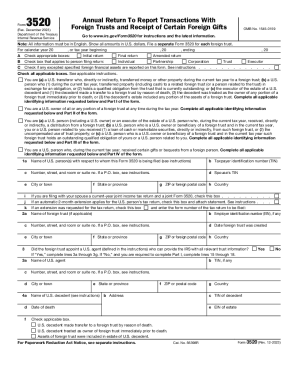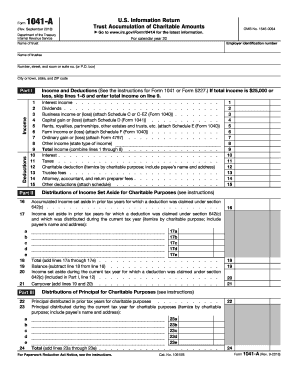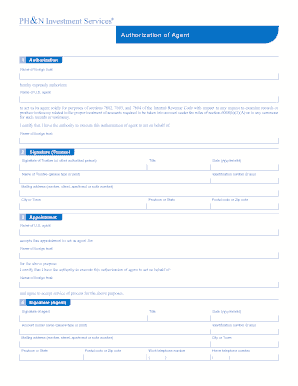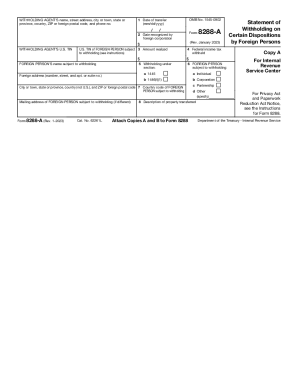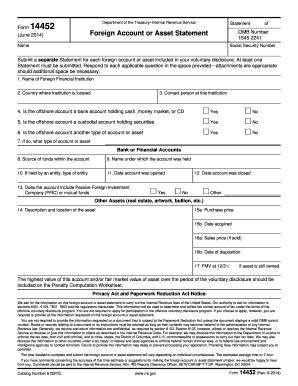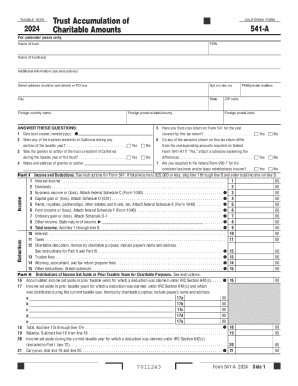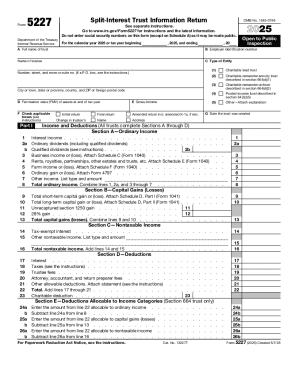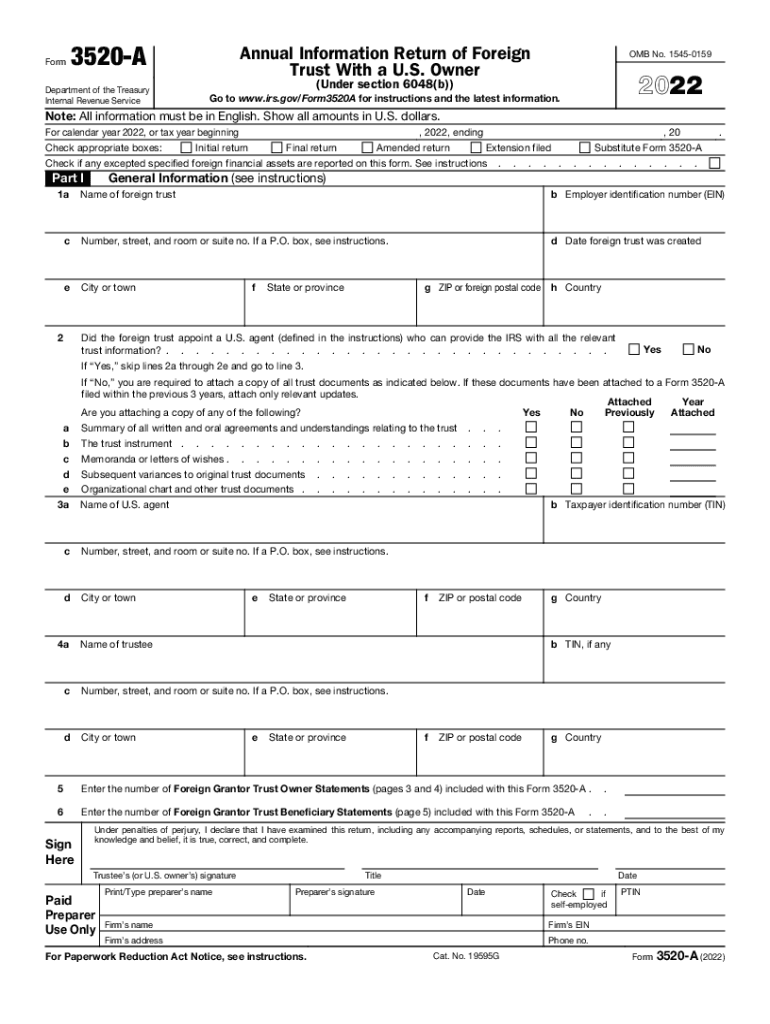
Form preview

IRS 3520-A 2022 free printable template


Get Form
pdfFiller is not affiliated with IRS
Screenshot
Screenshot
Screenshot

Get, Create, Make, and Sign IRS 3520-A

Edit your IRS 3520-A online
Type text, complete fillable fields, insert images, highlight or blackout data for discretion, add comments, and more.
Screenshot
Add your legally-binding signature
Draw or type your signature, upload a signature image, or capture it with your digital camera.
Screenshot
Share your form instantly
Email, fax, or share your IRS 3520-A via URL. You can also download, print, or export forms to your preferred cloud storage service.
Screenshot

Instructions and Help about IRS 3520-A

How to edit IRS 3520-A

To edit the IRS 3520-A form, you can use pdfFiller's tools for seamless modifications. Upload the form to the platform, where you can easily add or remove information. Ensure that any changes are accurate, especially since the IRS requires specific details in every section.

How to fill out IRS 3520-A

To fill out the IRS 3520-A, begin by gathering the necessary information, including your name, taxpayer identification number, and details regarding your foreign trust. Follow these steps:
01
Access the IRS 3520-A form via the IRS website or your preferred tax platform.
02
Carefully read through the instructions provided with the form.
03
Complete each section diligently, ensuring all information is accurate and complete.
04
Double-check your entries to avoid errors that might lead to penalties.
05
Use pdfFiller to save and submit your completed form electronically.

About IRS 3520-A 2022 previous version

What is IRS 3520-A?

IRS 3520-A is a tax form used by U.S. taxpayers who have foreign trusts or receive distributions from foreign trusts. This form is crucial for reporting the terms of the trust, a list of current beneficiaries, and additional information to comply with U.S. tax laws.

Who needs the form?

U.S. taxpayers who own foreign trusts are required to file the IRS 3520-A. This includes individuals who are the grantors or beneficiaries of such trusts. Additionally, if a U.S. person makes a distribution from a foreign trust, they may also need to file this form to report that distribution.

Components of the form

The IRS 3520-A consists of several sections that require detailed information about the foreign trust. Key components include the identification of the trust, the details of the grantor and beneficiaries, and specific trust transactions. Each section must be filled out meticulously to avoid issues with the IRS.

What information do you need when you file the form?

When filing IRS 3520-A, you need specific details, including the name of the trust, the name of the grantor, identification of beneficiaries, and any distributions made during the tax year. You should also be prepared with documents relating to the trust's formation and transactions to provide proof of the reported information.

Where do I send the form?

Completed IRS 3520-A forms should be sent to the address specified in the form instructions. Depending on where you live, the submission address may vary, so double-check the IRS guidelines to ensure the proper mailing location.

What is the purpose of this form?

The primary purpose of IRS 3520-A is to inform the IRS about foreign trusts and the U.S. taxable parties involved. By filing this form, U.S. taxpayers help the IRS assess their tax liabilities related to foreign trusts. It is also designed to ensure compliance with the reporting requirements for both the trust itself and its beneficiaries.

When am I exempt from filling out this form?

Exemptions from filing IRS 3520-A apply to certain scenarios, such as if the foreign trust has been completely transferred to a U.S. person and all distributions have been reported on Form 3520. Additionally, if you are not a grantor or beneficiary of the trust, you may not be required to file this form.

What are the penalties for not issuing the form?

Failure to file IRS 3520-A can result in substantial penalties. The IRS may impose a penalty of up to $10,000 for not filing the form timely, and additional penalties can apply for incomplete information. It is crucial to file accurately and on time to avoid these financial repercussions.

Is the form accompanied by other forms?

IRS 3520-A may need to be filed alongside other forms, particularly form 3520 for reporting distributions and gifts. Ensure compliance by verifying if any additional forms are required based on your tax situation.

FAQ about IRS 3520-A

If you discover an error on your IRS 3520-A after filing, you can submit an amended form to correct the mistake. Be sure to label it as 'Amended' and include any relevant documentation to support the changes. This process helps ensure your records are accurate and reduces the risk of future issues with the IRS.

To verify the receipt and processing status of your IRS 3520-A, it is advisable to use the IRS's online tools or contact their support directly. Keep the confirmation number from your e-filing or postal tracking information for reference. This ensures you have documentation to check in case of any discrepancies.

When e-filing the IRS 3520-A, ensure your software is compatible with IRS standards and that your internet browser is updated. Check for any specific technical requirements or errors noted during the submission process to avoid common rejection issues, which can delay processing.

If you receive a notice from the IRS about your IRS 3520-A, read it carefully to understand the issue. Gather all requested documentation and be prepared to respond promptly. It's essential to address any concerns directly to prevent further complications or penalties.

Common errors in filing the IRS 3520-A include incorrect information on personal details, lacking documentation, or failing to follow the specific guidelines for non-resident alien filers. Double-check your form against the instructions and ensure all required information is accurate before submission.


See what our users say
Trust Seal
Trust Seal
Trust Seal
Trust Seal
Trust Seal
Trust Seal
Trust Seal
Trust Seal
Rate free form
4.8
satisfied
104 votes

How to Fill Out Small Business Tax Forms Online with pdfFiller

Struggling with your Schedule C or not sure how to file business taxes as a sole proprietor, LLC, or self-employed professional? This step-by-step pdfFiller tutorial walks you through completing IRS Schedule C quickly and accurately — no printing, no scanning, no stress. Whether you're handling small business tax deductions, tracking self-employed taxes, or preparing your full business tax return, pdfFiller makes it simple right in your browser.

Related Forms

If you believe that this page should be taken down, please follow our DMCA take down process here .
This form may include fields for payment information. Data entered in these fields is not covered by PCI DSS compliance.