
Last updated on
Nov 9, 2026
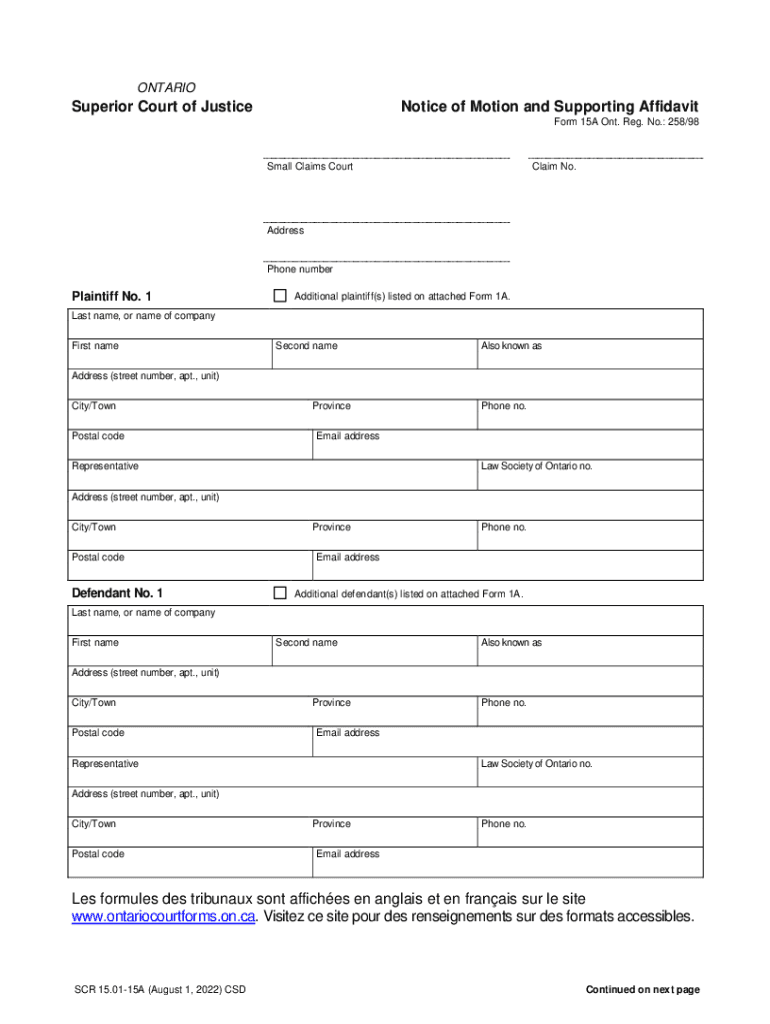
Canada SCR 15.01-15A - Ontario 2022-2026 free printable template
We are not affiliated with any brand or entity on this form

Fill out
Complete the form online in a simple drag-and-drop editor.

eSign
Add your legally binding signature or send the form for signing.

Share
Share the form via a link, letting anyone fill it out from any device.

Export
Download, print, email, or move the form to your cloud storage.
Why pdfFiller is the best tool for your documents and forms


End-to-end document management
From editing and signing to collaboration and tracking, pdfFiller has everything you need to get your documents done quickly and efficiently.
Accessible from anywhere
pdfFiller is fully cloud-based. This means you can edit, sign, and share documents from anywhere using your computer, smartphone, or tablet.
Secure and compliant
pdfFiller lets you securely manage documents following global laws like ESIGN, CCPA, and GDPR. It's also HIPAA and SOC 2 compliant.
What is Canada SCR 15.01-15A - Ontario
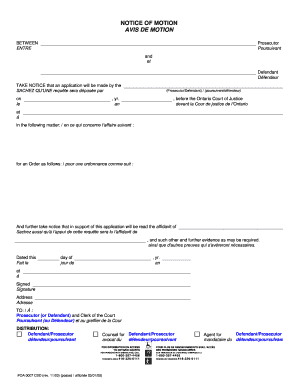
The Ontario Superior Court Notice of Motion and Supporting Affidavit (Form 15A) is a legal document used by plaintiffs and defendants in Ontario to request a court hearing for various orders.
pdfFiller scores top ratings on review platforms




Who needs Canada SCR 15.01-15A - Ontario?
Explore how professionals across industries use pdfFiller.

Canada SCR 15.01-15A - Ontario is needed by:
-
Plaintiffs seeking court orders in Ontario Small Claims Court
-
Defendants wishing to respond to motions in Ontario
-
Commissioners officiating legal documents
-
Legal professionals assisting clients with motions
-
Deponents providing sworn affidavits for court
Comprehensive Guide to Canada SCR 15.01-15A - Ontario
What is the Ontario Superior Court Notice of Motion and Supporting Affidavit?
The Ontario Superior Court Notice of Motion and Supporting Affidavit (Form 15A) serves as a critical legal document in Ontario legal proceedings. It is primarily used to request court hearings for various orders within the Ontario small claims court, such as extending deadlines, setting aside default judgments, or allowing the submission of defenses.
Legal professionals and individuals utilize this form to communicate their specific requests clearly, making it an essential tool within the legal system.
Purpose and Benefits of the Ontario Notice of Motion Form 15A
Form 15A plays a vital role in legal scenarios in Ontario. One primary reason for its use is to allow parties to present clear and concise requests to the court.
This document offers numerous benefits, including:
-
Clarifies the requests being made to the court
-
Organizes relevant information effectively
-
Ensures compliance with legal requirements
These advantages make Form 15A integral for any legal proceedings in Ontario.
Eligibility Criteria for the Ontario Superior Court Notice of Motion and Supporting Affidavit
Individuals eligible to use the Ontario Notice of Motion form 15A include plaintiffs, defendants, and other necessary parties involved in the legal process. Each role carries its own responsibilities and requirements for filing in Ontario.
To file this motion, specific conditions must be met, ensuring that all participants understand their rights and obligations within the legal framework.
How to Fill Out the Ontario Superior Court Notice of Motion and Supporting Affidavit Online
Filling out the Ontario Superior Court Notice of Motion and Supporting Affidavit is a straightforward process when using an online template. Follow these steps to complete the form:
-
Gather all necessary information before starting
-
Access the fillable fields and navigation tools
-
Complete each section accurately, utilizing checkboxes where applicable
-
Review your entries for any errors
This digital approach facilitates efficient completion of the Ontario motion affidavit template, streamlining the filing process for all parties involved.
Field-by-Field Instructions for the Ontario Motion Affidavit
Each section of the Ontario Superior Court Notice of Motion and Supporting Affidavit contains critical fields that require careful input. Key instructions include:
-
Enter the names and contact details of the parties involved
-
Provide clear and specific request statements
-
Ensure accuracy in the signature fields for the deponent and commissioner
Common pitfalls include missing signatures or incorrect party information, which should be avoided for a successful filing.
Signing and Notarizing the Ontario Superior Court Notice of Motion
The signing process for the Ontario Superior Court Notice of Motion requires the presence of both the deponent and a commissioner for taking affidavits. Notarization enhances the document's validity.
Obtaining notarization can be accomplished through traditional methods or digital means, making it accessible for all users, including those utilizing digital signature options.
Submission Methods for the Ontario Superior Court Notice of Motion
Submitting the Ontario Superior Court Notice of Motion can happen through various methods, including:
-
In-person submissions at the court
-
Submitting via videoconference
-
Utilizing a teleconference option
Preparation ahead of submission ensures that all documents are in order and that confirmation of receipt is obtained from the court.
What Happens After You Submit the Ontario Superior Court Notice of Motion?
After submission of the Ontario Superior Court Notice of Motion, several potential outcomes may arise. Processing times can vary, and tracking the status of the motion is essential to ensure timely updates.
Addressing any associated issues promptly is crucial for maintaining the progress of your legal matter.
Security and Compliance with the Ontario Superior Court Notice of Motion
Handling the Ontario Superior Court Notice of Motion involves strict adherence to security protocols to maintain confidentiality and data protection. pdfFiller ensures sensitive information is safeguarded throughout the form completion process.
This commitment to security aligns with legal compliance standards, enhancing the trustworthiness of using the Ontario legal motion form.
Start Filling Out Your Ontario Superior Court Notice of Motion Today!
Utilizing pdfFiller to complete your Ontario Superior Court Notice of Motion makes the process efficient and straightforward. The online platform allows users to edit easily, eSign, and store their forms securely.
The combination of these features supports effective document management and enhances the user experience in navigating legal forms.
How to fill out the Canada SCR 15.01-15A - Ontario
-
1.Access the Ontario Superior Court Notice of Motion and Supporting Affidavit form on pdfFiller by searching for 'Ontario Notice of Motion Form 15A' in the platform's search bar.
-
2.Once located, click on the form to open it in pdfFiller's editor interface, which allows you to fill in fields easily.
-
3.Before starting, gather all necessary details such as names, addresses, and the specific orders you wish the court to consider.
-
4.Navigate through the form by clicking on each field. Enter required information, including the plaintiff's name, defendant's name, and detailed reasons for the motion.
-
5.For checkboxes, simply click to select or deselect options as appropriate for your case.
-
6.As you complete the form, review all sections to ensure accuracy. Make sure every required field is filled out correctly, as this will facilitate smoother processing.
-
7.After filling in the details, check for any missing information or errors. Use pdfFiller's review tools to highlight or note any areas requiring correction.
-
8.Once satisfied with your completed form, save your progress and choose the option to download it in your desired format.
-
9.Finally, submit the form through the court’s designated method, which may include electronic submission, mailing it, or filing it in person.

Who is eligible to use the Ontario Superior Court Notice of Motion and Supporting Affidavit?
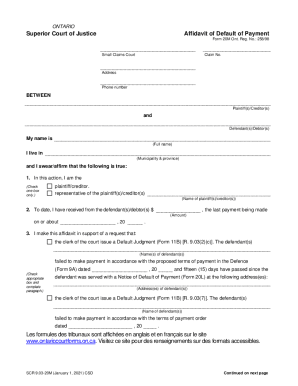
Any plaintiff or defendant involved in a proceeding before the Ontario Superior Court can use the Notice of Motion and Supporting Affidavit form. Legal representatives like lawyers or commissioners can also utilize the form on behalf of their clients.
What are the deadlines for submitting this form?
Deadlines for submissions can vary depending on the court schedule and specific case rules. It is crucial to check the court's timelines and ensure you're submitting your Notice of Motion at least several days before the scheduled hearing date.
What are the methods for submitting the completed form?
You can submit the Notice of Motion either in person at the courthouse, via mail, or electronically, depending on the court's regulations. Confirm the preferred submission method with the relevant court before submitting.
What supporting documents are required with this form?
Attachments may vary based on the case specifics. Typically, you will need to include an affidavit supporting your motion. Always check the court's requirements to ensure you have all necessary documents ready.
What common mistakes should be avoided when completing this form?
Ensure all fields are filled in completely and accurately. Common mistakes include missing signatures, incorrect names, or leaving out required supporting documents. Double-check all details before submission to avoid delays.
What is the processing time for the Notice of Motion once submitted?
Processing times can vary significantly based on court workload and the complexity of the motion. It is advisable to inquire about expected processing times at the courthouse upon submission.
Can I amend the form after submission if I realize I made a mistake?
Yes, if you notice an error after submitting your Notice of Motion, you may be able to file a request to amend it. Contact the court clerk's office for guidance on how to proceed.
Canada SCR 15.01-15A - Ontario Form Versions
Related Forms
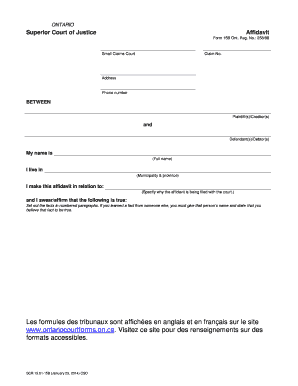
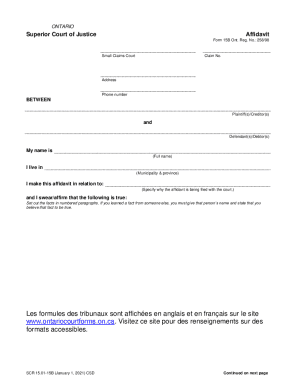

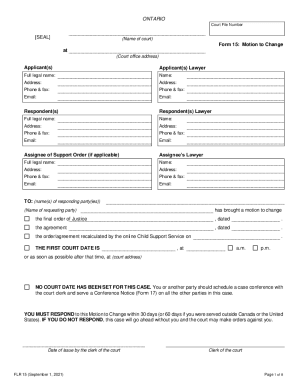
Get the latest insights from our blog


If you believe that this page should be taken down, please follow our DMCA take down process
here
.
This form may include fields for payment information. Data entered in these fields is not covered by PCI DSS compliance.