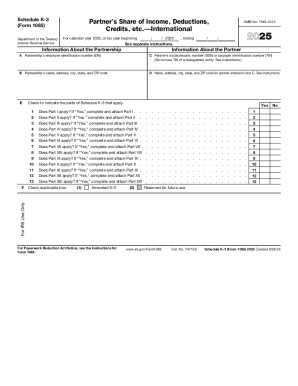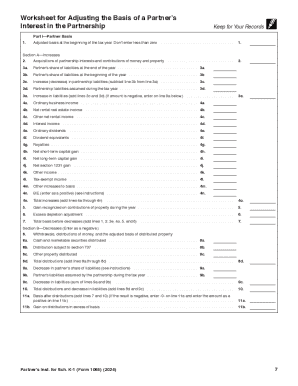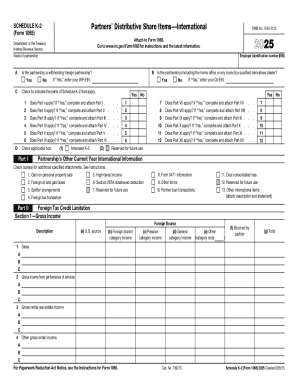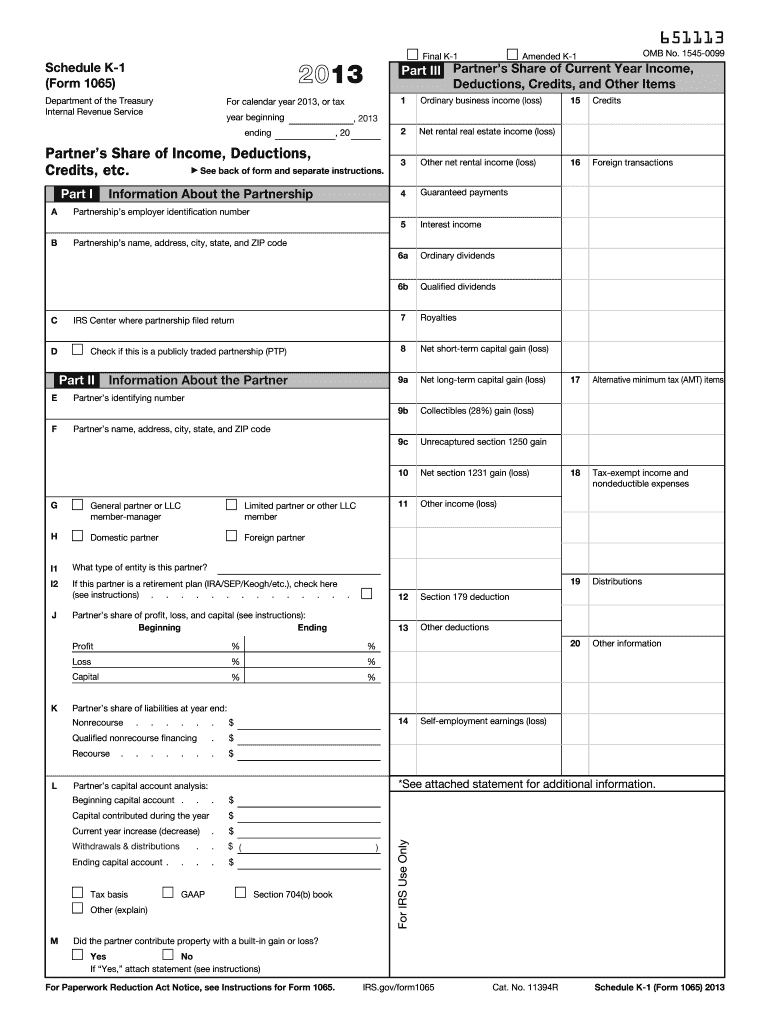
Form preview

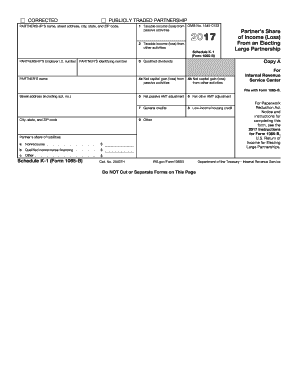
IRS 1065 - Schedule K-1 2013 free printable template


Get Form
pdfFiller is not affiliated with IRS
Screenshot
Screenshot
Screenshot

Get, Create, Make, and Sign IRS 1065 - Schedule K-1

Edit your IRS 1065 - Schedule K-1 online
Type text, complete fillable fields, insert images, highlight or blackout data for discretion, add comments, and more.
Screenshot
Add your legally-binding signature
Draw or type your signature, upload a signature image, or capture it with your digital camera.
Screenshot
Share your form instantly
Email, fax, or share your IRS 1065 - Schedule K-1 via URL. You can also download, print, or export forms to your preferred cloud storage service.
Screenshot

Instructions and Help about IRS 1065 - Schedule K-1

How to edit IRS 1065 - Schedule K-1

To edit the IRS 1065 - Schedule K-1, first obtain the latest form from the IRS website or a trusted tax resource. With pdfFiller, you can upload your existing form directly, edit fields as necessary, and save your changes. Ensure you double-check all entries for accuracy before proceeding to submit the form.

How to fill out IRS 1065 - Schedule K-1

Filling out IRS 1065 - Schedule K-1 involves several steps. First, gather all necessary information related to your business, such as your entity type, income details, and partner information. Then follow these steps:
01
Enter the partnership’s name, address, and Employer Identification Number (EIN).
02
Provide the partner's information including their name, address, and tax identification number.
03
Report the partner’s share of income, deductions, and credits accurately in the respective categories.
04
Review and finalize the entries to ensure compliance and accuracy.

About IRS 1065 - Schedule K-1 2013 previous version

What is IRS 1065 - Schedule K-1?

IRS 1065 - Schedule K-1 is a tax document used by partnerships to report income, deductions, and credits to each partner. This form provides details on an individual partner's share in the partnership, allowing the partner to report these amounts on their personal income tax returns. Schedule K-1 is essential for accurately reflecting income derived from partnership activities.

When am I exempt from filling out this form?

Exemptions from filling out IRS 1065 - Schedule K-1 generally apply if the partnership does not have any reportable income or loss for the year. Additionally, partners who are not receiving distributions or have no basis in their partnership interests may also be exempt. However, it is essential to confirm this with a tax professional to ensure compliance with current tax regulations.

What are the penalties for not issuing the form?

Failure to issue the IRS 1065 - Schedule K-1 can result in significant penalties. The IRS may impose fines on partnerships that do not provide Schedule K-1 to partners or file it with the IRS. Each month of delay can increase these penalties, making timely issuance essential to avoid financial repercussions.

Is the form accompanied by other forms?

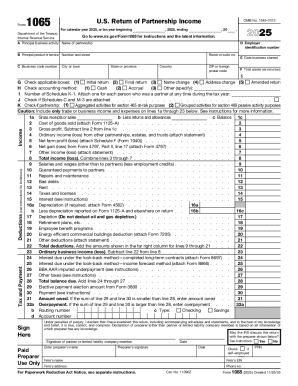
Typically, when filing IRS 1065 - Schedule K-1, it should accompany Form 1065, which is the return for the partnership itself. Partners should also attach their personal income tax returns to report the income detailed in Schedule K-1. This ensures all income reported aligns with IRS guidelines and requirements.

What is the purpose of this form?

The primary purpose of IRS 1065 - Schedule K-1 is to inform each partner of their respective earnings, losses, and distributions from the partnership. This documentation ensures that partners can accurately report their income tax obligations. Schedule K-1 plays a critical role in maintaining transparency within the partnership and providing correct tax reporting to the IRS.

Who needs the form?

Partners in a partnership are required to receive an IRS 1065 - Schedule K-1 annually. This includes general partners and limited partners. If you have participated in a partnership for the tax year, you must report your share of the income and other adjustments as outlined on the Schedule K-1 provided by the partnership.

Components of the form

The IRS 1065 - Schedule K-1 consists of various components that capture essential data, including:
01
Part I: Information about the partnership and the partner.
02
Part II: Partner's share of current year income, deductions, and credits.
03
Part III: Partner's capital account analysis.
Understanding these components is vital for accurate reporting and compliance with IRS requirements.

What information do you need when you file the form?

When filing IRS 1065 - Schedule K-1, you will need several key pieces of information. This includes your partnership's name, address, and EIN, as well as the partner's name, address, and tax identification number. Additionally, you will need details about income, deductions, credits, and any other adjustments related to the partner's share in the partnership.

Where do I send the form?

The completed IRS 1065 - Schedule K-1 should be mailed along with the partnership return Form 1065 to the address specified in the form instructions. Each partner also needs to file their respective Schedule K-1 with their personal tax returns to ensure that all reported income corresponds to their tax obligations.

FAQ about IRS 1065 - Schedule K-1

If you discover an error on your IRS 1065 - Schedule K-1, you should file an amended return using the correct information. It's important to notify any recipients of the K-1 about the correction as well.

To verify receipt of your IRS 1065 - Schedule K-1, you can use the IRS's 'Where's My Refund?' tool or contact the IRS directly. Make sure to have your information handy to facilitate the inquiry.

Upon receiving an audit notice regarding your IRS 1065 - Schedule K-1, gather all relevant documentation and consider seeking advice from a tax professional. Respond timely to the notice with the requested information.

Yes, the IRS accepts e-signatures for submitting the IRS 1065 - Schedule K-1, but specific requirements must be met to ensure compliance. Consult IRS guidelines for the acceptable methods of e-signing.

Common mistakes include incorrect taxpayer identification numbers and failing to report all income. Ensure that all information is accurate and matches the supporting documentation before submission to avoid delays.

See what our users say

Read user feedback and try pdfFiller to explore all its benefits for yourself
Good thing! Very suitable thing for paperless work with documents. I can do that everything from my tablet and there is no any need in rewriting docs many times!
Arianna R.
Could be worse for this price I was expecting that it will be worse because I have seen a lot of weird and bad reviews. Especially in their Google extension market. But it works not bad, actually. I can recommend it.
Aijareetta R.
See what our users say
Trust Seal
Trust Seal
Trust Seal
Trust Seal
Trust Seal
Trust Seal
Trust Seal
Trust Seal
Rate free form
4.1
satisfied
76 votes

How to Fill Out Small Business Tax Forms Online with pdfFiller

Struggling with your Schedule C or not sure how to file business taxes as a sole proprietor, LLC, or self-employed professional? This step-by-step pdfFiller tutorial walks you through completing IRS Schedule C quickly and accurately — no printing, no scanning, no stress. Whether you're handling small business tax deductions, tracking self-employed taxes, or preparing your full business tax return, pdfFiller makes it simple right in your browser.

Related Forms

If you believe that this page should be taken down, please follow our DMCA take down process here .
This form may include fields for payment information. Data entered in these fields is not covered by PCI DSS compliance.