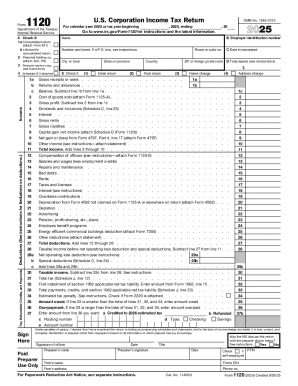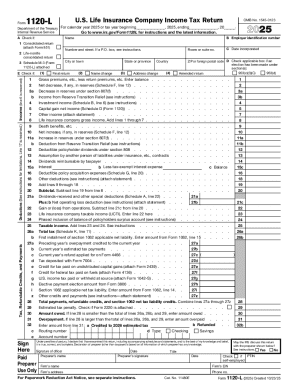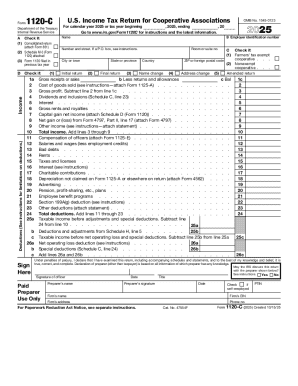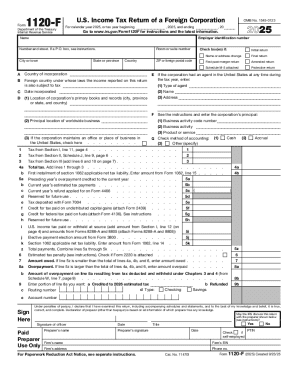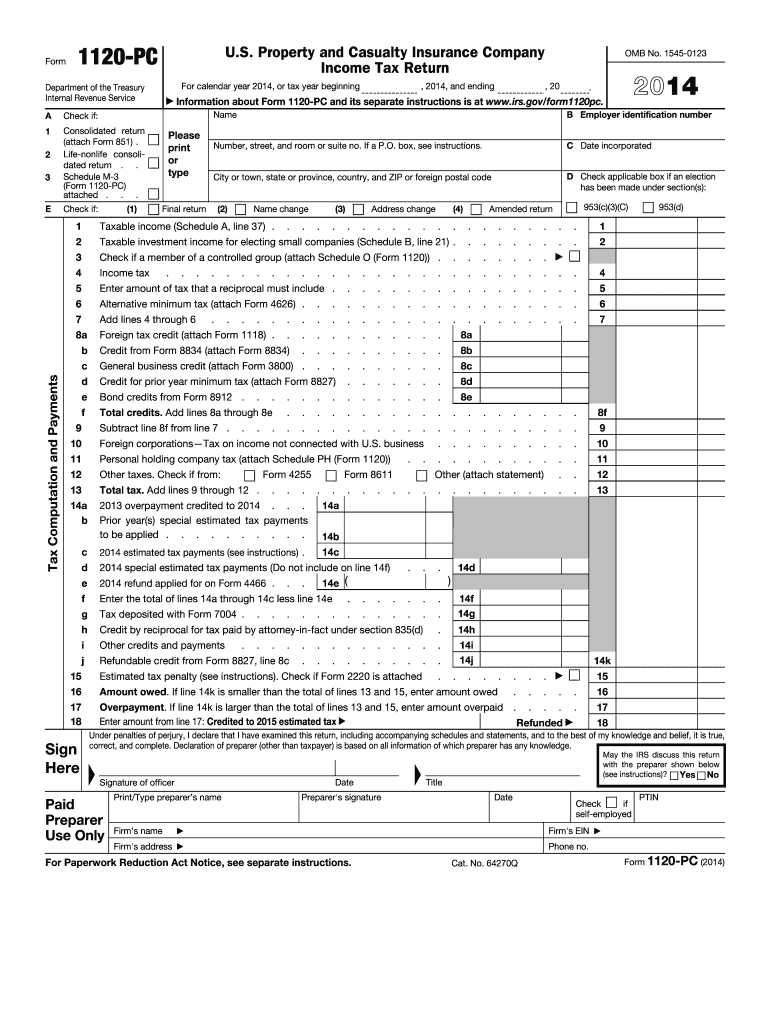
IRS 1120-PC 2014 free printable template



Get, Create, Make, and Sign IRS 1120-PC



Instructions and Help about IRS 1120-PC
How to edit IRS 1120-PC
How to fill out IRS 1120-PC
About IRS 1120-PC 2014 previous version
What is IRS 1120-PC?
Who needs the form?
Components of the form
What are the penalties for not issuing the form?
Is the form accompanied by other forms?
What is the purpose of this form?
When am I exempt from filling out this form?
Due date
What information do you need when you file the form?
Where do I send the form?
FAQ about IRS 1120-PC
What should I do if I need to amend my 1120 pc 2014 form after submission?
To correct mistakes on your submitted 1120 pc 2014 form, you need to file an amended return using the appropriate procedure. Ensure that all corrections are documented clearly and submit the amended form separately if necessary, paying close attention to any instructions specified by the IRS for handling amendments.
How can I verify if my 1120 pc 2014 form was received and processed?
You can track the status of your 1120 pc 2014 form by contacting the IRS or using their online tools if you e-filed. Keep an eye out for common rejection codes which can provide insights into any issues experienced during processing.
Are there any privacy concerns I should consider when filing the 1120 pc 2014 form?
Yes, when filing your 1120 pc 2014 form, it’s essential to adhere to privacy and data security norms since it contains sensitive information. Implement measures like secure transmission methods and safe storage practices for your documentation as specified in IRS guidance.
What common errors should I avoid when preparing my 1120 pc 2014 form?
Common errors include incorrect data entry, failing to include necessary signatures, and overlooking deadlines. Double-check each entry for accuracy, and ensure that all required fields are completed to minimize the risk of rejection or delayed processing.
What should I do if I receive a notice related to my 1120 pc 2014 form?
If you receive a notice or letter from the IRS regarding your 1120 pc 2014 form, carefully read the communication and respond according to the instructions provided. Gather any relevant documentation that supports your case to better prepare for a response or potential audit.








How to Fill Out Small Business Tax Forms Online with pdfFiller
Struggling with your Schedule C or not sure how to file business taxes as a sole proprietor, LLC, or self-employed professional? This step-by-step pdfFiller tutorial walks you through completing IRS Schedule C quickly and accurately — no printing, no scanning, no stress. Whether you're handling small business tax deductions, tracking self-employed taxes, or preparing your full business tax return, pdfFiller makes it simple right in your browser.