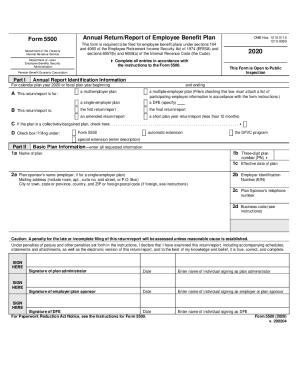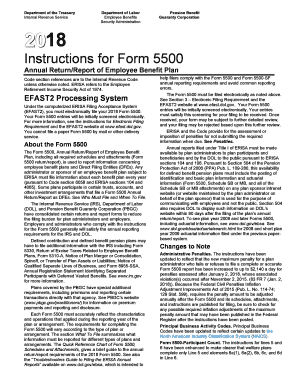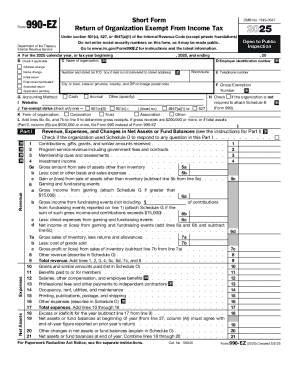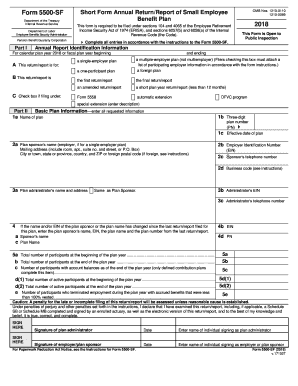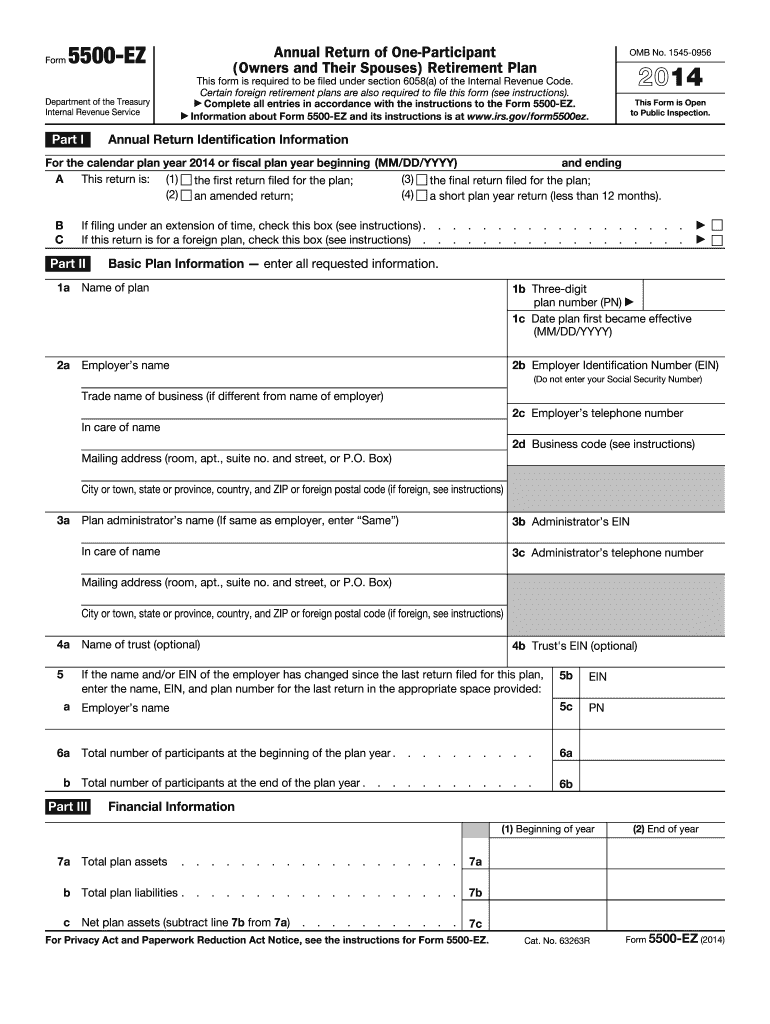
Form preview

IRS 5500-EZ 2014 free printable template


Get Form
pdfFiller is not affiliated with IRS
Screenshot
Screenshot
Screenshot

Get, Create, Make, and Sign IRS 5500-EZ

Edit your IRS 5500-EZ online
Type text, complete fillable fields, insert images, highlight or blackout data for discretion, add comments, and more.
Screenshot
Add your legally-binding signature
Draw or type your signature, upload a signature image, or capture it with your digital camera.
Screenshot
Share your form instantly
Email, fax, or share your IRS 5500-EZ via URL. You can also download, print, or export forms to your preferred cloud storage service.
Screenshot

Instructions and Help about IRS 5500-EZ

How to edit IRS 5500-EZ

To edit IRS 5500-EZ, you can utilize pdfFiller's editing features. Start by uploading your completed form to pdfFiller. Once uploaded, use the editing tools to modify any text or numerical entries as needed. Ensure that all changes comply with IRS regulations, making it easy to keep your information accurate and up-to-date.

How to fill out IRS 5500-EZ

To fill out IRS 5500-EZ, follow these steps:
01
Gather necessary financial information related to your plan.
02
Begin filling out the form, providing basic details about the plan sponsor and the plan itself.
03
Complete sections concerning plan sponsors, service providers, and financial data.
04
Check for accuracy before submission.

About IRS 5500-EZ 2014 previous version

What is IRS 5500-EZ?

IRS 5500-EZ is a tax form used by retirement plan sponsors to report information on the operation and funding of a retirement plan. This form is specifically designed for one-participant plans and is a simplified version of the more complex Form 5500, typically used by larger plans.

When am I exempt from filling out this form?

You are exempt from filing IRS 5500-EZ if your total assets in the plan are valued at less than $250,000 as of the end of the plan year. Additionally, plans that are not intended for business purposes and are not oOperationally established may also qualify for exemption.

What are the penalties for not issuing the form?

Failure to file IRS 5500-EZ may result in penalties imposed by the IRS. These penalties can accrue at $50 per day, with a maximum penalty of $15,000 for continued failure to file. Ensuring timely submission is crucial to avoid these financial consequences.

Is the form accompanied by other forms?

In most cases, IRS 5500-EZ is submitted independently and does not require accompanying forms when filed for individual retirement plans. However, depending on your specific circumstances, supplemental schedules may be required if your plan involves additional participants or features.

What is the purpose of this form?

The primary purpose of IRS 5500-EZ is to provide the IRS and other interested parties with important information regarding a retirement plan's finances and operations. It aids in ensuring compliance with tax laws and regulations governing retirement plans.

Who needs the form?

IRS 5500-EZ is needed by plan sponsors of one-participant retirement plans, including sole proprietorships, partnerships, and corporations with only one participant. If you operate a plan that meets this criterion, you are required to file this form annually.

Components of the form

IRS 5500-EZ consists of several key components, including identification information for the plan and sponsor, financial statements detailing assets and liabilities, and disclosures related to the operation of the plan. Each part of the form should be filled out carefully to ensure accurate reporting.

What information do you need when you file the form?

When filing IRS 5500-EZ, you will need specific information including the plan's name and number, sponsor's details, financials such as total contributions, assets, and benefits paid. Accurate and complete financial reporting is essential for compliance with IRS requirements.

Where do I send the form?

IRS 5500-EZ must be sent to the appropriate address for the IRS based on your location. Generally, the form should be submitted to the following address:
01
Department of the Treasury
02
Internal Revenue Service
03
Ogden, UT 84201
Double-check current submission addresses through the IRS website, as they may change.

FAQ about IRS 5500-EZ

If you discover an error after submitting your IRS 5500-EZ, you can file an amended return to correct it. Ensure that you highlight the changes made to avoid confusion. It's advisable to keep a copy of the amended form for your records, as well as any correspondence with the IRS regarding the correction.

To verify the status of your IRS 5500-EZ, you can use the IRS online tools designed for tracking submissions. Additionally, you should keep an eye on confirmation emails or notices sent by the IRS to ensure that your form has been processed. If you face any issues, contact the IRS for more information.

In case your IRS 5500-EZ is rejected, the IRS will provide a reason, often in the form of a notice. Review the rejection code, rectify the identified issue, and re-submit your form as soon as possible. Make sure to document the changes made to ensure a smooth re-filing process.

Yes, electronic signatures are accepted for the IRS 5500-EZ. Ensure that your e-signature complies with IRS guidelines to avoid any issues. It’s essential to maintain records that verify your authorization if signing on behalf of someone else.

Common mistakes when filing the IRS 5500-EZ include incorrect participant counts, forgetting to sign the form, and failing to include required attachments. To avoid these issues, double-check your entries against the IRS guidelines before submission, ensuring all necessary fields are completed accurately.

See what our users say

Read user feedback and try pdfFiller to explore all its benefits for yourself
It is a user friendly, and economical way, to fill out legal forms in PDF format. Took just a few minutes to llearn how to use it.
Konrad M. S
It has been great for what I have used it for so far.
Cindy W
I never used this type of form fill in before, I just completed a JHA for my company and it seemed to work fine. Thanks
Anonymous Customer
I have found all of my documents super quick!
Lori S
As a new user, I found the software easy to use even without taking the tour.
Lisa
Fast and Easy to access Fast and Easy to access
Garima Chauhan
See what our users say
Trust Seal
Trust Seal
Trust Seal
Trust Seal
Trust Seal
Trust Seal
Trust Seal
Trust Seal
Rate free form
4.3
satisfied
8,329 votes

How to Fill Out Small Business Tax Forms Online with pdfFiller

Struggling with your Schedule C or not sure how to file business taxes as a sole proprietor, LLC, or self-employed professional? This step-by-step pdfFiller tutorial walks you through completing IRS Schedule C quickly and accurately — no printing, no scanning, no stress. Whether you're handling small business tax deductions, tracking self-employed taxes, or preparing your full business tax return, pdfFiller makes it simple right in your browser.

If you believe that this page should be taken down, please follow our DMCA take down process here .
This form may include fields for payment information. Data entered in these fields is not covered by PCI DSS compliance.