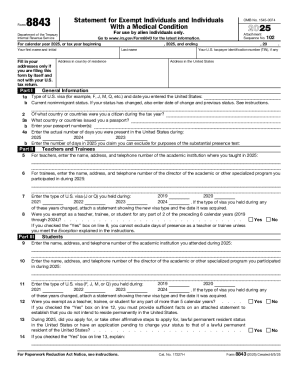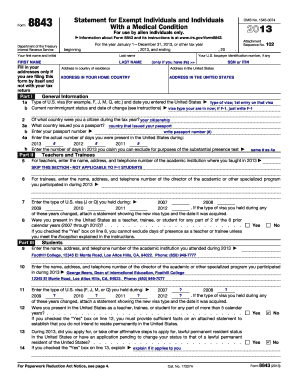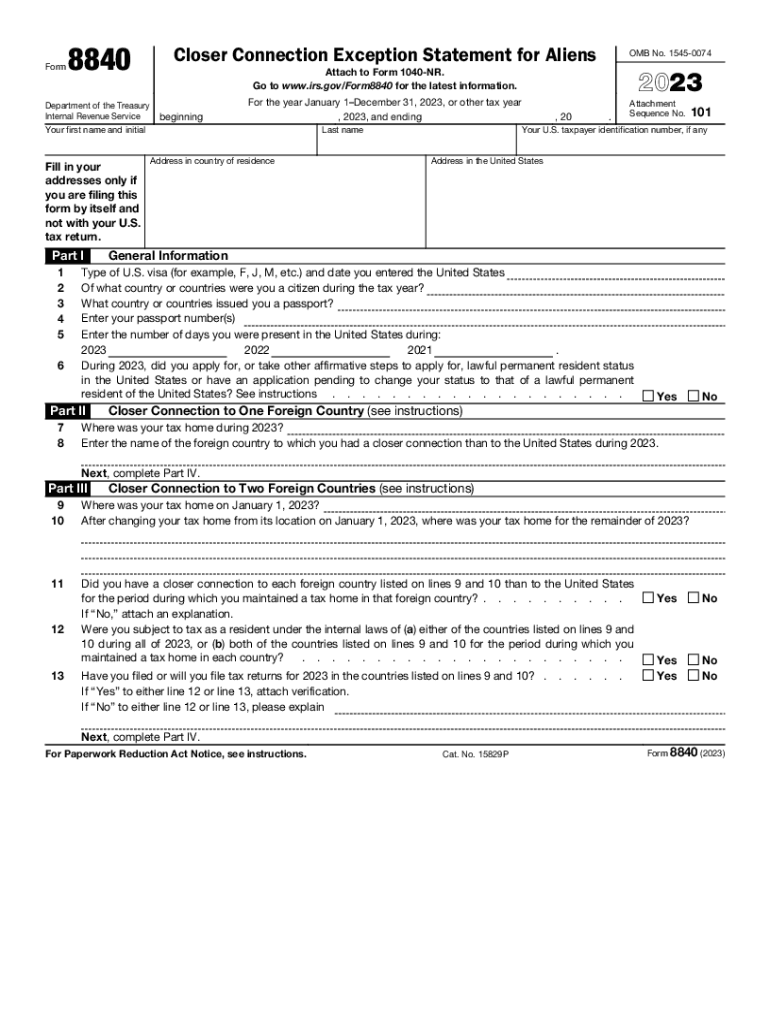
IRS 8840 2023 free printable template



Get, Create, Make, and Sign IRS 8840



FAQ about IRS 8840
What should I do if I realize I've made a mistake on my IRS 8840 after filing?
If you discover an error on your IRS 8840 after submission, you should submit a corrected form. You can generally file an amended return using IRS Form 1040-X and include your corrected IRS 8840. Ensure to indicate that this is an amended return and provide a detailed explanation of the corrections to the IRS.
How can I check if my IRS 8840 has been received and processed by the IRS?
To verify the status of your IRS 8840 after submission, you can use the IRS's online tools like the 'Where's My Refund?' feature if you are expecting a refund. Additionally, you might receive notice via mail once your form has been processed, but keep in mind that processing times can vary.
What are the privacy measures in place when submitting my IRS 8840 electronically?
When e-filing your IRS 8840, the IRS employs advanced security measures to protect your personal information. This includes encryption technologies during transmission and secure servers for data storage. As a filer, it’s essential to ensure your computer and internet connections are secure to maintain the privacy of your information.
What should I do if my e-filed IRS 8840 gets rejected?
If your e-filed IRS 8840 is rejected, the IRS will send you a notice explaining the reasons for the rejection. Review the rejection code, correct the identified issues, and then re-submit your form. It's advisable to file it again as soon as possible to avoid delays in compliance with tax regulations.
Can I appoint someone to file my IRS 8840 on my behalf?
Yes, you can authorize someone to file your IRS 8840 on your behalf by providing them with a Power of Attorney (POA). This document allows your representative to handle tax matters, including the filing of your IRS 8840, ensuring that they have the appropriate legal authority to act on your behalf.
See what our users say








How to Fill Out Small Business Tax Forms Online with pdfFiller
Struggling with your Schedule C or not sure how to file business taxes as a sole proprietor, LLC, or self-employed professional? This step-by-step pdfFiller tutorial walks you through completing IRS Schedule C quickly and accurately — no printing, no scanning, no stress. Whether you're handling small business tax deductions, tracking self-employed taxes, or preparing your full business tax return, pdfFiller makes it simple right in your browser.