
Last updated on
Oct 17, 2026

University of Maryland Teaming Agreement 2024-2026 free printable template
pdfFiller is not affiliated with any government organization

Fill out
Complete the form online in a simple drag-and-drop editor.

eSign
Add your legally binding signature or send the form for signing.

Share
Share the form via a link, letting anyone fill it out from any device.

Export
Download, print, email, or move the form to your cloud storage.
Why pdfFiller is the best tool for your documents and forms


End-to-end document management
From editing and signing to collaboration and tracking, pdfFiller has everything you need to get your documents done quickly and efficiently.
Accessible from anywhere
pdfFiller is fully cloud-based. This means you can edit, sign, and share documents from anywhere using your computer, smartphone, or tablet.
Secure and compliant
pdfFiller lets you securely manage documents following global laws like ESIGN, CCPA, and GDPR. It's also HIPAA and SOC 2 compliant.
What is University of Maryland Teaming Agreement
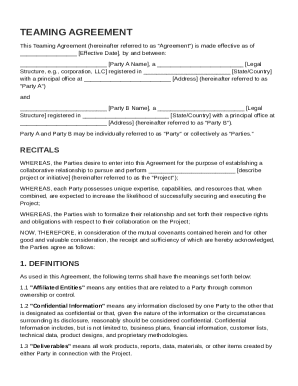
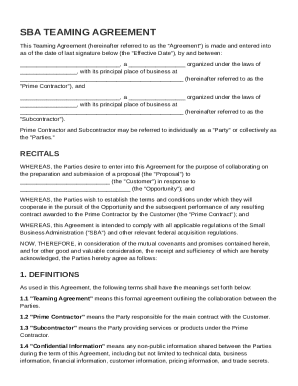
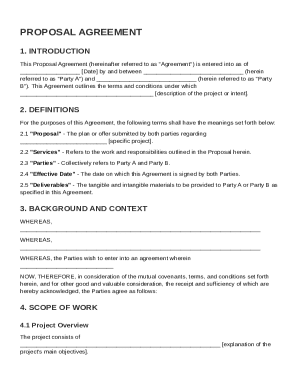
The Teaming Agreement is a legal document used by the University of Maryland and another party to outline their collaboration in proposal development and submission.
pdfFiller scores top ratings on review platforms




Who needs University of Maryland Teaming Agreement?
Explore how professionals across industries use pdfFiller.

University of Maryland Teaming Agreement is needed by:
-
Business partners seeking to collaborate on proposals
-
University affiliates involved in project submissions
-
Consultants partnering with organizations for project bids
-
Entrepreneurs looking for partnership agreements
-
Government entities needing formal collaborative agreements
Comprehensive Guide to University of Maryland Teaming Agreement
Overview of the Teaming Agreement
A Teaming Agreement is a formal document that outlines the partnership between two or more parties as they collaborate on proposal submissions. In Maryland, this agreement plays a crucial role in defining the responsibilities and expectations of each participant. Its legal implications ensure that all parties are held accountable, thereby facilitating a smoother proposal process. The agreement addresses essential aspects such as confidentiality and the obligations of each team member.
Purpose and Benefits of the Teaming Agreement
The creation of a Teaming Agreement is vital for several reasons, predominantly to enhance clarity and accountability among collaborating entities. By formalizing the partnership, businesses can establish performance expectations and safeguard proprietary information. Moreover, this agreement fosters trust, allowing all involved parties to work collaboratively toward shared goals.
-
Establishes clear roles and responsibilities.
-
Protects proprietary information from unauthorized disclosure.
-
Enhances collaboration and trust among participants.
Key Features of the Teaming Agreement
Essential components of a Teaming Agreement include obligations, rights, and conditions regarding termination. Participants must pay close attention to how proprietary information is handled, along with setting clear performance expectations. Specific clauses that comply with Maryland laws should be highlighted to ensure enforceability.
-
Obligations of each party regarding the proposal.
-
Rights related to proprietary information and its usage.
-
Termination conditions and processes for resolving disputes.
Who Needs the Teaming Agreement?
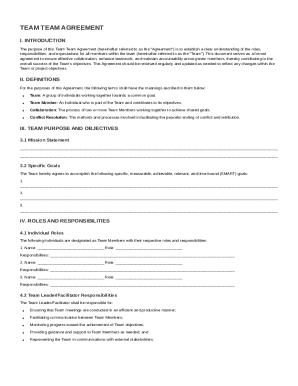
Various types of businesses and organizations in Maryland stand to gain from utilizing a Teaming Agreement. This document is especially beneficial in scenarios involving joint proposals, where clarity of roles is paramount. The agreement typically defines the roles of the Team Leader, who coordinates the collaboration, and the Team Members, who contribute to the proposal.
-
Professional service firms collaborating on bids.
-
Non-profit organizations seeking grant opportunities.
-
Educational institutions partnering on research projects.
How to Fill Out the Teaming Agreement Online
Filling out a Teaming Agreement using pdfFiller is a straightforward process. First, users must access the online form and begin editing. Each field requires specific information, including roles and obligations, which must be completed accurately to ensure compliance.
-
Access the Teaming Agreement on pdfFiller.
-
Edit the document by entering required information in the designated fields.
-
Review all completed sections to confirm accuracy before submitting.
Signing and Notarizing the Teaming Agreement
When finalizing a Teaming Agreement, understanding the signature requirements is crucial. Digital signatures are now widely accepted, though traditional wet signatures may still be necessary in some instances. Notarization might be required depending on specific conditions outlined within the agreement.
-
Digital signature options for convenience.
-
Scenarios necessitating notarization.
-
Secure handling of signed documents for legal protection.
Submitting Your Teaming Agreement: What You Need to Know
After completing the Teaming Agreement, proper submission is necessary to ensure compliance. Understanding where and how to submit the agreement can prevent delays. Important dates and deadlines should be monitored closely to avoid any missed opportunities.
-
Check submission locations for your specific project or solicitation.
-
Note deadlines for submission to avoid disqualification.
-
Inquire about any associated fees for filing the agreement.
Common Errors and How to Avoid Them
Completing and submitting the Teaming Agreement can be complicated, with common errors potentially leading to rejections or delays. Identifying these mistakes in advance is key to a smooth process. A thorough review of the filled-out agreement ensures accuracy and completeness.
-
Verify all participant information is accurate.
-
Ensure all required signatures are obtained.
-
Double-check that no fields are left blank.
What Happens After You Submit the Teaming Agreement
Following the submission of the Teaming Agreement, parties should know the next steps and anticipated timelines for confirmation. Checking the status of your application is important, as is being prepared to make corrections or amendments if needed.
-
Understand the typical timeline for submission confirmation.
-
Find out how to check the application status.
-
Learn what steps to take for potential corrections to the agreement.
Enhancing Your Experience with pdfFiller
pdfFiller simplifies the process of creating and managing your Teaming Agreement. The platform provides a range of tools for editing, signing, and securely sharing documents. Users experiencing difficulties can rely on dedicated support resources and can confidently start using pdfFiller for all their document management needs.
-
Benefits of secure document management.
-
Easy editing and signing without downloads.
-
Access to support for any questions encountered during the process.
How to fill out the University of Maryland Teaming Agreement
-
1.Access pdfFiller and search for the Teaming Agreement form using the search feature.
-
2.Once located, click on the form to open it in the pdfFiller interface.
-
3.Start by reviewing the entire document to understand the required fields and details needed.
-
4.Gather information related to each party's obligations, rights, and performance expectations before filling out the form.
-
5.Use the text fields to enter the necessary information, ensuring each section reflects the agreed terms between the parties.
-
6.If applicable, utilize the signature tools within pdfFiller to designate sections that require signing by the Team Leader and Team Member.
-
7.After completion, review the entire document for accuracy and ensure all fields are properly filled out without any blank sections.
-
8.Once satisfied with the completed form, save your changes by clicking the save icon.
-
9.You can download the finalized document as a PDF or submit it directly through pdfFiller based on submission requirements.

Who is eligible to use the Teaming Agreement?
The Teaming Agreement is suitable for any organization or individual collaborating on projects involving the University of Maryland, including businesses and agencies looking to submit proposals.
What documents do I need before completing this form?
Before completing the Teaming Agreement, gather details about each party's responsibilities, terms of collaboration, and any prior agreements that might impact the new partnership.
How can I submit the completed Teaming Agreement?
After completing the Teaming Agreement on pdfFiller, you can submit it electronically through the pdfFiller platform, or download and send it via email or postal service as required.
What are common mistakes to avoid when filling out this form?
Common mistakes include leaving fields blank, not specifying obligations clearly, and failing to review the document for inconsistencies before submission.
Is notarization required for this form?
No, the Teaming Agreement does not require notarization, making it simpler to execute between parties without additional steps.
How long does it take to process the Teaming Agreement?
Processing time can vary based on internal review procedures. Generally, it can take a few days to finalize once submitted, especially if additional information is needed.
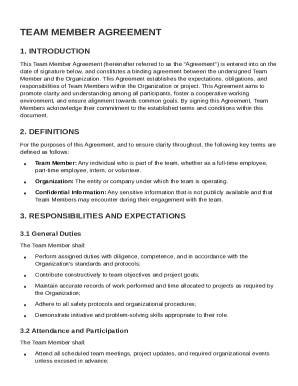
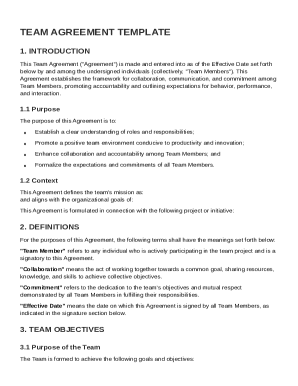
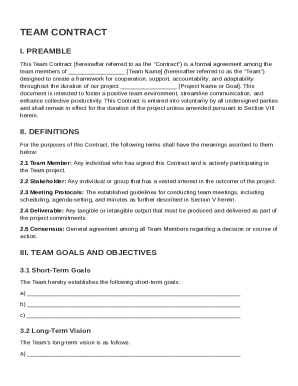
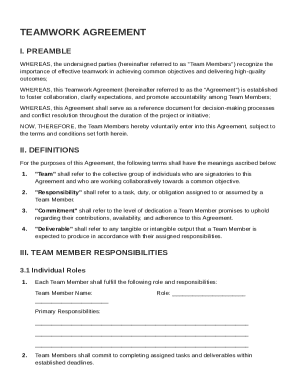
University of Maryland Teaming Agreement Form Versions
Related Forms

Get the latest insights from our blog


If you believe that this page should be taken down, please follow our DMCA take down process
here
.
This form may include fields for payment information. Data entered in these fields is not covered by PCI DSS compliance.