
Last updated on
Oct 31, 2026
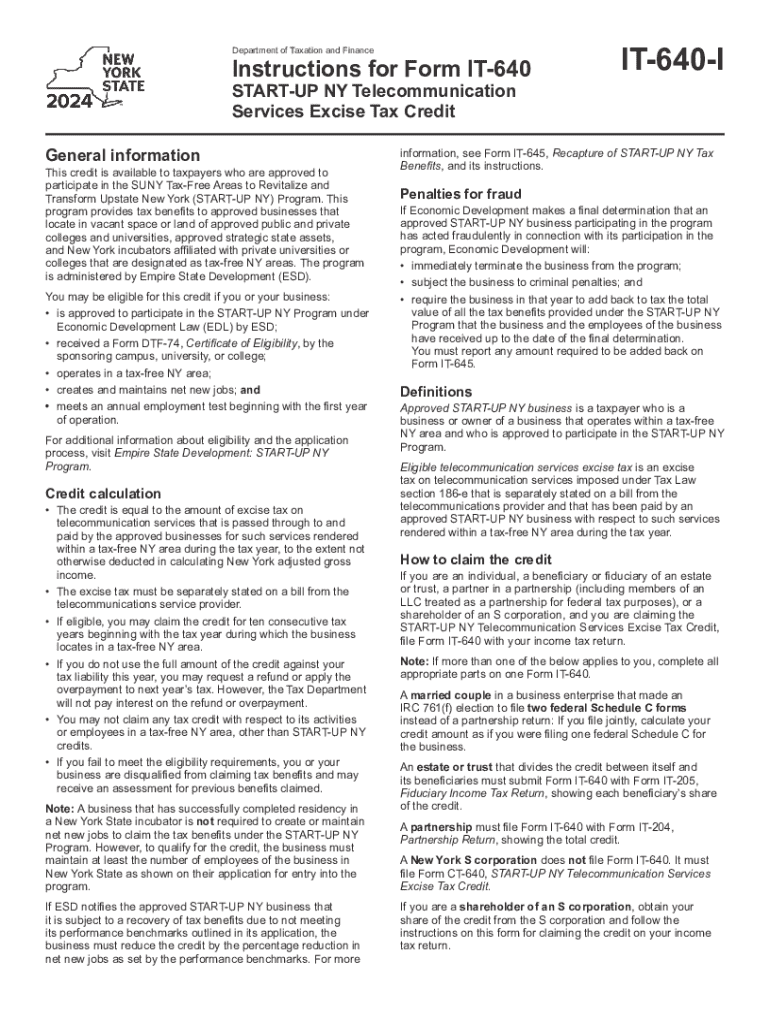
Get the free START-UP NY Telecommunication Services Excise Tax Credit Form IT-640
We are not affiliated with any brand or entity on this form

Fill out
Complete the form online in a simple drag-and-drop editor.

eSign
Add your legally binding signature or send the form for signing.

Share
Share the form via a link, letting anyone fill it out from any device.

Export
Download, print, email, or move the form to your cloud storage.
Why pdfFiller is the best tool for your documents and forms


End-to-end document management
From editing and signing to collaboration and tracking, pdfFiller has everything you need to get your documents done quickly and efficiently.
Accessible from anywhere
pdfFiller is fully cloud-based. This means you can edit, sign, and share documents from anywhere using your computer, smartphone, or tablet.
Secure and compliant
pdfFiller lets you securely manage documents following global laws like ESIGN, CCPA, and GDPR. It's also HIPAA and SOC 2 compliant.
What is START-UP NY Tax Credit Form
The START-UP NY Telecommunication Services Excise Tax Credit Form IT-640 is a tax form used by New York State taxpayers to claim a credit for telecommunication excise taxes paid in tax-free areas under the START-UP NY Program.
pdfFiller scores top ratings on review platforms




Who needs START-UP NY Tax Credit Form?
Explore how professionals across industries use pdfFiller.

START-UP NY Tax Credit Form is needed by:
-
Taxpayers approved for the START-UP NY Program
-
Businesses in New York providing telecommunication services
-
Accountants preparing New York State tax returns
-
Financial advisors guiding clients on tax credits
-
Individuals seeking tax exemptions on excise taxes
Comprehensive Guide to START-UP NY Tax Credit Form
What is the START-UP NY Telecommunication Services Excise Tax Credit Form IT-640?
The START-UP NY Telecommunication Services Excise Tax Credit Form IT-640 is vital for businesses looking to take advantage of the START-UP NY Program. This form enables eligible taxpayers to claim a credit for telecommunication excise taxes paid in designated tax-free areas of New York.
It plays a significant role in helping businesses reduce their tax liabilities while promoting growth in specific regions of the state. By encouraging investment and operations in tax-free areas, the program helps stimulate the economy and provides a competitive advantage to participating businesses.
Benefits of Using the START-UP NY Telecommunication Services Excise Tax Credit Form IT-640
Utilizing Form IT-640 can lead to substantial tax savings for eligible businesses. This tax credit not only mitigates immediate tax expenses but also supports long-term growth in New York’s tax-free areas, allowing companies to retain more revenue for investment.
Eligible taxpayers can claim this credit for up to ten consecutive years, providing ongoing financial support that can help stabilize cash flow and fuel expansion initiatives.
Who Should Use the START-UP NY Telecommunication Services Excise Tax Credit Form IT-640?
Form IT-640 is intended for businesses that meet certain eligibility criteria under the START-UP NY Program. To qualify for the telecommunication services excise tax credit, businesses must be located in tax-free areas and have received a Certificate of Eligibility from the state.
This certificate serves as proof of participation in the START-UP NY Program and is essential for claiming the tax credit. Understanding these requirements is crucial for businesses seeking to maximize their benefits under this program.
Key Features of the START-UP NY Telecommunication Services Excise Tax Credit Form IT-640
The form consists of several crucial sections that require specific information. Key areas include fields for eligible excise tax paid, with clear instructions for completing sections like Line A, which guides users on areas of the form that need completion.
Moreover, the design of Form IT-640 allows for easy access and filing through platforms like pdfFiller, streamlining the process for users.
How to Fill Out the START-UP NY Telecommunication Services Excise Tax Credit Form IT-640 Online
Filling out the START-UP NY Telecommunication Services Excise Tax Credit Form IT-640 online is a straightforward process when using pdfFiller. First, gather all necessary information, including your Certificate of Eligibility number and details of eligible excise tax paid.
To complete the form:
-
Access the form on pdfFiller.
-
Carefully fill out each section, paying close attention to instructions on the platform.
-
Double-check all entries to avoid common pitfalls.
Submission Guidelines for the START-UP NY Telecommunication Services Excise Tax Credit Form IT-640
Submit Form IT-640 using available methods that suit your preferences, whether electronically or via traditional mail. Be mindful of important filing deadlines, which can vary by tax year, to ensure timely submissions.
Failure to file on time or not submitting the form at all can result in penalties or loss of tax credits, highlighting the importance of adhering to submission guidelines.
Common Errors and How to Avoid Them When Filing Form IT-640
When completing Form IT-640, several common errors can arise. Among these are inaccuracies in personal information and omissions of required data.
To ensure a successful filing, consider the following tips:
-
Review your entries thoroughly before submission.
-
Utilize a checklist to confirm that all necessary information is included.
By validating your form, you can avoid unnecessary delays and complications.
Security and Compliance Considerations for the START-UP NY Form IT-640
Ensuring that sensitive documents are secure is paramount when using pdfFiller for Form IT-640. The platform employs advanced security measures, including 256-bit encryption, to protect user data.
Adhering to compliance standards guarantees that your information is safeguarded throughout the filing process, allowing you to focus on completing your tax forms without concerns about data breaches.
How to Access and Utilize pdfFiller for the START-UP NY Telecommunication Services Excise Tax Credit Form IT-640
pdfFiller offers numerous benefits for tax form creation and editing, making it an excellent choice for managing Form IT-640. Users can follow simple steps to access and fill out the form efficiently.
-
Visit the pdfFiller website and create an account.
-
Search for Form IT-640 and begin the editing process.
-
Take advantage of available tools to enhance your form experience.
Get Started with Your START-UP NY Telecommunication Services Excise Tax Credit Form IT-640 Today
Begin your journey with the START-UP NY Telecommunication Services Excise Tax Credit Form IT-640 using pdfFiller. The platform offers comprehensive support for any challenges encountered during the form-filling process.
Managing your tax forms online has never been easier, empowering you to leverage technology for efficient financial management.
How to fill out the START-UP NY Tax Credit Form
-
1.Access the START-UP NY Telecommunication Services Excise Tax Credit Form IT-640 by navigating to the pdfFiller homepage and using the search bar to find the form.
-
2.Once located, click on the form to open it in pdfFiller's interactive editor.
-
3.Gather necessary information, including your Certificate of Eligibility number and the total amount of eligible excise tax paid, to ensure accurate completion.
-
4.Begin filling out the form by clicking on each field. Use pdfFiller’s tools to write or type in your information easily.
-
5.For each section, refer to the instructions provided in the form, like marking the appropriate boxes as indicated.
-
6.Check for any required supporting documents that may need to accompany this form during submission.
-
7.Once all fields are filled, review the entire form for accuracy and completeness, ensuring all calculations and entries are correct.
-
8.Utilize pdfFiller’s features to save your progress or download the completed form to your device.
-
9.Submit the form directly through pdfFiller if available, or print it for mailing alongside your income tax return.

Who is eligible to use Form IT-640?
Eligibility for Form IT-640 is limited to taxpayers who have been approved to participate in the START-UP NY Program and wish to claim a credit for telecommunication excise taxes paid in designated tax-free NY areas.
What is the deadline for filing Form IT-640?
Form IT-640 must be filed with your New York State income tax return. Ensure you meet the same deadlines applicable to your income tax submission to avoid penalties.
How do I submit Form IT-640?
Form IT-640 can be submitted along with your New York State income tax return when filed. If you choose to use pdfFiller, you may have options to submit online, or you can print and mail it.
What supporting documents do I need with my Form IT-640?
You need to include your Certificate of Eligibility number and proof of eligible excise taxes paid. Make sure all information matches your tax records to prevent processing delays.
What common mistakes should I avoid when filling out Form IT-640?
Common mistakes include failing to check all required boxes, providing inaccurate numbers, or leaving fields incomplete. Ensure thorough reviewing of the form before submission.
How long does it take to process Form IT-640?
Processing times can vary depending on workload and accuracy of submission. Typically, it can take several weeks to process tax forms, so submit early to avoid delays.
What if I need help completing Form IT-640?
If you need assistance, consider reaching out to a tax professional familiar with New York State tax forms. You can also consult the instructional materials provided with the form.
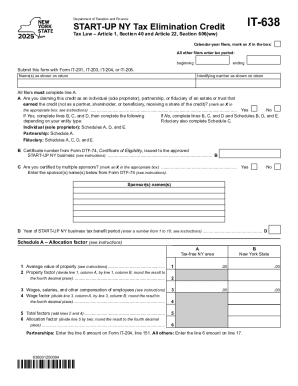
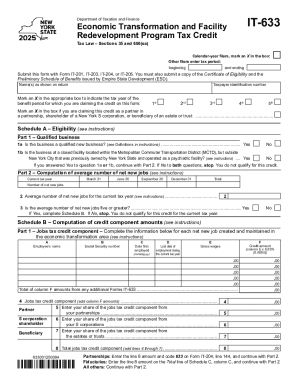
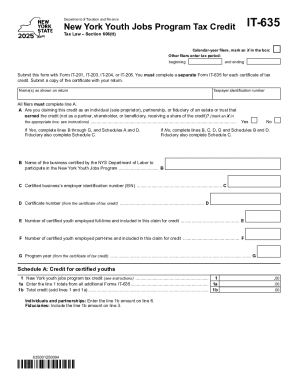
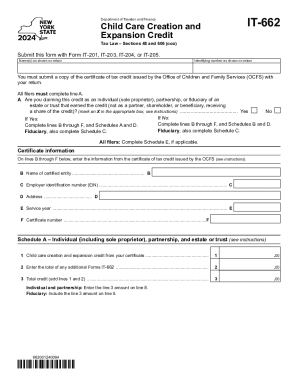
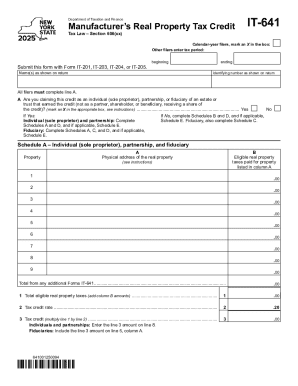
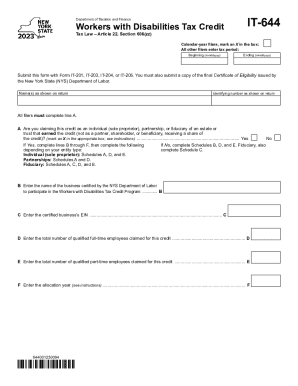
Related Forms




Get the latest insights from our blog


If you believe that this page should be taken down, please follow our DMCA take down process
here
.
This form may include fields for payment information. Data entered in these fields is not covered by PCI DSS compliance.