Car Sale Receipt Template

Get eSignatures done in a snap

Prepare, sign, send, and manage documents from a single cloud-based solution.

What is Car Sale Receipt Template?

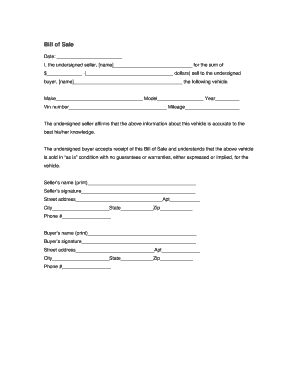
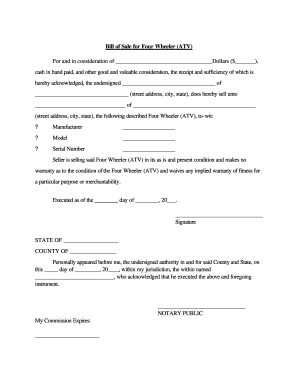
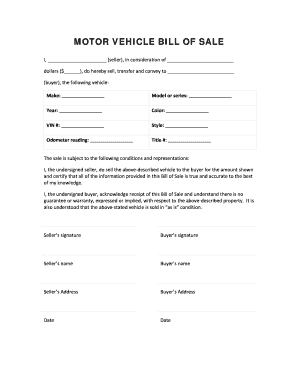
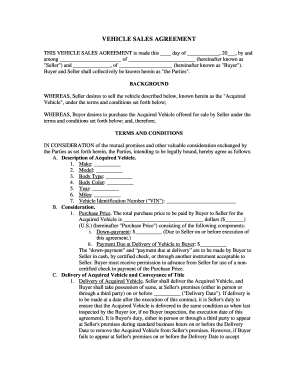
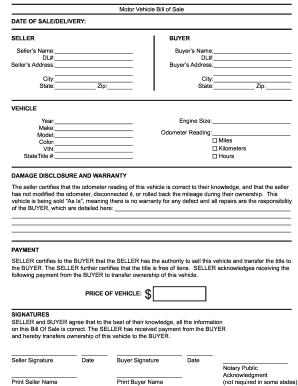
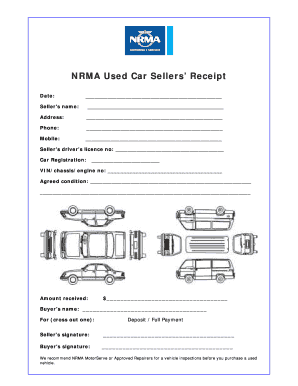
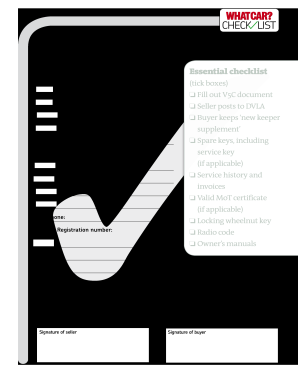
Car Sale Receipt Template is a document that serves as proof of purchase when selling or buying a car. It provides important details about the transaction, such as the buyer and seller's information, vehicle details, price, and payment method. This template is essential for both parties involved as it ensures a legal and organized record of the sale.
What are the types of Car Sale Receipt Template?

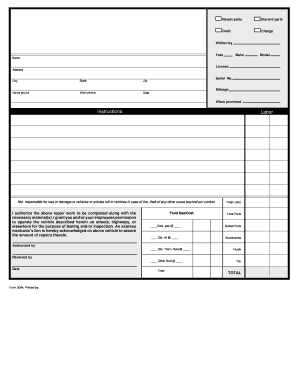
There are different types of Car Sale Receipt Templates available to cater to different needs and preferences. Some common types include:

Blank Car Sale Receipt Template: This template allows you to fill in all the necessary details of the car sale transaction.
Printable Car Sale Receipt Template: This template can be printed out and filled in by hand.
Electronic Car Sale Receipt Template: This template is designed to be filled in electronically, making it convenient for online transactions.

How to complete Car Sale Receipt Template
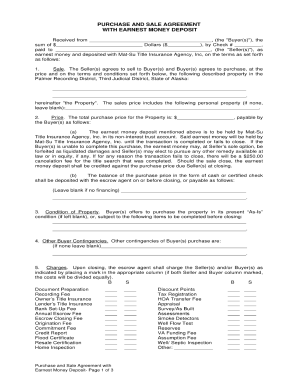
Completing a Car Sale Receipt Template is simple and straightforward. Follow these steps:
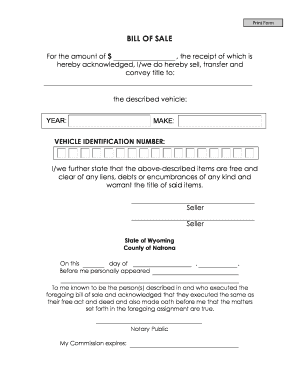
01
Start by downloading a Car Sale Receipt Template from a trusted source such as pdfFiller.
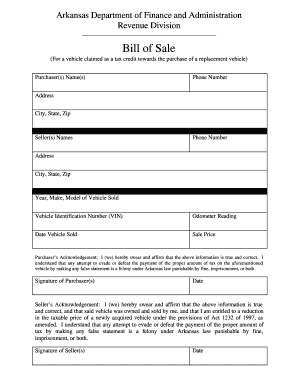
02
Fill in the buyer and seller's information, including their full names, addresses, and contact details.
03
Provide detailed information about the vehicle, such as the make, model, year, VIN number, and mileage.
04
Specify the purchase price and payment method.
05
Include any additional terms or conditions agreed upon during the sale, such as warranties or contingencies.
06
Review the completed receipt template for accuracy and make any necessary edits.
07
Sign and date the document to make it legally binding for both parties.

By using pdfFiller, you can easily create, edit, and share Car Sale Receipt Templates online. With unlimited fillable templates and powerful editing tools, pdfFiller is the ultimate PDF editor that simplifies document management and helps you get your paperwork done efficiently.

Thousands of positive reviews can’t be wrong

Read more or give pdfFiller a try to experience the benefits for yourself
5.0
I have been using this app since 2016, best app ever , saved me time, money, pri...
What do you like best? I have been using this app since 2016, best app ever , saved me time, money, printouts and all in one group of options which made my life easier. What do you dislike? Never had any issues as far as I remeber. Recommendations to others considering the product: Keep the good work going guys. What problems are you solving with the product? What benefits have you realized? Converting from and to pdf, faxing and email options along with notarize service
Administrator in Translation and Localization
4.0
It has a lot of features but not overly complicated.
What do you like best? It has a lot of features but not overly complicated. There is a lot of function, and it runs smoothly. What do you dislike? Occasionally navigation of the sight has been sticky. What problems are you solving with the product? What benefits have you realized? I am always needing to combine multiple PDF files into one, and then do some filling and signing. PDF Filler has sped that process up.
Donovan Pundt
5.0
I like PDFFIller because it always works, unlike some other PDF tools I've purch...
What do you like best? I like PDFFIller because it always works, unlike some other PDF tools I've purchased in the past. PDFFiller is my goto tool and will become my exclusive tool once my other package expires. What do you dislike? There's a little confusion when saving to my Google Drive. Now and then, the file can't be found there when on my phone. Recommendations to others considering the product: I've also used Ecopy for several years and just find PDFfiller to be more user friendly and stable. As I said, it's my goto PDF tool. What problems are you solving with the product? What benefits have you realized? I fill in forms, I create forms listing medical issues/histories, electronic signatures are always handy. I also convert to Office Documents if needed.
Sue Cook

Questions & answers

What to include on a receipt. Your business name, address, and phone number. Sale date and time. Transaction number. Product or service description. Cost. Tax, if required.
How to Write a Receipt Add in your company details (name, address) in From section. Fill out client details (name, email, address) in For section. Write out line items with description, rate and quantity. Finish with the date, invoice number and your personalized brand.
The receipt must also clearly describe the vehicle by including its: make, model and colour. identification and registration numbers.A receipt will need to include: your name and signature. the name of your principal licensee. the buyer's name. the total cost of the vehicle. the amount of money paid in that transaction.
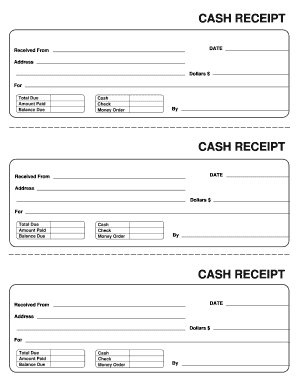
The template includes three receipts per page (which you can separate for individual purchases), as well as ample space to enter received by, date, receipt number, paid by, paid to, description, and amount details.
How do I write a Bill of Sale? Describe the item. Provide the property's details. Provide each party's information. List the name and address of both the seller and the buyer. Outline payment details. State the item's sale price and specify if sales tax will apply to the sale. Note any loans or liens.
Kyte is a digital receipt maker app allowing businesses and freelancers to send unlimited receipts on the go! It helps to generate quick business receipts for both sales and payments. Here are some of the features.