What is college application form pdf?
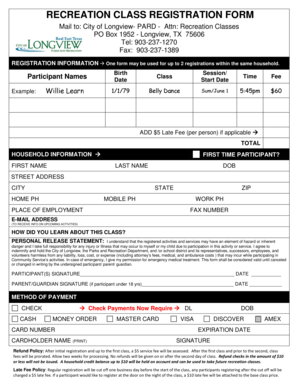
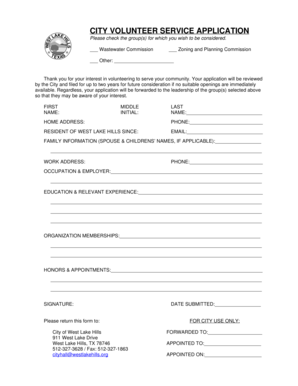
A college application form pdf is a document that students need to fill out in order to apply for admission to a college or university. It typically includes personal information, academic history, and any additional information required by the institution. The form is usually in a PDF format, which allows for easy printing and submission.
What are the types of college application form pdf?
There are several types of college application form pdf that students may encounter depending on the institution. Some common types include:
General application form: This is a standard application form used by many colleges and universities.
Specific program application form: Some institutions may require additional information for specific programs or majors.
Undergraduate application form: This form is specifically for students applying for undergraduate programs.
Graduate application form: This form is for students applying for graduate-level programs.
International student application form: This form is for students applying from outside the country.
How to complete college application form pdf
Completing a college application form pdf may seem daunting, but with a few easy steps, it can be done effectively. Here is a guide to help you complete your college application form:
01
Review the form: Take the time to carefully read through the entire application form before starting.
02
Gather necessary documents: Collect any required documents and information, such as transcripts, test scores, and personal identification.
03
Fill in personal information: Provide accurate and up-to-date personal information, including your full name, address, and contact details.
04
Enter academic history: Fill in details of your previous education, including the schools attended, courses taken, and grades achieved.
05
Provide additional information: If the form requires any additional information, such as extracurricular activities or work experience, make sure to include it.
06
Proofread and review: Before submitting your application form, double-check for any errors or missing information. Review it one final time to ensure accuracy.
07
Submit the form: Once you are confident that all the information is correctly filled in, submit the application form as per the instructions provided.
pdfFiller is an online platform that empowers users to create, edit, and share documents online. With unlimited fillable templates and powerful editing tools, pdfFiller is the only PDF editor users need to get their documents done.