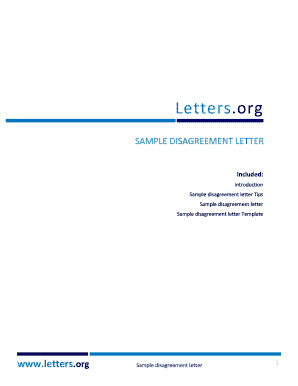
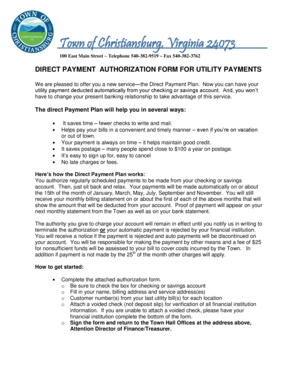
What is a free letter template?

A free letter template is a pre-designed format that allows individuals to create professional-looking letters without having to start from scratch. These templates usually include the necessary sections and formatting elements, such as headers, footers, and margins, saving users time and effort.

What are the types of free letter template?

There are various types of free letter templates available, each catering to different purposes and situations. Some common types include:

Business letter templates
Cover letter templates
Recommendation letter templates
Thank you letter templates

How to complete a free letter template

Completing a free letter template is a straightforward process. Here are the steps to follow:

01
Choose a free letter template that suits your needs.
02
Fill in the necessary information, such as names, addresses, and dates.
03
Customize the letter by adding or removing sections as required.
04
Review and proofread the content to ensure accuracy.
05
Save the completed letter or print it out for physical copies, if needed.

With pdfFiller, users can easily create, edit, and share documents online. By offering unlimited fillable templates and powerful editing tools, pdfFiller simplifies the document creation process and eliminates the need for multiple software applications. Whether you're drafting a letter, preparing a contract, or modifying an existing document, pdfFiller provides all the necessary features to get your work done efficiently and professionally.
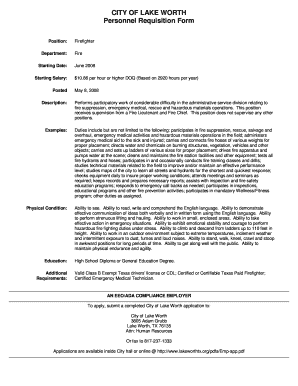
Video Tutorial How to Fill Out free letter template

Thousands of positive reviews can’t be wrong

Read more or give pdfFiller a try to experience the benefits for yourself
5.0
Great purchase.
Great purchase. I forgot about the free trial and the purchase was done automatically. I am however happy with the purchase
Herro B
5.0
Ease of use and the editing tools available.
What do you like best? Ease of use and the editing tools available. What do you dislike? It would be great if the system would take me straight to the My Docs page at login. What problems are you solving with the product? What benefits have you realized? Great for needed digital signatures on contracts, etc. We also use it to edit maps we use in our business for clarity.
User in Consumer Services
5.0
This has saved me some much time on filling out all my documents & storing them...
What do you like best? This has saved me some much time on filling out all my documents & storing them as well !!! I just love how you can erase information & add other items to it as well! What do you dislike? Sometimes it does have a hard time reading some of the documents & uploading them correctly . I then have to restart the program a couple of times before it actually is able to load the document . What problems are you solving with the product? What benefits have you realized? With this software i am able to edit all my PDF'S add & delete any information that needs to be revised & have an amazing clean, clear & legible PDF's for my clients to view!!!
Administrator in Consumer Services

Questions & answers

Microsoft Word If you are looking for an intuitive, basic, and cost-effective word processor to help you write your letters, you should consider using Microsoft Word.
Open the presentation that you want to save as a template. On the File tab, click Save as Template. In the Save As box, type the name that you want to use for the new template. (Optional) In the Where box, choose a location where the template will be saved.
Letter templates provide standardized format and content for correspondence to customers. Letter templates can include references to paragraph templates and data inserts for extracting work item data to personalize letters.
There are three main styles of business letter: block, modified block, and semi-block styles. Each is written in much the same way, including the same information, but the layout varies slightly for each one.
What is the format of a formal letter? A formal letter should include the sender's address, date, receiver's address, subject, salutation, body of the letter, complimentary closing and finally, the signature with name (in block letters) and designation.
If you need help creating a resume or cover letter, start with one of the dozens of professionally-designed resume and cover letter templates that are available in Word. Go to File > New. In the search box, type Resume or Cover Letter. Double-click the template you want to use.