pdffiller vs Formstack vs JotForm

Formstack vs. JotForm: Discover the best alternative

Both Formstack and JotForm are solid options for your document tasks. But if you are looking for a real all-rounder, pdfFiller can surprise you.
Drop document here to upload
Select from device
Up to 100 MB for PDF and up to 25 MB for DOC, DOCX, RTF, PPT, PPTX, JPEG, PNG, JFIF, XLS, XLSX or TXT
Based on 12500+ reviews
Last updated on Sep 19, 2025

Formstack vs. JotForm: Which document management solution is right for you?

Are you wondering which platform to choose between Formstack and JotForm for your document management needs? With the rise of digital solutions, making the right decision can significantly enhance your workflow. Discover how pdfFiller emerges as an effective alternative that combines all essential features in one cloud-based tool.

Why pdfFiller stands out in the Formstack vs. JotForm debate

Choosing the right document management solution can feel overwhelming. With numerous features and functionalities, it’s essential to consider alternatives like pdfFiller that offer greater flexibility. Below are some of the competitive advantages that make pdfFiller the ideal choice for both personal and professional use.

  1. 1.
    Full-featured, 100% cloud-based experience: pdfFiller provides a comprehensive document management suite, accessible from anywhere with internet connectivity. This ensures that users can manage, edit, and eSign documents without worrying about software installation or hardware limitations.
  2. 2.
    Collaborative PDF editing: Experience seamless teamwork with pdfFiller's collaborative editing tools, which allow multiple users to work on documents simultaneously. This transparency fosters better communication and efficiency among teams, streamlining the document review process.
  3. 3.
    eSigning without additional subscriptions: With pdfFiller, you can edit and eSign documents without incurring any extra fees or creating workflow interruptions. This allows users to focus on their projects without worrying about hidden costs or subscription hassles.
  4. 4.
    Versatile options for personal and professional use: pdfFiller includes a variety of built-in tools that cater to diverse requirements. Whether for personal tasks or business documents, the platform adapts to your needs, ensuring a smooth experience.

Understanding the ratings: pdfFiller in Formstack vs. JotForm

When analyzing the ratings of document management solutions, pdfFiller consistently garners positive feedback from users. Many appreciate its efficient features that simplify the eSigning process and document collaboration. In comparisons like Formstack vs. JotForm, pdfFiller often comes out on top, highlighting its responsiveness and user-friendly interface.

Is it time to migrate from Formstack or JotForm to pdfFiller?

If you're considering a switch from Formstack or JotForm, it’s crucial to evaluate the benefits of migrating to pdfFiller. Whether you're looking for enhanced PDF editing capabilities or streamlined eSigning solutions, pdfFiller offers an all-in-one solution that can elevate your document management experience.

Seamless migration: Transitioning to pdfFiller made easy

Making the move to pdfFiller is straightforward, ensuring minimal disruption to your workflow. Key benefits include:

  1. 1.
    Intuitive user interface that simplifies navigation.
  2. 2.
    Comprehensive customer support to assist during the transition.
  3. 3.
    Import of existing documents without data loss, ensuring continuity of work.

Enhanced document management efficiency with pdfFiller

The transition to pdfFiller enhances your document management processes significantly. By offering features like customizable templates and real-time collaboration, users can experience efficient workflows. Migrating from Formstack or JotForm means you can harness the power of pdfFiller’s innovative tools to streamline your tasks effortlessly.

Comprehensive support during your migration journey

pdfFiller prides itself on offering exceptional support during the migration process. With resources readily available, users can easily adapt to the platform’s extensive features. Additionally, the transition aids in improving your overall document management efficiency.

Will migrating to pdfFiller ensure you benefit the most from your document management experience?

By migrating to pdfFiller from platforms like Formstack or JotForm, you gain access to an array of competitive advantages. pdfFiller not only simplifies the editing and eSigning of documents but also enhances collaborative efforts among teams. The platform’s versatility makes it suitable for diverse professional environments, ensuring your document management needs are met efficiently.

  1. 1.
    Comprehensive document editing capabilities.
  2. 2.
    Streamlined eSigning without additional subscriptions.
  3. 3.
    Collaborative features for efficient teamwork.
  4. 4.
    Cloud-based access for maximum convenience.

Take the step towards a more efficient document management experience today! Explore how pdfFiller can transform your workflow, making the transition from Formstack vs. JotForm a beneficial move. Sign up now to see the difference!

Start here. Edit, sign, or fill or share

Edit PDF
Sign
Request signatures
Share
Merge
Rearrange
Compress
Convert

Why choose pdfFiller over Formstack and JotForm

Illustration

The all-in-one solution

pdfFiller can do everything Formstack and JotForm do and a whole lot more! Edit and share documents on the fly, collect signatures and forms, and keep your documents organized and accessible—perfect for everyday tasks.
Illustration

Seamless PDF editing & eSigning

With solutions like Formstack and JotForm, you often need two separate subscriptions to edit and sign. With pdfFiller, you can tweak and send documents for signing in one smooth workflow without switching between apps.
Illustration

Fully cloud-based & cross-platform

Unlike most competitors, pdfFiller lets you work from anywhere—no installation, updates, incompatible versions, or missing features. It just gets the job done across all your devices, letting you focus on what’s important.
Illustration

Built for collaboration

Get anyone’s feedback or edits right in your documents—no endless email chains. You’ll have all the tools you need to collaborate and share documents securely with your team.
Illustration

Perfect for personal and professional use

Compared to Formstack and JotForm, pdfFiller is a more cost-effective and well-rounded solution that covers countless use cases. It’s easy to use and quick to set up, making it a go-to choice for those who work alone or with a team.
Upload document

Why users choose pdfFiller over Formstack and JotForm

This chart represents a partial list of features available in pdfFiller, Formstack, JotForm
Formstack
JotForm
PDF Document Editor
Collaborate and Versions
Encryption and Security
Search text in PDF
New Form and Document Creator
Sign
Add Fillable Fields
Host Fillable Forms
Forms Security and Authentication
Send Documents out to be Signed
Signer Authentication and Security
Add Your Own Branding
Fill Forms Automatically
API
PDF converter
Merge and Pages PDFs
iOS and Android Apps

Switching to pdfFiller? Here’s what you’re getting

Everything you need to handle PDFs

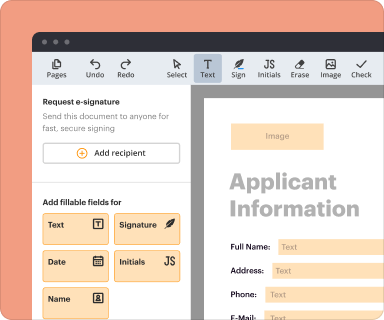
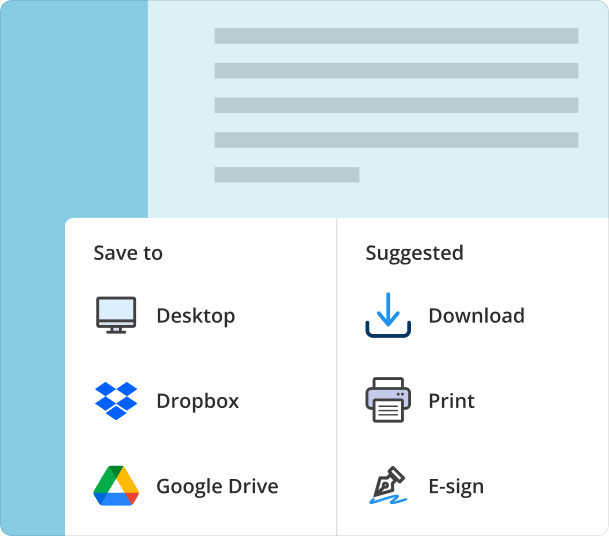
Edit, annotate, organize, convert, and securely store documents in the cloud. Use drag-and-drop to adjust agreements, complete forms, create fillable PDFs, and more.

Screen

Built-in eSignature & data collection

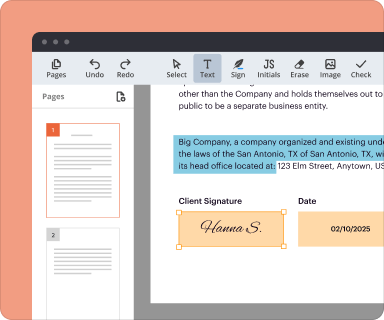
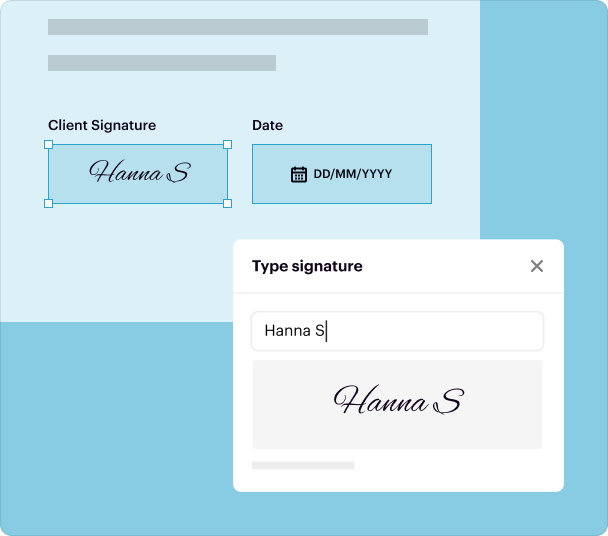
Send documents for signing right after editing. Collect surveys and applications using online fillable forms you can share instantly via links.
Screen

Easy sharing & collaboration

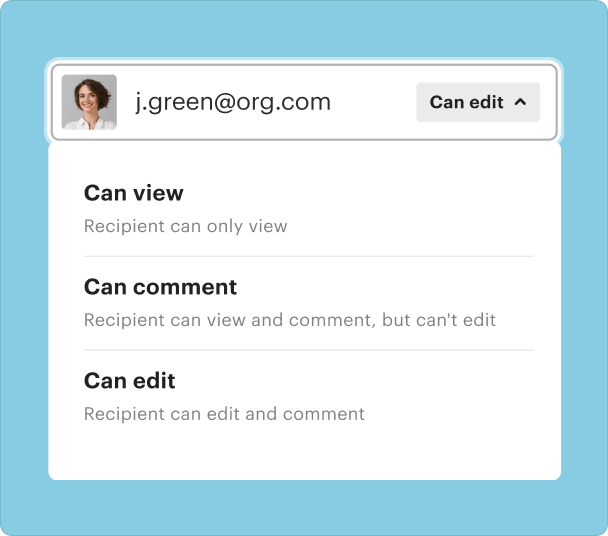
Don’t just share edited documents—let anyone make changes and leave feedback. Set up a team workspace to share templates, collaborate on PDFs, and track documents in one place.
Screen

Forms library

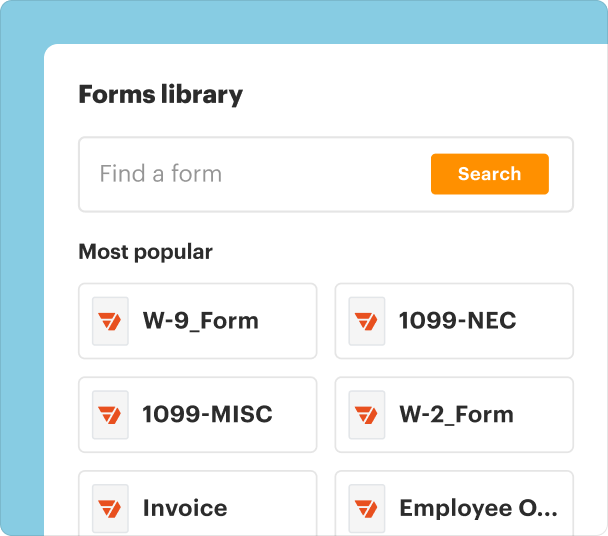
Access a huge library of ready-to-use templates. From tax forms to state-specific legal documents, find what you need and customize in seconds.
Screen

Uncompromising security

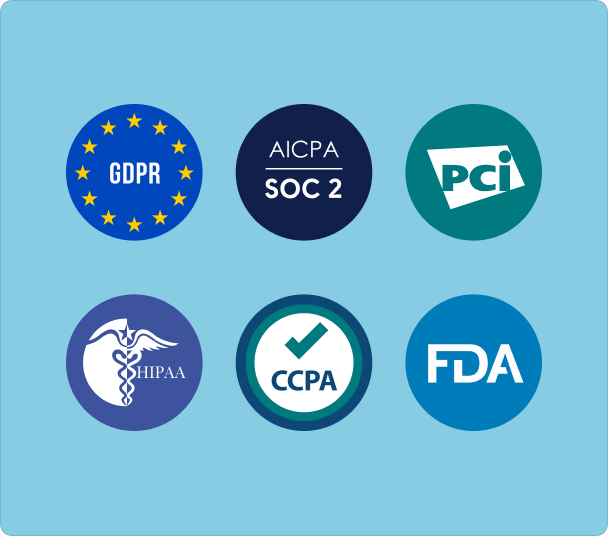
Edit, share, and store documents without worrying about data safety. pdfFiller complies with global security standards like HIPAA, GDPR, PCI DSS, and SOC 2 Type II to protect your data.
Screen

pdfFiller scores top ratings on review platforms

Users Most Likely To Recommend - Summer 2025
Grid Leader in Small-Business - Summer 2025
High Performer - Summer 2025
Regional Leader - Summer 2025
Easy and intuitive to use. Practical integration with desktop.
Anonymous Customer
It works fine, does a great job. Took me a while to learn how to use it.
max c
I stumbled onto this by accident and found it so much easier to use than Adobe Acrobat. I accomplished everything I needed to quickly and easily.
LesLee D
VERY EASY TO USE AND VERY HELPFUL APP AND SOFTWARE
BRIAN
Just got started but pdfFiller looks like its a winner!!!
Julius T
SPEECHLESS HOW FLAWLESS THIS APP IS!!! I LOVE IT! IT WAS SIMPLE, ACCURATE, AND VERY PROFESSIONAL! I'LL NEVER USE ANOTHER APP. EVERYTHING I NEED IS WRAPPED UP IN THIS SINGLE PROGRAM!!
Ronique Dailey
Show more Show less
Illustration

Scaturro Insurance Agency LLC

Fumbling along with Adobe Acrobat or hand-writing forms was time-consuming, sloppy, and completely inefficient—especially if changes or updates were needed. We are going to continue to use pdfFiller and find additional uses for the product as our business grows.
Joe Scaturro, Owner
Read full story
Illustration

Marshall Orthopaedics

pdfFiller saves us $100 or more each workday when you factor in employee time and supplies. The figure is probably higher than that, since the waiting time for patients not yet seen is also diminished, which keeps the patient from being frustrated and just leaving before their visit.
Douglas A. Waldman, MD
Read full story
Illustration

Vallon Consulting LLC

I needed a platform that could merge documents together, edit them, sign them, then email or fax them. Ideally, all in one. I was introduced to pdfFiller last year. So I just went and got an account for myself, and have been using pdfFiller ever since.
Rowena Thornton, CEO and Managing Director
Read full story

FAQs

If you can't find what you're looking for, please contact us anytime!
When evaluating document management capabilities between pdfFiller and Formstack, it's evident that pdfFiller offers a more comprehensive solution. With the ability to edit, sign, and manage documents all within a single platform, pdfFiller minimizes the need for multiple tools and enhances workflow efficiency. Additionally, its advanced security features ensure that sensitive information is handled with care, making it an ideal choice for businesses that prioritize data protection. Pro Tip: Consider how pdfFiller's functionalities can streamline your tasks and potentially reduce your overhead costs.
In the comparison of Formstack vs. JotForm, pdfFiller stands out by offering superior cross-platform accessibility. Users can access their documents from any device, whether it’s a desktop, tablet, or smartphone, ensuring productivity is maintained regardless of location. This flexibility is crucial for businesses with remote teams or those who frequently travel, as it allows for seamless document collaboration. Pro Tip: Take advantage of pdfFiller's mobile capabilities to complete tasks on the go, improving your overall efficiency.
pdfFiller excels in its integration capabilities compared to both Formstack and JotForm, allowing users to connect with various third-party applications seamlessly. Whether it's CRM systems, email platforms, or cloud storage solutions, pdfFiller enables a smoother workflow by automating data transfer and eliminating repetitive tasks. This results in significant time savings and reduces the potential for errors. Pro Tip: Assess the integrations that are essential for your business operations and explore how pdfFiller can simplify your processes.
In terms of security, pdfFiller prioritizes user data protection with compliance standards such as SOC 2 Type II and HIPAA, making it a particularly secure alternative in the document management space. This provides peace of mind for businesses dealing with sensitive information, ensuring compliance while maintaining a high level of security. Unlike Formstack and JotForm, pdfFiller offers robust security measures without compromising usability. Pro Tip: Review your organization's security needs and consider how pdfFiller meets these requirements while maintaining user-friendly features.
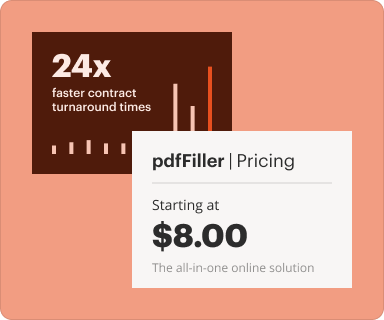
When analyzing cost-effectiveness among pdfFiller, Formstack, and JotForm, pdfFiller tends to offer more value for money. With its all-in-one functionality, users can access numerous features without needing to pay for additional software. The comprehensive service reduces the total cost of ownership, particularly for businesses looking to streamline their document management processes. Pro Tip: Calculate the total cost of ownership, including any potential savings from consolidating tools, to see how pdfFiller can ultimately be more economically beneficial.
When it comes to advanced form building, pdfFiller’s features significantly outperform those offered by Formstack and JotForm. pdfFiller provides users with customizable templates that are not only intuitively designed but also facilitate quick data collection without compromising on quality. This results in a more efficient user experience and enhances data accuracy, making form management streamlined and effective. Pro Tip: Explore pdfFiller's template library to find options that fit your specific needs and reduce time spent on form creation.

Ready to switch to pdfFiller?

Try it for free for 30 days and see the difference.
Upload your document