pdffiller vs Hyarchis DMS

Hyarchis DMS alternative for all your document tasks

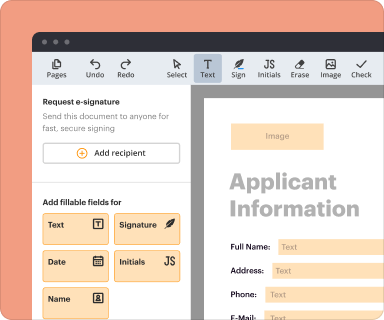
pdfFiller combines PDF editing, eSignature, collaboration, and cloud-based document management to deliver the most complete and smooth experience for individuals and teams.
Drop document here to upload
Select from device
Up to 100 MB for PDF and up to 25 MB for DOC, DOCX, RTF, PPT, PPTX, JPEG, PNG, JFIF, XLS, XLSX or TXT
Based on 12500+ reviews
Last updated on Sep 27, 2025

Why pdfFiller is the best Hyarchis DMS alternative

Are you looking for an efficient way to manage your documents? Have you been searching for a better solution than Hyarchis DMS? Discover how pdfFiller can revolutionize your document management experience.

pdfFiller’s competitive advantages

What makes pdfFiller stand out among its competitors? With a range of features tailored for both personal and professional use, pdfFiller is an excellent Hyarchis DMS alternative.

By leveraging collaborative tools, users can edit PDFs directly and manage documents effectively. Additionally, the platform ensures that eSigning is straightforward without the need for extra subscriptions. Whether you’re a small business or an individual user, pdfFiller has the tools to streamline your workflow.

  1. 1.
    Full-featured cloud environment: pdfFiller offers a comprehensive, 100% cloud-based document management experience. This means you can access your files anytime, anywhere, without worrying about software installation or updates. It’s ideal for users who value flexibility and convenience in document handling.
  2. 2.
    Collaborative PDF editing: With pdfFiller's real-time editing capabilities, your team can work transparently and efficiently. Multiple users can collaborate on documents simultaneously, enhancing teamwork and productivity. This interactivity is essential for maintaining clear communication during the editing process.
  3. 3.
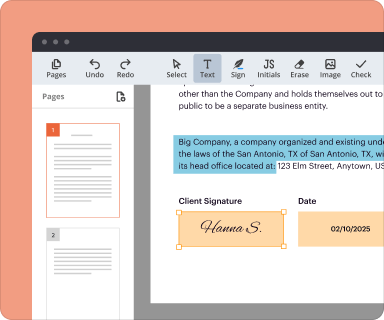
    Seamless eSigning: Enjoy the ease of PDF editing and eSigning without any interruptions in your workflow. Users can sign documents directly within the platform, eliminating delays associated with traditional signing methods. This integration supports fast document turnaround times.
  4. 4.
    Versatile options: Perfect for both personal and professional use, pdfFiller boasts multiple built-in features. Whether you need to fill out forms, convert documents, or store files, pdfFiller consolidates these capabilities in one user-friendly platform. This versatility is vital for managing diverse document needs.

pdfFiller ratings and your Hyarchis DMS alternative

How do users rate pdfFiller compared to Hyarchis DMS alternatives? The platform consistently receives high ratings across reviews, highlighting its user-friendliness and robust features. Customers appreciate the support and continuous improvements made to enhance their experience, showcasing pdfFiller as a top choice in document management.

Is pdfFiller the most efficient Hyarchis DMS alternative for your needs?

What drives users to migrate to pdfFiller from other DMS solutions like Hyarchis? Transitioning to a more efficient document management system not only streamlines workflows but also enhances team collaboration and productivity. Making the switch to pdfFiller can empower users to take full control of their documents.

Seamless migration process to pdfFiller

Transitioning to pdfFiller is straightforward, with several advantages to consider. Below are key steps to ensure a smooth migration:

  1. 1.
    Import existing documents easily without losing any formatting.
  2. 2.
    Utilize guided tutorials that help familiarize users with new features.
  3. 3.
    Leverage customer support to resolve any platform-related questions during the transition.

By following these steps, users can quickly adapt to pdfFiller, making it a hassle-free Hyarchis DMS alternative.

Comprehensive support during migration to pdfFiller

When you migrate to pdfFiller, you gain access to extensive support resources. The comprehensive knowledge base includes tutorials, FAQs, and customer assistance channels. This ensures that any concerns during the transition are addressed promptly, allowing you to focus on utilizing your new document management system effectively.

Enhanced features upon migrating to pdfFiller

Upgrading to pdfFiller provides access to features that can significantly improve your document management efficiency. Users can benefit from automatic updates and new tools rolling out regularly. This constant enhancement means users can always rely on a cutting-edge platform that meets their evolving needs.

Why should you consider pdfFiller as a solid Hyarchis DMS alternative?

Transitioning to pdfFiller yields undeniable advantages that can enhance productivity and document handling capabilities. With its user-centric design, robust feature set, and dedicated support, pdfFiller stands out as the premier option for those looking for an alternative to Hyarchis DMS. If you want to streamline your workflow and enhance collaboration, pdfFiller is the solution you’ve been seeking.

  1. 1.
    Full-featured, cloud-based document management experience.
  2. 2.
    Real-time collaborative PDF editing and signing capabilities.
  3. 3.
    Accessible support and resources for successful migration.
  4. 4.
    Continuous updates and enhancements for superior performance.

Discover how pdfFiller can serve as the ultimate Hyarchis DMS alternative today. Start your journey towards seamless document management and enjoy hassle-free transitions with a platform tailored to your needs.

Start here. Edit, sign, or fill or share

Edit PDF
Sign
Request signatures
Share
Merge
Rearrange
Compress
Convert

Why choose pdfFiller over Hyarchis DMS?

Illustration

The true all-rounder

pdfFiller can do everything Hyarchis DMS does and a whole lot more! Edit and share documents on the fly, collect signatures and forms, and keep your documents organized and accessible—perfect for everyday tasks.
Illustration

Seamless PDF editing & eSigning

With solutions like Hyarchis DMS, you often need two separate subscriptions to edit and sign. With pdfFiller, you can tweak and send documents for signing in one smooth workflow without switching between apps.
Illustration

Fully cloud-based & cross-platform

Unlike most competitors, pdfFiller lets you work from anywhere—no installation, updates, incompatible versions, or missing features. It just gets the job done across all your devices, letting you focus on what’s important.
Illustration

Built for collaboration

Get anyone’s feedback or edits right in your documents—no endless email chains. You’ll have all the tools you need to collaborate and share documents securely with your team.
Illustration

Perfect for personal and professional use

Compared to Hyarchis DMS, pdfFiller is a more cost-effective and well-rounded solution that covers countless use cases. It’s easy to use and quick to set up, making it a go-to choice for those who work alone or with a team.
Upload document

Why choose pdfFiller over Hyarchis DMS?

This chart represents a partial list of features available in pdfFiller and Other solutions
Other solutions
No downloads
New form and document creator
Host fillable forms
Edit PDF
Fill online
Search text in PDF
Track sending documents

Switching from Hyarchis DMS to pdfFiller? Here’s what you’re getting

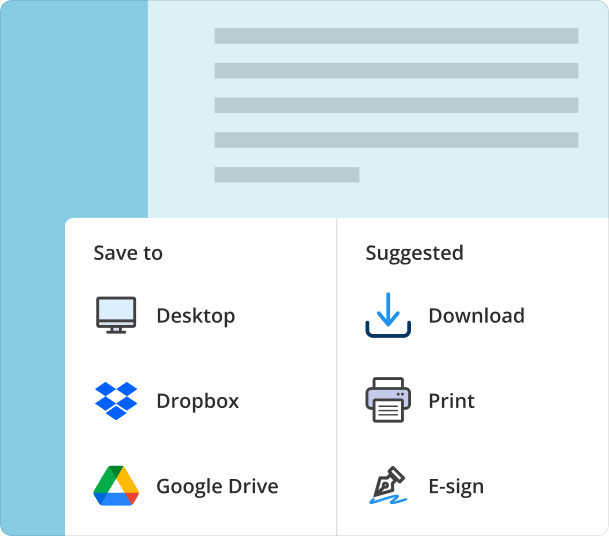
Everything you need to handle PDFs

Edit, annotate, organize, convert, and securely store documents in the cloud. Drag-and-drop to adjust agreements, complete forms, create fillable PDFs, and more.

Screen

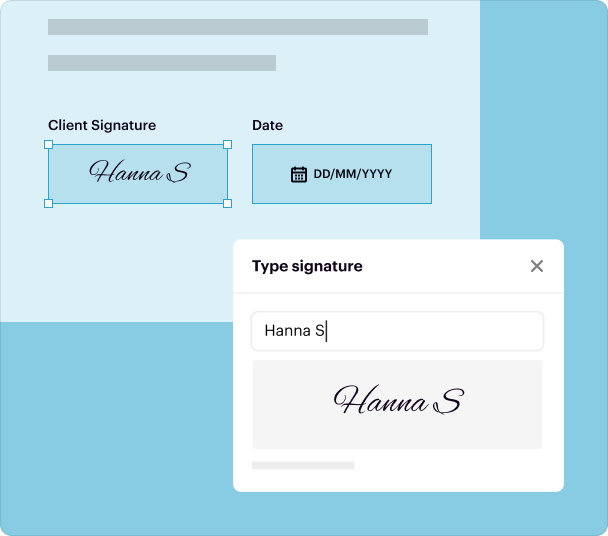
Built-in eSignature & data collection

Send documents for signing right after editing. Collect surveys and applications using online fillable forms you can share instantly via links.
Screen

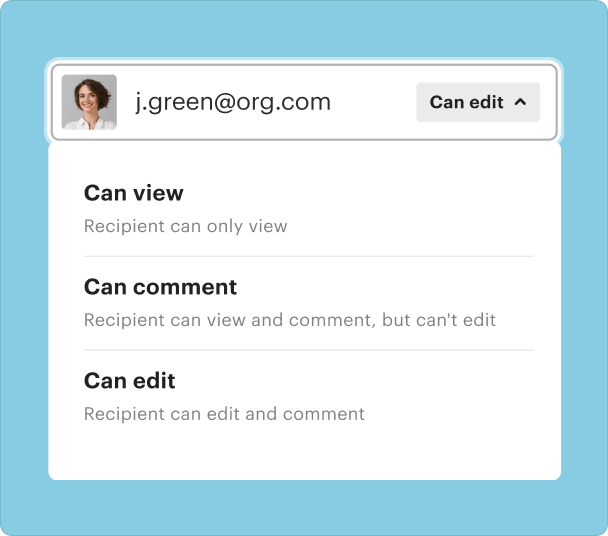
Easy sharing & collaboration

Don’t just share edited documents—let anyone make changes and leave feedback. Set up a team workspace to share templates, collaborate on PDFs, and track documents in one place.
Screen

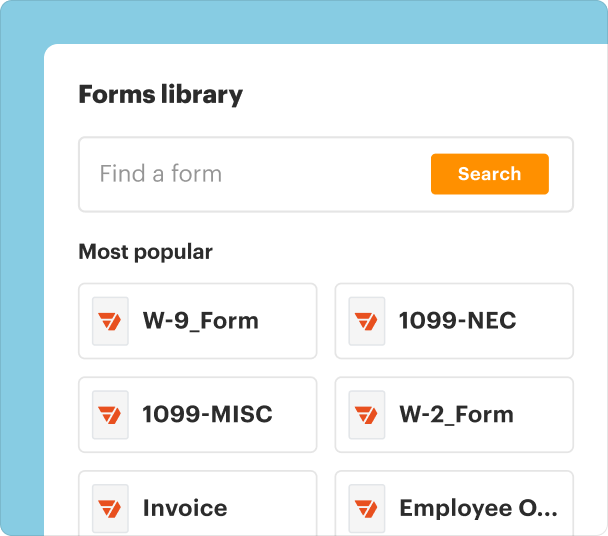
Forms library

Access a huge library of ready-to-use templates. From tax forms to state-specific legal documents, find what you need and customize in seconds.
Screen

Uncompromising security

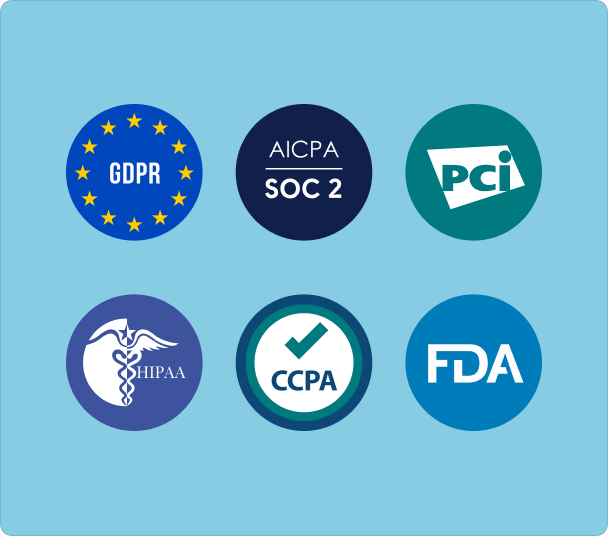
Edit, share, and store documents without worrying about data safety. pdfFiller complies with global security standards like HIPAA, GDPR, PCI DSS, and SOC 2 Type II to protect your data.
Screen

pdfFiller scores top ratings on review platforms

Users Most Likely To Recommend - Summer 2025
Grid Leader in Small-Business - Summer 2025
High Performer - Summer 2025
Regional Leader - Summer 2025
PDFfiller was very easy to use. The video on how to file the CMS 1500 gave some great tips.
Cathy R
it has all the right features you needed to fill in a documentation. I appreciate how accessible and basic yet informative and detailing on the features. I highly recommend using pdfFiller and it is my go to software on my daily documentation tasks
Maria
Great! is very easy to create and use
izabel c
Convient, paperless, and quick user friendly.
Anonymous Customer
What do you like best? Definitely needed for any business that handles a lot of paperwork. We use it on almost a daily basis to fix or change a document that may have been mis-written and it is very easy to do this with PDFfiller. The ease of use is fantastic, we recommend it to everyone with a business. What do you dislike? I wish there were more options to match the color of the page when you erase something. And more font options to match the current font on a document. I also wish it was easy to upload multiple documents to create one solid PDF. That is one thing that I would like to see in any new updates. Also the system could possibly use a style refresh. It does seem a tad outdated looking, but that does not affect its usefulness. Recommendations to others considering the product: Just use it! It is worth every penny if you need to edit any documents What problems are you solving with the product? What benefits have you realized? Easily fixing business documents. Very smooth and easy to use. We are able to use this system to edit documents on a daily basis. We love that when you erase something you can just type right where you just erased so it matches the lines perfectly. It also makes it easy to fix boxes and add signature lines. It is also very smooth to upload documents and edit them. Definitely appreciate this system very much and we would recommend it to everyone we know.
Dane Baar
Excellent product Excellent product. Easy to use and much better than the others that I have used. Has been very helpful especially when needing to copy info over and so on.
Graham
Show more Show less
Illustration

Scaturro Insurance Agency LLC

Fumbling along with Adobe Acrobat or hand-writing forms was time-consuming, sloppy, and completely inefficient—especially if changes or updates were needed. We are going to continue to use pdfFiller and find additional uses for the product as our business grows.
Joe Scaturro, Owner
Read full story
Illustration

Marshall Orthopaedics

pdfFiller saves us $100 or more each workday when you factor in employee time and supplies. The figure is probably higher than that, since the waiting time for patients not yet seen is also diminished, which keeps the patient from being frustrated and just leaving before their visit.
Douglas A. Waldman, MD
Read full story
Illustration

Vallon Consulting LLC

I needed a platform that could merge documents together, edit them, sign them, then email or fax them. Ideally, all in one. I was introduced to pdfFiller last year. So I just went and got an account for myself, and have been using pdfFiller ever since.
Rowena Thornton, CEO and Managing Director
Read full story

FAQs

If you can't find what you're looking for, please contact us anytime!
pdfFiller stands out as a comprehensive document management solution that integrates editing, signing, and management functionalities in one platform. Users benefit from cloud-based access, allowing them to handle documents anytime, anywhere, without the limitations of local software. Unlike Hyarchis DMS, pdfFiller features advanced form-building capabilities that simplify data collection and automate workflows. Pro Tip: Consider transitioning to pdfFiller for streamlined document processes that enhance productivity.
Security is paramount when managing sensitive documents, and pdfFiller prioritizes user data protection with certifications such as SOC 2 Type II and HIPAA compliance. This focus on security ensures that documents shared on the platform remain confidential and secure. Users can trust that their workflows are protected while gaining the needed accessibility. Pro Tip: When choosing a DMS solution, prioritize security features that safeguard both your data and compliance needs.
pdfFiller offers robust cross-platform compatibility, enabling users to access and edit documents seamlessly on various devices. Whether using a desktop, tablet, or smartphone, pdfFiller maintains functionality that is consistent and reliable. In contrast, Hyarchis DMS may limit user accessibility, hindering productivity in fast-paced environments. Pro Tip: Opt for solutions like pdfFiller that prioritize cross-device functionality to ensure uninterrupted workflow management.
pdfFiller excels in automating business processes, significantly reducing the time spent on repetitive tasks. The platform allows users to create customized workflows that integrate various forms of document handling, from approvals to tracking. In comparison, Hyarchis DMS may lack the same level of automation flexibility, making pdfFiller a more attractive Hyarchis DMS alternative for businesses seeking efficiency improvements. Pro Tip: Look for automation features in document management solutions to maximize your operational efficiency.
Choosing pdfFiller presents a cost-effective solution for businesses that require comprehensive document management systems. While Hyarchis DMS can incur substantial setup and maintenance fees, pdfFiller provides tiered pricing structures tailored to varied user needs without hidden costs. This transparency in pricing allows organizations to allocate their budgets efficiently while enjoying premium features. Pro Tip: Compare total cost of ownership when evaluating document management solutions to ensure you invest wisely.
pdfFiller enhances document distribution with user-friendly features that allow for quick sharing and collaboration. Users can send documents easily via email or links, reducing turnaround time compared to Hyarchis DMS, which may require more complex distribution methods. This efficiency in sharing not only saves time but also fosters better collaboration among team members. Pro Tip: Evaluate ease of use in document distribution features to enhance overall productivity.
pdfFiller offers advanced form-building tools that surpass those available in Hyarchis DMS. Users can create interactive forms complete with conditional logic, custom branding, and automatic data capture. This flexibility and ease of use make pdfFiller an ideal choice for organizations that prioritize comprehensive document solutions. Pro Tip: Look for platforms with customizable form-building features to meet diverse business needs.

Ready to switch to pdfFiller?

Try it for free for 30 days and see the difference.
Upload your document