Free Work From Home Agreement Word Templates

Get eSignatures done in a snap

Prepare, sign, send, and manage documents from a single cloud-based solution.

What are Work From Home Agreement Templates?

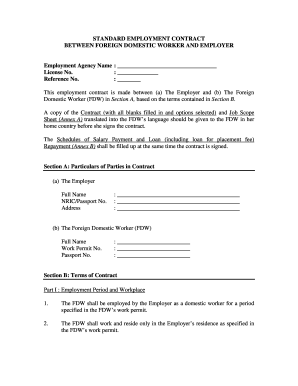
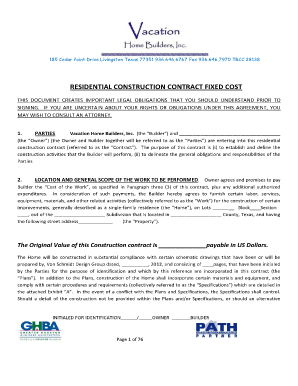
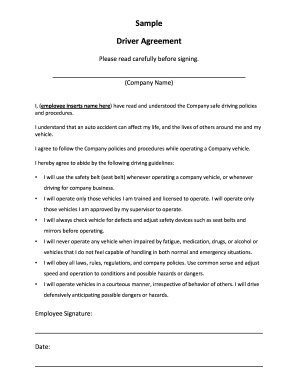
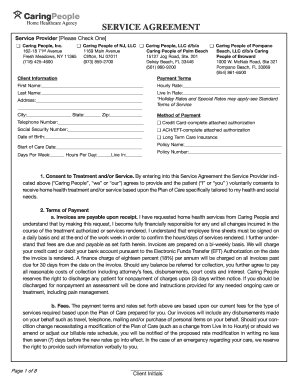
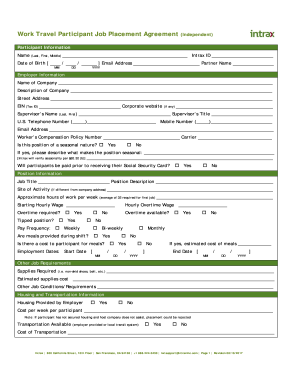
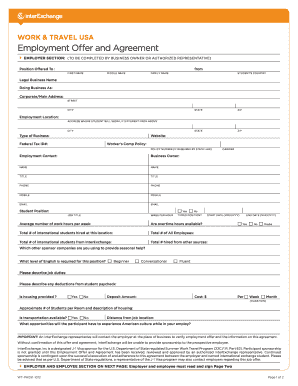
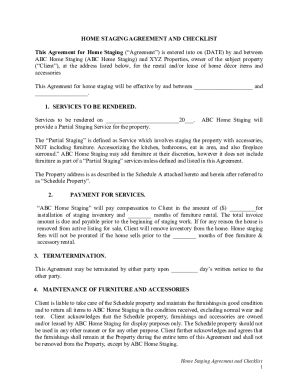
Work From Home Agreement Templates are pre-designed documents that outline the terms and conditions of remote work arrangements between employers and employees. These templates ensure that both parties are clear on their rights, responsibilities, and expectations while working from home.

What are the types of Work From Home Agreement Templates?

There are several types of Work From Home Agreement Templates available to cater to different industries and job roles. Some common types include:

General Work From Home Agreement Template
Telecommuting Agreement Template
Remote Work Policy Template
Freelancer Agreement Template

How to complete Work From Home Agreement Templates

Completing Work From Home Agreement Templates is a straightforward process that involves filling in the necessary details and reviewing the terms with all parties involved. Here are some steps to help you complete these templates:

01
Review the template to understand the terms and conditions
02
Fill in the required information such as names, roles, work hours, and compensation details
03
Discuss the agreement with all parties involved to ensure clarity and alignment
04
Sign and date the document to make it legally binding

pdfFiller empowers users to create, edit, and share documents online. Offering unlimited fillable templates and powerful editing tools, pdfFiller is the only PDF editor users need to get their documents done.

Video Tutorial How to Fill Out Work From Home Agreement Templates

Thousands of positive reviews can’t be wrong

Read more or give pdfFiller a try to experience the benefits for yourself
5.0
Using this site for forms more than pays for itself in time savings and produces...
Using this site for forms more than pays for itself in time savings and produces great quality documents.
Jim C.
4.0
An easy and effective tool for PDF files in daily office work.
An easy and effective tool for PDF files in daily office work. It's an amazing alternative of Adobe's pro version and I don't need any file to install on my system. I can do my work through this application on my web browser itself. It is very easy to use. It helps to add notes to your PDF files easily. It also has the feature of importing files from a URL. After editing your pdf file you can directly send it to your email id. Its inefficiency of uploading multiple files in one operation. Sometimes it become slow when uploading slightly large file irrespective of internet speed.
Kapil V.
5.0
PDF filler has helped expedite sending and receiving forms as well as helping my...
PDF filler has helped expedite sending and receiving forms as well as helping my autistic son fill in his homework worksheets instead of writing.
Kristina H.

Questions & answers

Though often away from the office, a teleworker is different from a remote employee because there occasionally some in-person office attendance required — though this is not always the case. Another key difference is that a teleworker is often geographically closer to the main office location than a remote worker.
Here are 10 remote work rules to follow that will help you be a better remote worker: Elevate your communication game. Create a dedicated workspace. Set a schedule and stick to it. Focus on your peak hours. Identify your weaknesses. Dress for success. Don't be a loner. Remember to take breaks.
The Teleworker Agreement is a legal document identifying the responsibilities of both the teleworker and the employer. The agreement mirrors the policies. The employee signs the agreement.
A Work From Home Agreement is a policy document that allows employers establish expectations and outline an employee's responsibilities while they are working remotely (i.e. telecommuting, working from home, etc.).
What to Include in a Work-From-Home Policy Establish the purpose of the policy. State who the policy applies to. Outline a procedure for the work-from-home request process. Set admissible work-from-home days. Outline communication and task expectations clearly. Address time zone differences.
As stated earlier, there are two general types of telework: regular and situational. Regular telework is also referred to as recurring telework, because it occurs on a regularly scheduled basis. Regular telework is defined as occurring at least once in each two-week pay period.