Free Meeting Report Word Templates

What are Meeting Report Templates?
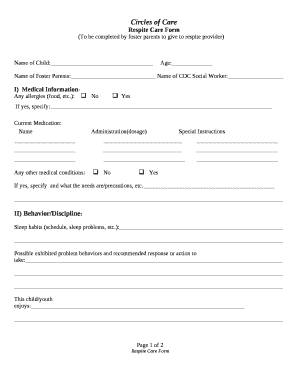
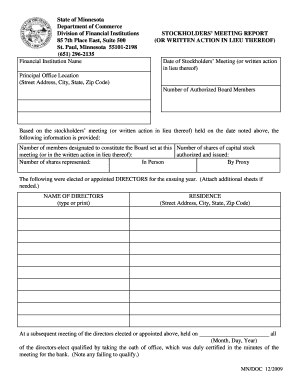
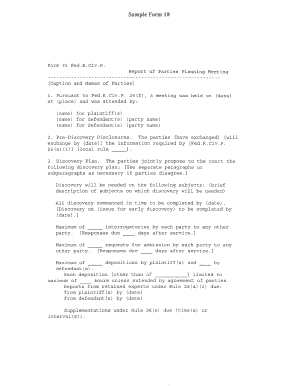
Meeting report templates are pre-designed formats that help users organize and document information from meetings. They provide a structured layout for recording key points, action items, and decisions made during meetings.
What are the types of Meeting Report Templates?
There are several types of meeting report templates available, including:
General Meeting Report Templates
Project Meeting Report Templates
Sales Meeting Report Templates
Board Meeting Report Templates
How to complete Meeting Report Templates
Completing meeting report templates is easy and efficient when following these steps:
01
Attend the meeting and take detailed notes
02
Organize your notes into the appropriate sections of the template
03
Review and revise the report for accuracy and clarity
04
Share the completed report with relevant stakeholders
pdfFiller empowers users to create, edit, and share documents online. Offering unlimited fillable templates and powerful editing tools, pdfFiller is the only PDF editor users need to get their documents done.
Video Tutorial How to Fill Out Meeting Report Templates
Thousands of positive reviews can’t be wrong
Read more or give pdfFiller a try to experience the benefits for yourself
Questions & answers
What is a formal summary of a meeting?
The meeting summary should be concise and summarizes perfectly the key points that have been discussed. First list down what is the main agenda of the meeting. List down the names of the people who attended the meeting. In another list below it, list down also who were not present in the meeting.
What is a summary report of a meeting?
Minutes, also known as minutes of meeting (abbreviation MoM), protocols or, informally, notes, are the instant written record of a meeting or hearing.
Why is a meeting report necessary?
The difference between minutes and report of a meeting is that minutes are more structured and detailed, and a report is shorter and only covers the main points. Minutes are used more commonly, though some companies also use reports.
What's the difference between a report of a meeting and meeting minutes?
A meeting summary is an informal version of meeting minutes. It's typically an email sent as a follow-up to a meeting that summarises the issues you've discussed and serves as a reminder to various team members of the tasks for which they are responsible. It may also include due dates, project deadlines and updates.
What is a meeting report called?
Following are 10 steps that can help you compose an effective meeting minutes report: Make an outline. Include factual information. Write down the purpose. Record decisions made. Add details for the next meeting. Be concise. Consider recording. Edit and proofread.
What is the purpose of meeting report?
Citation Generator (Year published). Title of Paper or Proceedings, Title of Conference, Location, Date. Place of publication: Publisher.