Church Membership Form Templates

Get eSignatures done in a snap

Prepare, sign, send, and manage documents from a single cloud-based solution.

What are Church Membership Form Templates?

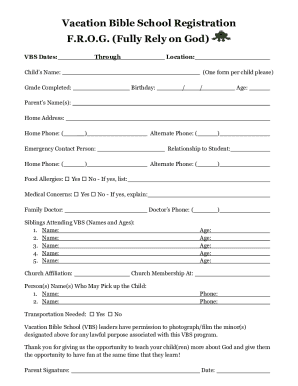
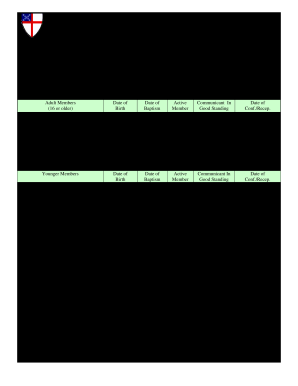
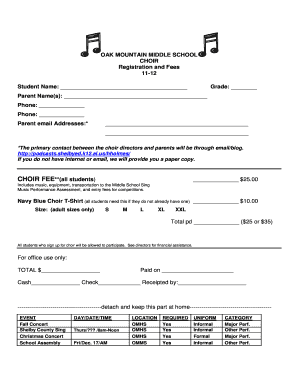
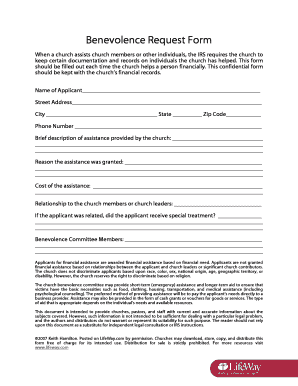
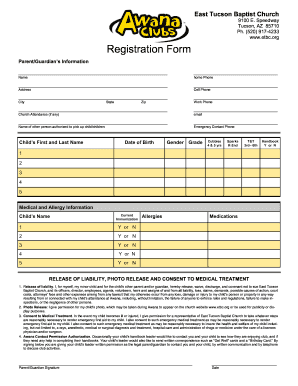
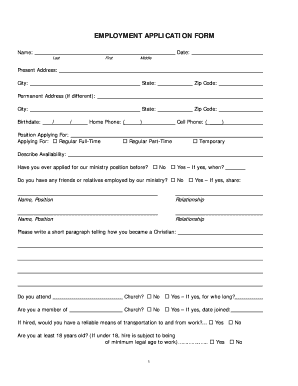
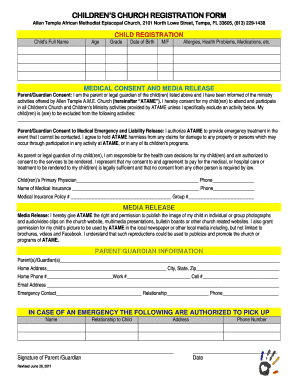
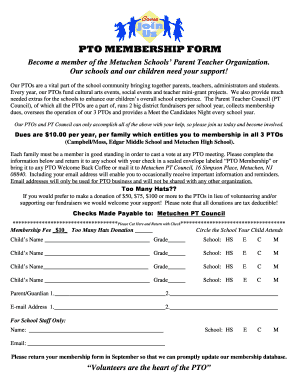
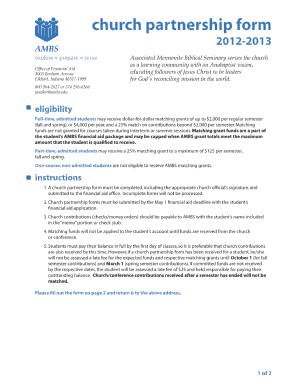
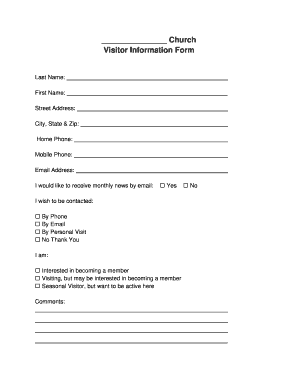
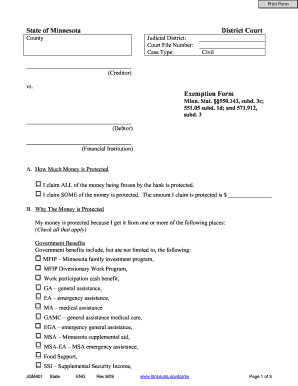
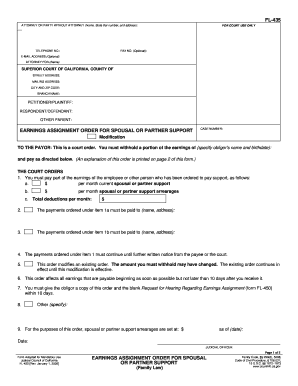
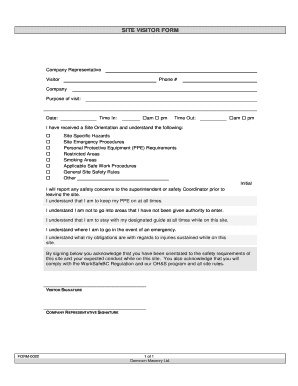
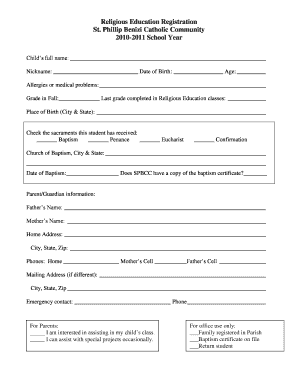
Church Membership Form Templates are pre-designed documents that help churches collect information from individuals interested in becoming members. These templates provide a structured format for gathering personal details, contact information, and other relevant data required for church membership.
What are the types of Church Membership Form Templates?

There are several types of Church Membership Form Templates available to cater to different needs and preferences. Some common types include:
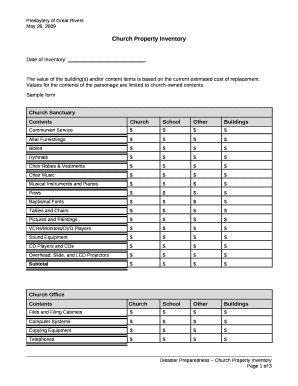
Basic Membership Form Template
Online Membership Form Template
Family Membership Form Template
Youth Membership Form Template

How to complete Church Membership Form Templates
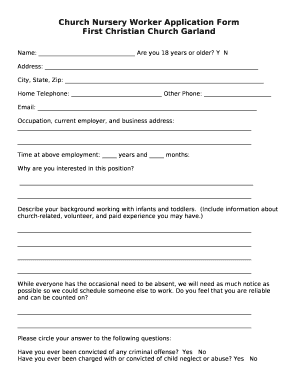
Completing Church Membership Form Templates is a simple process that involves filling in the required fields with accurate information. To complete a Church Membership Form Template, follow these steps:
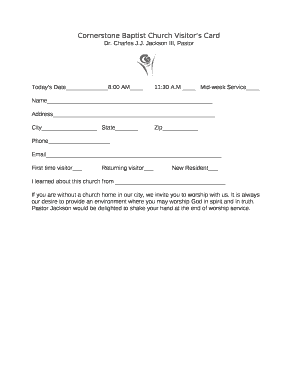
01
Download the desired template from a reputable source or use an online platform like pdfFiller.
02
Fill in your personal details such as name, address, and contact information.
03
Provide any additional information required by the church, such as previous church affiliations or reasons for joining.
04
Review the completed form for any errors or missing information before submission.

pdfFiller empowers users to create, edit, and share documents online. Offering unlimited fillable templates and powerful editing tools, pdfFiller is the only PDF editor users need to get their documents done.

Video Tutorial How to Fill Out Church Membership Form Templates
Thousands of positive reviews can’t be wrong

Read more or give pdfFiller a try to experience the benefits for yourself
5.0
Definitely recommend!
Definitely recommend!! Pdf filler was easy to use and it has endless things you can fill. I have not come across anything else like it. The team and customer service is top notch, quick, friendly and helpful!
Leah Lewis
5.0
Ralph - My favorite support friend I requested a refund for a yearly subscriptio...
Ralph - My favorite support friend I requested a refund for a yearly subscription that I did not remember signing up for. I reached out once before and did not receive a response. I reached out again today (2020-10-24) and Ralph responded right away. He was extremely helpful and nice and solved my problem right away. I am extremely satisfied with my experience and I will definitely keep PDF Filler in mind if I or my friends need a safe place to store or edit documents. Thank you for your great support and for hiring a great employee like Ralph! He is amazing and I truly appreciate him.
Mariyam Hassan
5.0
It includes everything I needed to do, and then some.
It includes everything I needed to do, and then some. Its much more user friendly then even Adobe itself. But, for the price, and my specific needs, it works great.
Matthew K
5.0
Love it Finally something for everything I need to do.
Love it Finally something for everything I need to do. So much better than printing and scanning documents
Elizabeth Glass

Questions & answers

Gather basic personal information like complete name, date of birth, e-mail address, mailing address, and phone number. Describe the process of application and enumerate the membership requirements. Provide details about the types of membership. List the benefits of becoming a member.
6 Important Steps To Follow. Step 1: Make a visible Church name in the center. Step 2: Then you will have a section about the contact details. Step 3: Birth details in the next section. Step 4: Ask why the person wants to be a member. Step 5: Details of the occupation. Step 6: Add the thoughts of the church.
To make a form, you should do the following: Gather personal information like date of birth, phone number and mailing address. Describe the application process and any membership requirements. Provide information about membership levels. Tell them all about membership benefits. Explain membership fees and payment options.
Start with a form template Go to File > New from Template. In Search, type form. Double-click the template you want to use. Select File > Save As, and pick a location to save the form. In Save As, type a file name and then select Save.
A Church Membership Transfer Letter is used when a member of your church community asks to be transferred to another church, oftentimes including a recommendation from a head of the church or pastor.
Let's take a look at the first (mandatory) list of information fields: Personal Details: Full Name, Date of Birth, Occupation. Contact Details: Contact number, email address, mailing address. Membership Tiers: Membership type signing for, along with its terms and annual charges.