Church Registration Form Templates

Get eSignatures done in a snap

Prepare, sign, send, and manage documents from a single cloud-based solution.

What are Church Registration Form Templates?

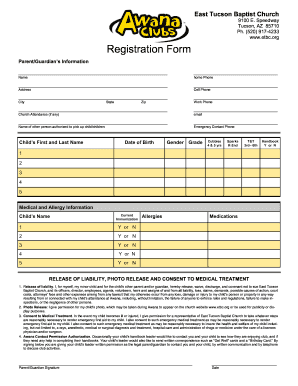
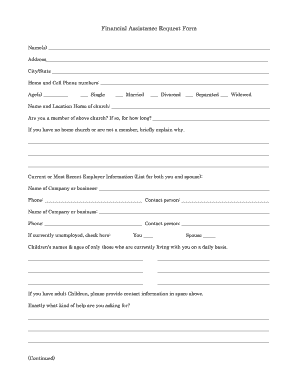
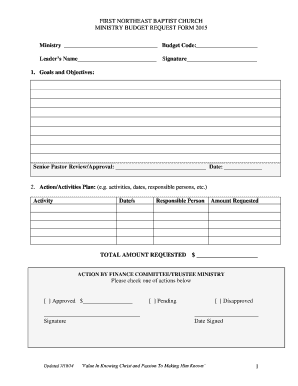
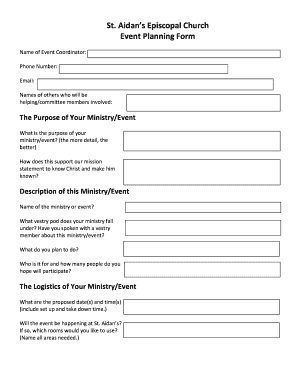
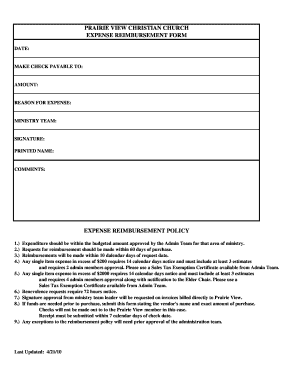
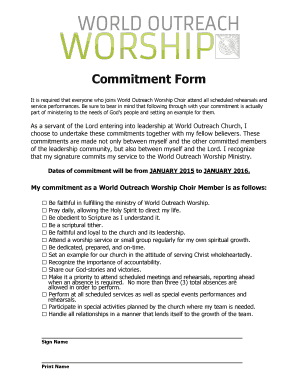
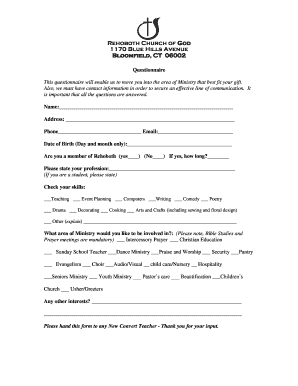
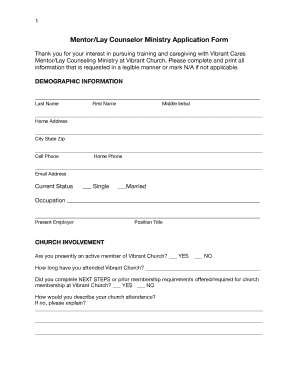
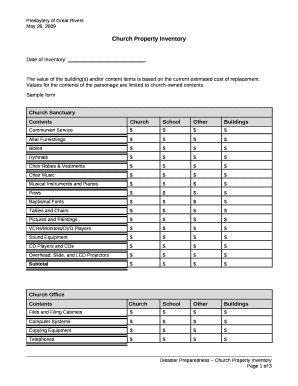
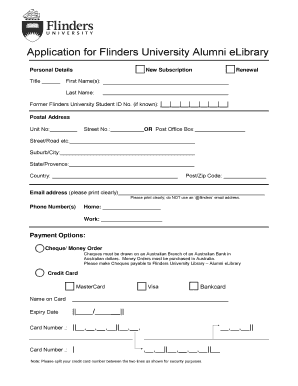
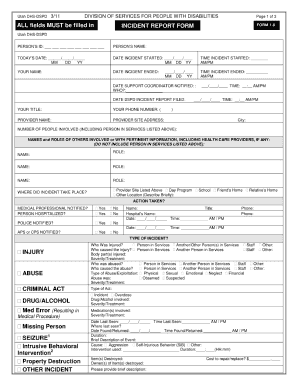
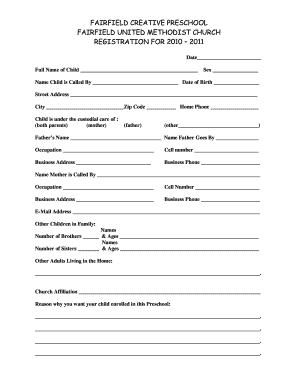
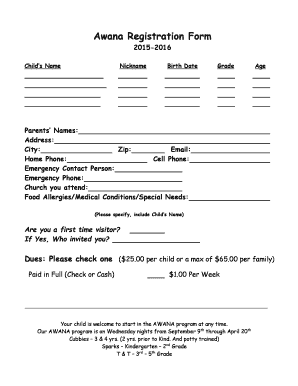
Church Registration Form Templates are pre-designed forms that churches use to collect information from their members for various purposes such as event registration, membership updates, volunteer sign-ups, and more. These templates make it easy for churches to gather essential information in an organized manner.
What are the types of Church Registration Form Templates?

There are several types of Church Registration Form Templates available, depending on the specific needs of the church. Some common types include:

Membership Registration Form Template
Event Registration Form Template
Volunteer Sign-up Form Template
Donation Form Template
Contact Information Form Template

How to complete Church Registration Form Templates
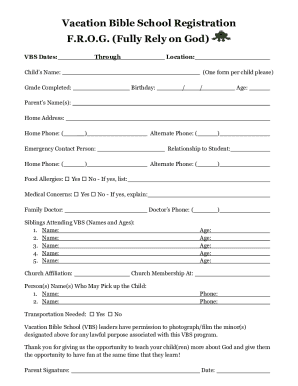
Completing Church Registration Form Templates is a simple process that involves the following steps:
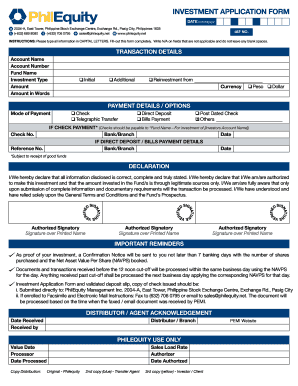
01
Select the appropriate form template based on the purpose of the registration
02
Fill in the required information accurately and completely
03
Review the information to ensure accuracy
04
Submit the completed form either online or in person

pdfFiller empowers users to create, edit, and share documents online. Offering unlimited fillable templates and powerful editing tools, pdfFiller is the only PDF editor users need to get their documents done.

Video Tutorial How to Fill Out Church Registration Form Templates
Thousands of positive reviews can’t be wrong

Read more or give pdfFiller a try to experience the benefits for yourself
5.0
Kristen helped me with trying to secure conncection by telling me I needed to cl...
Kristen helped me with trying to secure conncection by telling me I needed to clear out browser, cookies, etc...Thank you.
Beatrice G.
4.0
Convenient, Easy, and Potentially Free!
Convenient, Easy, and Potentially Free! I edit a lot (A LOT) of PDF documents. I love that I can edit, fill, sign from anywhere - on the go, on my phone, in the car, in the hotel. I can get it done and quickly. One of my most used tools hands down. I would like to see the website redesigned to be slightly more user friendly.
Mark D.
5.0
PDFfiller is almost as good as Adobe PDFfiller makes PDF editing simple and quic...
PDFfiller is almost as good as Adobe PDFfiller makes PDF editing simple and quick. It's almost as good as Adobe itself. If you don't have Adobe, then here's you substitute. It's a simplistic and quick online PDF editor. You basically upload your PDF file, then if provides to all of your needs from: inserting text, erasing text and other modification options. None at the moment because I appreciate using it.
C.F. J.
5.0
Helpfull Editing in pdf This app is very helpfull for me on daily work .
Helpfull Editing in pdf This app is very helpfull for me on daily work . Thanks to team Addition and edit is not as per previous found always different found
Tariq K.

Questions & answers

6 Important Steps To Follow. Step 1: Make a visible Church name in the center. Step 2: Then you will have a section about the contact details. Step 3: Birth details in the next section. Step 4: Ask why the person wants to be a member. Step 5: Details of the occupation. Step 6: Add the thoughts of the church.
A registration form is a document with a set of fields that a person fills out and sends to a business or individual to register for an event, program, membership, list, and so on.
How to create google form for event registration Give a name to the form. Give a name to the form. Add the Fields. Add Name and Phone fields. Settings. Test the form. Customize form style to match your theme. Create a link to the form. Test your form. See Also.
Event registration forms for general attendees should capture general information about them like their name, email address, payment details, and other details that will help you improve their experience at your event, be it dietary restrictions or activity preferences.