Shopping Questionnaire Templates

What are Shopping Questionnaire Templates?
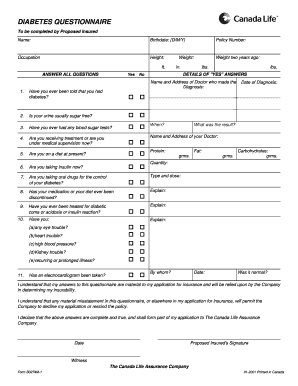
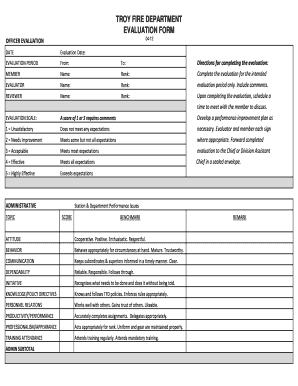
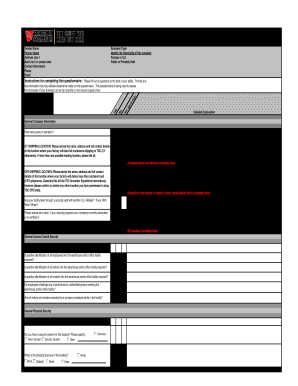
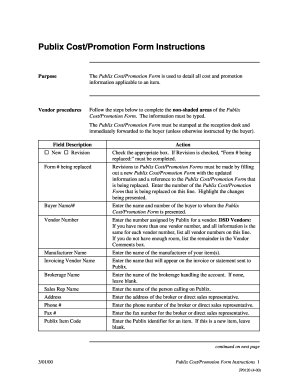
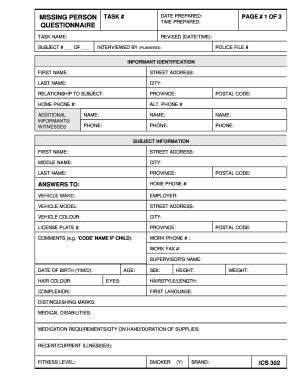
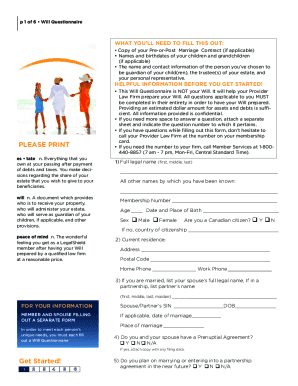
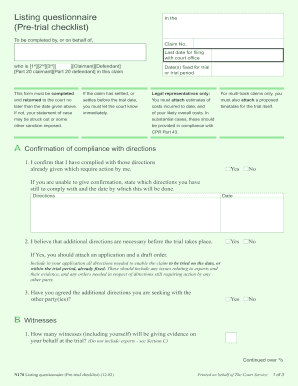
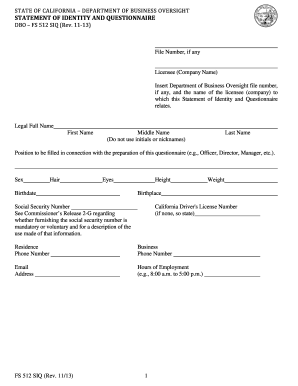
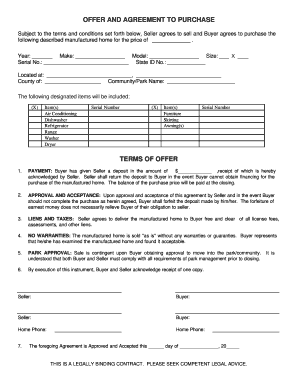
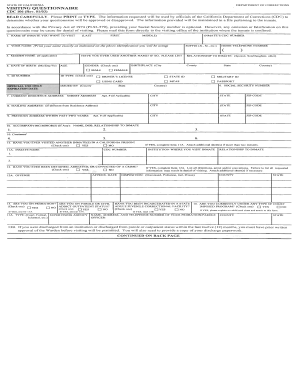
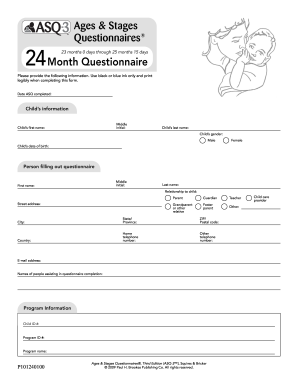
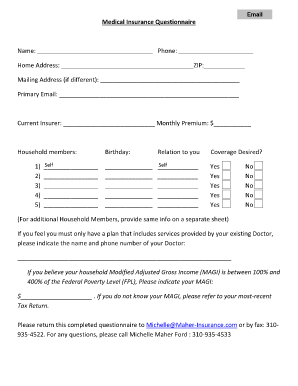
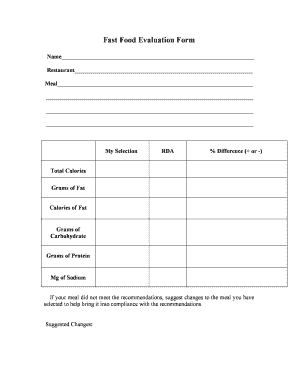
Shopping questionnaire templates are pre-designed forms or documents that help individuals or businesses gather information from customers or clients related to their shopping preferences, experiences, and feedback. These templates are commonly used in market research, customer satisfaction surveys, product feedback forms, and more.
What are the types of Shopping Questionnaire Templates?
There are various types of shopping questionnaire templates available, including but not limited to:
Customer Satisfaction Surveys
Product Feedback Forms
Market Research Surveys
Shopping Experience Surveys
Purchase Behavior Questionnaires
How to complete Shopping Questionnaire Templates
Completing shopping questionnaire templates is a simple process that involves the following steps:
01
Review the questions carefully and provide honest answers.
02
Fill in the required information accurately.
03
Submit the completed questionnaire as instructed by the provider.
pdfFiller empowers users to create, edit, and share documents online. Offering unlimited fillable templates and powerful editing tools, pdfFiller is the only PDF editor users need to get their documents done.
Thousands of positive reviews can’t be wrong
Read more or give pdfFiller a try to experience the benefits for yourself
Questions & answers
How do I create an online shopping questionnaire?
Online shopping survey questions How safe did you feel while sharing your card details? How was the checkout experience overall? Did you experience a hassle-free payment experience? On a scale of 0-10, how likely are you to buy from us again?
How do you create a survey questionnaire?
7 tips for writing a great survey or poll Ask more closed-ended questions instead than open-ended questions. Ensure your survey questions are neutral. Keep a balanced set of answer choices. Don't ask for two things at once. Keep your questions different from each other. Let most of your questions be optional to answer.
How do I create a questionnaire in Word?
Try it! In the My forms tab, select New Form or New Quiz. Name your form and give it a description. Select Add Question and choose the type of question you want to add. Select Preview to see how your form will look on a computer or mobile device. To add a background color or image to your form, select Theme.
What are the 5 questions to ask in a questionnaire?
These 5 basic questions—how, why, who, when, and what—don't get as much attention as the more popular questions you include in your survey. But they should. Take a few minutes to answer these 5 questions before you start writing your survey.
What is the format for questions in Microsoft Word?
Number Each Question (required) Each question must begin with a question number, followed by either a period “.” or a parentheses “)”. The question text must follow the question number. (Note: at least one space should be between the question number and the question wording.)
Is there a questionnaire template on word?
Create a new document or choose a template. Go to File > New or New from Template and search "Forms" for the questionnaire template you want to use.