Exam Registration Form Templates


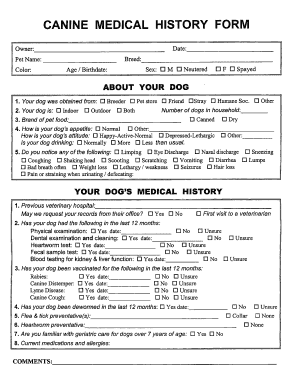
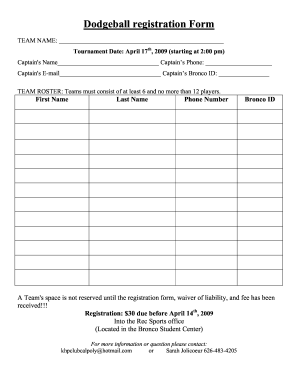

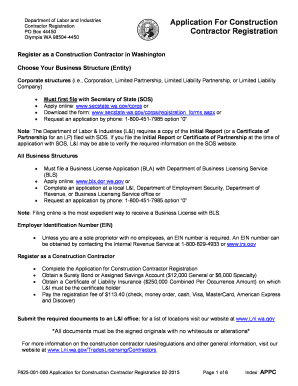
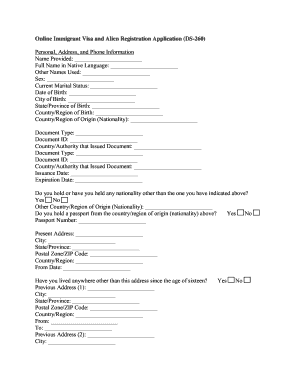
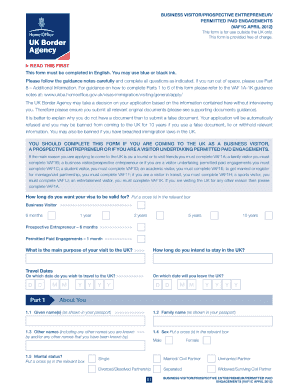
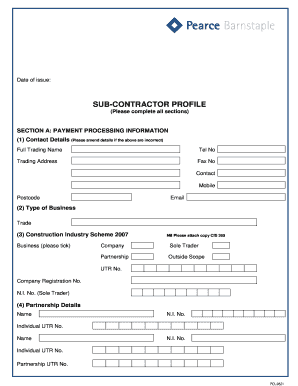
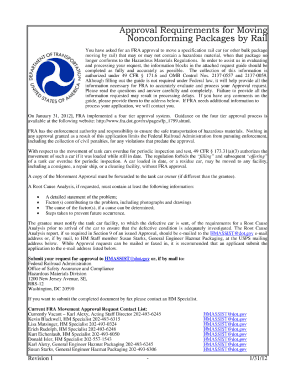

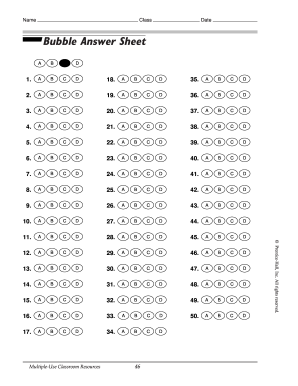
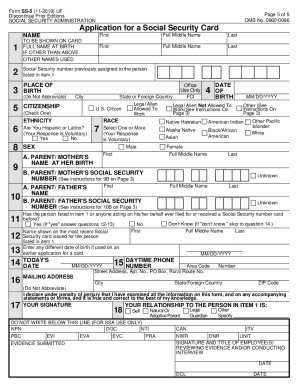
What are Exam Registration Form Templates?
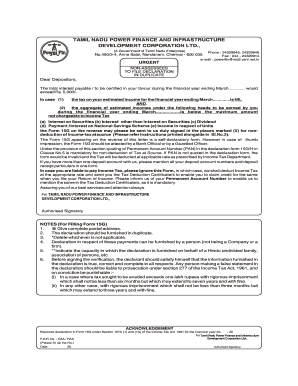
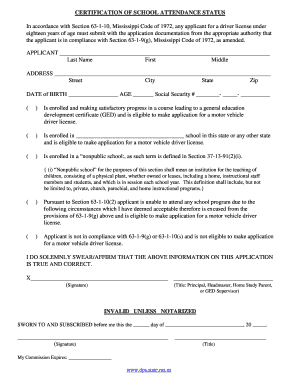
Exam Registration Form Templates are pre-designed documents that individuals or organizations can use to collect information from individuals registering for an exam. These templates provide a structured format that allows for efficient data collection and organization.
What are the types of Exam Registration Form Templates?
There are several types of Exam Registration Form Templates available, including:
Basic Exam Registration Form Template
Advanced Exam Registration Form Template
Customizable Exam Registration Form Template
How to complete Exam Registration Form Templates
Completing an Exam Registration Form Template is easy and straightforward. Follow these steps:
01
Fill in your personal information, such as name, address, and contact details.
02
Provide details about the exam you are registering for, including exam date and location.
03
Review the information you have entered to ensure accuracy and completeness.
04
Submit the completed form to the relevant authority for processing.
pdfFiller empowers users to create, edit, and share documents online. Offering unlimited fillable templates and powerful editing tools, pdfFiller is the only PDF editor users need to get their documents done.
Video Tutorial How to Fill Out Exam Registration Form Templates
Thousands of positive reviews can’t be wrong
Read more or give pdfFiller a try to experience the benefits for yourself
Questions & answers
What is registration form description?
A registration form is a document with a set of fields that a person fills out and sends to a business or individual to register for an event, program, membership, list, and so on.
What should be included in a registration form?
Event registration forms for general attendees should capture general information about them like their name, email address, payment details, and other details that will help you improve their experience at your event, be it dietary restrictions or activity preferences.
How do I create a registration form in Word?
0:36 10:52 How to Create a Registration Form in Word - YouTube YouTube Start of suggested clip End of suggested clip And under med group i click on my cells. Then i go ahead and enter in my. Text. Next i click insideMoreAnd under med group i click on my cells. Then i go ahead and enter in my. Text. Next i click inside the cell and i enter name.
How can I create a free registration form?
AidaForm is a flexible online service that lets you easily create a free online registration form – no HTML coding required: just drag and drop the fields you need, choose the visual style that matches the design of your website, and publish your form to get more people on your guest list.
What is an online registration form?
Online Registration Form means the form that you must fill in with your e-mail address, desired user name, password and password confirmation, in order to create a User Account.
How do I create a registration form?
Read on for a step-by-step walkthrough, or check out the video below. Choose an HTML editor. Just like you need a word processor to create a text document, you need a text editor to create HTML code. Create your HTML file. Add basic text fields. Add additional fields. Add placeholders. Customise your HTML form with CSS.