Self-declaration Form Format


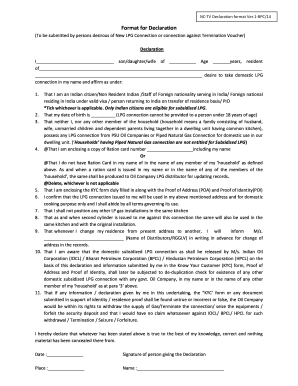
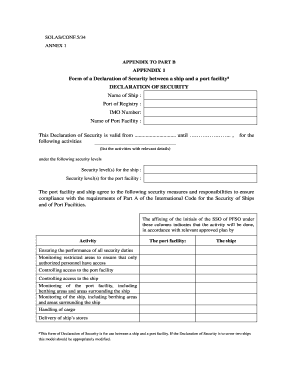


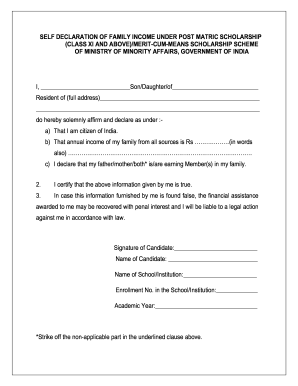

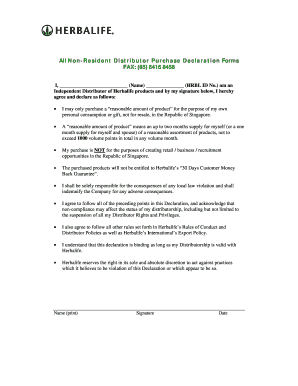
What is Self-declaration form format?
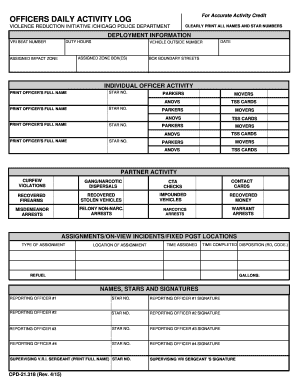
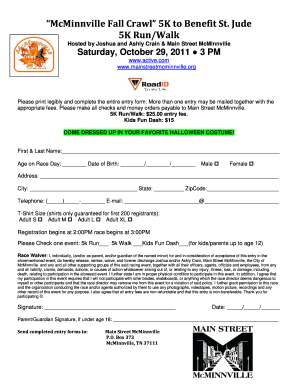
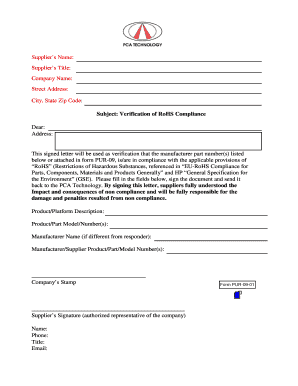
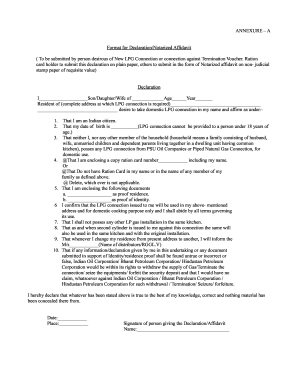
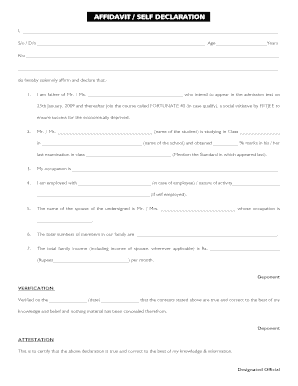
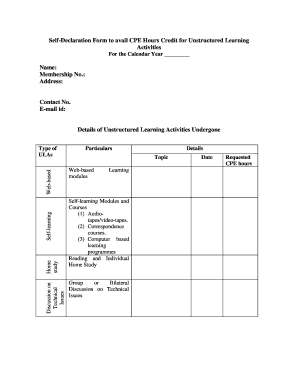
A self-declaration form format is a document where an individual declares certain information about themselves or their circumstances. It is typically used to certify the truthfulness of the statements made by the declarant.
What are the types of Self-declaration form format?
There are different types of self-declaration form formats depending on the purpose of the declaration. Some common types include: 1. Income Declaration Form 2. Health Declaration Form 3. Residence Declaration Form
Income Declaration Form
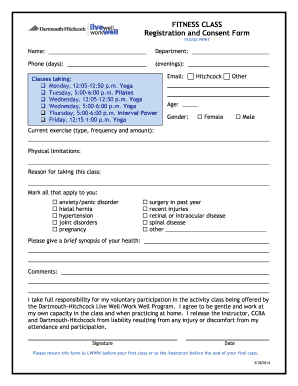
Health Declaration Form
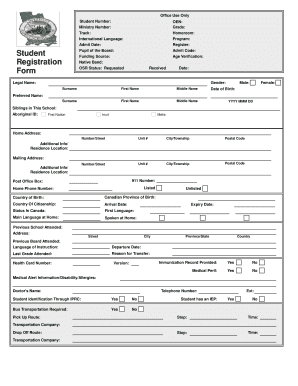
Residence Declaration Form
How to complete Self-declaration form format
Completing a self-declaration form format is simple and straightforward. Follow these steps:
01
Gather all the required information and documents
02
Fill in the form with accurate information
03
Review the completed form for any errors
04
Sign and date the form to certify the declaration
pdfFiller empowers users to create, edit, and share documents online. Offering unlimited fillable templates and powerful editing tools, pdfFiller is the only PDF editor users need to get their documents done.
Video Tutorial How to Fill Out Self-declaration form format
Thousands of positive reviews can’t be wrong
Read more or give pdfFiller a try to experience the benefits for yourself
Questions & answers
What is a self declaration statement?
Self-declaration means a statement regarding assets, income, family size, medical diagnosis, or residency made by a person applying for services. Self-declaration does not include any documentation other than the signature of the person making the statement.
Where can I download self declaration form?
You can find the Self Declaration Form under the Air Suvidha Portal/Air Suvidha Online Portal on the New Delhi Airport Website. This form must be presented at all the international airports in India. It is crucial that you submit the India Health Declaration form online before your departure to India.
What is an example of a declaration statement?
I certify that the information given is true and complete to the best of my knowledge. I understand that if I have deliberately given any false information or have withheld any information regarding any situation, I am liable for prosecution for fraud and/or perjury.
How do I write a self declaration?
1. “I hereby declare that the details and information given above are complete and true to the best of my knowledge.“ 2. “I hereby declare that all the information furnished above is true to the best of my belief.”
How do I write a declaration for myself?
When writing a resume declaration, you can use the following examples as inspiration: I hereby declare that all the information given above is true and correct to the best of my knowledge. All the information shared in the resume is correct, and I take full responsibility for its correctness.
What is a self declaration form to be filled by employee?
An Employee Self Declaration Form is a document that employees fill out to declare their health status, recent travel history, and any potential exposure to COVID-19. This form helps employers meet their responsibility to provide a safe working environment for their employees.