Class Registration Form Templates

Get eSignatures done in a snap

Prepare, sign, send, and manage documents from a single cloud-based solution.

What are Class Registration Form Templates?

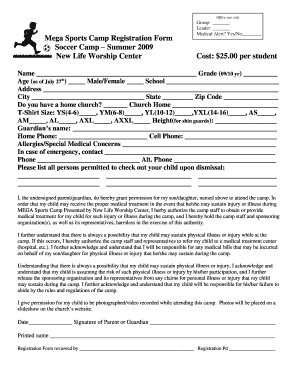
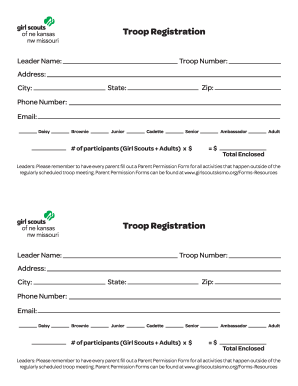
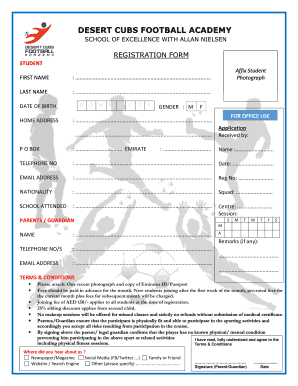
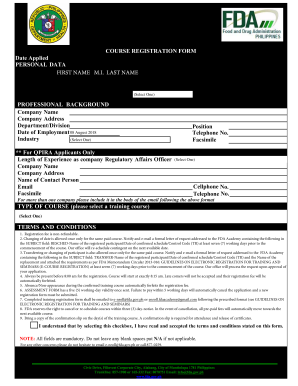
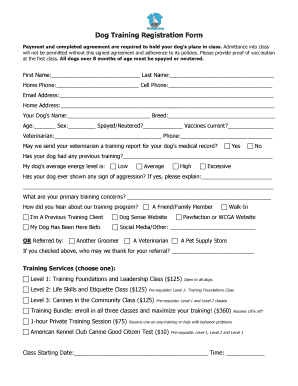
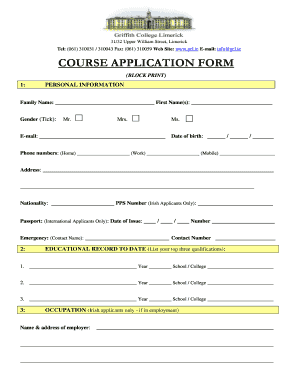
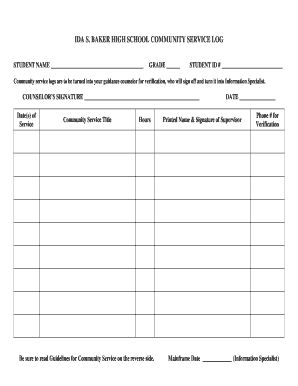
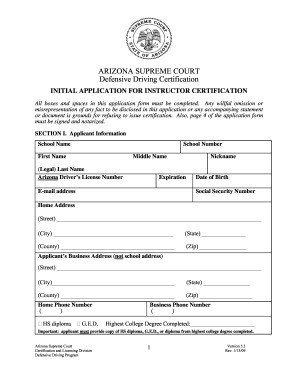
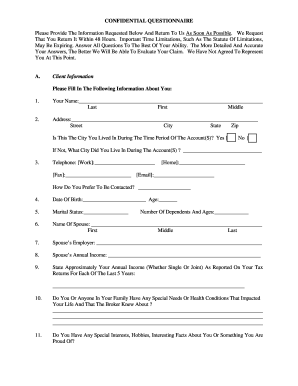
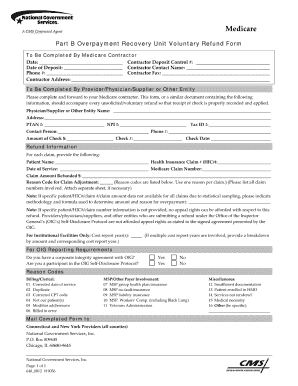
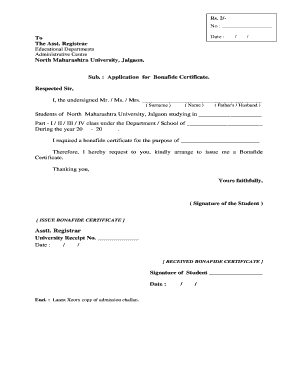
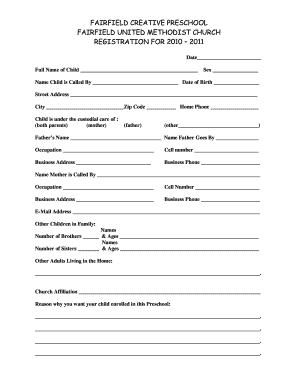
Class Registration Form Templates are pre-designed forms that individuals or organizations can use to collect information and register participants for classes, workshops, seminars, or training sessions. These templates save time and streamline the registration process by providing a structured layout for gathering necessary details.
What are the types of Class Registration Form Templates?

There are several types of Class Registration Form Templates available, each catering to different needs and preferences. Some common types include:
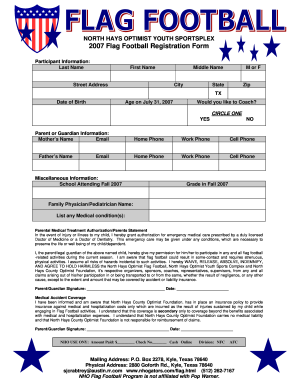
Basic Class Registration Form Template
Online Class Registration Form Template
Printable Class Registration Form Template
Customizable Class Registration Form Template

How to complete Class Registration Form Templates
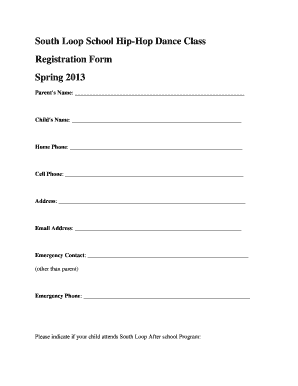
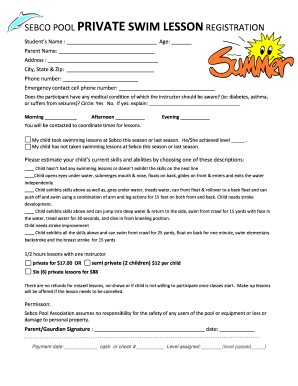
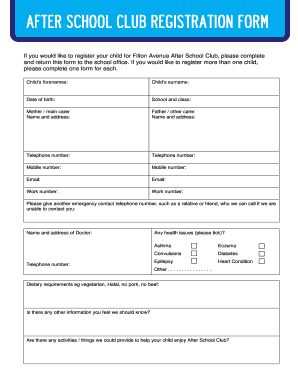
Completing Class Registration Form Templates is a straightforward process that involves following these steps:
01
Fill in personal information such as name, contact details, and address
02
Select the desired class or program from the available options
03
Provide any required payment or billing information
04
Review the completed form for accuracy and completeness
05
Submit the form either online or in person as directed

pdfFiller empowers users to create, edit, and share documents online. Offering unlimited fillable templates and powerful editing tools, pdfFiller is the only PDF editor users need to get their documents done.

Video Tutorial How to Fill Out Class Registration Form Templates
Thousands of positive reviews can’t be wrong

Read more or give pdfFiller a try to experience the benefits for yourself
5.0
Great app Great app - really easy to use.
Great app Great app - really easy to use. Doesn't change the quality of the document. Probably won't pay for it long term - I would pay £1 or something everytime i wanted to use it though...
Lucy Ryan
5.0
Able to change words on documents-So helpful I was unable to find a pdf editor t...
Able to change words on documents-So helpful I was unable to find a pdf editor that allowed me to change the words already provided on the forms. This has been a God send. Thank you for creating this program for people to use. The charge for using this program is a little expensive but I am extremely grateful for a 30 day trial. Thank you again.
Lydia P
5.0
This is incredibly easy to use This is incredibly easy to use, barely any learni...
This is incredibly easy to use This is incredibly easy to use, barely any learning curve. Finished making my form fillable in a few minutes!
sarah webb
5.0
I love this program/app I love this program/app.
I love this program/app I love this program/app. I work in the legal field and it has helped in so many different way.
prplpanda

Questions & answers

AidaForm is a flexible online service that lets you easily create a free online registration form – no HTML coding required: just drag and drop the fields you need, choose the visual style that matches the design of your website, and publish your form to get more people on your guest list.
How to create google form for event registration Give a name to the form. Give a name to the form. Add the Fields. Add Name and Phone fields. Settings. Test the form. Customize form style to match your theme. Create a link to the form. Test your form. See Also.
Read on for a step-by-step walkthrough, or check out the video below. Choose an HTML editor. Just like you need a word processor to create a text document, you need a text editor to create HTML code. Create your HTML file. Add basic text fields. Add additional fields. Add placeholders. Customise your HTML form with CSS.
A registration form is a document with a set of fields that a person fills out and sends to a business or individual to register for an event, program, membership, list, and so on.
Online Registration Form means the form that you must fill in with your e-mail address, desired user name, password and password confirmation, in order to create a User Account.