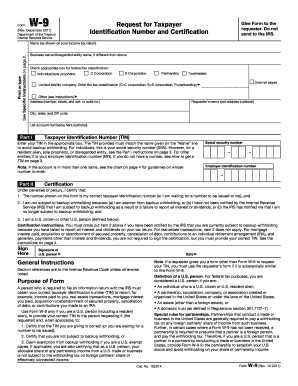
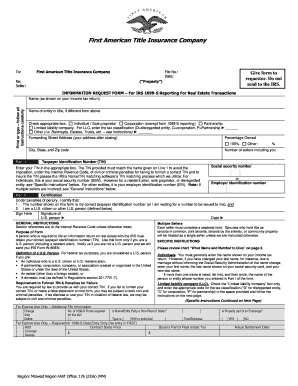
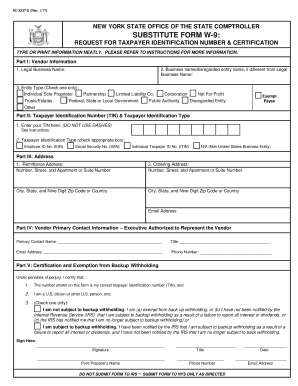
Student Pre Registration Form Templates
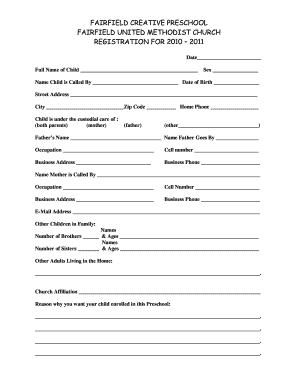





What are Student Pre Registration Form Templates?
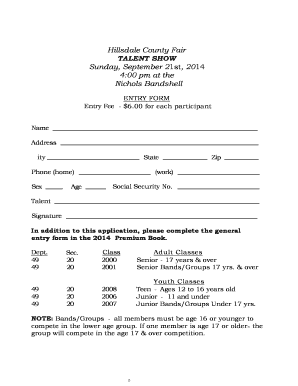
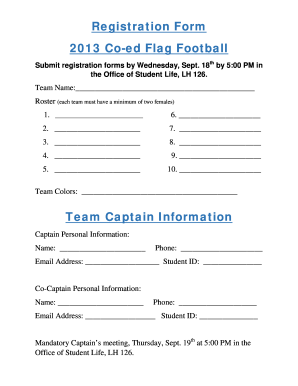
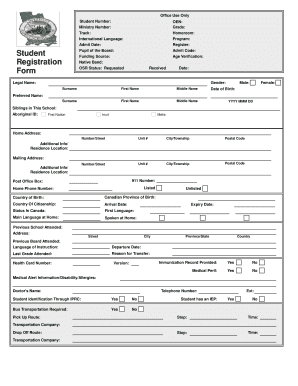
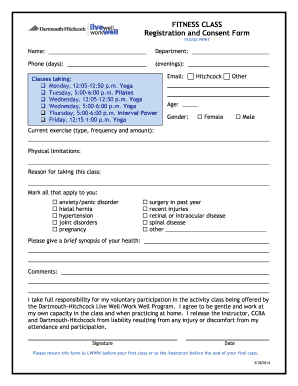
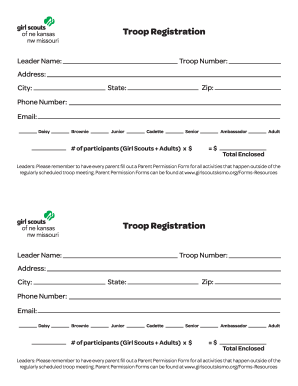
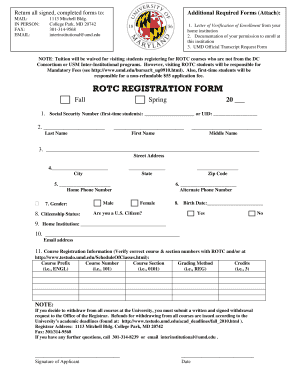
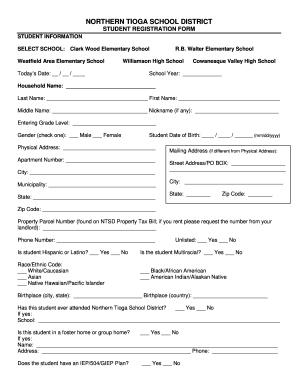
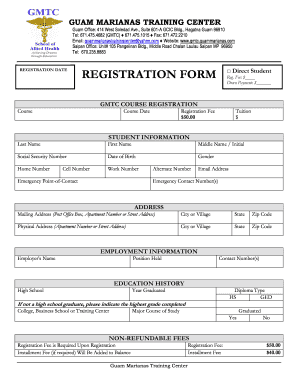
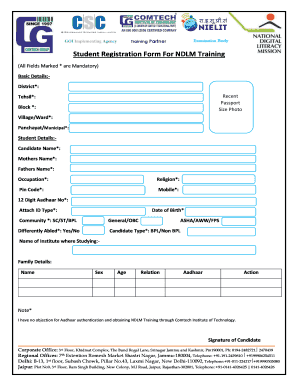
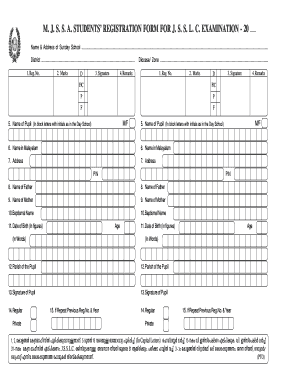
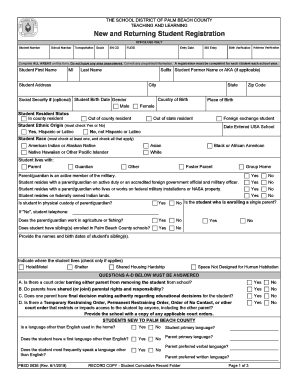
Student Pre Registration Form Templates are pre-designed forms that students can fill out online prior to registration for courses. These templates typically include fields for personal information, academic history, and course preferences.
What are the types of Student Pre Registration Form Templates?
There are several types of Student Pre Registration Form Templates available, including:
Basic personal information forms
Course preference selection forms
Academic history forms
Emergency contact information forms
How to complete Student Pre Registration Form Templates
To complete Student Pre Registration Form Templates, follow these simple steps:
01
Open the form template in a PDF editor like pdfFiller
02
Fill in your personal information, academic history, and course preferences
03
Review the completed form for accuracy
04
Save the form to your device or share it online
pdfFiller empowers users to create, edit, and share documents online. Offering unlimited fillable templates and powerful editing tools, pdfFiller is the only PDF editor users need to get their documents done.
Video Tutorial How to Fill Out Student Pre Registration Form Templates
Thousands of positive reviews can’t be wrong
Read more or give pdfFiller a try to experience the benefits for yourself
Questions & answers
How do I create an online registration form?
AidaForm is a flexible online service that lets you easily create a free online registration form – no HTML coding required: just drag and drop the fields you need, choose the visual style that matches the design of your website, and publish your form to get more people on your guest list.
How do I create a registration form?
Read on for a step-by-step walkthrough, or check out the video below. Choose an HTML editor. Just like you need a word processor to create a text document, you need a text editor to create HTML code. Create your HTML file. Add basic text fields. Add additional fields. Add placeholders. Customise your HTML form with CSS.
How do I create a digital registration form?
How to create google form for event registration Give a name to the form. Give a name to the form. Add the Fields. Add Name and Phone fields. Settings. Test the form. Customize form style to match your theme. Create a link to the form. Test your form. See Also.
What should be included in a registration form?
Event registration forms for general attendees should capture general information about them like their name, email address, payment details, and other details that will help you improve their experience at your event, be it dietary restrictions or activity preferences.
What is registration form description?
A registration form is a document with a set of fields that a person fills out and sends to a business or individual to register for an event, program, membership, list, and so on.
What is an online registration form?
Online Registration Form means the form that you must fill in with your e-mail address, desired user name, password and password confirmation, in order to create a User Account.