Employee Absence Tracking Templates






What are Employee Absence Tracking Templates?
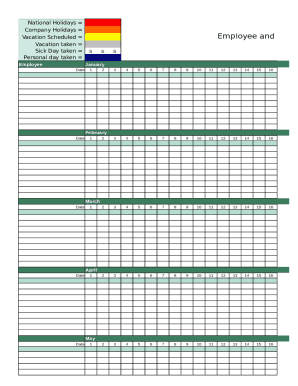
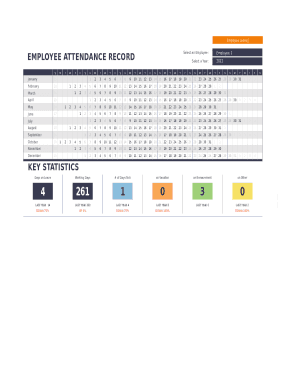
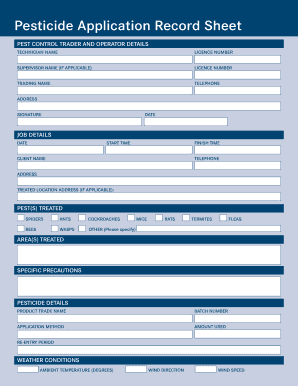
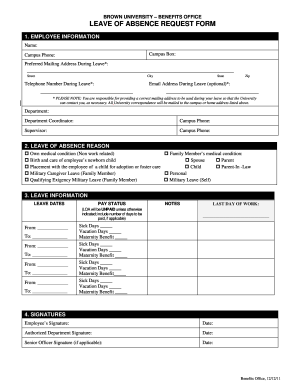
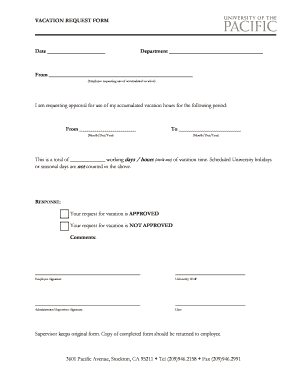
Employee Absence Tracking Templates are pre-designed forms or documents that organizations use to keep a record of employee absences, including sick leave, vacation days, and other time-off requests. These templates simplify the process of tracking and managing employee attendance, making it easier for employers to monitor and analyze absence patterns.
What are the types of Employee Absence Tracking Templates?
There are several types of Employee Absence Tracking Templates available, including:
Excel Spreadsheets
Google Sheets
HR Software Solutions
How to complete Employee Absence Tracking Templates
Completing Employee Absence Tracking Templates is a straightforward process that involves:
01
Entering employee information such as name, department, and contact details
02
Recording dates of absence and reason for the absence
03
Calculating total hours or days of absence for each employee
pdfFiller empowers users to create, edit, and share documents online. Offering unlimited fillable templates and powerful editing tools, pdfFiller is the only PDF editor users need to get their documents done.
Video Tutorial How to Fill Out Employee Absence Tracking Templates
Thousands of positive reviews can’t be wrong
Read more or give pdfFiller a try to experience the benefits for yourself
Questions & answers
How do I track employee absences in Excel?
To track attendance data for employees or students, download an Excel attendance template. Use the template's structure and functions to document and manage attendance data. You can also edit categories and headings, or add columns for identification numbers or contact details.
How do I create an employee attendance tracker in Excel?
Open a new Excel spreadsheet and create columns for each date of the month. Create a column for employee names in the left corner. Fill the columns corresponding to weekends and public holidays with color. For example, you can fill the Sunday and Saturday cells with black and public holidays with red.
What is the best way to keep track of employee attendance?
The most common way is through paper records or electronic records. Employee attendance tracking software helps employers manage staff schedules and ensure they are present at work. This ensures that employees are working efficiently and also reduces absenteeism.
What is the best way to record employee attendance?
The primary method for tracking employee attendance is typically using either physical paper records or electronic records. Employee attendance tracking software is a valuable tool for employers as it facilitates the management of staff schedules and ensures their presence during working hours.
Is there an app to keep track of employee attendance?
TimeCamp – automated time and attendance tracking software. Timenotes – timesheet app with attendance data tracking. Imonit – simple employee attendance tracking software. Bonsai – time and attendance app for freelance payroll management. Desktime – time tracking app with employees attendance management.
Is there an easy way to track employee attendance?
Employee Time & Attendance Tracking Software Buddy Punch. Clockify. When I Work. OnTheClock. QuickBooks Time. Timesheets. Paycor.