Contest Entry Templates





What are Contest Entry Templates?
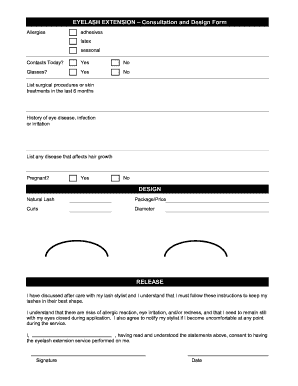
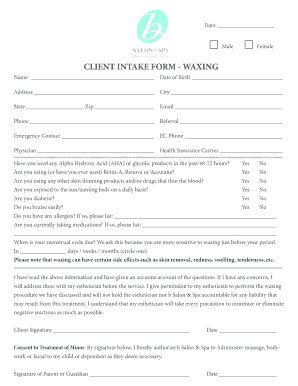
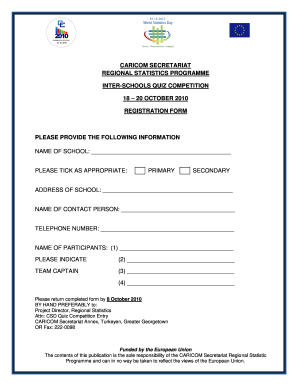
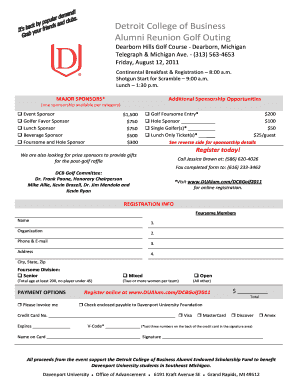
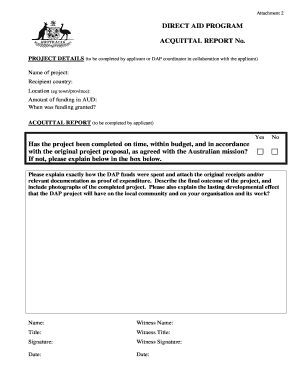
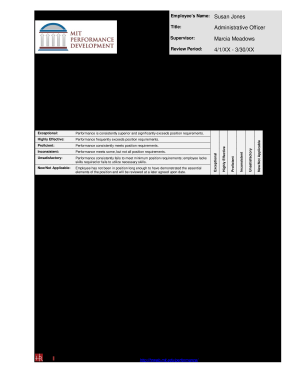
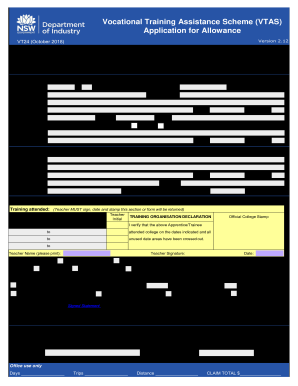
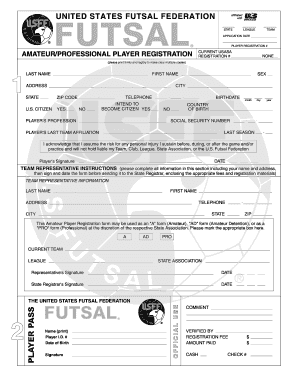
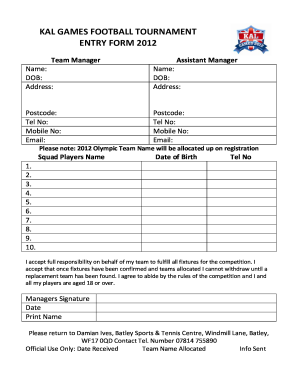
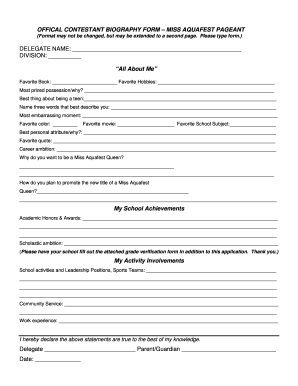
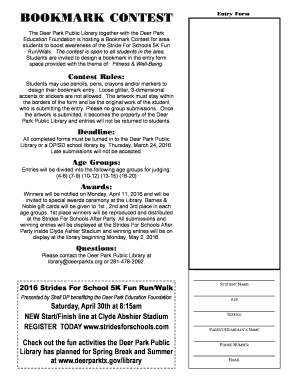
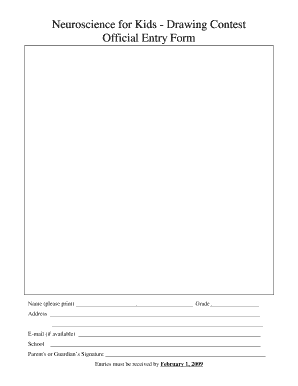
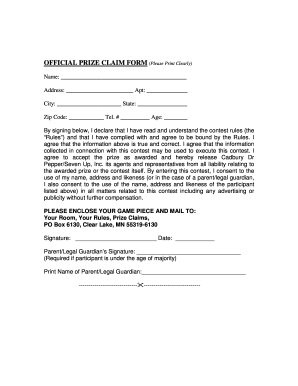
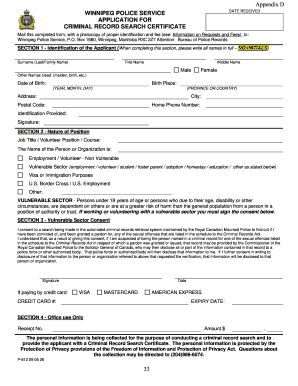
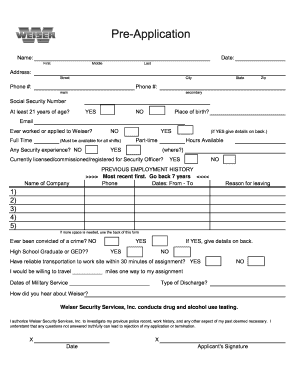
Contest Entry Templates are pre-designed forms or documents that individuals can use to enter various contests or competitions. These templates provide a structured format for participants to input their information and submissions easily.
What are the types of Contest Entry Templates?
There are several types of Contest Entry Templates available, including:
Photo Entry Templates
Video Entry Templates
Essay Entry Templates
Art Entry Templates
Business Plan Entry Templates
How to complete Contest Entry Templates
Completing Contest Entry Templates is a simple process. Here are some steps to help you fill out these templates effectively:
01
Review the contest guidelines carefully before starting
02
Fill in your personal information accurately
03
Upload or attach your submission according to the specified format
04
Double-check your entries for any errors or missing information before submitting
pdfFiller empowers users to create, edit, and share documents online. Offering unlimited fillable templates and powerful editing tools, pdfFiller is the only PDF editor users need to get their documents done.
Video Tutorial How to Fill Out Contest Entry Templates
Thousands of positive reviews can’t be wrong
Read more or give pdfFiller a try to experience the benefits for yourself
Questions & answers
How to start a competition?
This article will give you a step-by-step guide on how to run a contest, with 7 actionable steps you need to take. Know your Goals and Target Market. Choose Your Contest Type, Details, and Prize. Build your contest. Promote your contest. Track your results. Post-Contest Follow-Up. Learn and Repeat.
What is a competition entry?
A competition entry is another term used for a contest registration form. This is a document which has details of when the competition will happen, as well as the general information of the participant.
How do you write an entry for a competition?
Go over the possible topics carefully, keeping in mind both the competition and your own personal skill set. Often, some competitions can see hundreds or even thousands of applicants. Having an entry that is clear and long enough to explain yourself and skillset without rambling on will help you to stand out.
How do you enter 25 words or less competitions?
Breakdown of a Winning Competition Entry Answer the question. Associate words. Make it rhyme. Make it funny. Look for inspiration. Ensure it's under 25 words. Imagine you're the judge. Keep it simple.
What do you write in a creative writing competition?
When it comes to winning story contests, follow these five tips: Recognize you are human. Your main character must be fascinating. Surprise endings. Repeat with a twist. Write what you know (even if what you know never happened)
How do I create a Google form for a competition?
How to create a competition form using Google Docs Click on the forms tab at the top of the screen. Click the Go to Google Forms button in the centre of the screen. Here you will see the option to Start a new form, select Blank. Name your new form and add a description for anyone using your form.