Pizza Order Form Templates




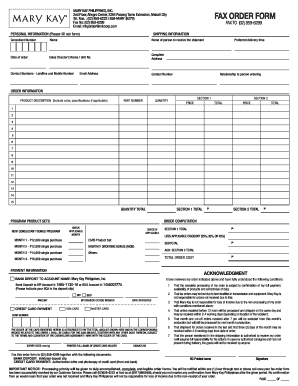
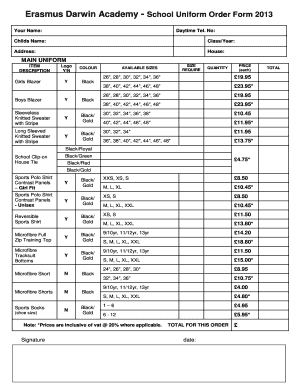
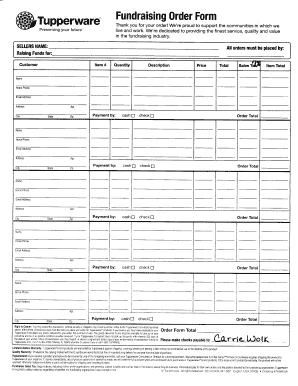
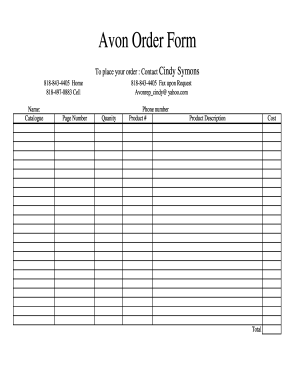
What are Pizza Order Form Templates?
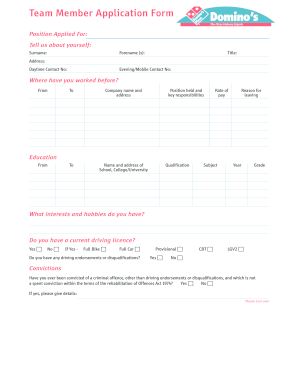
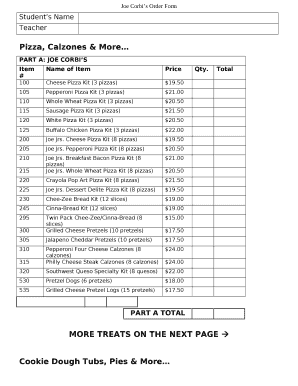
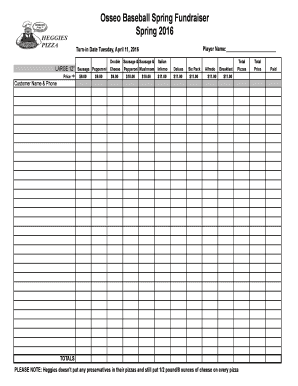
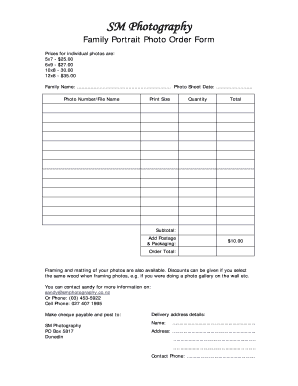
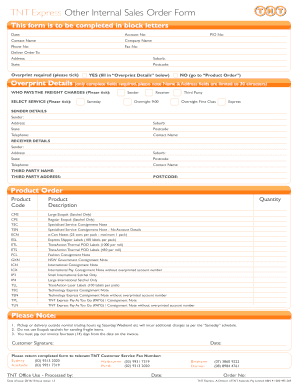
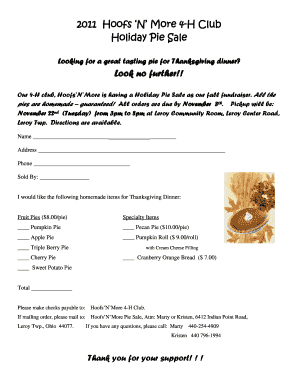
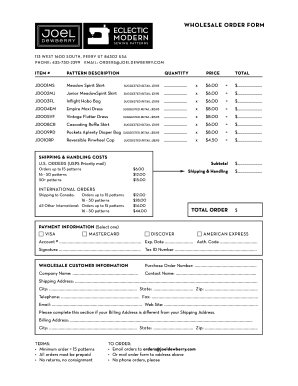
Pizza Order Form Templates are pre-designed documents that help streamline the process of ordering pizzas from a pizzeria. These templates typically include fields for entering customer information, choice of toppings, size of the pizza, delivery instructions, and payment details.
What are the types of Pizza Order Form Templates?
There are several types of Pizza Order Form Templates available, including:
Basic Pizza Order Form Template
Customizable Pizza Order Form Template
Online Pizza Order Form Template
Printable Pizza Order Form Template
How to complete Pizza Order Form Templates
Completing Pizza Order Form Templates is easy and straightforward. Here are some steps to help you fill out the form:
01
Enter your name, contact information, and delivery address in the designated fields.
02
Select the size of the pizza and choose your desired toppings from the dropdown menu.
03
Indicate any special instructions for the delivery, such as gate codes or preferred delivery times.
04
Provide your payment information, including credit card details or cash on delivery options.
05
Review the completed form for accuracy before submitting your order.
pdfFiller empowers users to create, edit, and share documents online. Offering unlimited fillable templates and powerful editing tools, pdfFiller is the only PDF editor users need to get their documents done.
Video Tutorial How to Fill Out Pizza Order Form Templates
Thousands of positive reviews can’t be wrong
Read more or give pdfFiller a try to experience the benefits for yourself
Questions & answers
How do I create an order form in Word?
0:00 16:57 Create an Order Form in MS Word | EASY AND SIMPLE - YouTube YouTube Start of suggested clip End of suggested clip Table. And the number of columns i want is 4 and the number of rows is 22 oops and then click ok. AsMoreTable. And the number of columns i want is 4 and the number of rows is 22 oops and then click ok. As you can see at the moment my rows are very very narrow.
What should be included in an order form?
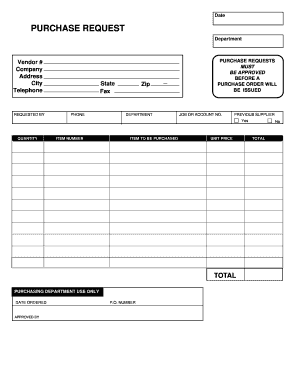
Most order forms include these important parts: Buyer and seller names. Purchase order number. Item description(s) Number of items requested. Billing address. Payment information. Signatures. Order date.
How do you write an order form?
What Should Be Included in an Order Form? The name of your company (legal name). Your company's current address. Customer's details, including name and email address. The shipping address of the customer. Purchase order date. Sales order number. Salesperson's name. Date of shipping.
What should an order form look like?
An order form typically mentions details about the product the customer would like to order, including the name of the product, pricing of the product, quantities they wish to buy, and the delivery option which suits them most. Other details like company name, logo, address, etc., are also mentioned.
Can you use Google Forms for orders?
So, there you have it – with Google Forms and the Form Publisher add-on, you can quickly and easily create order forms and share them with vendors and other stakeholders. And best of all – you can get started for free with Form Publisher. Download it today and start creating custom order forms in no time!
What is a simple order form?
All simple order forms are designed to let buyers select their preferred payment method which is usually by bank transfer or meetups. You can also set your delivery method in this order form simple if buyers prefer to have their items delivered, either by local mail or known couriers.