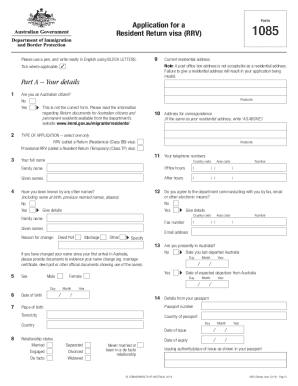
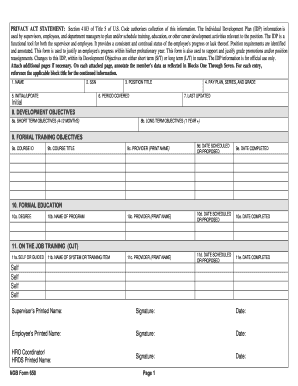
What is Uniform order form template excel?

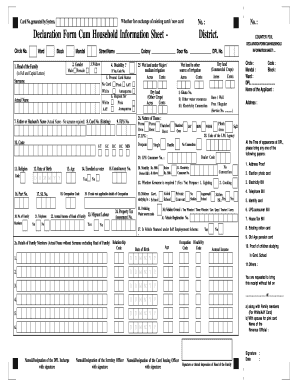
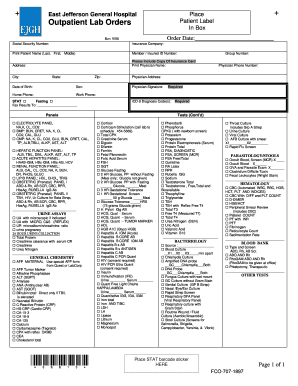
A Uniform Order Form template in Excel is a pre-designed spreadsheet that allows users to easily create professional and organized order forms for various purposes. This template is customized specifically for ordering uniforms, making it easy for users to input all the necessary information and create a detailed order form.

What are the types of Uniform order form template excel?

There are several types of Uniform Order Form templates in Excel, each designed for different industries and purposes. Some common types include:

School Uniform Order Form Template
Sports Team Uniform Order Form Template
Corporate Uniform Order Form Template
Healthcare Uniform Order Form Template
Customizable Blank Uniform Order Form Template

How to complete Uniform order form template excel

Completing a Uniform Order Form template in Excel is a simple and straightforward process. By following these steps, you can ensure that all the necessary information is accurately inputted:

01
Open the Uniform Order Form template in Excel
02
Fill in the required fields such as customer information, item details, quantity, sizes, etc.
03
Review the completed form for accuracy and completeness
04
Save the form to your computer or print it out for physical use

pdfFiller empowers users to create, edit, and share documents online. Offering unlimited fillable templates and powerful editing tools, pdfFiller is the only PDF editor users need to get their documents done.
Video Tutorial How to Fill Out Uniform order form template excel

Thousands of positive reviews can’t be wrong

Read more or give pdfFiller a try to experience the benefits for yourself
5.0
This program is extremely valueable to.
This program is extremely valueable to… This program is extremely valueable to me as a real estate agent. I cannot be as effective without it. It is a must for me, thank you.
john verea
5.0
Outstanding online rep answered my questions.
Outstanding online rep answered my questions. I reached out to one of your online chat support reps and was giving all the information needed to help me with my court brief that I'm writing. Dee sent me sample screen shots that helped me tremendously in a few areas. You got a good employee there. You should give the guy a raise.
JT
5.0
Absolutely amazing resource that did.
Absolutely amazing resource that did… Absolutely amazing resource that did even more than what I needed!!
Tiffanee Weekly
4.0
I have just started using this program but so far I am happy with it.
I have just started using this program but so far I am happy with it. It is great for completing documents that have been scanned in.
Jean

Questions & answers

0:00 4:13 How to Autofill a Sequence of Numbers in Excel With - YouTube YouTube Start of suggested clip End of suggested clip In this video we're in microsoft excel. We're going to look at how to create a sequence of numbers.MoreIn this video we're in microsoft excel. We're going to look at how to create a sequence of numbers. So i want one through to 12. I'll type one there select the cell.
Create forms that users complete or print in Excel Step 1: Show the Developer tab. On the Excel menu, click Preferences. Step 2: Add and format content controls. On the Developer tab, click the control that you want to add. Step 3: Protect the sheet that contains the form. Step 4: Test the form (optional)
Steps to Create an Order Form Decide what to sell. Choose a form builder tool. Customize the template with proper fields. Add photos of the products. Customize the order form with branding. Set up a payment method. Set up a success message. Share the order form.
How to make a purchase order form in Google Forms Step 1: Create a form. Step 2: Add the relevant purchase order details. Step 3: Download Payable Forms from Google Marketplace. Step 4: Adjust your sharing details. Step 5: Embed and share your form.
0:30 24:11 How to Create an Order Form in Excel - YouTube YouTube Start of suggested clip End of suggested clip To size 16.5 so column width. We'll change it from the default 8.43. And change it to 16.5 and thenMoreTo size 16.5 so column width. We'll change it from the default 8.43. And change it to 16.5 and then we'll press ok and then b i'm going to make a little bit bigger as well i'm just kind of estimating.
Steps to Create an Order Form in Excel Making a Customers List Table. Creating a Products List Table. Naming the Products List and Customers List. Initiating Order Form. Creating Product Drop-Down. Adding Price Lookup. Total the Order and Format the Form. Creating Customer Drop-Down and Lookup.