Approval Form Template Excel





What is Approval form template excel?
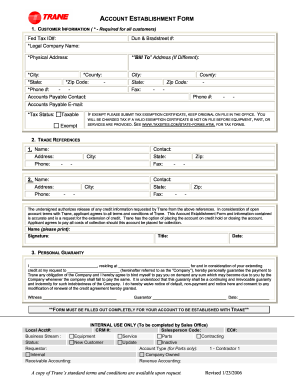
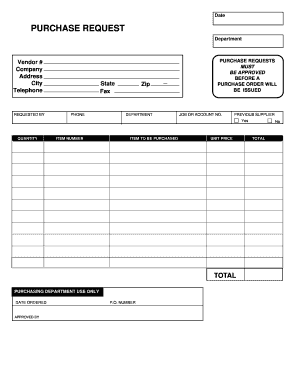
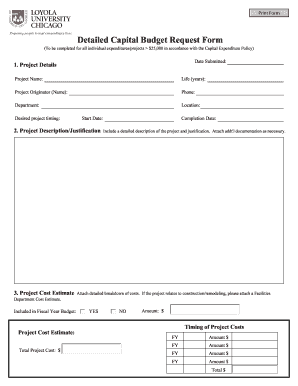
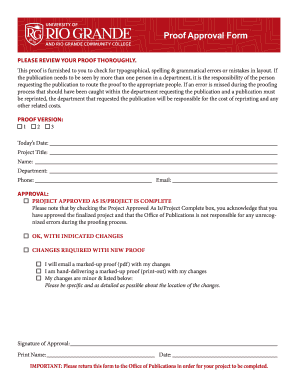
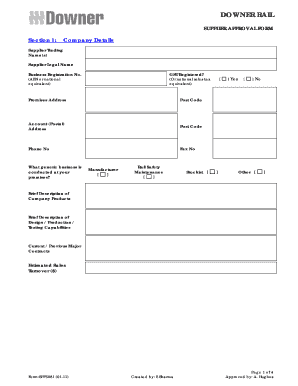
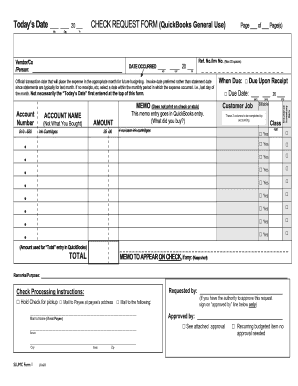
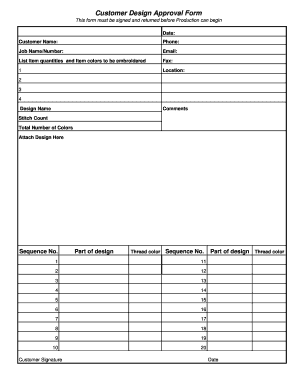
Approval form template excel is a preformatted document that allows individuals or businesses to quickly create approval forms in Excel format. These templates are designed to streamline the approval process and ensure consistency in the information provided.
What are the types of Approval form template excel?
There are various types of Approval form template excel available, each tailored to different purposes and industries. Some common types include:
Purchase Order Approval Form
Expense Report Approval Form
Time Off Request Approval Form
Budget Approval Form
How to complete Approval form template excel
Completing an Approval form template excel is a straightforward process. Follow these steps to fill out the form accurately:
01
Open the Approval form template excel in your preferred spreadsheet software
02
Enter the required information in the designated fields
03
Review the completed form to ensure all details are accurate
04
Save the document for your records or submit it as needed
pdfFiller empowers users to create, edit, and share documents online. Offering unlimited fillable templates and powerful editing tools, pdfFiller is the only PDF editor users need to get their documents done.
Video Tutorial How to Fill Out Approval form template excel
Thousands of positive reviews can’t be wrong
Read more or give pdfFiller a try to experience the benefits for yourself
Questions & answers
How do I create an approvals template?
Manage templates - You can create templates from the Approvals hub. Select Manage templates > New templates to customize them. Scope - If you're an admin, you can select from these three options that best fit your needs: Org wide, Specific people, and Team wide.
Can Microsoft forms be used for approvals?
When a response is submitted to Microsoft Forms, start an approval process and send email for successful approval or rejection of request. Connect your favorite apps to automate repetitive tasks.
How do you send an approval via Teams?
Approvals from chat - Send an approval right from your Teams conversation. Set it up from the compose box, then see the approvals card in your chat. Note that only people in the conversation can be added as approvers.
Who can create approval templates in teams?
All team owners can create an approval template for teams that they own.
How do you create an approval workflow in Teams?
You can quickly start an approval flow from the same place you send a chat, a channel conversation, or from the approvals app itself. Just select an approval type, add details, attach files, and choose approvers. Once submitted, approvers are notified and can review and act on the request.
How do you politely ask for approval?
Formal request for approval email sample Hi (Recipient's name), I've been working on (project details), and we've made tremendous progress. Finally, we are in a position to share a contract with the client, but I wanted your approval before we get to this stage. I've attached a copy of the contract here.