Contractor Estimate Form Templates

Get eSignatures done in a snap

Prepare, sign, send, and manage documents from a single cloud-based solution.

What are Contractor Estimate Form Templates?

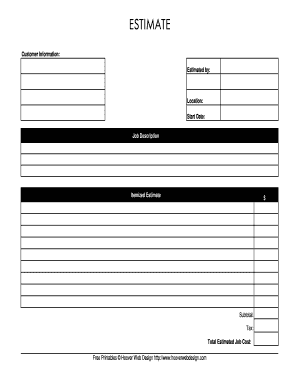
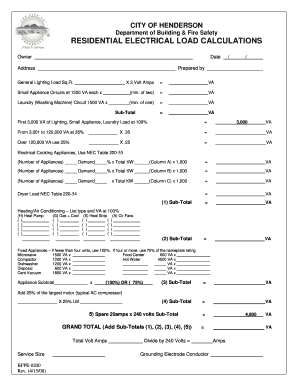
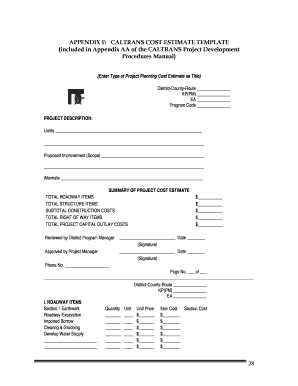
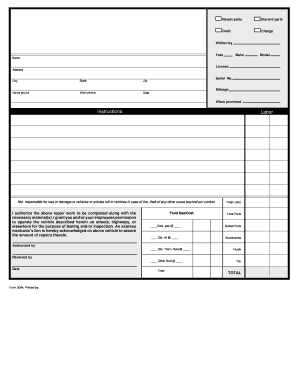
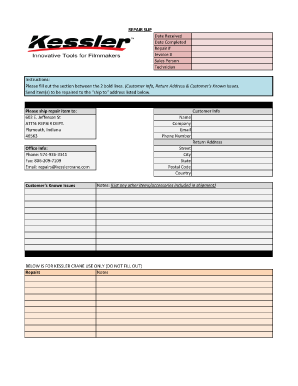
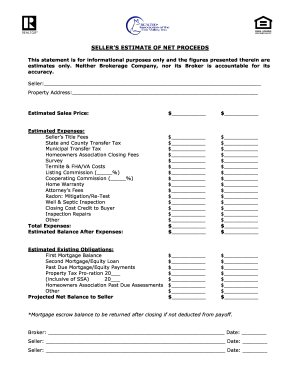
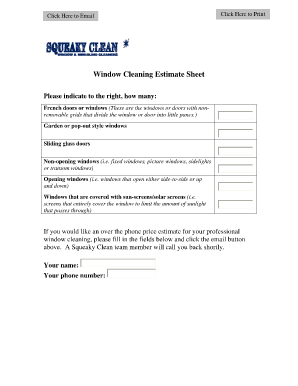
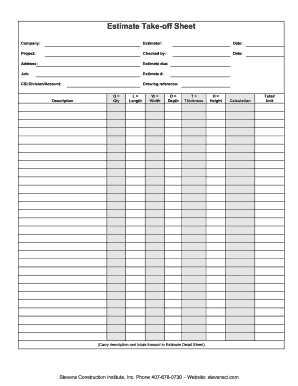
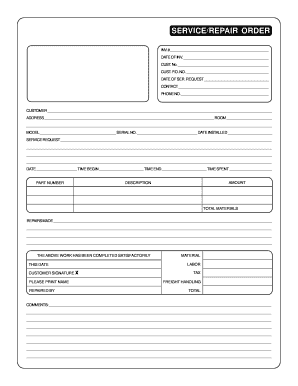
Contractor Estimate Form Templates are pre-designed documents that help contractors itemize and estimate the costs of a construction project. They are essential for providing clients with detailed information about the work to be done, materials needed, and expected expenses.
What are the types of Contractor Estimate Form Templates?

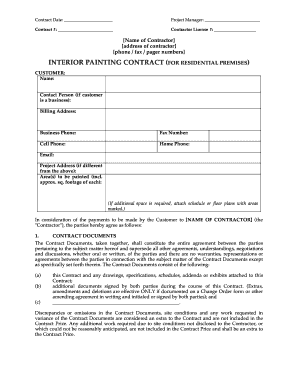
There are several types of Contractor Estimate Form Templates available, including: 1. General Construction Estimate Form 2. Electrical Work Estimate Form 3. Plumbing Estimate Form 4. Painting Estimate Form 5. Roofing Estimate Form

General Construction Estimate Form
Electrical Work Estimate Form
Plumbing Estimate Form
Painting Estimate Form
Roofing Estimate Form

How to complete Contractor Estimate Form Templates
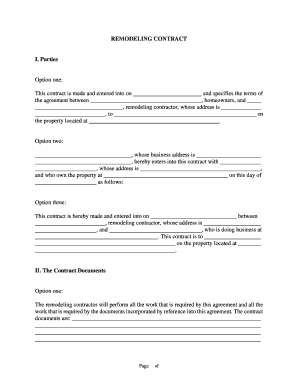
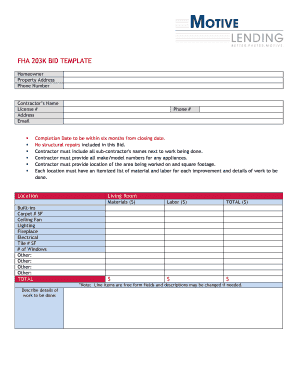
Completing Contractor Estimate Form Templates is easy and straightforward with the following steps: 1. Fill in your company's contact information at the top of the form. 2. Describe the project details, including scope of work, timelines, and materials required. 3. Itemize the costs for labor, materials, equipment, and any other expenses. 4. Calculate the total estimated cost for the project. 5. Review and double-check all information for accuracy before submitting the estimate to the client.
01
Fill in company contact information
02
Describe project details
03
Itemize costs for labor, materials, equipment, and expenses
04
Calculate total estimated cost
05
Review and double-check information

pdfFiller empowers users to create, edit, and share documents online. Offering unlimited fillable templates and powerful editing tools, pdfFiller is the only PDF editor users need to get their documents done.

Video Tutorial How to Fill Out Contractor Estimate Form Templates
Thousands of positive reviews can’t be wrong

Read more or give pdfFiller a try to experience the benefits for yourself
5.0
Very convenient!
Very convenient! I always use pdFfiller when I have to fill out forms because I know that I will get accurate results.
Shana C.
5.0
PDFfiller is a GREAT program with INCREDIBLE customer service!
PDFfiller is a GREAT program with INCREDIBLE customer service! PDFfiller is a GREAT program! It is very easy to use. It helped me tremendously when I had a project and needed to fill out literally hundreds of documents online. The program worked very well, was incredibly responsive, & even kept all of my documents for easy access as well. Most importantly, however, is that they have absolutely INCREDIBLE customer service! I used the chat feature and it was totally painless and even enjoyable. I was treated very well by the chat rep (Paul)! I am a single mother who is trying to start a small business with VERY limited funds. I meant to cancel my plan before my 30-day trial was over. Like so many other times in my hectic life, I guess I forgot! I was quite anxious about it as many companies charge high cancelation fees if you fail to cancel during the trial. There was no need to worry though. I simply logged into my account and then I saw the chat feature. I chose to use it even though I was hesitant to do so (many companies do not provide very good customer service through chat). The response time was extremely fast. I asked to cancel my membership and he replied right away that he would do that for me. Here is the best part, he then proceeded to ASK me if I would like a refund as well!! Now that is WONDERFUL CUSTOMER SERVICE!! Thanks so much, PDFfiller & Paul! I will definitely use them in the future and recommend them to my family and friends. You just do not see that level of customer care combined with great products anymore. I was quite impressed!
April A
5.0
This handle everything I needed to do with document.
This handle everything I needed to do with document. Everything centralize in one location and converting from one format to other format is so easy.
Ibrahim H.
5.0
I am not a computer wiz kid and PDF filler makes my life so easy!
I am not a computer wiz kid and PDF filler makes my life so easy! So user friendly, simple and efficient to operate. Thank You! Chris K.
Chris K.

Questions & answers

A contractor's estimate should include: Itemized costs of materials. All labor costs. Costs of hiring any subcontractors. Estimated total before taxes and fees. Taxes and fees. Profit and overhead.
Within the estimate, you must be able to break out two different types of material costs: Direct job costs. These are raw construction materials like sheetrock, often purchased in bulk at standardized prices. Allowances. Project management. Site management. General labor.
How to Create a Contractor Estimate Include a Business Address and Customer Address. Upload a Logo for Your Business. Attach an Estimate Number. Include an Estimate Date. Keep Track of Supply Costs. Don't Forget to Include the Cost of Your Labor. If You Offer Discounts, Include Them. Describe Your Work or Relevant Information.
No, Google Docs does not offer a standard template for creating work estimates. However, you can easily create an in-depth estimate using monday.com's template.
The most common estimate is the one for bidding. These estimates must have a high level of detail and accuracy. They determine not only who will get the project but also whether that company will turn a profit at the end. You will also usually include prices from subcontractors.
Contractor Business 101: How to Write a Professional Estimate Job description. Explain the work you'll be doing. Materials and labor. Provide a high-level view of the necessary materials and labor and the costs for each. Total cost. This is a big one. Sales and company contact info.