Brochure Order Form Templates

Get eSignatures done in a snap

Prepare, sign, send, and manage documents from a single cloud-based solution.

What are Brochure Order Form Templates?

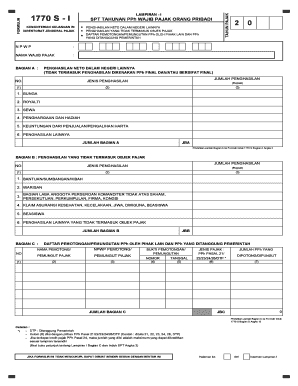
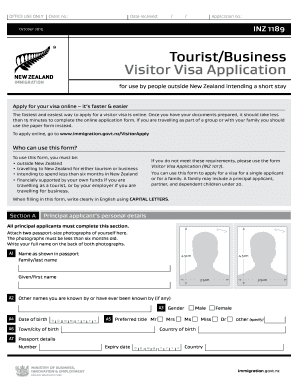
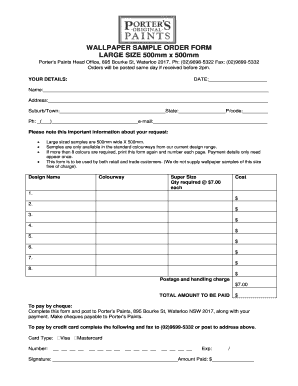
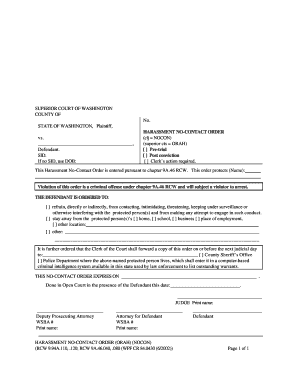
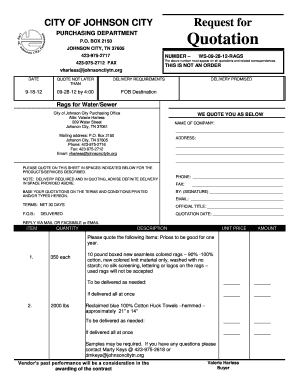
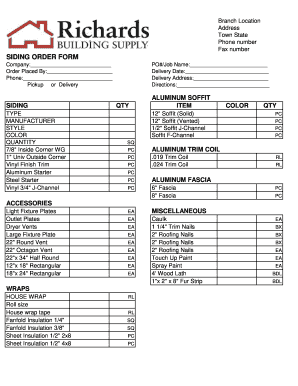
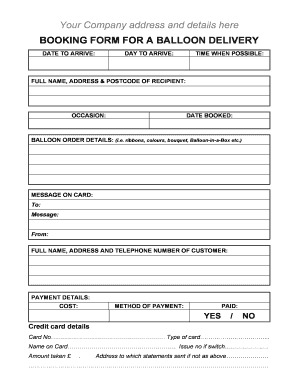
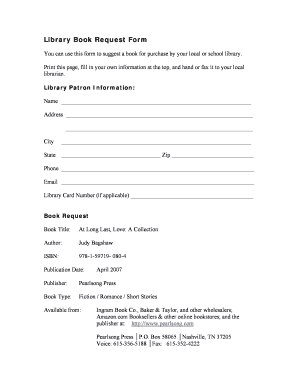
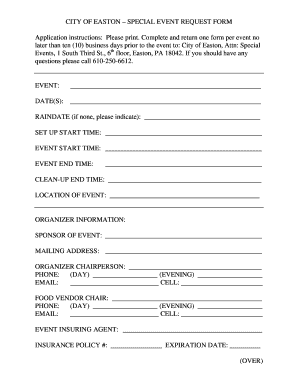
Brochure Order Form Templates are pre-designed layouts that allow users to quickly and efficiently create order forms for their brochures. These templates typically include fields for essential information such as customer details, order quantity, delivery address, and payment method. By using these templates, users can streamline the process of collecting orders for their brochures.

What are the types of Brochure Order Form Templates?

There are several types of Brochure Order Form Templates available to users, each catering to different needs and preferences. Some common types include:
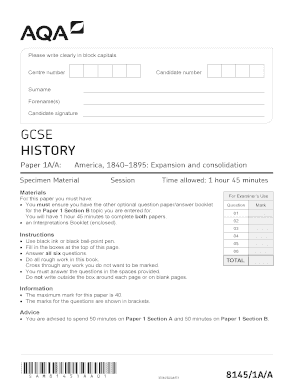
Simple Order Form Template
Detailed Order Form Template
Customizable Order Form Template

How to complete Brochure Order Form Templates

Completing Brochure Order Form Templates is a straightforward process that can be done in just a few simple steps. Here's a quick guide to help you fill out your template effectively:
01
Open the Brochure Order Form Template on your preferred editing platform.
02
Fill in the required fields with the relevant information, such as customer details, order quantity, and delivery address.
03
Review the completed form to ensure accuracy and completeness before finalizing it.

pdfFiller empowers users to create, edit, and share documents online. Offering unlimited fillable templates and powerful editing tools, pdfFiller is the only PDF editor users need to get their documents done.

Video Tutorial How to Fill Out Brochure Order Form Templates
Thousands of positive reviews can’t be wrong

Read more or give pdfFiller a try to experience the benefits for yourself
4.0
Site is well laid out and easy to use site is well laid out and easy to use.
Site is well laid out and easy to use site is well laid out and easy to use. forms can easily be edited to fit your needs
tommyfreid
5.0
I was accidentally charged for a hefty.
I was accidentally charged for a hefty… I was accidentally charged for a hefty subscription but was offered a refund immediately. Customer service (Peter) was prompt and super helpful! Would recommend
Mallika Raghunathan
5.0
Pdffiller makes my working life easier Pdffiller makes my working life easier.
Pdffiller makes my working life easier Pdffiller makes my working life easier. Its very easy to work on the file. Thank you.
Yuwono Oey
5.0
I immediately was connected to a support person via chat, and he walked me throu...
I immediately was connected to a support person via chat, and he walked me through what I need and was very professional and supportive. I truly had a great experience.
Lisa C

Questions & answers

Google Forms is a popular tool that allows users to create order forms quickly and easily using pre-made templates or by designing their own forms. PDFs with fillable forms are also an option for creating order forms, which can be filled out and submitted electronically.
Steps to Create an Order Form Decide what to sell. Choose a form builder tool. Customize the template with proper fields. Add photos of the products. Customize the order form with branding. Set up a payment method. Set up a success message. Share the order form.
If you'd like a template to get you started, there is an order form template in the Google Forms Template Gallery!
Step 1: Create an online order form using Google Form Create a new Google Form. Start by adding the products/items that are available for sale, with their names as questions in Google Forms. (Optional) Add images of your products. Add a dropdown to let your customers choose how many packets or kilos they want.
2:09 3:56 Show Order Summary to your customers before they submit YouTube Start of suggested clip End of suggested clip Function will show the order summary. And also record it within google forms unlike the summary.MoreFunction will show the order summary. And also record it within google forms unlike the summary. Function this returns the summary as text the syntax for the text summary.