Philhealth Registration Form 2021

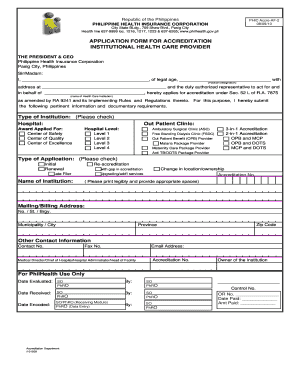




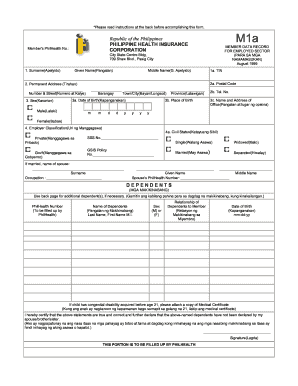

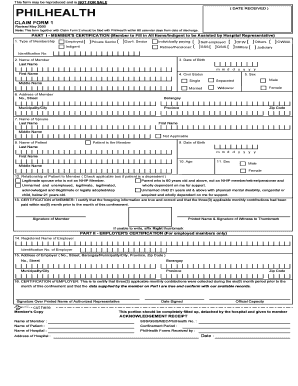
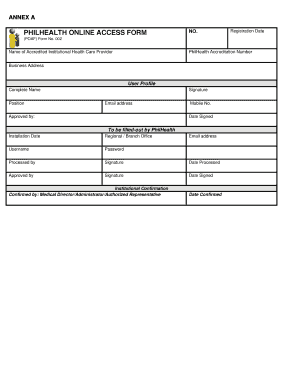
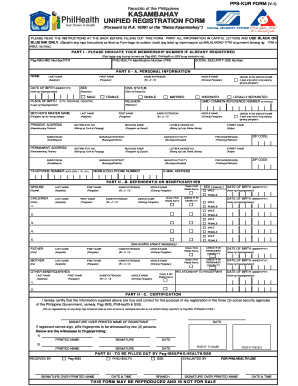
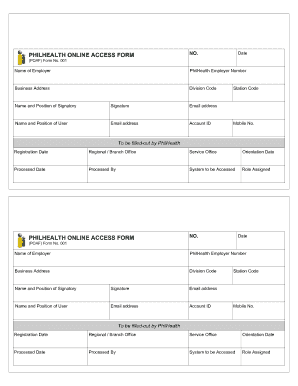
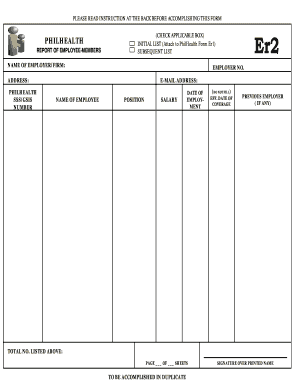
What is Philhealth registration form 2021?
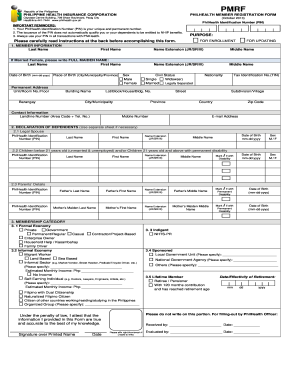
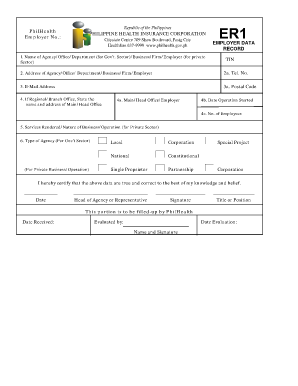
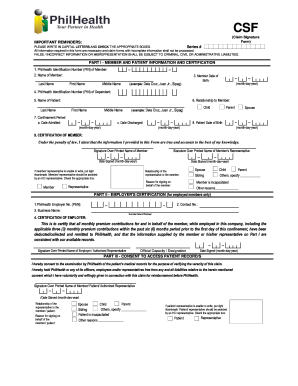
The Philhealth registration form 2021 is a document required for individuals or businesses to register for the Philippine Health Insurance Corporation (Philhealth). This form allows you to enroll in the national health insurance program and gain access to healthcare benefits and services.
What are the types of Philhealth registration form 2021?
There are different types of Philhealth registration forms for various types of members. Some common types include:
Philhealth Member Registration Form (PMRF)
Philhealth Employer Registration Form (PERF)
Philhealth Informal Economy Member Data Form (IE-MDF)
Philhealth Dependents Registration Form (PDRF)
How to complete Philhealth registration form 2021
Completing the Philhealth registration form 2021 is a simple process that can be done by following these steps:
01
Obtain the appropriate registration form based on your membership type.
02
Fill out all the required fields accurately and completely.
03
Submit the completed form along with any necessary supporting documents to the nearest Philhealth office or online portal.
04
Wait for confirmation of your registration and start enjoying the benefits of Philhealth coverage.
pdfFiller empowers users to create, edit, and share documents online. Offering unlimited fillable templates and powerful editing tools, pdfFiller is the only PDF editor users need to get their documents done.
Video Tutorial How to Fill Out
Thousands of positive reviews can’t be wrong
Read more or give pdfFiller a try to experience the benefits for yourself
Questions & answers
How can I fill up my PhilHealth registration form?
0:39 2:45 Tutorial on how to fill up PhilHealth Form - YouTube YouTube Start of suggested clip End of suggested clip Last name first name p.m. extension is there any. And the middle name.MoreLast name first name p.m. extension is there any. And the middle name.
Can I register PhilHealth online?
Members with internet access can also register online by logging on to eregister.philhealth.gov.ph. By signing the PMRF, a member certifies under oath that all information supplied in the form, including their declared dependents, are true and accurate.
How can I get my PhilHealth number online 2021?
How to get Philhealth ID number online Go to the organization's website, then click the "Online Services" link. Click the "Register link" in the electronic registration section under "Membership". Once you reached the electronic registration system page, click on "Proceed". Fill out the online application form.
What are the requirements for PhilHealth registration?
Registration procedures Fill out two (2) copies of the PhilHealth Member Registration Form (PMRF) Submit PMRF to the HR Department of employer. Await Member Data Record and PhilHealth ID card from employer.
How can I apply for PhilHealth online 2021?
Here's how: Step 1: Visit PhilHealth website and click the Online Services link. ... Step 2: Click the Register link in the Electronic Registration section under Membership. ... Step 3: Once you reached the PhilHealth Electronic Registration System page, click Proceed. ... Step 4: Fill out the PhilHealth online application form.
Can I get MDR form online?
Members can now download PhilHealth MDR online from the official website of PhilHealth, hence a total convenience.
How can I print my PhilHealth form?
3 Easy Steps to Download and Print the Philhealth Forms Step 1: Visit the official website of Philhealth. At the home page navigation menu, go to “Download.” It is located at the rightmost part of the green navigation menu next to “online services.” ... Step 2: Select and Download the form. ... Step 3: Print the PhilHealth forms.
Does PhilHealth have registration fee?
Remember that the PhilHealth ID and MDR are both free of charge.
How can I register my PhilHealth online?
Application Procedure Go to the PhilHealth Electronic Registration System page at eregister.philhealth.gov.ph. ... Click the Proceed button. Click the Accept button to agree to the Terms and Conditions. Enter the required personal and contact information in the form.
What is Pmrf form?
PMRF: PhilHealth Member Registration Form. PMRF-FN: PhilHealth Member Registration Form for Foreign Nationals.