Philhealth Mdr Online


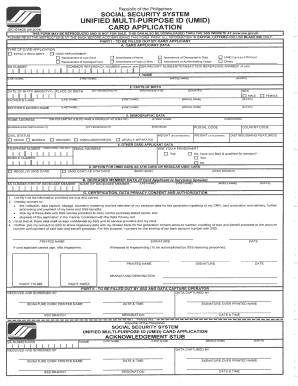

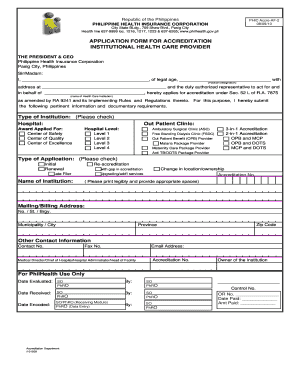
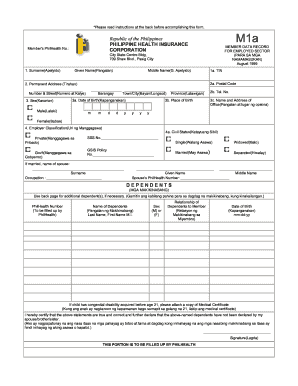


What is Philhealth mdr online?
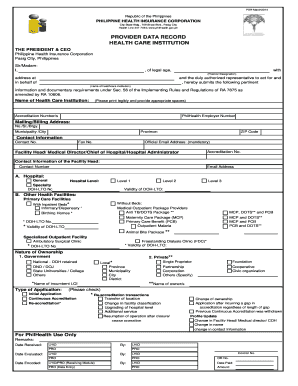
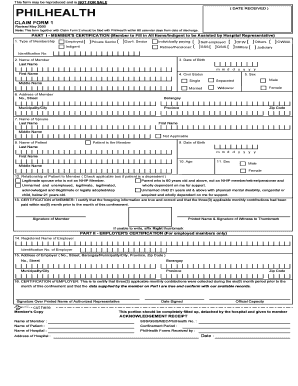
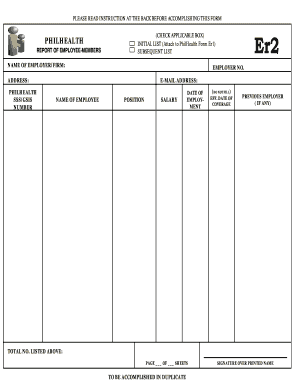
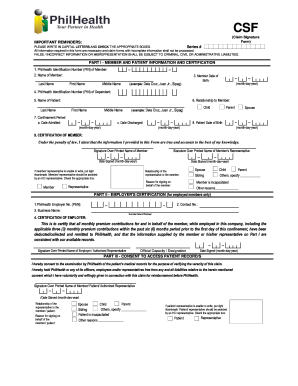
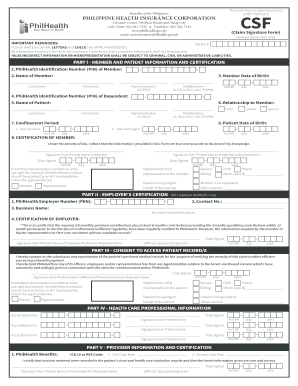
Philhealth MDR online refers to the digital platform provided by the Philippine Health Insurance Corporation (PhilHealth) that allows members to access their Member Data Record (MDR) online. This allows members to view and download their MDR anytime, anywhere.
What are the types of Philhealth mdr online?
There are two types of Philhealth MDR online:
Individual Philhealth MDR online - for individual members who want to access their personal MDR
Employer Philhealth MDR online - for business owners or employers who need to access the MDR of their employees
How to complete Philhealth mdr online
Completing your Philhealth MDR online is easy and convenient. Here are the steps:
01
Visit the official PhilHealth website
02
Log in to your account or create one if you don't have it yet
03
Navigate to the MDR section and select the type of MDR you need (Individual or Employer)
04
View or download your Philhealth MDR online
Please note that pdfFiller empowers users to create, edit, and share documents online. Offering unlimited fillable templates and powerful editing tools, pdfFiller is the only PDF editor users need to get their documents done.
Video Tutorial How to Fill Out
Thousands of positive reviews can’t be wrong
Read more or give pdfFiller a try to experience the benefits for yourself
Questions & answers
Can I get MDR form online?
Members can now download PhilHealth MDR online from the official website of PhilHealth, hence a total convenience.
How do I fill my PhilHealth MDR form?
Get a PhilHealth Request Form and fill it out with your name, PhilHealth number, birthdate, and address. Then check the Member Data Record (MDR) box. Submit your accomplished form and present your valid ID to the PhilHealth officer. In just a few minutes, your MDR will be printed and issued to you.
How can I get PhilHealth MDR online?
How to Get Philhealth MDR Form Online in 2 Minutes (with Pictures) Step 1: Visit Philhealth Online Services. ... Step 2: Select Member Inquiry. ... Step 3: Register or Log in to your Account. ... Step 4: Choose MDR Printing. ... Step 5: Print out your MDR Form.
How can I get my PhilHealth MDR form online?
How to Get Philhealth MDR Form Online (in 2 Minutes) Step 1: Visit Philhealth Online Services. Step 2: Select Member Inquiry. Step 3: Register or Log in to your Account. Step 4: Choose MDR Printing. Step 5: Print out your MDR Form.
Can I request MDR in PhilHealth?
You can get your PhilHealth Member Data Record (MDR) without having to go to a PhilHealth office. All you have to do is access the new Member Inquiry facility on the PhilHealth website, create an account, and voila! Printing a copy of your PhilHealth MDR is a few clicks away.
How do I open an MDR file in PDF?
Click the “Print MDR” button on top of the Member Information page. A PDF file of your MDR will appear on your browser. Hover the mouse over the upper right corner of the page. Click the corresponding icon for saving or printing the MDR.
Can I print my own MDR in PhilHealth?
You can get your PhilHealth Member Data Record (MDR) without having to go to a PhilHealth office. All you have to do is access the new Member Inquiry facility on the PhilHealth website, create an account, and voila! Printing a copy of your PhilHealth MDR is a few clicks away.
How can I get free PhilHealth?
Be A Member Fill out two (2) copies of the PhilHealth Member Registration Form (PMRF); Submit duly accomplished PMRF to the OSCA in the city or municipality where the elderly resides. Await Member Data Record and Identification card issued by PhilHealth through OSCA.