
Lic Maturity Form

Get eSignatures done in a snap

Prepare, sign, send, and manage documents from a single cloud-based solution.

What is Lic maturity form?

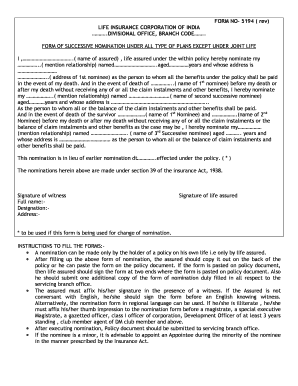
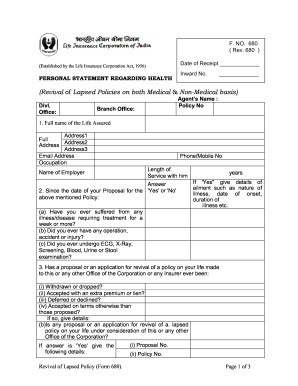
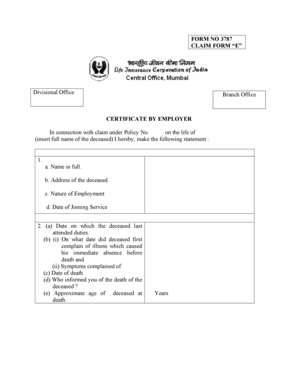
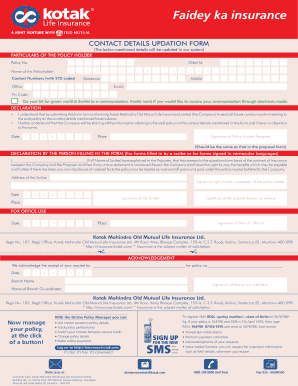
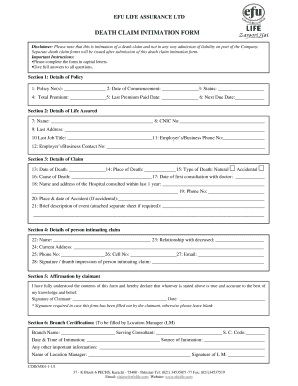
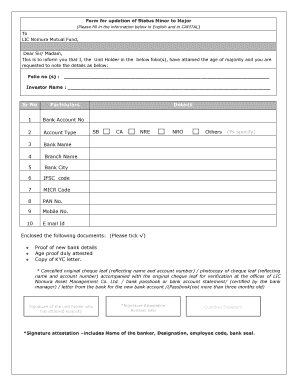
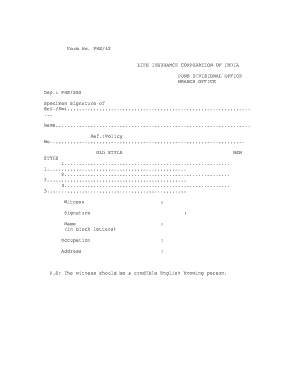
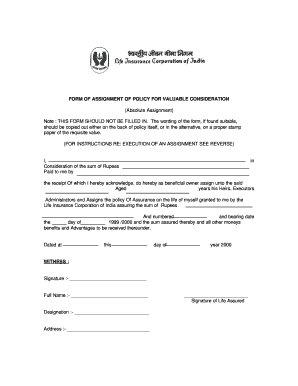
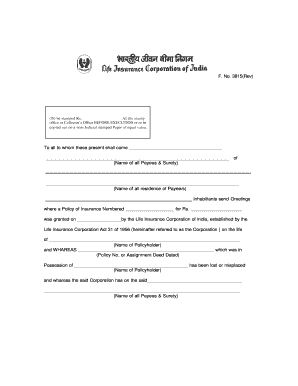
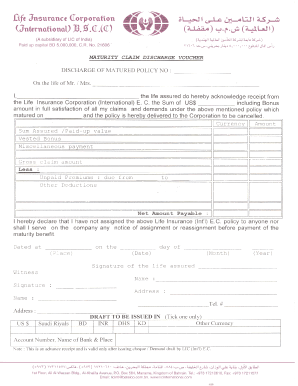
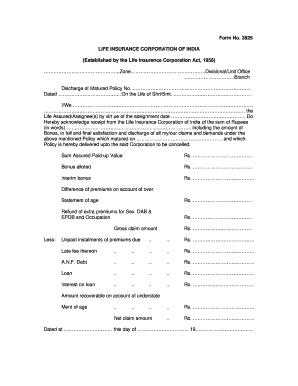
Lic maturity form is a document issued by Life Insurance Corporation of India (LIC) to policyholders upon maturity of their insurance policy. It outlines the details of the policy maturity amount, bonuses, and other relevant information.

What are the types of Lic maturity form?

There are primarily two types of Lic maturity forms: 1. Form 3825 - This form is used for claiming discharge benefit of maturity, survival benefit, etc. 2. Form 3510 - This form is used for claiming maturity proceeds under an insurance policy.

How to complete Lic maturity form?

Completing Lic maturity form is a simple process that involves the following steps: 1. Fill in all the required fields accurately. 2. Attach any necessary documents such as identity proof, policy documents, etc. 3. Sign the form as per the instructions provided. 4. Submit the form to the nearest LIC office or authorized center for processing.

01
Fill in all required fields accurately
02
Attach necessary documents such as identity proof and policy documents
03
Sign the form as per instructions provided
04
Submit the form to the nearest LIC office or authorized center for processing

pdfFiller empowers users to create, edit, and share documents online. Offering unlimited fillable templates and powerful editing tools, pdfFiller is the only PDF editor users need to get their documents done.
Video Tutorial How to Fill Out

Thousands of positive reviews can’t be wrong

Read more or give pdfFiller a try to experience the benefits for yourself
5.0
A must have for your business
Overall, this software is a very useful, less time consuming, and efficient addition for my business. I love that I can complete and sign required documents on the go with no hassle, without having to print and physically complete and sign any document.
ALTON
5.0
PDF Filler Excellent
My overall experience allows for task to be produce and look professional
Betty
4.0
The products
i have been use it to opening my documents since it take low space
Masoud
4.0
Reasonable but not fantastic
Pretty decent, I'm not sure it's the best PDF software available, but it's not bad and can complete most tasks you'd ask of it.
Jack

Questions & answers

Documents Required for Maturity Claim Discharge Original LIC Policy Document. Identity Proof. Age Proof (if not submitted previously) Cancelled Cheque leaf or a copy of the Policy holder's Bank Passbook. NEFT Mandate Form (to transfer the maturity proceeds directly to the policyholder's account)
Due to lockdown and policy restrictions, LIC allowed its policyholders to submit maturity claim related documents online. The required documents were required to be scanned and then submitted via email to the servicing branch. This facility was available till June 30, 2020.
How do you fill LIC form No 3510? The first consists of details like the name of the policyholder, policy number, date of submission of the form, maturity date, signature, and address of the policyholder. On the second page, you need to mention the details of the witness along with the signature.
This is an Application Form 5704/3510 for the LIC policyholder who wants to surrender his/her life insurance policy or make a partial withdrawal from the policy fund and this form can be download from the link given below free of cost.
Maturity Claim is associated with the Maturity Benefit of the Policy i.e. the claim which arises when the policy matures. It simply means that when the policy completes its tenure, a certain amount of money called Maturity Claim amount is settled towards the life assured.
DISCHARGE OF SURRENDER VALUE POLICY NO. .........
It is our endeavour to settle your maturity claim on or before the due date....Online Forms Claim Form 'A' in Form No.3783. If policy has run for 3 years or more from date or risk, claim form no.3783A may be used. Certified extract from death register. The original policy document with Deed/s of assignment/s, if any.
a. If already registered on LIC Portal: Click on e-Services, login with your user-id and password. Register your policies for availing the e-services by filling up the form provided. Print the form, sign it and upload the scanned image of the form. Upload the scanned image of PAN Card or Aadhaar Card or Passport.