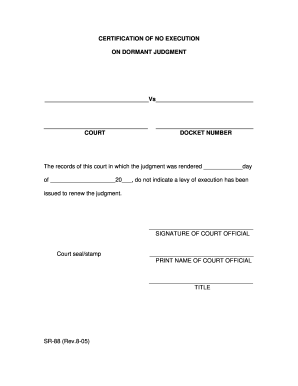
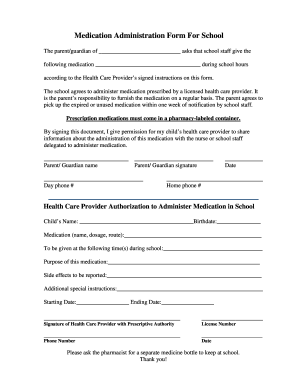
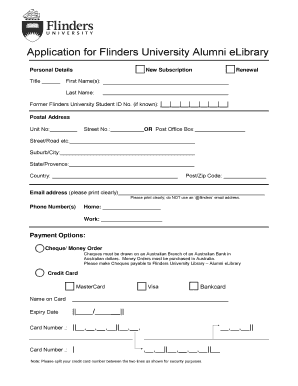
Personal Data Sheet Psa Pdf






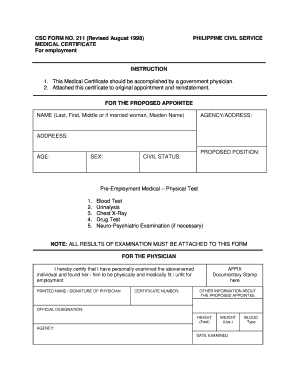



What is Personal data sheet psa pdf?
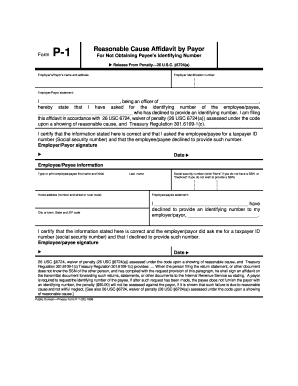
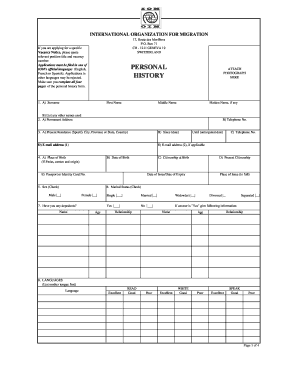
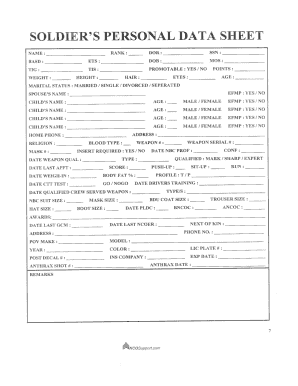
A Personal Data Sheet (PSA) in PDF format is a standardized form used to gather personal information required for various purposes. It typically includes details such as name, address, contact information, educational background, and work experience.
What are the types of Personal data sheet psa pdf?
Personal data sheet PSA PDF forms come in various types based on their intended use. Some common types include:
Job Application Personal Data Sheet
Student Information Personal Data Sheet
Government Employee Personal Data Sheet
Volunteer Personal Data Sheet
Emergency Contact Personal Data Sheet
How to complete Personal data sheet psa pdf
Completing a Personal Data Sheet PSA in PDF format is a straightforward process. Follow these steps:
01
Download the PDF form onto your device
02
Fill in the required information accurately
03
Review the completed form for any errors
04
Save or print the filled-out form for submission
pdfFiller empowers users to create, edit, and share documents online. Offering unlimited fillable templates and powerful editing tools, pdfFiller is the only PDF editor users need to get their documents done.
Video Tutorial How to Fill Out Personal data sheet psa pdf
Thousands of positive reviews can’t be wrong
Read more or give pdfFiller a try to experience the benefits for yourself
Questions & answers
How do I fill out a personal data sheet?
The PDS must bear the signature of the employee and date of accomplishment at the bottom of every page. Entries in the PDS may be filled out through handwriting or via typewriter/computer. If handwritten, entries should be in block capital (e.g. PRINT) format using a pen. All information should be provided accurately.
Is personal data sheet need to be notarized?
The PDS should be subscribed and sworn to before the highest-ranking Human Resource Management Officer (HRMO) of the agency, any authorized official/officer in the agency, any officer authorized to administer oath or a notary public. Heads of agencies may delegate such authority through an Office Order.
Is PDS long or short?
When printing the form, you should specify the paper size at 8.5 x 14 inches.
Is PDS same as resume?
A resume is sometimes called a personal data sheet, biographical summary, professional profile, or vita. Include information that is important for the job you are applying for.
Is personal data sheet a public document?
Disclosure of personal data shall only be allowed when permitted by existing laws. Under the DPA, only those that relate to the position or function of an individual working for the government may be made available to the public.
What is personal data sheet?
a questionnaire used by organizations to obtain biographical facts about current or potential employees, including their date of birth, sex, education, occupational history, interests, and health history.
Does PDS need to be notarized?
The PDS should be subscribed and sworn to before the highest-ranking Human Resource Management Officer (HRMO) of the agency, any authorized official/officer in the agency, any officer authorized to administer oath or a notary public. Heads of agencies may delegate such authority through an Office Order.
How do you create a personal data sheet?
Begin with your name and contact information. If your personal data sheet is more than one page in length, include your last name in the header on subsequent pages. Add your current or local address, as well as a permanent address if it is different. Include all of your phone numbers, including home, work, and cell.
Should PDS be notarized?
The PDS should be subscribed and sworn to before the highest-ranking Human Resource Management Officer (HRMO) of the agency, any authorized official/officer in the agency, any officer authorized to administer oath or a notary public. Heads of agencies may delegate such authority through an Office Order.
What is the size of PDS form?
When printing the form, you should specify the paper size at 8.5 x 14 inches. But since the pandemic started, government agencies prefer the applicants to pass it on their email address to reduce the risk of transmission of the virus. So, you can also fill it up directly on your computer and save it afterward.
How do you fill in PDS?
The PDS must bear the signature of the employee and date of accomplishment at the bottom of every page. Entries in the PDS may be filled out through handwriting or via typewriter/computer. If handwritten, entries should be in block capital (e.g. PRINT) format using a pen. All information should be provided accurately.
What is PDS form?
A Personal Data Sheet (PDS) is used for organizing important information that potential employers could potentially be interested in. Even if a company doesn't ask for a PDS before a job interview this form can be used as a reminder when filling out job applications.