Personal Data Form Template Download Free

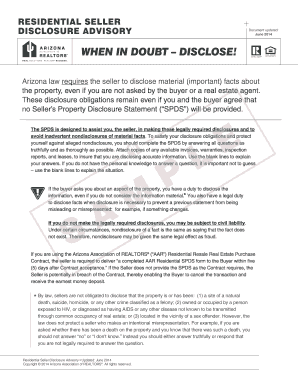
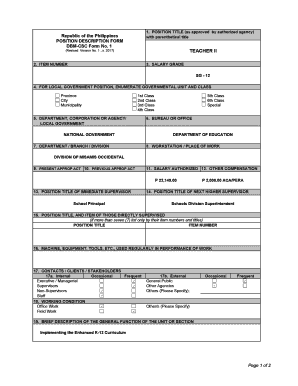
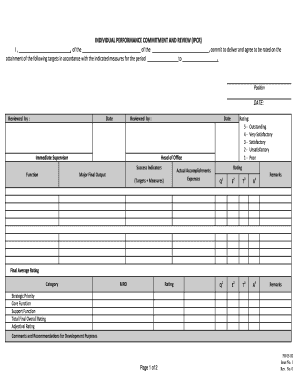





What is Personal data form template download free?
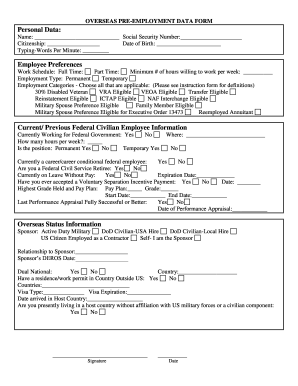
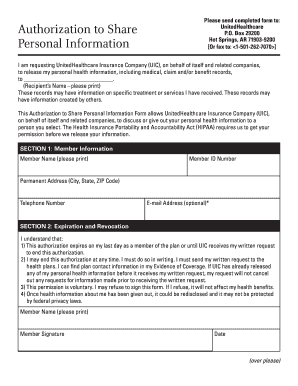
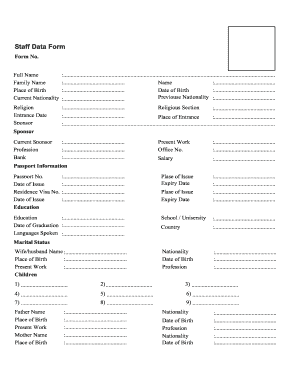
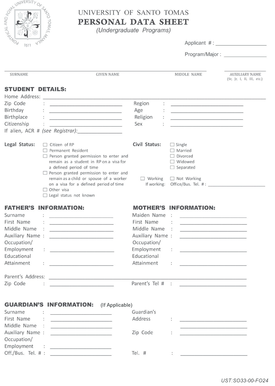
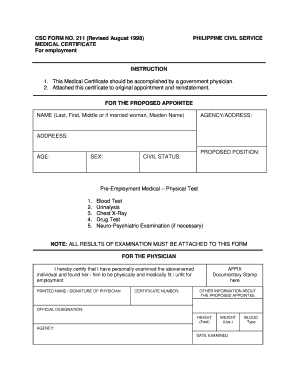
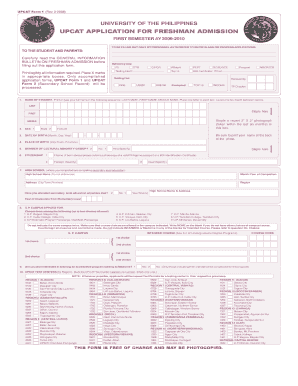
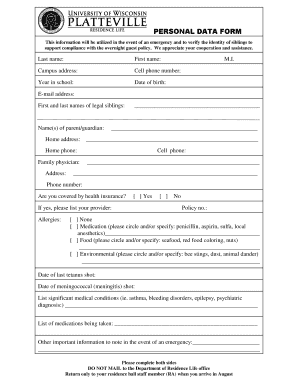
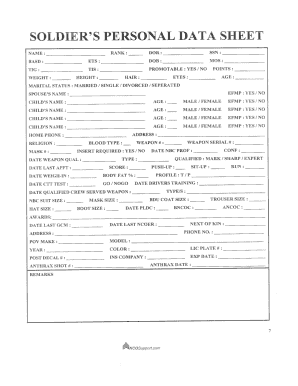
Personal data form template download free is a convenient and cost-effective way for individuals to access a ready-to-use form that helps them collect and organize personal information securely. This type of template typically includes fields for details like name, address, contact information, and other relevant data.
What are the types of Personal data form template download free?
There are various types of Personal data form templates available for free download, including but not limited to:
Basic Personal Information Form Template
Employment Personal Data Form Template
Medical History Form Template
Customer Information Form Template
How to complete Personal data form template download free
Completing a Personal data form template download free is simple and straightforward. Follow these steps:
01
Download the free Personal data form template from a reputable source.
02
Fill in the required fields with accurate information.
03
Review the completed form for any errors or missing details.
04
Save or print the filled-out form for your records or share it as needed.
pdfFiller empowers users to create, edit, and share documents online. Offering unlimited fillable templates and powerful editing tools, pdfFiller is the only PDF editor users need to get their documents done.
Thousands of positive reviews can’t be wrong
Read more or give pdfFiller a try to experience the benefits for yourself
Questions & answers
How do I create a personal information form?
The information they provide should be both clear and easy to understand. Make sure to accomplish all fields in the form....An effective personal information template should include: Complete name. Home address. Phone number. Educational background. Job title. Department. Social Security number. Start date.
What is a personal information form?
The Personal Information form is a simple data collection tool that can be used to gather relevant data about your respondents, including contact details, date of birth, etc.
What is something that you might include on a personal data sheet?
It could include any personal detail that can be used to identify an individual, for instance: Full name. Home address. Email address. Social security number. Passport number. Driver's license number. Credit card numbers. Date of birth.
What is form and template?
A Template is the master version of your digital document and every copy you fill out is called a Form. Perhaps the most important thing to understand in GoFormz is the distinction between a Form and a Template. Think of a Template as a master version of your form.
What is the personal information form?
The Personal Information form is a simple data collection tool that can be used to gather relevant data about your respondents, including contact details, date of birth, etc.
How do I fill out employee information form?
What kind of details should an employee information form contain? Full name. Address and phone number. Social Security Number (SSN). Spouse information. Position and department. Start date. Salary. Emergency contact information.
What is an employee data form?
An employee information form is an important human resources (HR) document that every new employee must complete and maintain It contains important personal information about each employee, such as their Social Security number, spouse's contact details and details about employment, including their position, department, ...
What are the information that should be present in the service information form?
Services: Enter details of the services you will provide to the client....Additional Information (if applicable): Date of birth. Social Security number. Gender. Spouse details. Dependents information. Contract name and number. Billing information. Payment terms.